Piano VST Workflow Guide for MIDI Musicians
Choose a piano VST for MIDI playback, sheet music conversion, and DAW work with verified options, tradeoffs, and Melogen workflow tips.
 Zhang Guo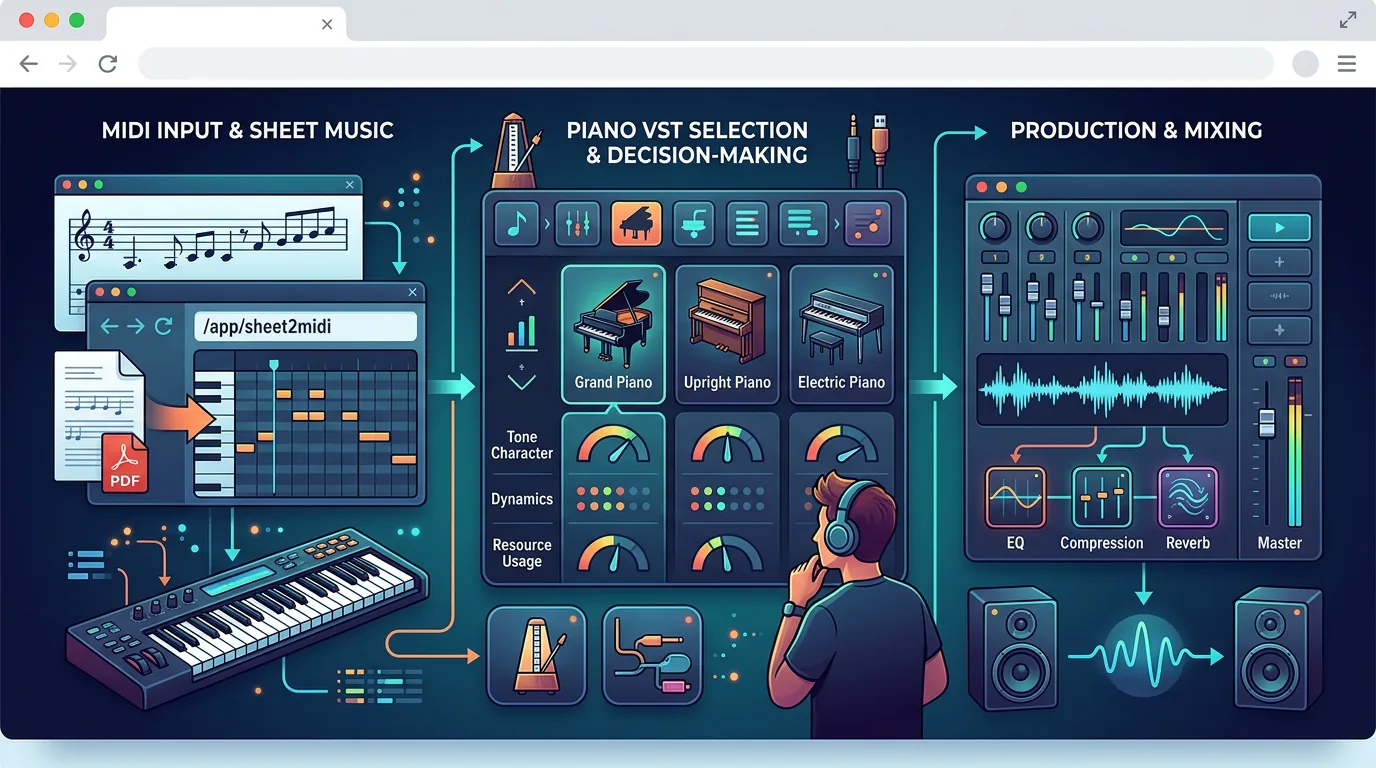
Turn a static score into editable MIDI
Contents
A piano VST is only useful after you know what will feed it. If you already have a clean MIDI performance, you can compare tone, CPU load, mic positions, and mix controls. If your starting point is a PDF score, scan, or audio idea, the smarter first move is to create usable MIDI before you shop for a piano sound.
This guide treats piano vst as a real workflow decision, not just a plugin shopping list. Use it to choose the right kind of piano instrument for playback, practice, arranging, or production, and to see where Melogen fits before the VST stage.
Quick comparison table
| Option | Best for | Input you need | Strength | Tradeoff |
|---|---|---|---|---|
| Melogen Sheet2MIDI | Turning visible sheet music into MIDI before a VST | PDF, scan, or image score | Fast browser bridge into editable MIDI | Not a piano instrument; you still choose the VST afterward |
| Spitfire Audio pianos and keys | Polished scoring, cinematic piano colors, and premium libraries | Clean MIDI inside a DAW or sampler host | Broad piano and keyboard catalog with demos and clear product pages | Paid library ecosystem; not the lightest quick-sketch route |
| Steinberg Novel Piano | Free piano library testing inside the HALion/Sonic ecosystem | MIDI routed into HALion-compatible setup | Official free piano instrument page from a major audio vendor | Requires the right Steinberg/HALion environment |
| Pianobook | Exploring community sample libraries and unusual piano colors | MIDI plus a compatible sampler or library format | Wide community library culture and creator-led sounds | Quality, format, and setup vary by library |
If the source is sheet music, the sheet music to MIDI workflow matters before any piano VST decision. If the source is audio, read the guide to transcribing audio into notes before expecting a plugin to solve recognition problems.
Melogen Sheet2MIDI for getting clean MIDI first

Melogen is not a piano VST. Its role is earlier in the chain: turning static notation into editable MIDI that you can send to a piano instrument in a DAW, notation editor, or MIDI playback tool.
That distinction matters. Many musicians search for a piano VST because they want a better piano sound, but the hidden bottleneck is often the MIDI source. A score scan with missed ties, wrong octave placement, or broken rhythm will still sound awkward through a beautiful sampled grand. Run the conversion first, check the MIDI, then decide whether you need a bright upright, cinematic grand, intimate felt piano, or simple practice sound.
Use Melogen when:
- Your source is a PDF, scan, or image of sheet music.
- You need a playable MIDI draft before arranging or producing.
- You want to test the piece through a piano VST without manually entering every note.
- You are willing to proofread timing, octaves, and note lengths before mixing.
For notation-first editing, the file choice changes. The MIDI vs MusicXML guide explains why MIDI is strong for playback and virtual instruments, while MusicXML is stronger when the written score itself must stay editable.
Spitfire Audio for polished piano and keys libraries
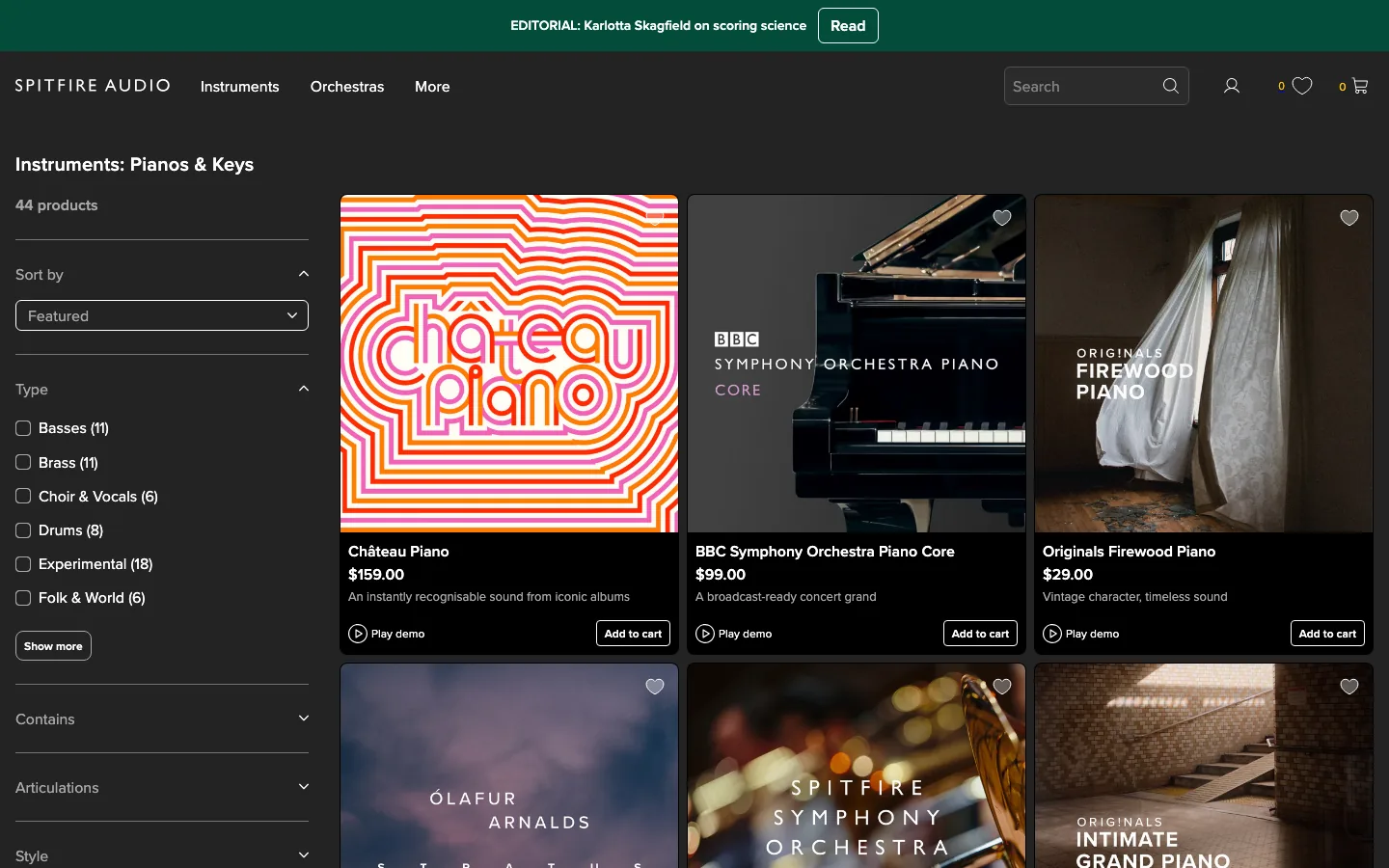
Spitfire Audio's pianos and keys collection is a strong fit when the piano VST decision is really a scoring or production decision. The official collection page shows a broad set of piano and keyboard products, product cards, demo controls, and prices, which is exactly the kind of catalog context a producer needs before choosing a sound.
Choose this direction when tone character matters more than speed. A cinematic cue, ambient bed, film sketch, or polished demo may need a library with a specific room, microphone character, or performance color. In that situation, your MIDI cleanup should happen before the library comparison, because subtle sample libraries expose rough timing quickly.
Best fit:
- Composers and producers who care about recorded character.
- MIDI that is already clean enough to audition across several piano colors.
- Projects where the piano is part of the final sound, not just a temporary guide track.
Tradeoff:
- The catalog can be more than a beginner needs for a quick playback check.
- Paid libraries make sense only after you know the workflow will use them often.
Steinberg Novel Piano for a free HALion route
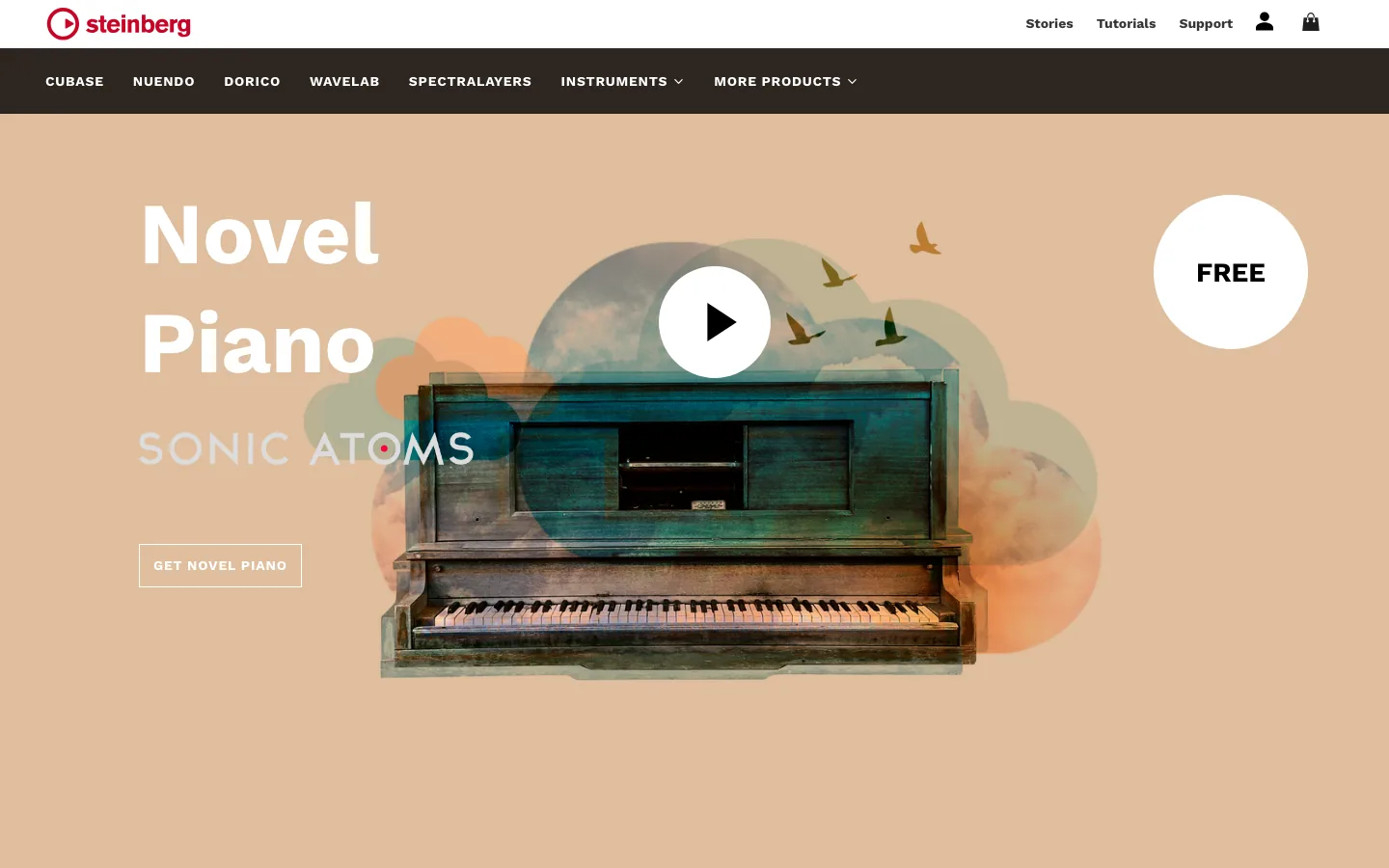
Steinberg Novel Piano is useful when you want a free official piano instrument route inside the Steinberg ecosystem. The public page positions Novel Piano as a free VST library for HALion and shows the instrument as a dedicated piano sound rather than a general plugin roundup.
Choose this route if you already use Cubase, Dorico, Nuendo, HALion, or another compatible setup where the Steinberg path is low-friction. It is also a sensible test target after you convert a short score into MIDI: if the MIDI sounds rhythmically wrong through a straightforward piano, fix the note data before testing more expensive libraries.
Best fit:
- Steinberg users who want an official free piano library.
- Learners who need a clean piano playback target for MIDI checks.
- Arrangers testing whether a converted part is musically usable.
Tradeoff:
- The ecosystem matters. A free instrument is only convenient if the required host or player fits your setup.
Pianobook for community sample-library exploration
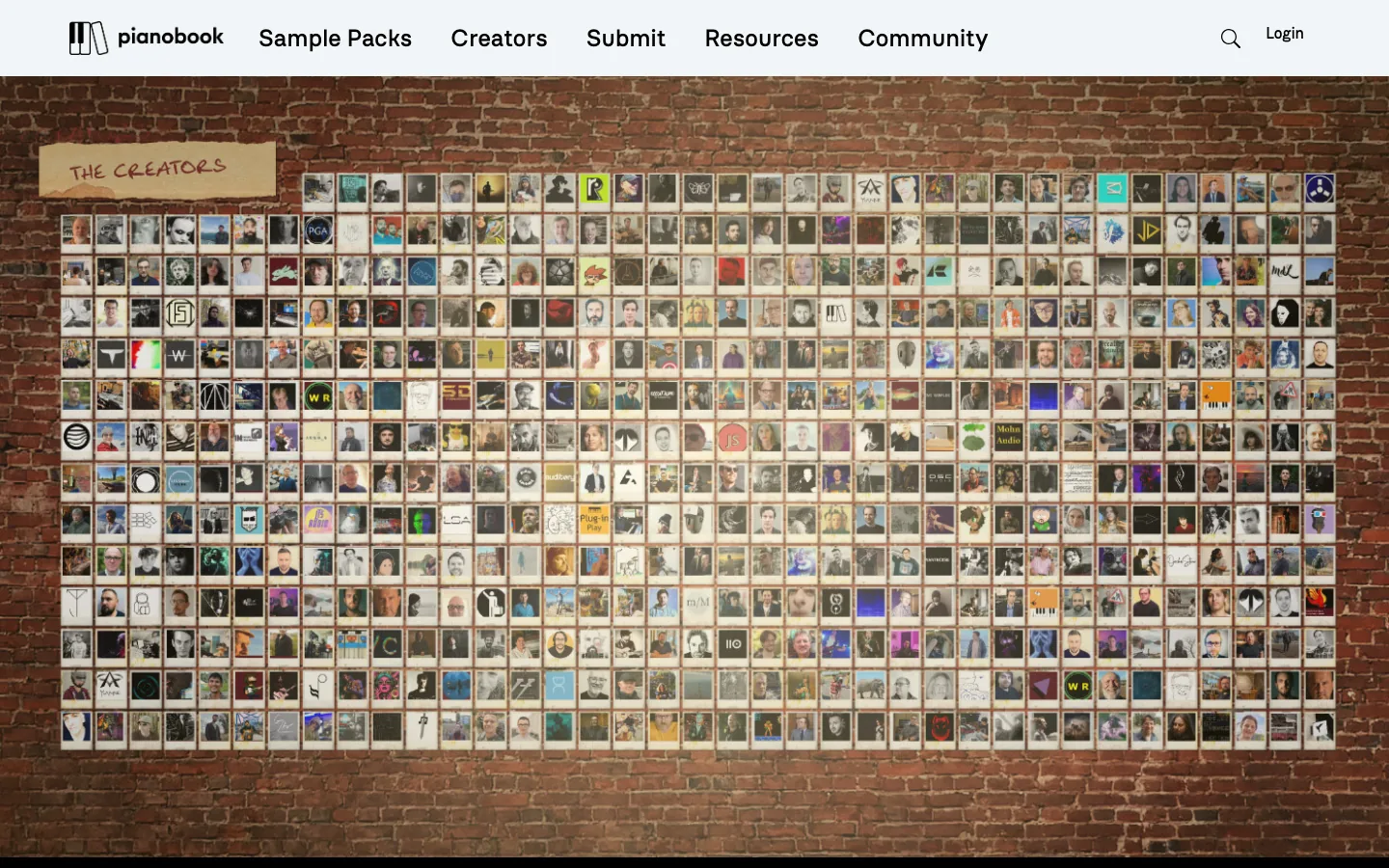
Pianobook is not one single piano VST. It is a community sample-library platform, and that makes it useful for musicians who want unusual, creator-led piano colors rather than a polished commercial catalog only.
Use this direction when exploration is the point. A felt piano, room piano, prepared piano, or character instrument can give a MIDI sketch more personality than a generic grand. The tradeoff is that community libraries vary in format, setup, documentation, and mix readiness. Read the individual library page before assuming it will work in your sampler.
Best fit:
- Producers looking for character sounds.
- Composers who want an unusual piano color for a cue or demo.
- Musicians comfortable checking sampler compatibility and library notes.
Tradeoff:
- It is not the fastest route for a beginner who simply wants a reliable piano sound today.
How to choose a piano VST without wasting a session
Before downloading anything, run this checklist:
| Decision | Ask this first | Better choice |
|---|---|---|
| Source | Do I already have clean MIDI? | If not, convert or record MIDI first. |
| Goal | Is this practice playback, arranging, or final production? | Use a simple piano for checking, a richer library for final tone. |
| Host | Does the instrument run in my DAW or sampler? | Avoid libraries that require a host you do not use. |
| Control | Do I need mic positions, pedal noise, room tone, or velocity depth? | Choose a deeper library only when those controls matter. |
| Speed | Am I trying to write, mix, or just hear the part? | Use the lightest piano that answers the current question. |
The real sequence is source, MIDI, instrument, mix. Do not reverse it. If the MIDI is wrong, switching piano VSTs only changes the color of the mistake.
Where Melogen fits
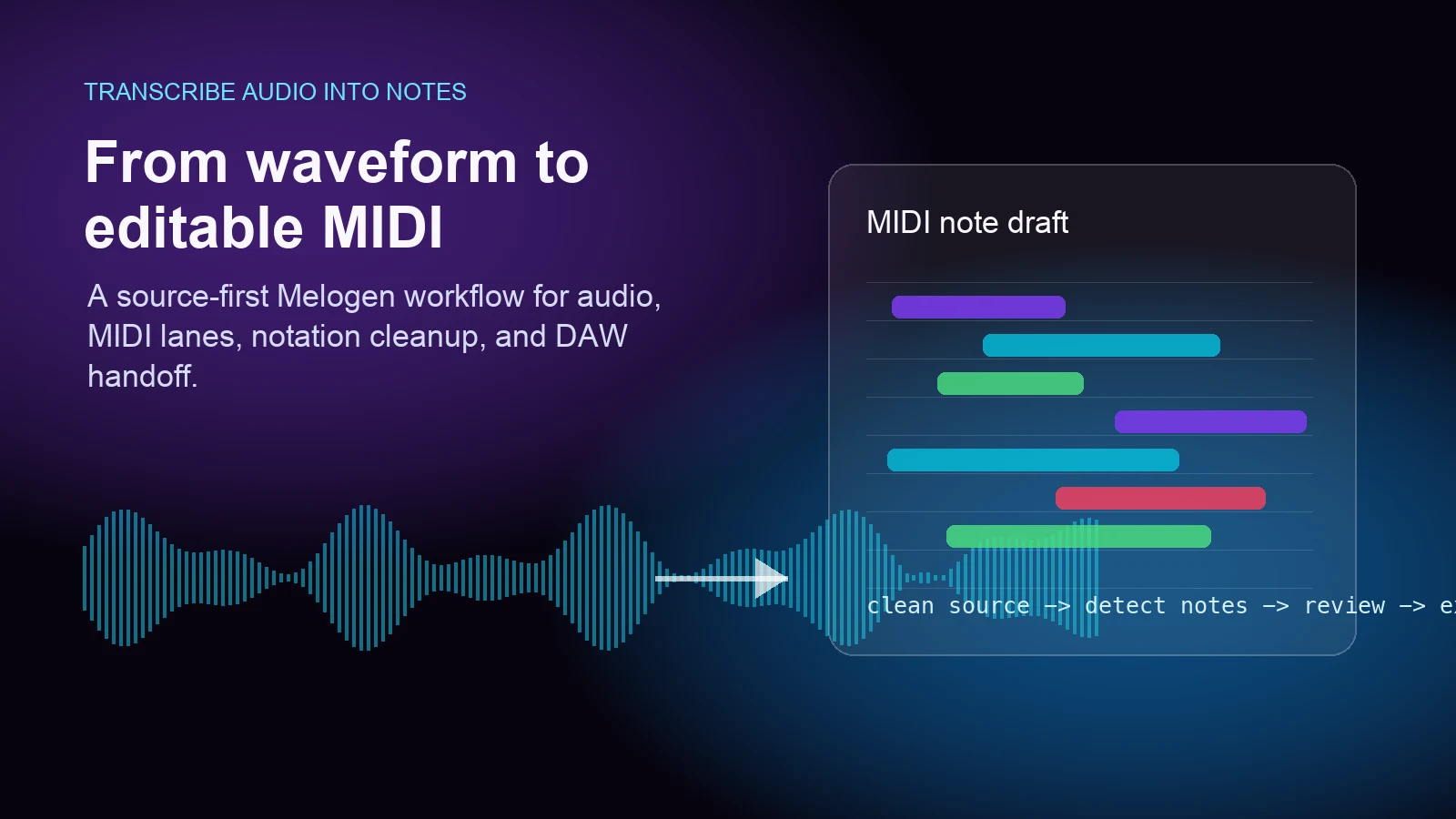
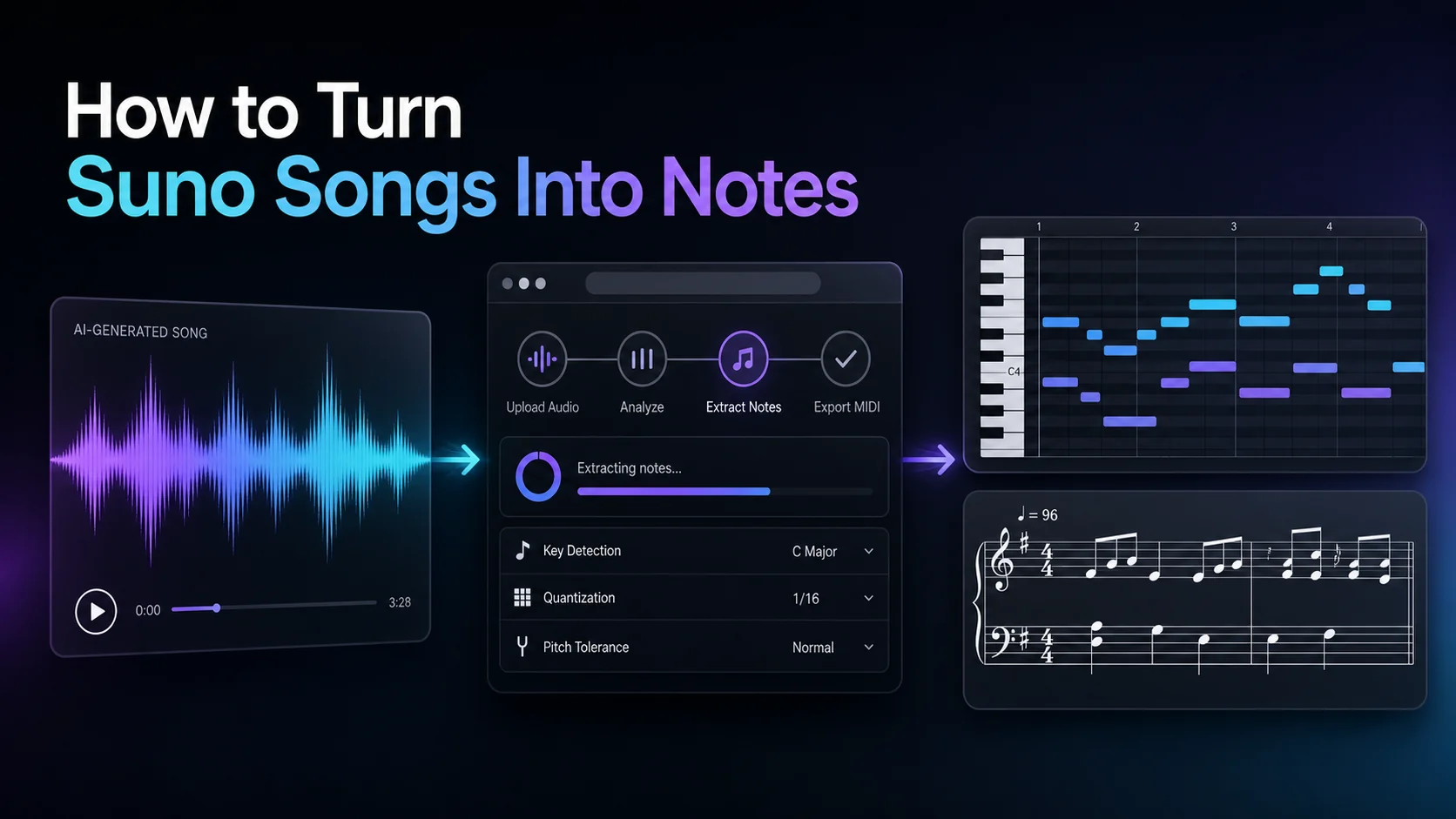
Melogen fits before the piano VST when the music is still trapped in notation or audio. Use Sheet2MIDI when the source is visible sheet music and you want a MIDI file for playback, arranging, or DAW production. Use Audio to MIDI when the source is a recorded phrase and you need editable note data before choosing a piano sound.
The honest limitation is important: Melogen does not replace a piano instrument, a DAW, or a sampler. It gives you a first-pass MIDI bridge. After that, your piano VST choice depends on tone, host compatibility, budget, and how polished the final track needs to be.
Create MIDI before choosing the piano sound
Use Melogen Sheet2MIDI to turn a readable score into editable MIDI, then audition the part through the piano VST that fits your DAW and mix.
FAQs
What is a piano VST?
A piano VST is a virtual piano instrument or plugin that plays MIDI notes through sampled or modeled piano sounds. Some run directly in a DAW. Others need a sampler or host environment.
Do I need MIDI before using a piano VST?
Yes, the piano VST needs note data. That can come from a MIDI keyboard, a piano-roll part, a converted score, or an audio-to-MIDI transcription. The better the MIDI, the more useful the piano sound becomes.
Can Melogen be used as a piano VST?
No. Melogen is not a virtual instrument. Use it to create or prepare MIDI from sheet music or audio, then send that MIDI to a piano VST in your DAW or compatible host.
Should I choose a free or paid piano VST first?
Start with the simplest reliable option that lets you judge the MIDI. Move to paid or character libraries when the piano sound is part of the final production rather than a temporary playback check.
The practical takeaway
Choose a piano VST after the musical data is ready. If your source is a score, create clean MIDI first. If your source is audio, transcribe a short test phrase before committing to a full workflow. Then choose the piano sound by host, tone, controls, and mix role.
For a fast Melogen-centered path, convert the source into MIDI, proofread the timing and notes, audition it through a simple piano, then decide whether you need a richer library such as Spitfire, a free official route such as Steinberg Novel Piano, or a community color from Pianobook.
About the author
Zhang Guo
Composer - AI Product Manager
AI product manager and digital marketing consultant with a background in music. Creativity is the bridge between rhythm and logic, where musical intuition and mathematical precision can coexist in every meaningful product decision.
Follow on X