Scrobble Spotify Last.fm and Keep History Clean
Scrobble Spotify Last.fm with account-linking steps, privacy checks, duplicate fixes, and a clean boundary for local audio editing.
 Zhang Guo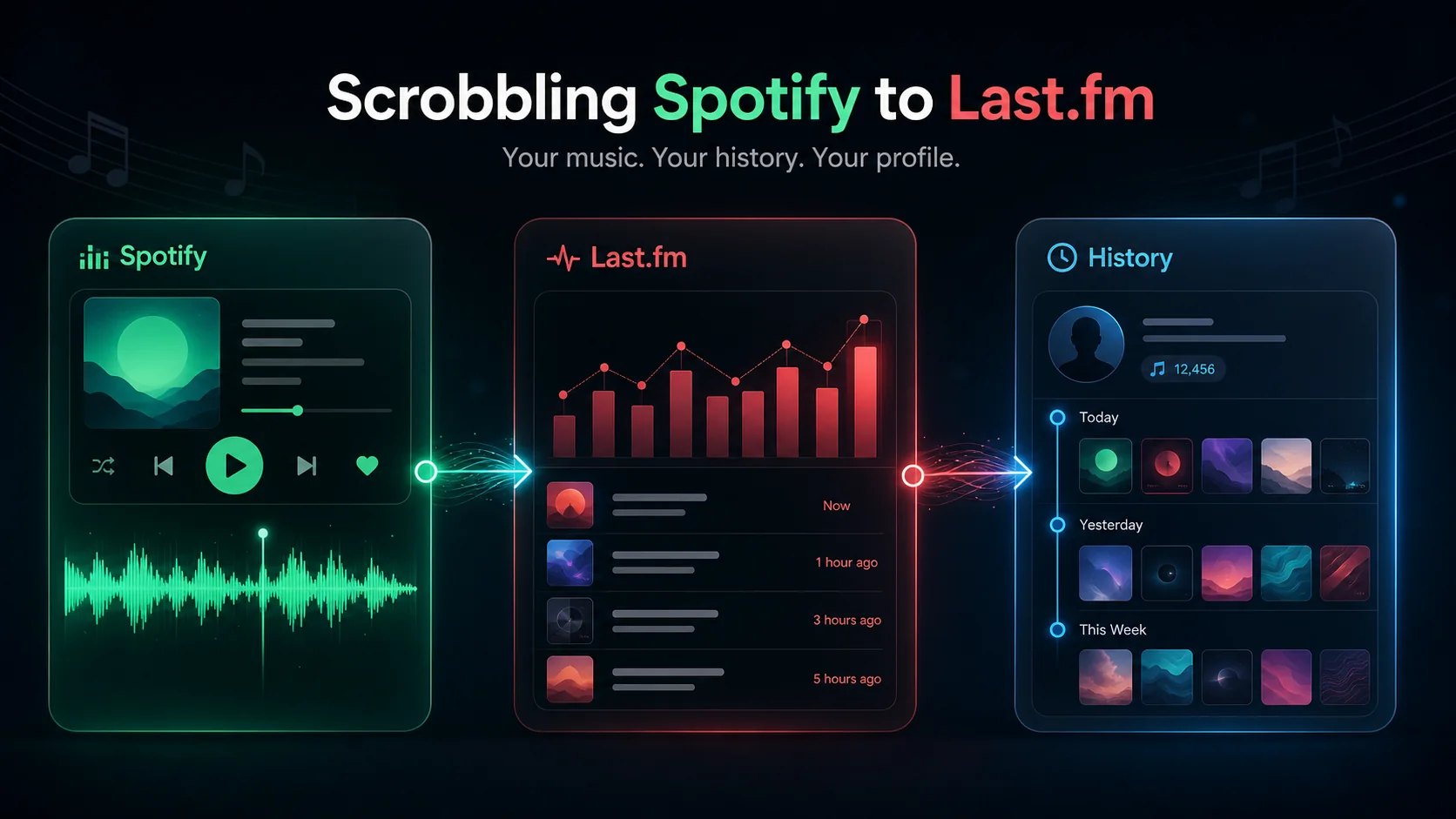
Turn a static score into editable MIDI
Contents
To scrobble Spotify Last.fm listening history cleanly, connect your Spotify account from Last.fm's Applications settings, allow the requested Spotify access, then play a few tracks and check your Last.fm profile for new scrobbles. The useful part is not just setup. You also need to know what gets recorded, how to avoid duplicate scrobbles, and where Spotify privacy or local audio editing belongs outside the scrobbling workflow.
The clean boundary is simple: Last.fm records listening history. Spotify controls third-party app access. Melogen only fits later if you already have a local audio file you are allowed to trim, fade, or prepare for sharing.
Quick setup checklist
Use this order before troubleshooting anything complicated:
| Step | Where to do it | What to confirm |
|---|---|---|
| Create or log into Last.fm | Last.fm account | You can reach your profile and settings |
| Connect Spotify Scrobbling | Last.fm Settings, Applications | Spotify authorization completes without error |
| Play a normal Spotify track | Spotify app, web player, or connected device | The track plays long enough to count |
| Check your Last.fm profile | Last.fm profile or library | The artist, track, and timestamp appear |
| Remove old duplicate scrobblers | Last.fm apps or device plugins | Only one Spotify scrobbling path is active |
| Review third-party access | Spotify Apps page | Last.fm is the only app you meant to authorize |
If your goal is social visibility rather than long-term history, read Spotify private listening settings first. Scrobbling and private listening are different control surfaces.
What Last.fm scrobbling records
Last.fm's scrobbling support article explains that a scrobble is a record of what track you listened to and when. It normally includes artist, track, and timestamp, and it can also include album information.
Last.fm's public Track My Music page lists Spotify as one of the supported services and says Spotify listening can be tracked from desktop apps, mobile apps, web player, and Spotify connected devices.
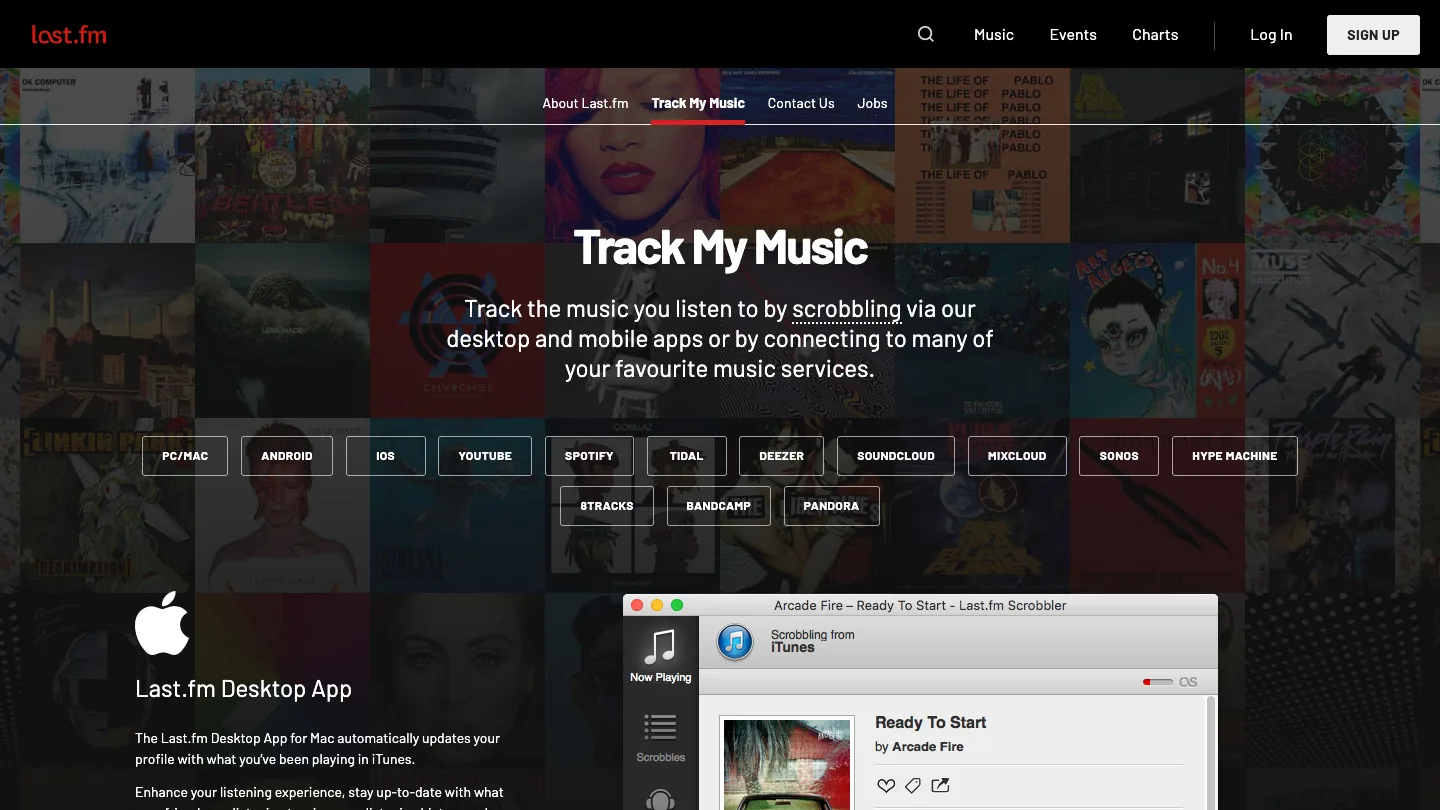
That means the job is bigger than "connect one phone." If the Spotify account is connected at the Last.fm account level, Spotify plays from several Spotify surfaces can appear in the same Last.fm history. That is useful for long-term music memory, taste charts, and discovery, but it also means you should treat the connection as account-level data sharing.
Connect Spotify to Last.fm
The most reliable route is to connect from Last.fm, not from a random downloader-style guide.
- Log into Last.fm.
- Open your profile menu.
- Go to Settings.
- Open Applications.
- Find Spotify Scrobbling.
- Choose Connect.
- Log into the right Spotify account and approve the connection.
- Play a track on Spotify and check Last.fm after a short delay.
Spotify's own community FAQ for connecting Spotify to Last.fm describes the same Last.fm Settings to Applications path. That makes it the safer setup route than installing a third-party "helper" unless you already know why you need one.
Use one extra check if you manage multiple Spotify accounts. Open Spotify in a browser, confirm the account email or profile, then authorize Last.fm. Wrong-account authorization is a boring mistake, but it explains a lot of "Last.fm is not scrobbling" complaints.
Check privacy and third-party app access
Scrobbling is intentional sharing between accounts. It is not supposed to happen silently. Spotify's Spotify on other apps support page says a Spotify account will not link to a third-party app without explicit permission. The same page points users to the Apps page for managing access and removing app permissions.
Use this privacy check after setup:
| Question | Safer action |
|---|---|
| Did you authorize the right Spotify account? | Check the logged-in Spotify account before approving Last.fm |
| Do you still use this Last.fm account? | Keep it connected only if the history still matters |
| Do you see unknown apps in Spotify access? | Remove access for apps you do not recognize |
| Are you trying to hide one listening session? | Use Spotify privacy controls instead of changing scrobbling |
| Are you tracking a shared speaker or home device? | Decide whether that device's plays belong in your personal history |
If you want one private listening window, scrobbling is not the first control. Use Spotify's visibility settings, then return to Last.fm only if you want to pause or disconnect history tracking.
Fix missing or duplicate scrobbles
Most Last.fm Spotify problems fall into a few repeatable buckets.
| Problem | Likely cause | Practical fix |
|---|---|---|
| Nothing appears on Last.fm | Wrong Spotify account, failed authorization, or a short playback test | Reconnect from Last.fm Applications and play a full normal track |
| Only one device scrobbles | You are using a device-specific plugin instead of account-level Spotify Scrobbling | Prefer the Last.fm Spotify connection for cross-device tracking |
| Duplicate scrobbles appear | Spotify Scrobbling plus another scrobbler or plugin is active | Disable the extra scrobbler and test one track again |
| Old plays are missing | Last.fm usually records from the active connection forward | Treat it as future history, not a full Spotify history import |
| The wrong account is tracked | You authorized Last.fm while signed into another Spotify account | Remove access, log into the correct Spotify account, then reconnect |
| A local file does not appear as expected | Metadata, player support, or the scrobbling source differs | Check artist/title tags and whether that player is actually scrobbling |
The cleanest troubleshooting move is disconnect, remove access on the Spotify Apps page, then reconnect from Last.fm. Do that before installing extra utilities, especially if your only goal is normal Spotify listening history.
Keep scrobbling separate from local audio editing
Scrobbling does not create files, fix track metadata inside Spotify, convert streams, or make music editable. It writes listening events to a music profile.
Melogen fits a different job: editing an audio file that is already yours to use. The current Music Trimmer page describes a browser-based workflow for cutting, previewing, and exporting audio clips, with support for common formats such as MP3, WAV, M4A, OGG, FLAC, and AAC in the local product copy.
Use Melogen when the source is a permitted local file:
- A rehearsal recording you made.
- A lesson cue, demo bounce, or field recording.
- A DRM-free purchase or licensed file.
- A local clip you want to trim before sharing.
- A short reference you need to fade cleanly.
Do not use Melogen as a Spotify scrobbler, Spotify downloader, or Last.fm account tool. If your next step is adding a permitted local file to Spotify, use the Add Local Files to Spotify guide. If your next step is sharing a public Spotify destination, the Spotify Codes QR code guide is more relevant.
Trim local audio after tracking is sorted
Use Melogen Music Trimmer when you already have an audio file you can edit and need a clean clip, fade, or shorter export.
FAQs
Can Last.fm scrobble Spotify from any device?
Last.fm's Track My Music page says Spotify listening can be tracked from desktop apps, mobile apps, web player, and Spotify connected devices. In practice, test your own device after connecting because account, app, and device behavior can vary.
Does Last.fm import my old Spotify history?
Do not expect a complete backfill. Treat Spotify scrobbling as a forward-looking listening log after the connection is active.
Why are my Spotify plays duplicated on Last.fm?
You probably have more than one scrobbling route active. Disable older desktop scrobblers, browser plugins, phone apps, or media-player plugins that duplicate the same Spotify plays.
Is Spotify private listening the same as disconnecting Last.fm?
No. Private listening is a Spotify visibility control. Disconnecting Last.fm changes whether Spotify sends listening data to Last.fm. Use the control that matches the privacy problem.
Can Melogen scrobble Spotify to Last.fm?
No. Melogen is not a Spotify account connector or Last.fm scrobbler. It is useful after you have a local audio file you are allowed to edit, trim, fade, or export.
The practical takeaway
Scrobble Spotify to Last.fm when you want a long-term music-history record. Connect from Last.fm Applications, confirm Spotify app access, avoid duplicate scrobblers, and check your profile after a real playback test. Keep privacy controls inside Spotify, keep history tracking inside Last.fm, and use Melogen only when the work turns into editing a permitted local audio file.
About the author
Zhang Guo
Composer - AI Product Manager
AI product manager and digital marketing consultant with a background in music. Creativity is the bridge between rhythm and logic, where musical intuition and mathematical precision can coexist in every meaningful product decision.
Follow on X