Spotify Codes QR Code: Safe Music Sharing Guide
Learn how Spotify Codes and QR codes work, how to create and scan them, where to place them, and how to prepare clean music links safely.
 Zhang Guo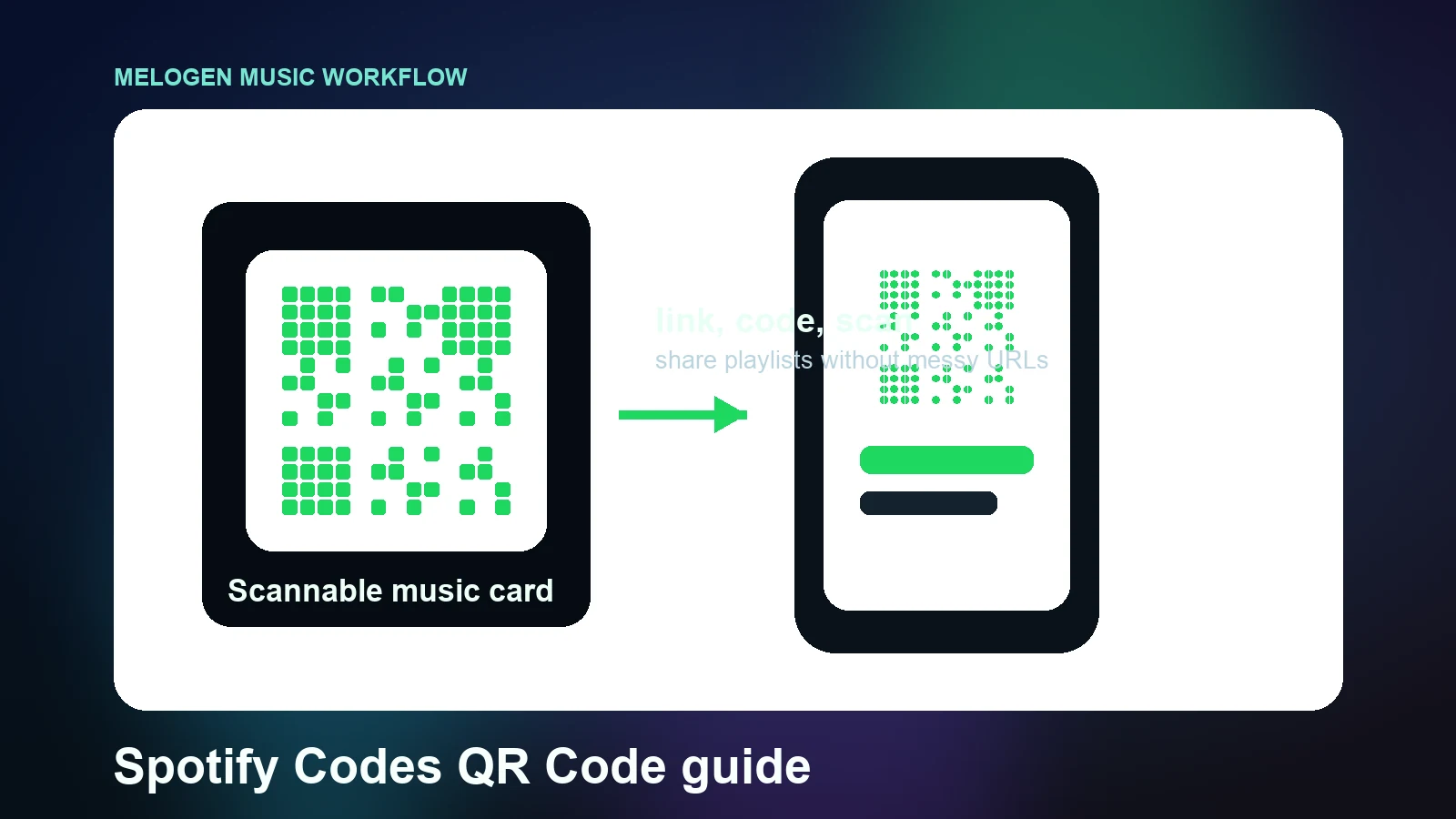
Turn a static score into editable MIDI
Contents
A Spotify Codes QR Code search usually means one practical thing: you want a scannable way to share music without pasting a long Spotify link everywhere. Spotify Codes are Spotify's own scannable music tags for tracks, albums, playlists, artists, podcasts, and profiles. Use them when you want someone to scan a poster, set list, classroom sheet, merch card, or social image and land directly on Spotify content.
The important boundary is simple: a Spotify Code points to something already available on Spotify. It does not upload your music, license your song, replace a distributor, or turn a private audio file into public streaming content. If you need to prepare your own audio before sharing it anywhere, clean that file first, then use the correct publishing or local-file workflow.
What Spotify Codes and QR codes actually do
Spotify's official Share from Spotify support page says you can share songs, albums, artists, playlists, podcasts, and your profile from the app. In the same support flow, Spotify explains that a Spotify Code can be shown from the app and scanned with a phone camera or the Spotify search camera.
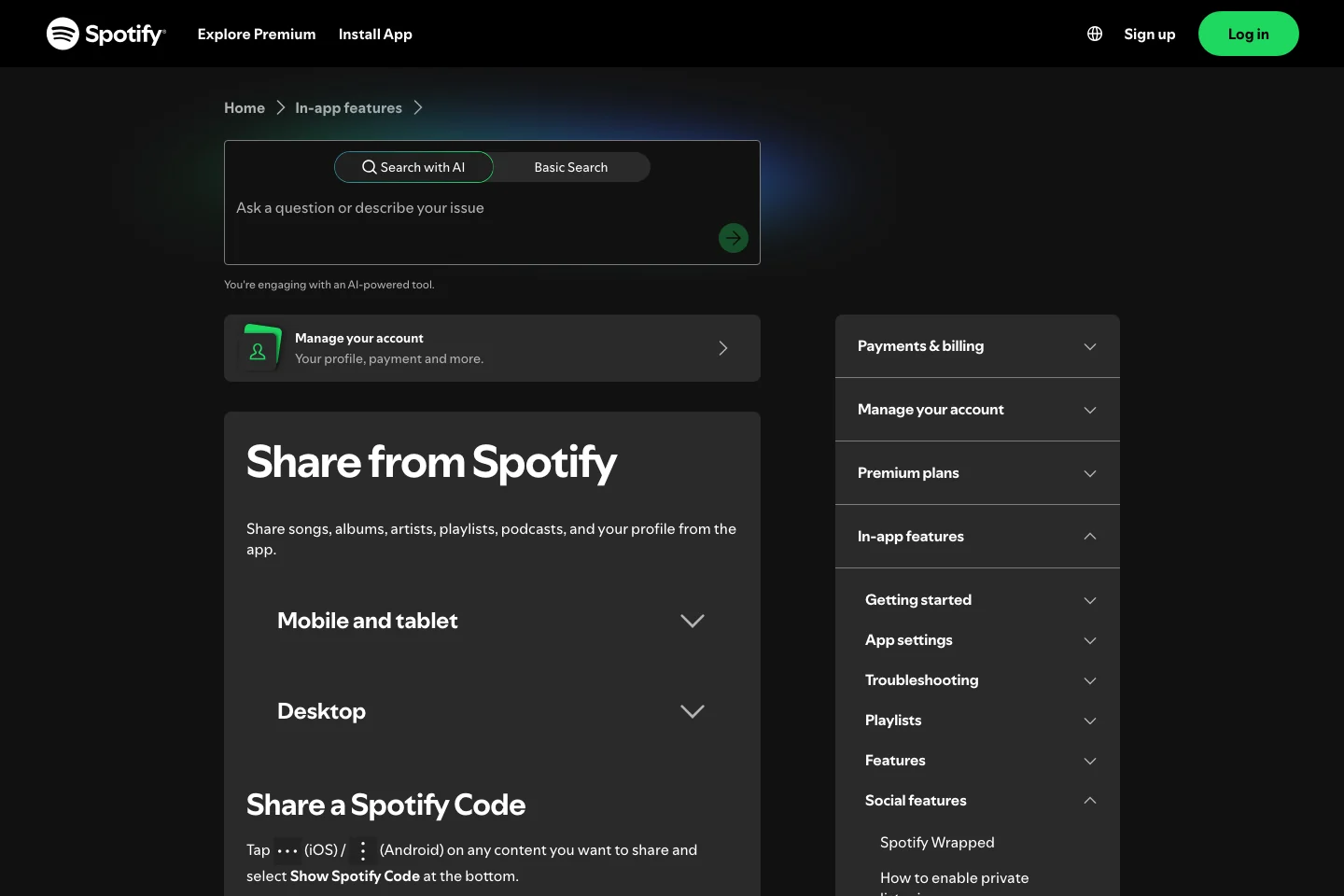
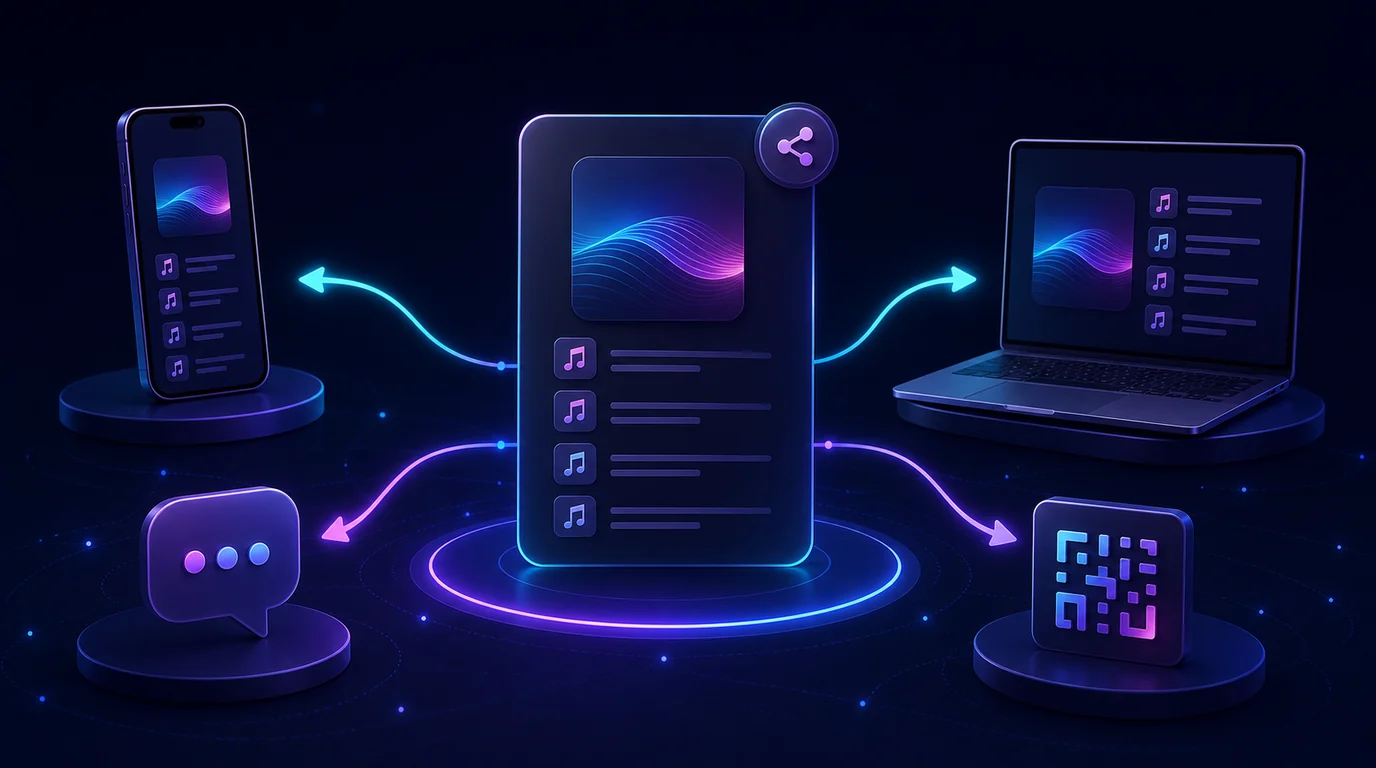
That makes a Spotify Code useful when a plain URL feels awkward. A band can put one on a rehearsal handout, a teacher can add one beside a listening assignment, and a curator can print one on a flyer. The code is not the music itself; it is a shortcut to Spotify's version of that music or playlist.
| Sharing option | Best for | Watch out for |
|---|---|---|
| Spotify Code | Posters, handouts, stickers, in-person sharing | Needs Spotify scanning support and a readable print size |
| Standard Spotify link | Email, chat, newsletters, web pages | Long links can look messy in print |
| Embed code | Websites and CMS pages | Better for web publishing than physical materials |
| Local audio file | Private rehearsal or personal listening | Not public Spotify content unless you distribute it |
Create a Spotify Code the official way
There are two practical routes. Use the app when you want a quick screenshot. Use SpotifyCodes.com when you need a cleaner downloadable image for print or design work.
- Open Spotify and find the track, album, artist, playlist, podcast, or profile you want to share.
- Open the three-dot menu and choose the share option.
- On mobile, show the Spotify Code and save a screenshot if that is enough for your use case.
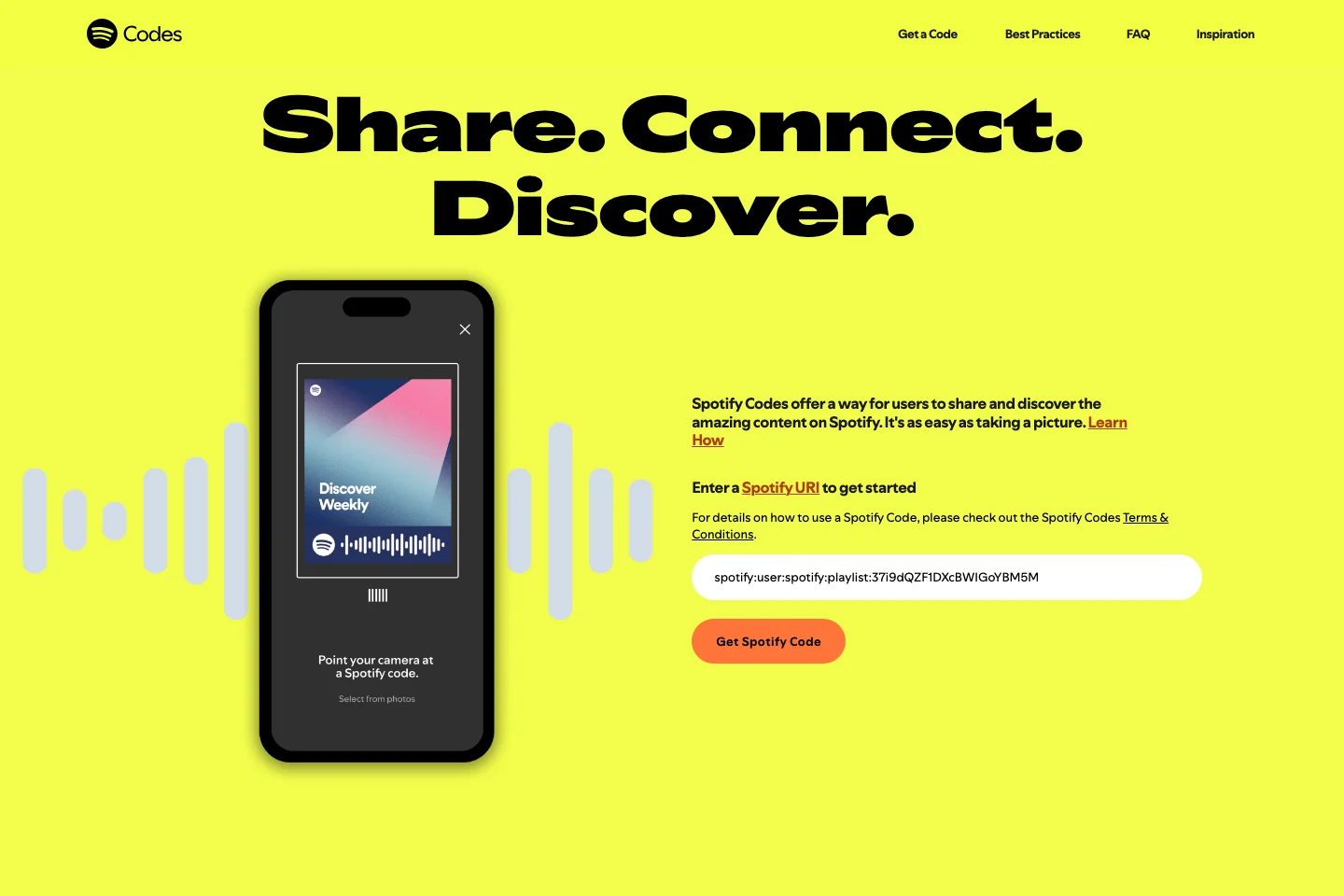
- For a higher-resolution code, copy the Spotify URI and paste it into SpotifyCodes.com.
- Download the code, place it in your design, and test it before sending anything to print.
Spotify's Newsroom guide to Spotify Codes also describes the URI route: copy the Spotify URI from the share menu, paste it into SpotifyCodes.com, then customize and download the code. That official path is safer than copying random code-generator instructions from an old forum thread.
Scan and test before you publish
Do not trust a code just because it looks finished. Test it in the same context where people will use it.
On mobile, open Spotify, go to Search, tap the camera icon, and point the camera at the code. You can also scan from a saved image if the code is in your photo library. If you are printing the code, test one physical sample instead of only testing the design file on a bright screen.
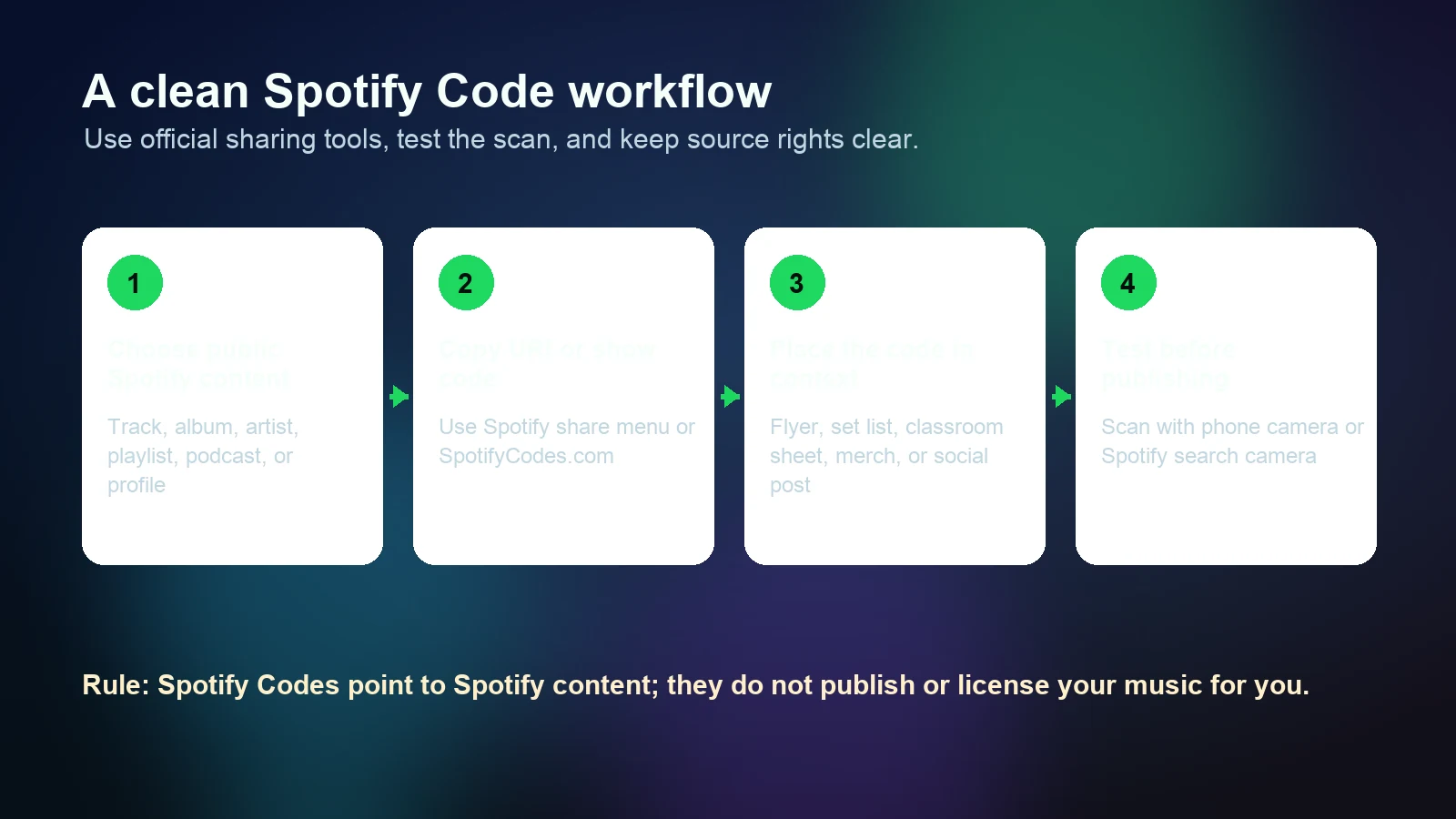
Use this quick checklist before a code goes public:
| Check | Why it matters |
|---|---|
| The linked item is the exact track, playlist, artist, or profile | Similar names can lead to the wrong destination |
| The code has enough quiet space around it | Crowded designs are harder to scan |
| The print size is readable from the expected distance | A tiny code on a poster may fail in real lighting |
| The code works from a phone camera and inside Spotify | Some users scan from the app, others start with the camera |
| The destination is still public or shareable | Private playlists and regional restrictions can break the moment |
Use cases that work well
Spotify Codes work best when the scan is tied to a real listening job. They are less useful when a normal link would be clearer.
For musicians, the strongest use cases are release cards, merch inserts, live-show flyers, QR-style playlist handouts, classroom listening sheets, and rehearsal references. For teachers, a code can sit next to a score excerpt so students can jump to the assigned recording. For producers, a code can point collaborators to a public reference playlist rather than a long message thread full of links.
They are weaker for private drafts, unreleased demos, raw stems, or audio that is not already published on Spotify. In those cases, a local audio file, private cloud folder, distributor preview, or DAW export is usually the honest tool.
Prepare your own audio before sharing it
Melogen fits before the Spotify sharing step. It cannot create a Spotify Code for unpublished content, and it does not replace Spotify for Artists, a distributor, or Spotify support. It can help when the audio you plan to share still needs a cleaner listening copy.
For example, trim silence from a rehearsal clip, tighten the ending of a demo bounce, or turn a MIDI idea into a simple listening file before you decide where it belongs. If your goal is only personal playback, Melogen's guide to adding local files to Spotify explains the local-file path. If you need legally purchased source audio before building a playlist, start with the buy MP3 music online guide instead of downloader shortcuts.
Clean up a clip before you share it
Use Melogen Music Trimmer for quick cuts and fades, or export a MIDI idea to an audio file before deciding where it should live.
Common mistakes to avoid
A Spotify Code is easy to make, which also makes it easy to misuse. These are the mistakes that usually cause trouble later.
Do not point a code at the wrong version of a song. Check whether you selected a single, album track, live version, remaster, or cover. Do not print the code so small that it only works on your own phone in perfect lighting. Do not assume a private playlist will be visible to everyone who scans it. Do not use a Spotify Code as if it grants rights to the music, artwork, or brand assets around it.
If you plan to place a Spotify Code on merchandise or a product for sale, review Spotify's current code terms and rights guidance before you produce it. A code can be a great bridge from a physical object to a streaming destination, but it still sits inside Spotify's brand and platform rules.
FAQs
Is a Spotify Code the same as a normal QR code?
Not exactly. It is QR-like because people scan it, but it is Spotify's own scannable code format. A normal QR code can point to almost any URL. A Spotify Code is designed to open Spotify content.
Can I make a Spotify Code for my unreleased song?
Only if the destination exists on Spotify in a shareable form. For an unreleased song, you usually need a distributor, private review link, cloud folder, or local audio workflow first. The Spotify Code comes after the public Spotify destination exists.
Can I scan a Spotify Code from a screenshot?
Yes, Spotify's support flow allows scanning from a phone camera, and in normal mobile use you can also scan from saved images when the app offers that option. Test the screenshot before sending it to a group.
Why is my Spotify Code not scanning?
The usual causes are small print size, low contrast, glare, cropping, missing quiet space, a damaged image, or a destination that is no longer available. Re-download the code from SpotifyCodes.com, give it more space, and test it in real lighting.
The practical takeaway
Use Spotify Codes when a visual scan is genuinely better than a link. Make the code from an official Spotify source, test it from a real phone, keep the destination rights clear, and avoid treating the code as a shortcut around publishing or licensing. For your own audio, prepare a clean listening file first; then choose whether it belongs in local files, a private share, or an actual Spotify release.
About the author
Zhang Guo
Composer - AI Product Manager
AI product manager and digital marketing consultant with a background in music. Creativity is the bridge between rhythm and logic, where musical intuition and mathematical precision can coexist in every meaningful product decision.
Follow on X