Spotify Not Working on Android Fixes That Help
Fix Spotify not working on Android with a source-first checklist for connection, updates, cache, storage, permissions, and reinstall risk.
 Zhang Guo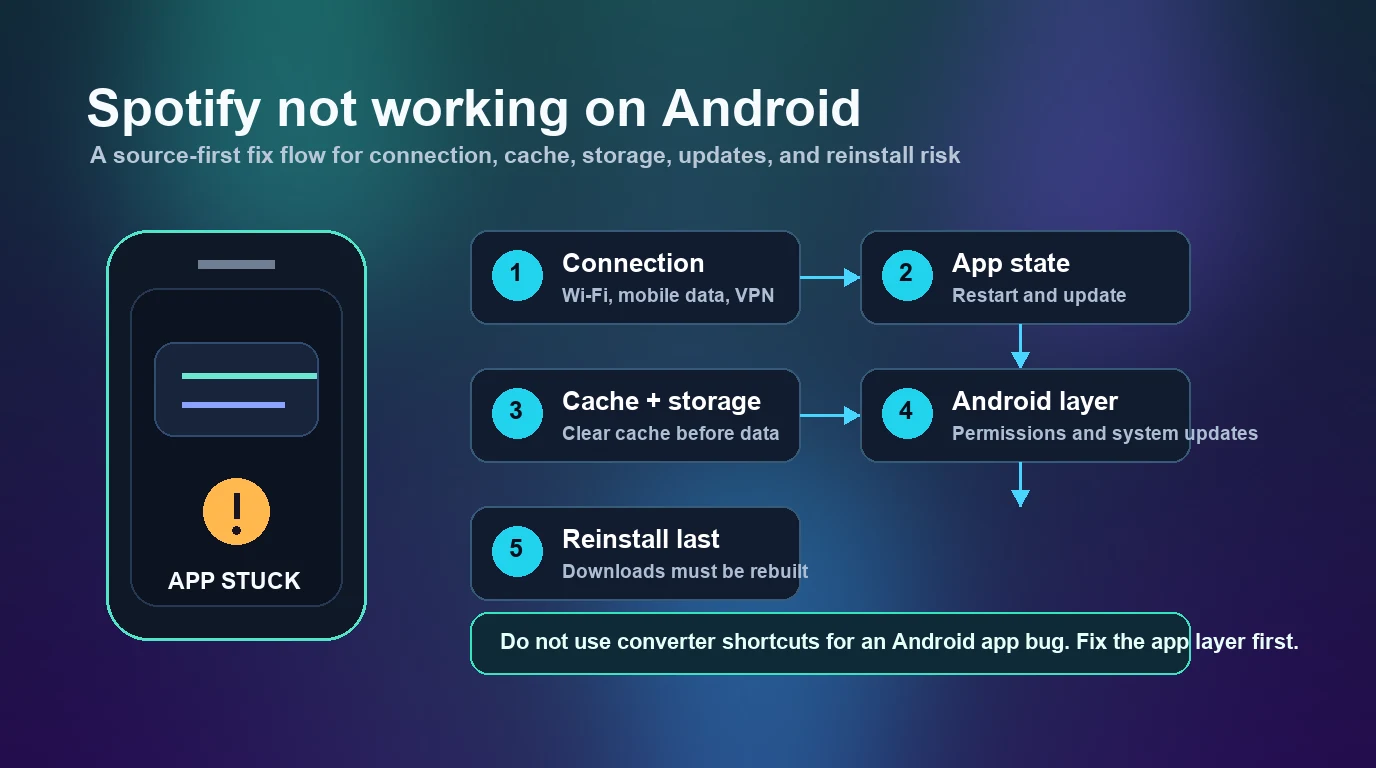
Turn a static score into editable MIDI
Contents
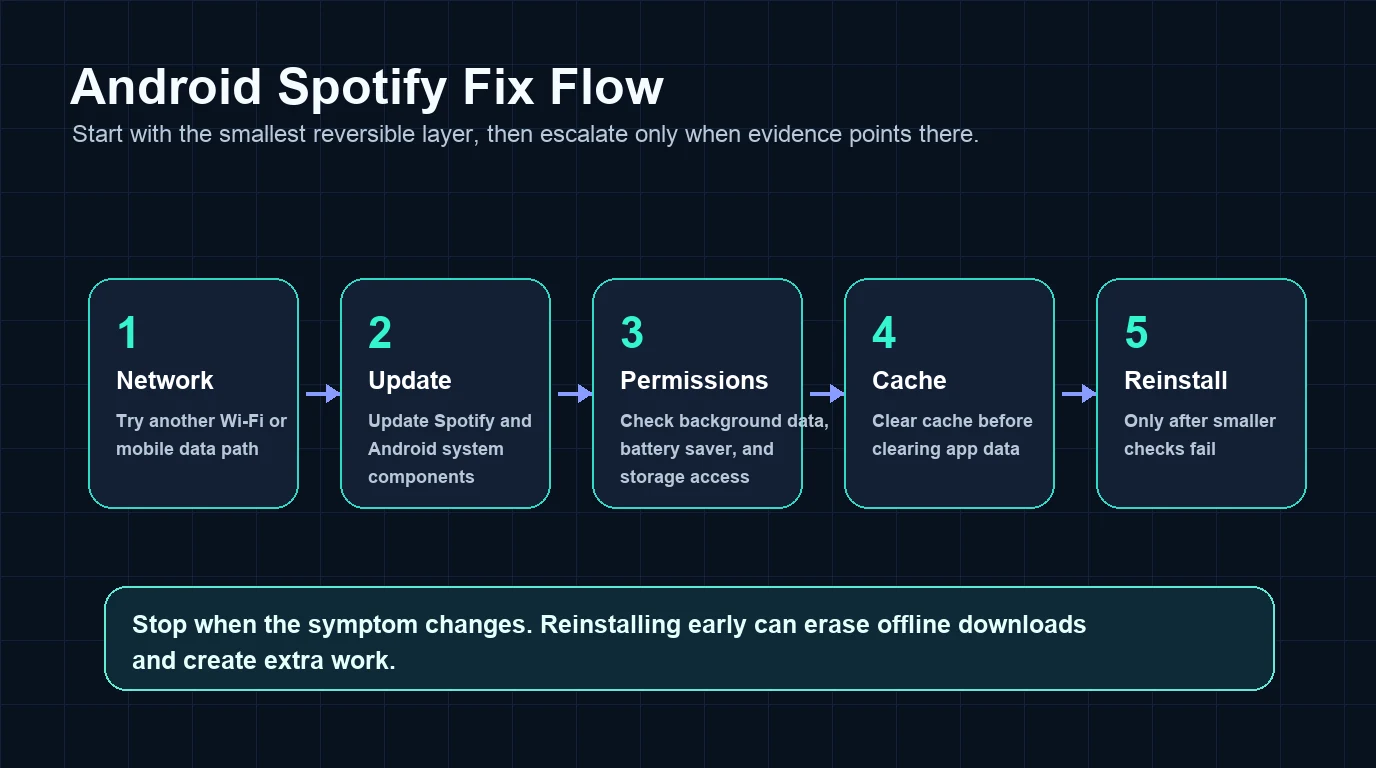
If you searched for Spotify not working on Android, do not jump straight to reinstalling the app. First prove which layer is broken: connection, Spotify app state, Android permissions, cache and storage, or a broader account or service issue.
The useful rule is simple: fix the smallest reversible layer first. Reinstalling too early can make you sign in again, rebuild offline downloads, and still leave the original network or Android setting untouched.
Quick triage for Spotify not working on Android
Start with the symptom you can actually see. "Spotify not working" can mean the app will not open, tracks will not play, the phone is offline, downloads are stuck, or Android is killing the app in the background.
| What you see on Android | Likely layer | First fix to try |
|---|---|---|
| Spotify opens but nothing plays | Connection, playback state, or app update | Switch Wi-Fi/mobile data, restart Spotify, then update |
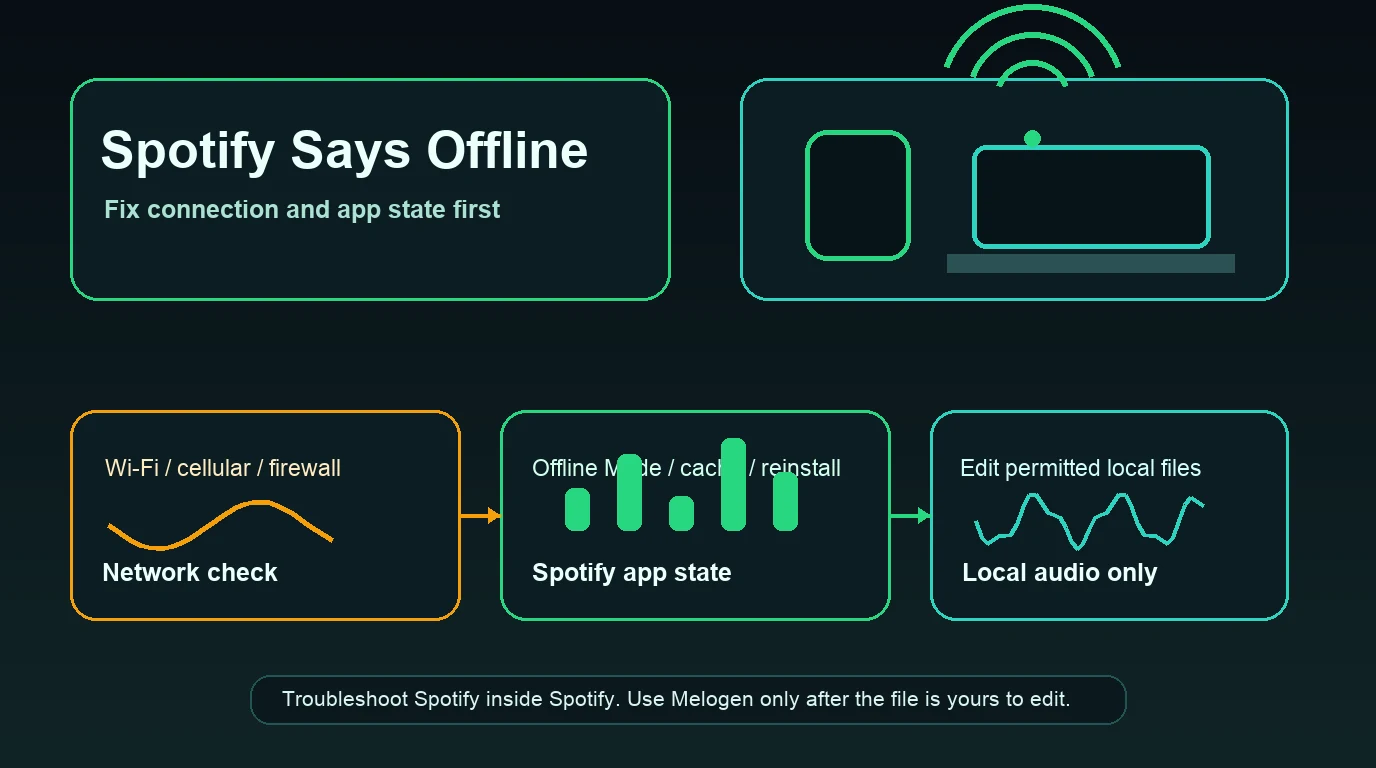
| Spotify says offline | Offline Mode, blocked network, or data permission | Use the Spotify says offline checklist |
| Spotify is slow, frozen, or stale | Cache, storage, or device load | Clear cache after checking storage |
| Spotify downloads are stuck | Premium/offline state, storage, or network | Use the download-specific flow before reinstalling |
| Spotify crashes or will not open | Android app state or system layer | Force stop, update, clear cache, then reinstall last |
| Only the browser player fails | Browser surface, not Android app | Use the web-player troubleshooting path instead |
If the exact symptom is cache-heavy, use Clear Spotify Cache Without Losing Downloads before you wipe app data. If Spotify is stuck in a full offline state, fix that first because it changes the next step.
Start with Spotify and Android official checks
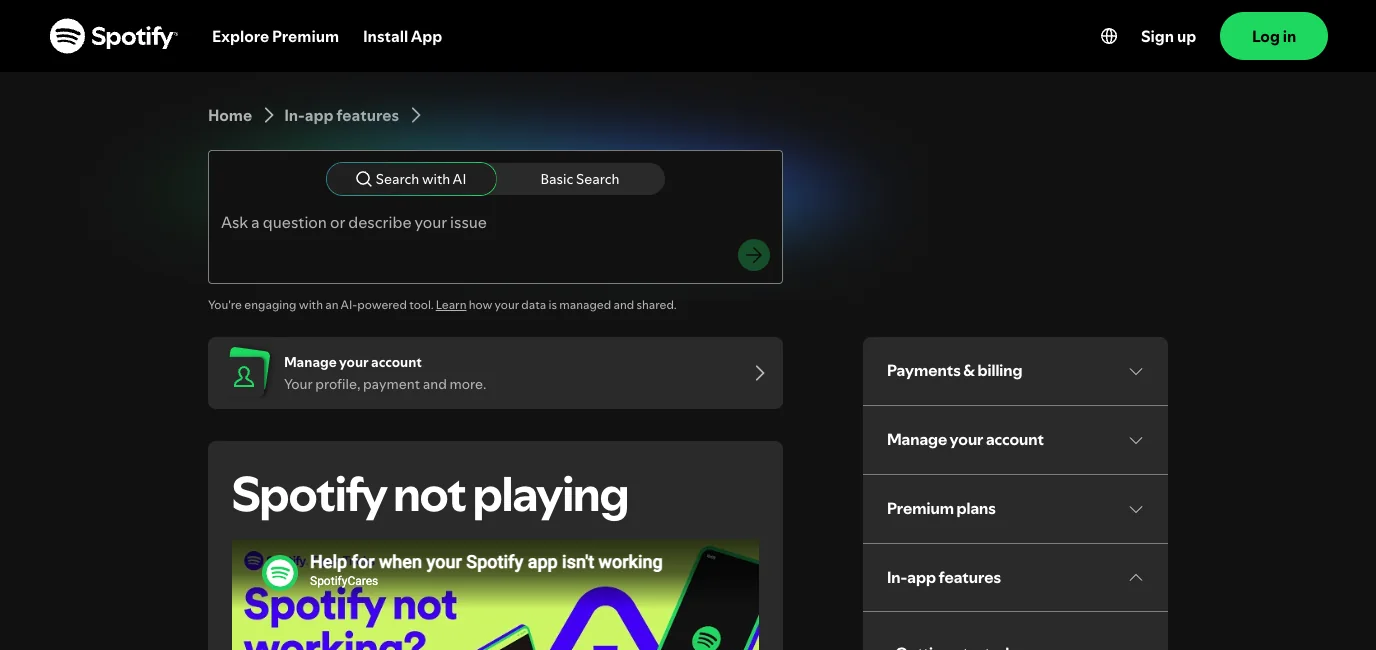
Spotify's official Spotify not playing page puts the first moves in the right order: restart the app, update it, reinstall only when smaller technical checks do not work, and make sure the device has a stable internet connection.
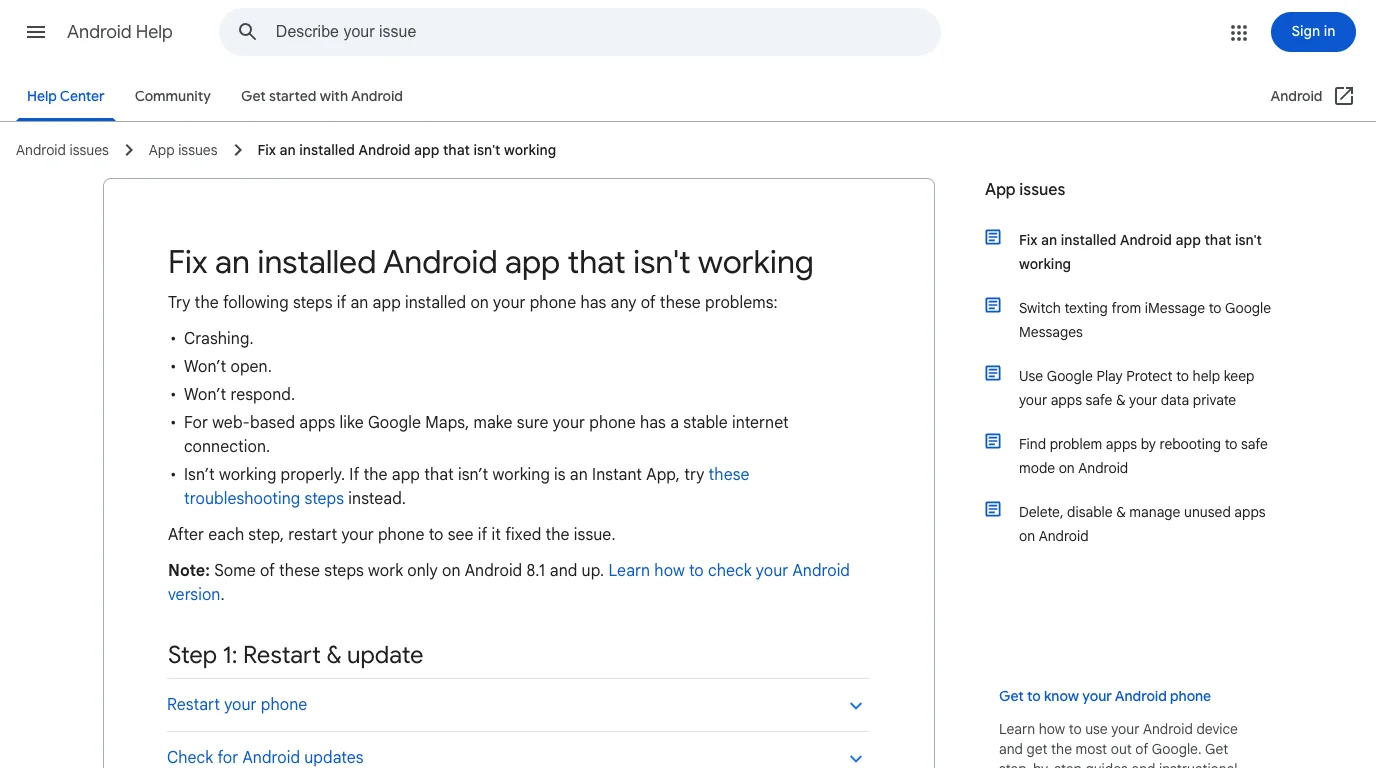
Google's Android app troubleshooting page frames the Android side: restart and update, force stop the app, clear cache and data, sync the device with Google servers, and uninstall only after lighter checks fail.
Use those two official surfaces together:
- Restart Spotify.
- Try another network, or switch between Wi-Fi and mobile data.
- Update Spotify from Google Play.
- Restart the Android phone.
- Check Android system updates and Google Play services if other apps also misbehave.
- Force stop Spotify if the app is frozen.
- Clear Spotify cache before clearing app data.
- Reinstall only after the smaller steps fail.
Check network, data saver, and Android permissions
An Android Spotify problem often looks like a Spotify outage when it is really a phone setting. Before clearing data, test the connection path.
| Test | What it tells you | What to do next |
|---|---|---|
| Spotify works on Wi-Fi but not mobile data | Android or carrier data path is blocking it | Allow mobile data and background data for Spotify |
| Spotify works on mobile data but not Wi-Fi | The Wi-Fi network, router, VPN, or workplace/school rules may block it | Try another Wi-Fi or remove VPN for the test |
| Other streaming apps also fail | Larger network or Android issue | Restart the phone and check system updates |
| Spotify works on another Android phone | Device-specific app/cache/permission issue | Repair the failing device instead of the account |
| Spotify works in a browser but not the app | Android app state issue | Force stop, update, cache, then reinstall |
On Android, also check battery saver and data saver. If Spotify is not allowed to use background data, playback and downloads can stall when the screen locks. If a VPN or private DNS profile is active, turn it off for one test before changing Spotify settings.
Clear cache before clearing app data
Cache is a low-risk reset. App data is a heavier reset. Reinstall is heavier still.
Use this order when Spotify opens but feels stuck, stale, or unable to play:
- Open Spotify and try one known-good track.
- Restart the app.
- Update Spotify.
- Clear cache.
- Free phone storage if Android is nearly full.
- Restart the phone.
- Clear app data only if cache and storage checks fail.
- Reinstall only if the app still crashes or refuses to open.
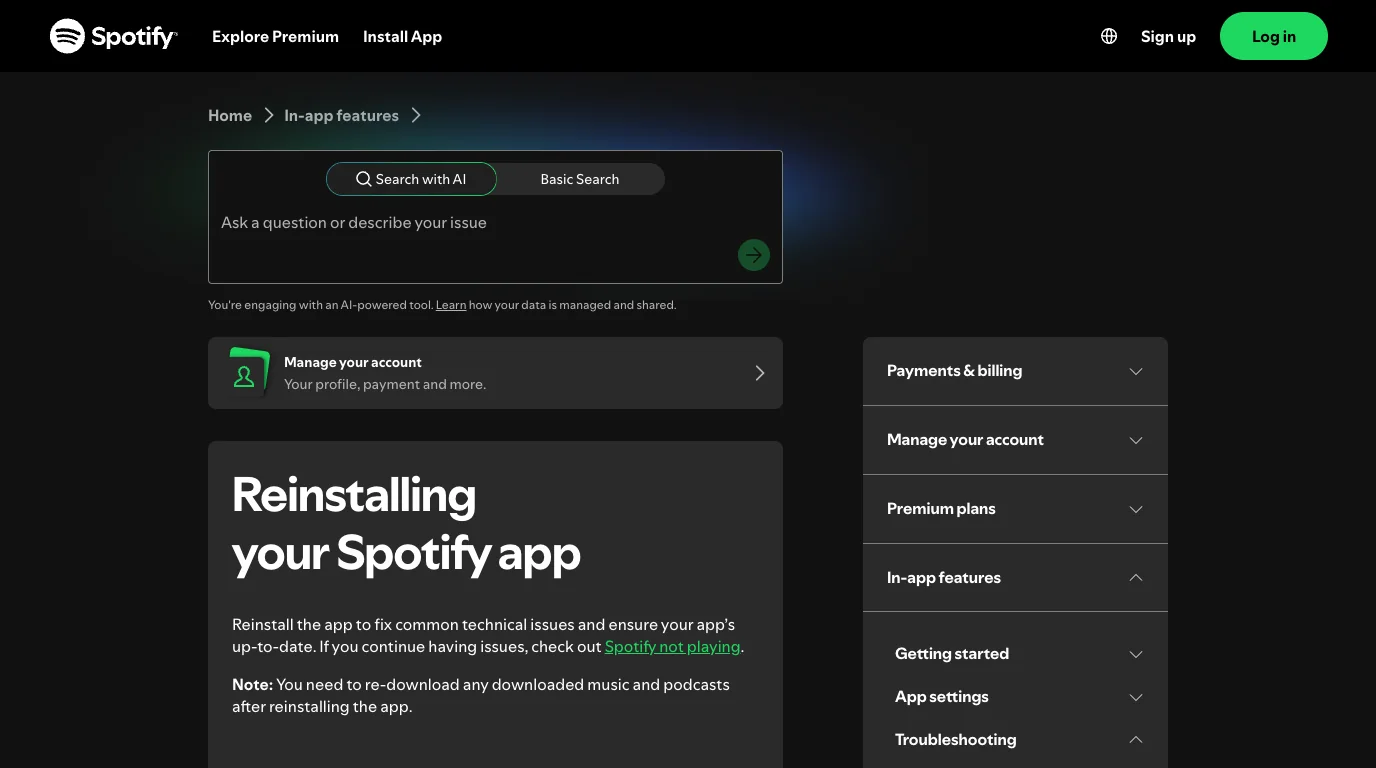
The reason for this order is practical. Spotify's reinstall support page warns that downloaded music and podcasts need to be downloaded again after reinstalling. That is fine when the app is corrupted. It is unnecessary work when the real problem is mobile data, battery saver, or a full device.
Keep Android app failures separate from Spotify content issues
Do not treat every Android symptom as the same problem.
If albums, playlists, or podcasts are stuck waiting to download, use the download flow. If songs are greyed out, check region, availability, explicit filters, local files, and offline state. If podcasts fail while music works, that is a podcast-specific issue. If the whole app is slow, device load and cache matter more than account settings.
This Android article is for the app surface: opening, playing, loading, crashing, updating, cache, permissions, and reinstall risk. Keeping that boundary prevents a new page from duplicating the existing Spotify troubleshooting cluster.
Where Melogen fits after Spotify works
Melogen does not fix Spotify servers, change Premium access, bypass Spotify downloads, or convert protected Spotify catalog audio. Keep Spotify playback problems inside Spotify, Android, and your network settings.
Melogen fits later, only when the audio file is already yours to edit: a rehearsal recording, lesson clip, backing track you created, purchased DRM-free audio, or another permitted local file. The local Music Trimmer page in this repo supports browser-based cutting, waveform selection, preview, fade effects, and export to common formats such as MP3, WAV, M4A, OGG, FLAC, and AAC.
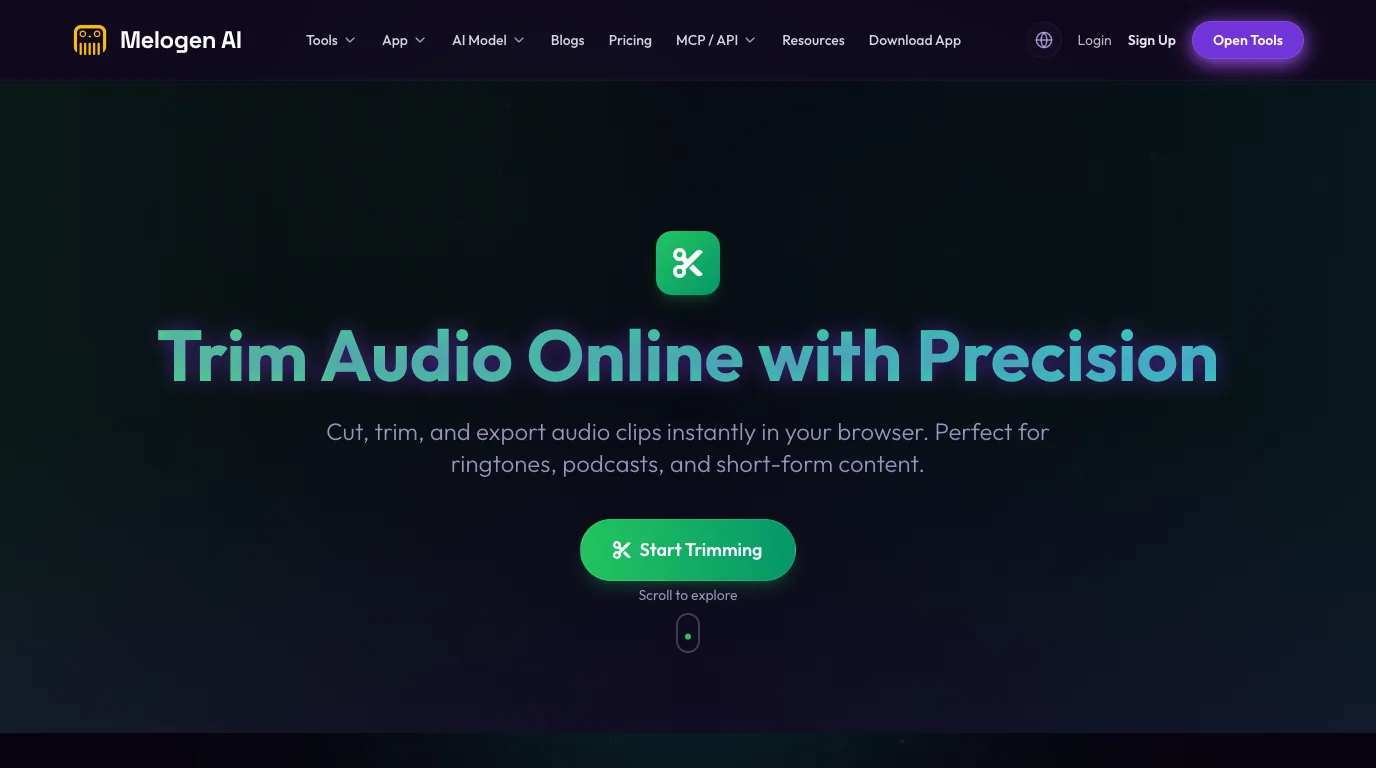
Use Melogen Music Trimmer when the Spotify problem reveals a separate local-audio task:
- Trim silence from a rehearsal recording before adding it to Spotify Local Files.
- Shorten a lesson clip for practice.
- Add a fade to a backing track you created.
- Export a cleaner local file.
- Follow the Add Local Files to Spotify workflow only for files you are allowed to use.
Clean up local audio after Spotify is stable
Use Melogen Music Trimmer when the file is yours to edit and the next job is trimming silence, shortening a practice clip, or preparing a cleaner local listening copy.
Troubleshooting checklist
Run the checklist in order and stop when the symptom changes.
| Step | Pass condition | If it fails |
|---|---|---|
| Switch networks | Spotify works on another Wi-Fi or mobile data | Repair the original connection, VPN, or data setting |
| Restart Spotify | One known-good track plays | Update the app |
| Update Spotify | The Play Store shows the latest app installed | Restart Android |
| Check Android settings | Background data and battery saver are not blocking Spotify | Force stop Spotify |
| Clear cache | Spotify loads faster or playback resumes | Free storage and restart |
| Clear app data | Spotify opens cleanly after sign-in | Reinstall only if needed |
| Reinstall Spotify | A fresh install plays one test track | Rebuild downloads intentionally |
FAQs
Why is Spotify not working on my Android phone?
The usual causes are weak connection, blocked mobile data, data saver, battery saver, stale cache, low storage, an outdated app, Android system issues, VPN or private DNS routing, or a corrupted Spotify install.
Should I clear cache or clear data first?
Clear cache first. It removes temporary files with less disruption. Clear app data only when cache, storage, updates, and restart checks fail because it resets more of the app state.
Will reinstalling Spotify delete downloads on Android?
Yes, downloaded music and podcasts need to be downloaded again after reinstalling. Treat reinstall as a deliberate reset, not the first fix.
Why does Spotify work on Wi-Fi but not mobile data?
Mobile data may be disabled for Spotify, background data may be restricted, data saver may be active, or your carrier connection may be unstable. Check Android app data settings before reinstalling.
Can Melogen fix Spotify on Android?
No. Melogen does not repair Spotify playback or account access. It helps after Spotify is stable, when you have a permitted local audio file that needs trimming, fades, or cleanup before you use it elsewhere.
The practical takeaway
Fix Spotify on Android by isolating the smallest layer first: network, app update, Android permission, cache, storage, data, then reinstall. Do not use converter shortcuts for an app bug. Once Spotify is stable, use Melogen only for the separate job of preparing local audio you have the right to edit.
About the author
Zhang Guo
Composer - AI Product Manager
AI product manager and digital marketing consultant with a background in music. Creativity is the bridge between rhythm and logic, where musical intuition and mathematical precision can coexist in every meaningful product decision.
Follow on X