Spotify vs Pandora: Which Music App Fits?
Compare Spotify and Pandora for discovery, playlists, price, audio quality, offline listening, and creator-friendly music workflows.
 Zhang Guo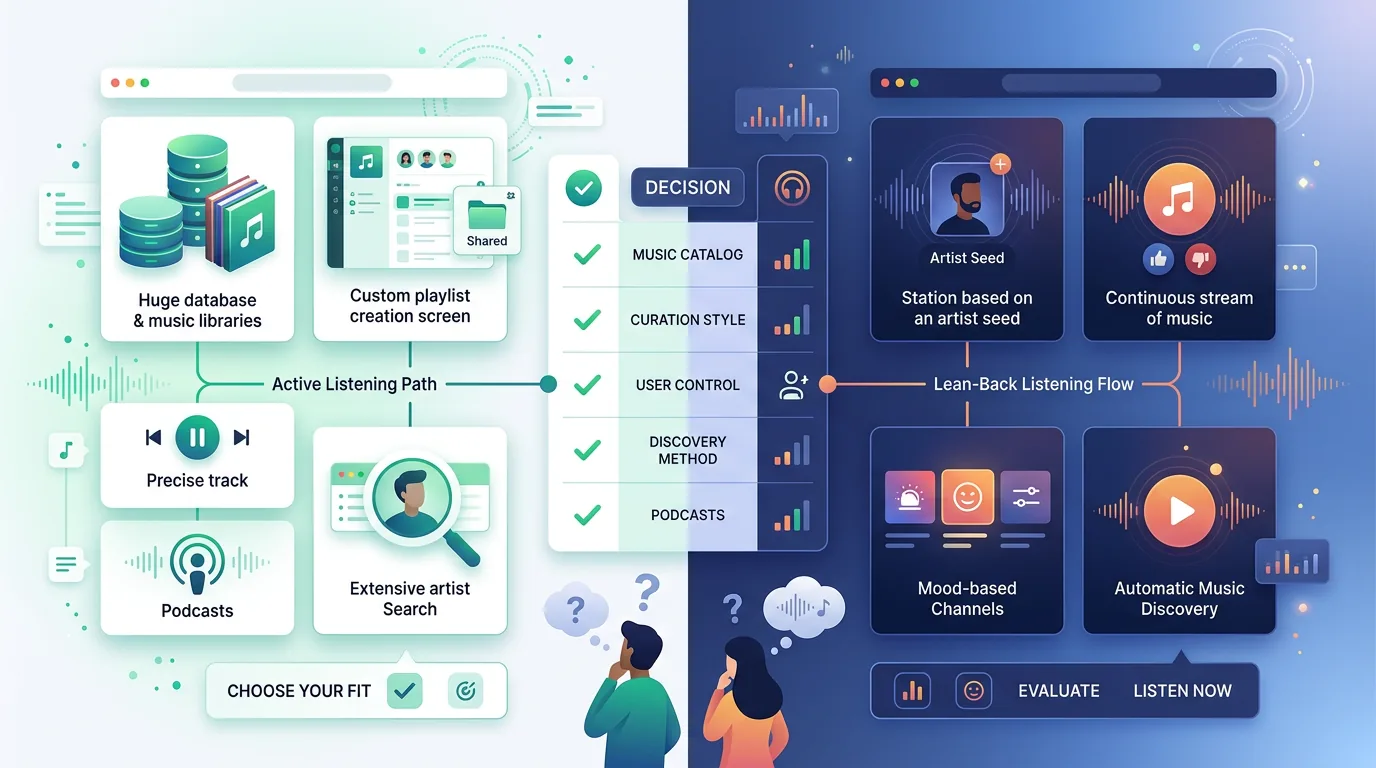
Turn a static score into editable MIDI
Contents
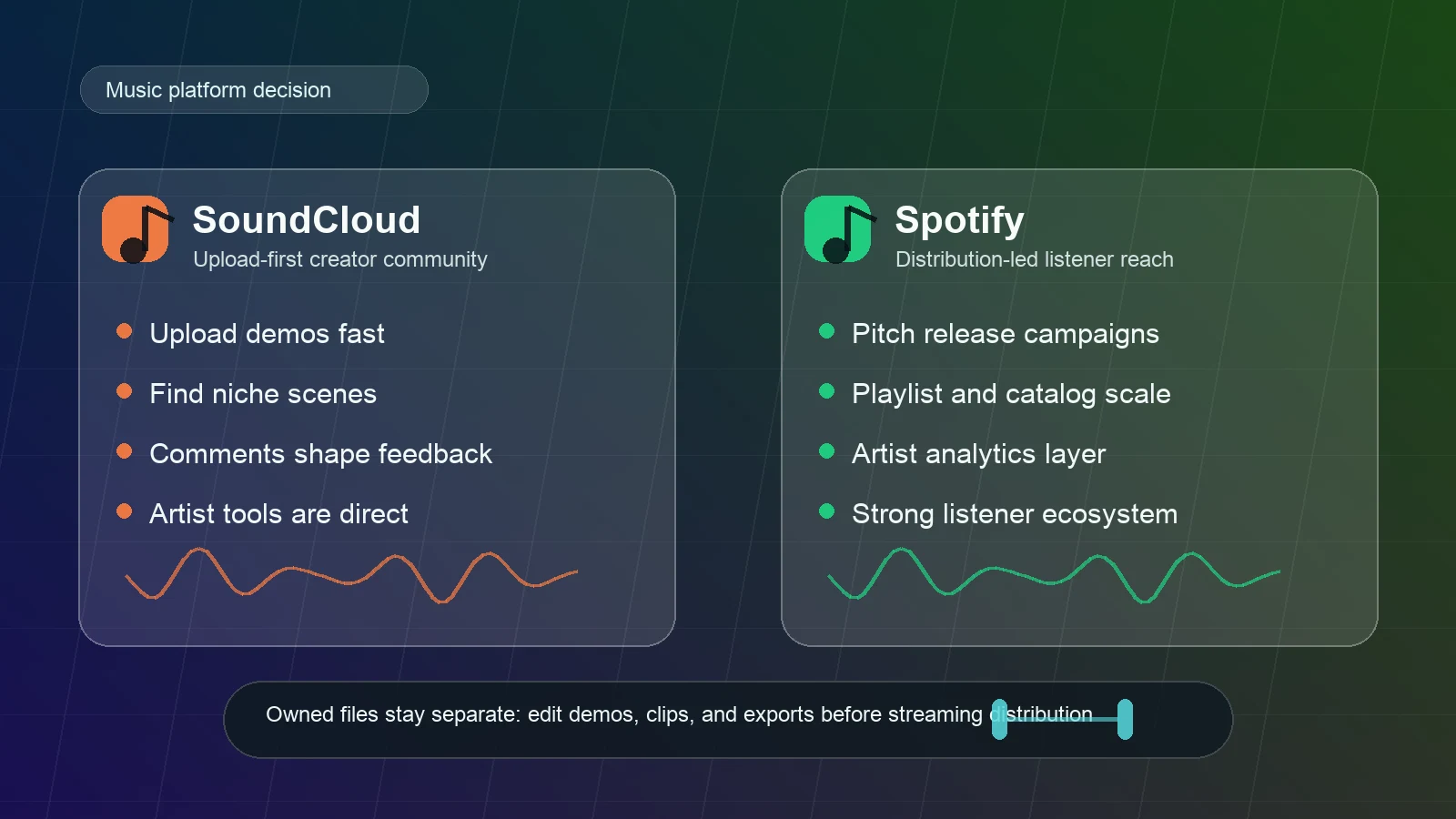
Spotify vs Pandora is really a choice between two listening habits. Spotify is usually better if you want on-demand control, playlists, social sharing, wide device support, and a global music app that keeps adding creator-facing features. Pandora is usually better if you want radio-style discovery, lower-friction stations, and a music-recommendation system that feels less like building playlists from scratch.
For musicians, teachers, and creators, the practical answer is even simpler: use either service for listening and reference, but keep your own demos, purchased files, rehearsal clips, and project exports in an owned-file workflow. Streaming apps help you hear and share music. They are not a replacement for a clean source library.
Quick Comparison Table
| Category | Spotify | Pandora | Better fit |
|---|---|---|---|
| Main listening style | Search, playlists, albums, podcasts, audiobooks, social features | Stations, thumbs feedback, personalized radio, Premium on-demand search | Spotify for control; Pandora for passive discovery |
| Discovery model | Editorial playlists, algorithmic mixes, daylist, DJ, Blend, Jam | Music Genome Project station logic and thumbs feedback | Pandora if you like radio curation |
| Free tier | Free music and podcast listening with ads | Free radio-style listening with ads | Depends on whether you prefer playlists or stations |
| Paid individual plan | Spotify Premium Individual listed at $12.99/month after trial in the U.S. | Pandora Premium listed at $10.99/month after trial | Pandora is cheaper for individual Premium at current listed prices |
| Offline listening | Premium downloads and Offline Backup inside Spotify | Plus/Premium offline mode depending on plan and device | Spotify for broad paid-app downloads; Pandora for station-style offline listening |
| Audio quality | Spotify support lists up to 24-bit/44.1 kHz FLAC Lossless for Premium | Pandora Premium emphasizes ad-free on-demand listening and offline listening | Spotify for higher published quality ceiling |
| Global/device reach | Spotify says it works across more than 2,000 devices | Pandora is more region-limited and may show unavailable outside supported regions | Spotify for travel and device ecosystems |
| Creator workflow | Good for public links, playlists, Spotify Codes, and audience sharing | Good for discovery/radio listening, less central for creator distribution | Spotify if sharing is part of the job |
Spotify Is Better for Control and Reach
Spotify is the stronger choice when you know what you want to play, need a playlist to behave a certain way, or want one app across phones, laptops, speakers, cars, game consoles, and wearables. Spotify's U.S. Premium page says Premium includes ad-free listening, offline listening, full playback control, and Lossless music up to 24-bit/44.1 kHz. Its free plan page also keeps the pitch simple: play songs and podcasts for free, make playlists, and get recommendations.
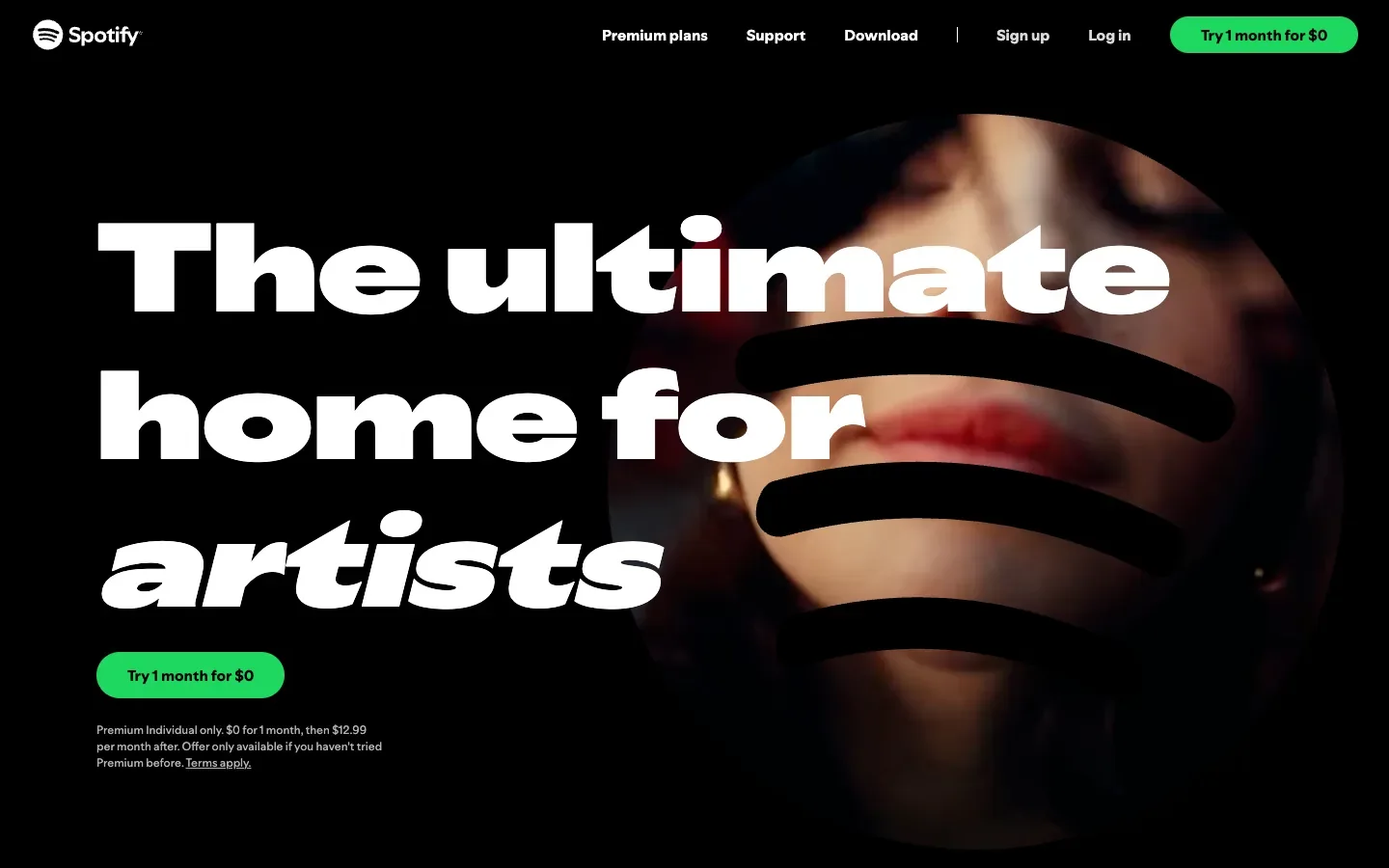
That matters if your listening is active. A producer checking references, a teacher building a class playlist, or a songwriter comparing versions of a track often needs search, queue control, playlist editing, links, and cross-device continuity. Spotify is built around that behavior.
Spotify also has the stronger public-sharing ecosystem. If you are sending a listening reference to a student, embedding a playlist in a newsletter, or printing a scannable link, the existing Melogen guide to Spotify Codes and QR codes covers that workflow in more detail.
Pandora Is Better for Radio-Style Discovery
Pandora's strongest reason to exist is not that it is a second Spotify. It is that its station logic is still useful when you do not want to manage a queue. Pandora describes the Music Genome Project as the engine that powers Pandora, built from detailed musicological analysis and trained listening across genres and decades. In practice, that makes Pandora feel strongest when you want a station to adapt from thumbs feedback rather than a playlist you manually maintain.
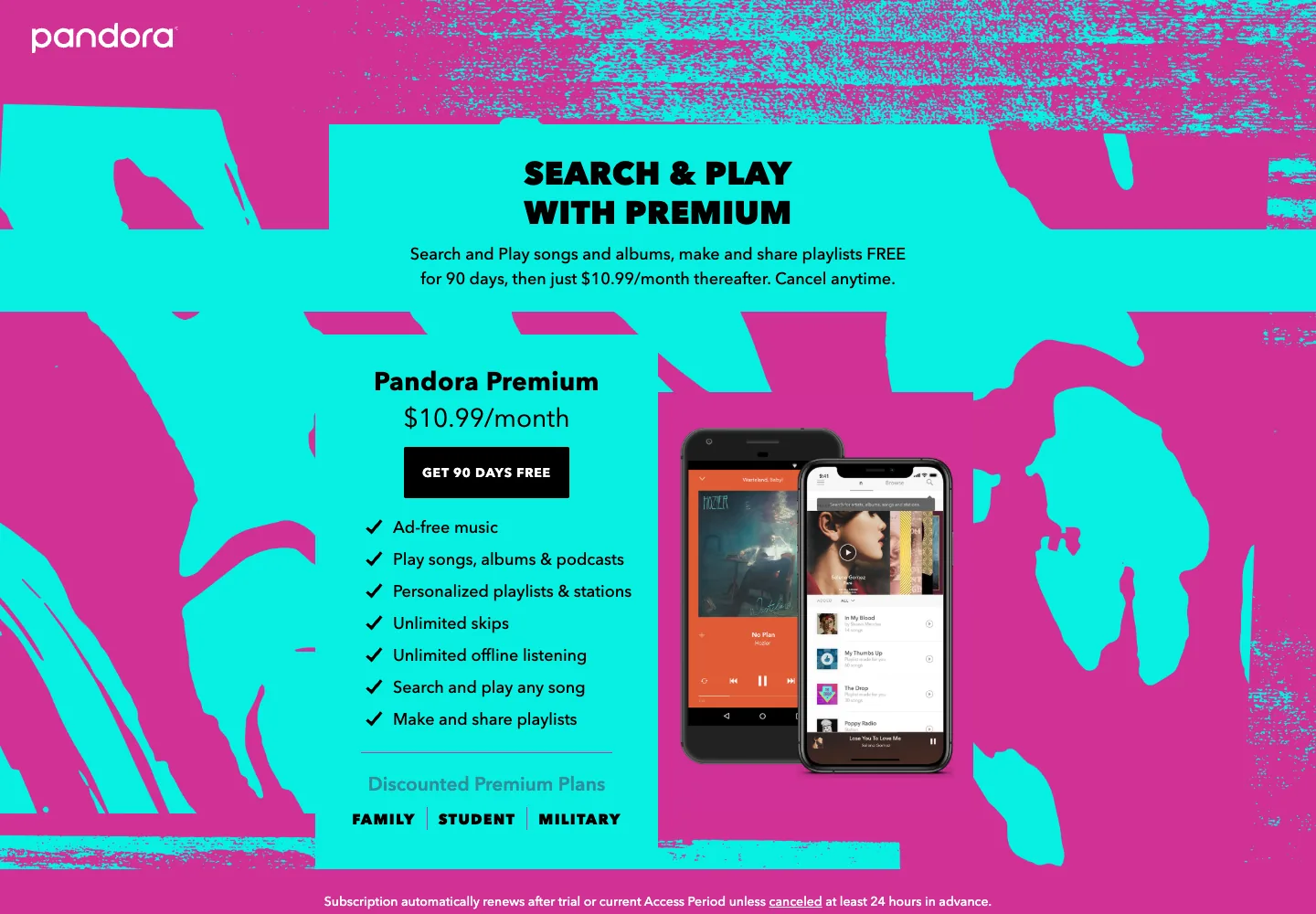
Pandora Premium adds more on-demand behavior: its public Premium page lists search and play for songs and albums, playlists, unlimited skips, and offline listening. But Pandora still has a different center of gravity from Spotify. If your ideal app starts with "play a station that understands this mood," Pandora makes sense. If your ideal app starts with "I need this exact album, then this exact playlist, then a shared listening session," Spotify usually wins.
The catch is availability. Pandora's own site may show an unavailable message outside supported regions, so it is less comfortable if you travel, collaborate internationally, or need one music app that behaves consistently across countries.
Pricing, Audio Quality, and Offline Listening
Current public plan pages make the price comparison easy, but you should still check the checkout page before paying because trials, app-store billing, taxes, and regional offers change.
| Plan point | Spotify current public signal | Pandora current public signal |
|---|---|---|
| Individual Premium | Spotify U.S. Premium lists $12.99/month after trial | Pandora Premium page lists $10.99/month after trial |
| Student plan | Spotify U.S. Premium lists $6.99/month after trial and includes Hulu subject to eligibility | Pandora lists discounted Premium plans for family, student, and military |
| Family plan | Spotify U.S. Premium lists Family at $21.99/month for up to 6 Premium accounts | Pandora help/search surfaces Premium Family at $17.99/month direct |
| Audio quality | Spotify audio quality support lists web player AAC up to 256 kbit/s for Premium and desktop/mobile/tablet Lossless up to 24-bit/44.1 kHz FLAC | Pandora Premium marketing focuses on ad-free music, on-demand play, playlists, skips, and offline listening rather than a lossless headline |
| Offline | Spotify Premium downloads stay inside Spotify | Pandora Plus/Premium offline behavior depends on plan, device, and app mode |
For everyday listening, price and habit will probably matter more than small quality differences. For careful listening, production reference, or headphone testing, Spotify's published Lossless ceiling gives it a clearer quality story. If you are comparing streaming quality more broadly, Apple Music Lossless explains why source, hardware, Bluetooth, and storage matter just as much as the app badge.
Choose by Scenario
| Scenario | Choose Spotify if... | Choose Pandora if... |
|---|---|---|
| You build playlists for workouts, classes, rehearsals, or events | You want exact song control, playlist editing, cross-device use, and easy sharing | You mainly want a station to keep the mood going |
| You discover music casually | You like editorial playlists, social listening, and recommendation mixes | You like thumbs-based stations and radio-style flow |
| You travel or collaborate internationally | You need broad availability and device support | You are in a supported Pandora region and mostly listen there |
| You care about current audio quality messaging | You want a clear Premium Lossless option | You mostly care about ad-free listening and station discovery |
| You manage your own audio files | You use Spotify local files only for legal files stored on your device | Pandora is less central to owned-file workflows |
| You are a creator sharing music | You need public links, codes, playlists, and listener-friendly sharing | You want listeners to discover adjacent music through stations |
For most people, Spotify is the safer default because it does more jobs. Pandora is still compelling when the main job is discovery without micromanagement.
Where Melogen Fits Before Either App
Melogen does not replace Spotify, Pandora, a distributor, or music licensing. It helps before a streaming app enters the picture, when you are preparing audio or notation that belongs to you.
If you have a rehearsal bounce with a long count-in, a demo ending with dead air, or a classroom audio clip that needs a cleaner start and finish, use the Melogen Music Trimmer before you add the file to a playlist or share it privately. If your goal is to keep legal local files inside Spotify for personal listening, the guide to adding local files to Spotify is the right follow-up.
The boundary is important. Do not treat Spotify or Pandora streams as editable source files. Use streaming apps for listening, reference, and sharing. Use your own recordings, purchased downloads, DAW bounces, or legal local files when you need to trim, enhance, convert, or archive audio.
Prepare your own clips before they enter a playlist
Trim silence, rough starts, and long endings from files you are allowed to edit, then decide whether the result belongs in Spotify local files, a private share, or your archive.
FAQs
Is Pandora cheaper than Spotify?
At the time of this draft, Pandora Premium's public page lists $10.99/month after trial, while Spotify's U.S. Premium Individual page lists $12.99/month after trial. Family, student, app-store billing, taxes, and regional offers can change the actual price, so confirm on the official checkout page before subscribing.
Does Spotify have better audio quality than Pandora?
Spotify has the clearer published high-end quality claim right now: its support page lists Lossless up to 24-bit/44.1 kHz FLAC for Premium on desktop, mobile, and tablet. That does not mean every listener will hear a dramatic difference. Headphones, Bluetooth, source mastering, volume normalization, and listening environment still matter.
Is Pandora still worth using?
Yes, if you like station-based listening. Pandora is strongest when you want to seed a station, give thumbs feedback, and let the app shape a radio-like flow. It is weaker when you need global availability, exact album control, collaboration features, or creator-facing sharing tools.
Which is better for musicians?
Spotify is usually better for musicians who need public sharing, playlists, references, and listener-facing links. Pandora can still be useful for discovery and radio-like listening. Neither should be your only source library. Keep project files, masters, purchased audio, and rehearsal exports organized outside the streaming app.
The Practical Takeaway
Choose Spotify if you want a modern all-purpose music app: on-demand listening, playlists, device reach, social features, and a stronger published audio-quality ceiling. Choose Pandora if you want a simpler radio-discovery app that adapts to your taste without asking you to build every playlist.
For music work, keep the decision clean: Spotify or Pandora is the listening layer. Melogen and your DAW are part of the preparation layer. Owned files, clear rights, and good source organization will matter long after you switch streaming apps.
About the author
Zhang Guo
Composer - AI Product Manager
AI product manager and digital marketing consultant with a background in music. Creativity is the bridge between rhythm and logic, where musical intuition and mathematical precision can coexist in every meaningful product decision.
Follow on X