YouTube to MIDI Safely With Local Audio in 2026
Learn a safe YouTube to MIDI workflow, when converters fit, how to prepare permitted audio, and where Melogen handles local MIDI drafts.
 Zhang Guo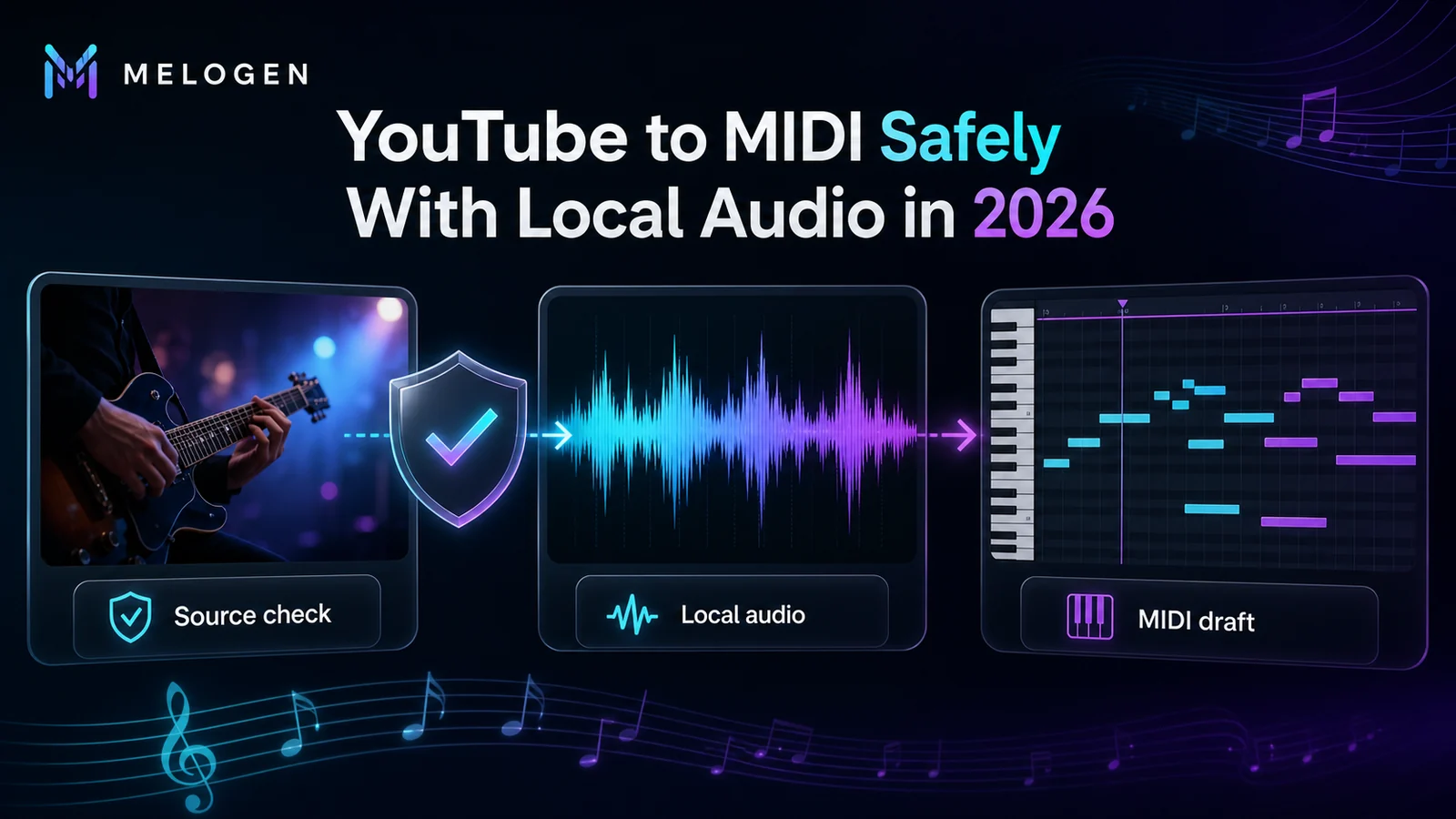
Turn a static score into editable MIDI
Contents
If you want to convert YouTube to MIDI, separate the job into two decisions before you touch a converter. First, decide whether you are allowed to make a local audio file from the source. Second, decide whether that local audio is clean enough for audio-to-MIDI transcription.
The safe workflow is not "paste any YouTube link and extract a file." It is: use an official or permitted source, prepare a short local audio file, run an audio-to-MIDI pass, then clean the MIDI in a DAW or notation editor. That keeps the process useful for musicians without turning the article into a downloader shortcut.
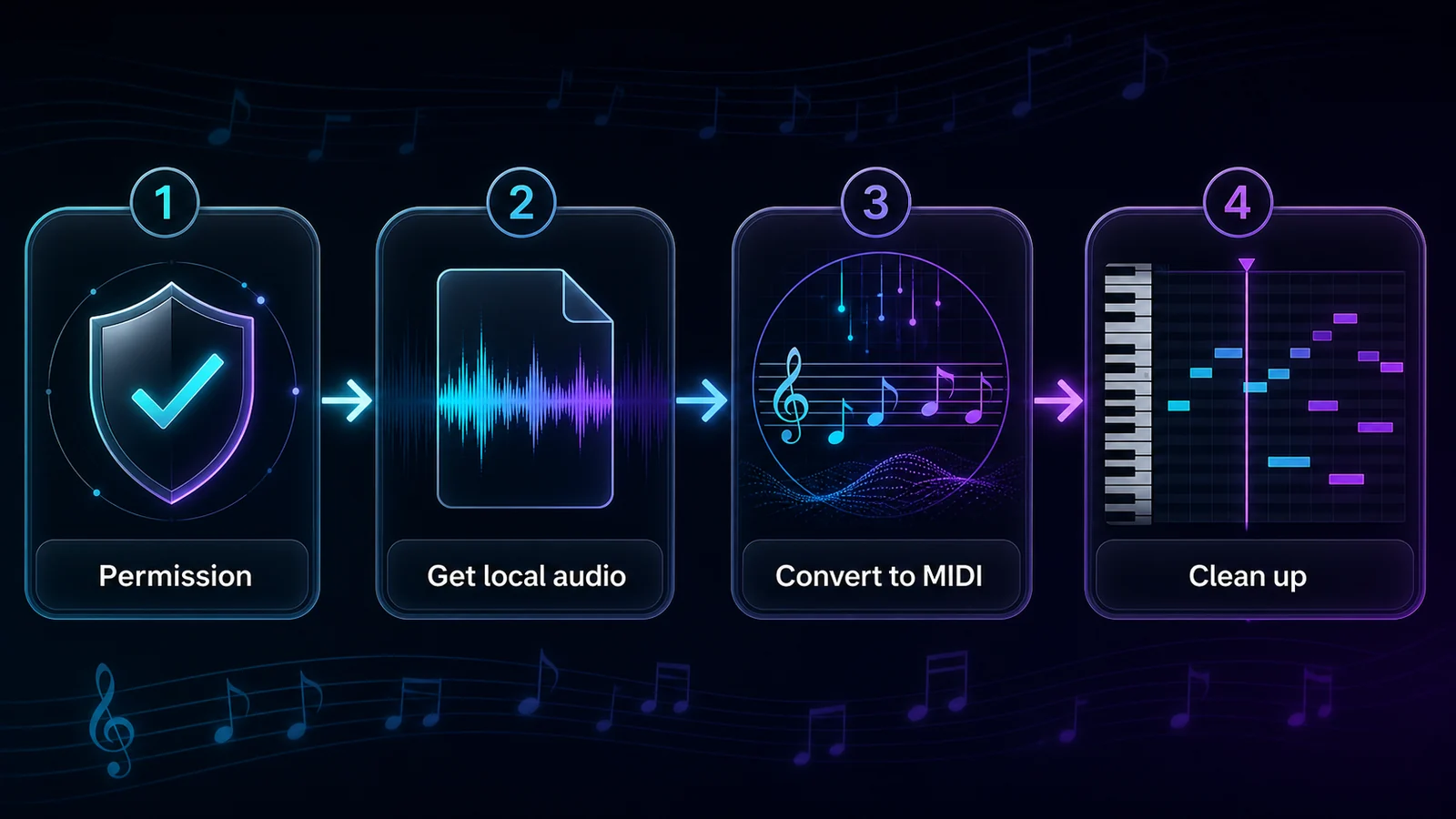
Quick Answer
YouTube itself is a video and streaming platform, not a MIDI source. A YouTube-to-MIDI workflow only becomes practical after you have a permitted local audio file, such as your own upload, a creator-provided download, a licensed sample, a public-domain recording you can use, or another audio file you have rights to process.
| Starting point | Best next step | Why |
|---|---|---|
| You only want offline playback | Use YouTube's supported offline viewing options | Offline viewing is different from exporting audio or MIDI. |
| You own the video or audio | Export or download your own source, then trim it | Clean local audio gives a converter a real input. |
| A creator offers a download or license | Follow that license and keep the source notes | Permission matters before conversion. |
| You have a local MP3, WAV, FLAC, M4A, or AAC | Use an audio-to-MIDI converter | MIDI transcription starts from sound, not from the webpage. |
| You need printable notation | Convert to MIDI first, then clean or re-notate | MIDI is a draft, not a finished score. |
Check The Source Before You Convert
Start with permission because it controls the whole workflow. YouTube's own help page for offline videos describes offline viewing inside supported YouTube experiences and selected locations. It does not turn every video into a general audio export or MIDI input.
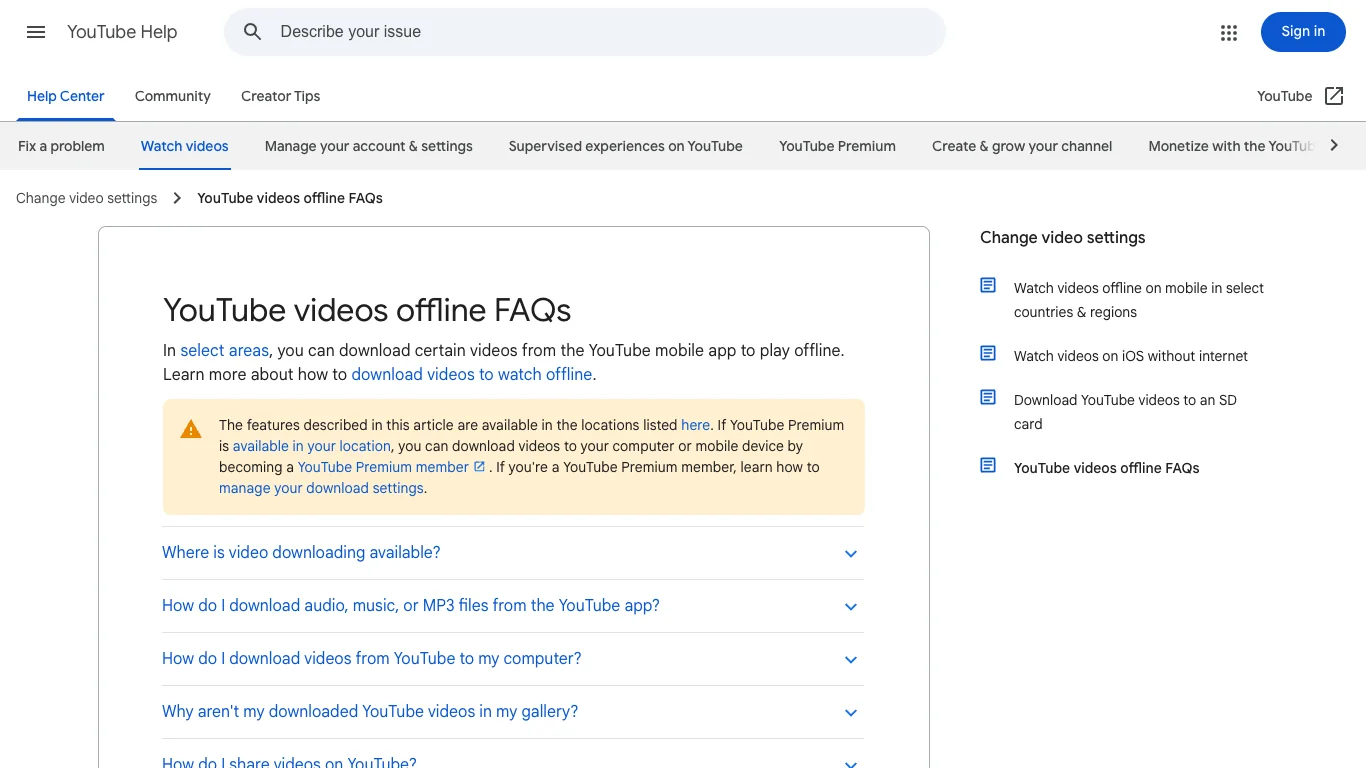
Official source: YouTube videos offline FAQs.
You should also treat YouTube's terms as the boundary for what the platform allows. If a workflow depends on extracting audio from a video that you do not own, do not assume a converter result is automatically usable just because a tool can produce a file. Check the creator's license, the video description, your own usage, and the platform rules first. Official source: YouTube Terms of Service.
Good source situations include:
- You uploaded the original video and still control the audio.
- The creator provides a direct download or license that allows your intended use.
- The recording is public domain or released under a license that fits your project.
- You are working from a local recording, stem, or export that only happens to have a YouTube reference version.
- You only need to study the melody privately and will not redistribute the audio, MIDI, or derivative work.
Risky source situations include mirror download sites, cracked apps, "free premium" tools, browser extensions that request broad permissions, and any workflow that asks you to bypass normal platform or account limits.
Prepare Local Audio For A Better MIDI Draft
Audio-to-MIDI tools listen to sound and guess note events. They do not understand a YouTube page, video metadata, comments, or thumbnails. The cleaner the audio, the better the MIDI draft.
Before conversion, prepare a short source:
- trim the intro, silence, applause, and spoken sections
- use WAV or FLAC when you have it, or the highest-quality local file available
- isolate the melody, bass, vocal, guitar, or piano line if possible
- avoid dense full mixes when you only need one part
- keep the original audio beside the MIDI so you can compare the result
If your source is already an MP3, the workflow is closer to converting an audio file to MIDI than to a YouTube-specific trick. If your goal is simply to learn how audio becomes notes, the broader audio transcription workflow explains the same cleanup limits in more detail.
Convert The Audio Into MIDI With Melogen
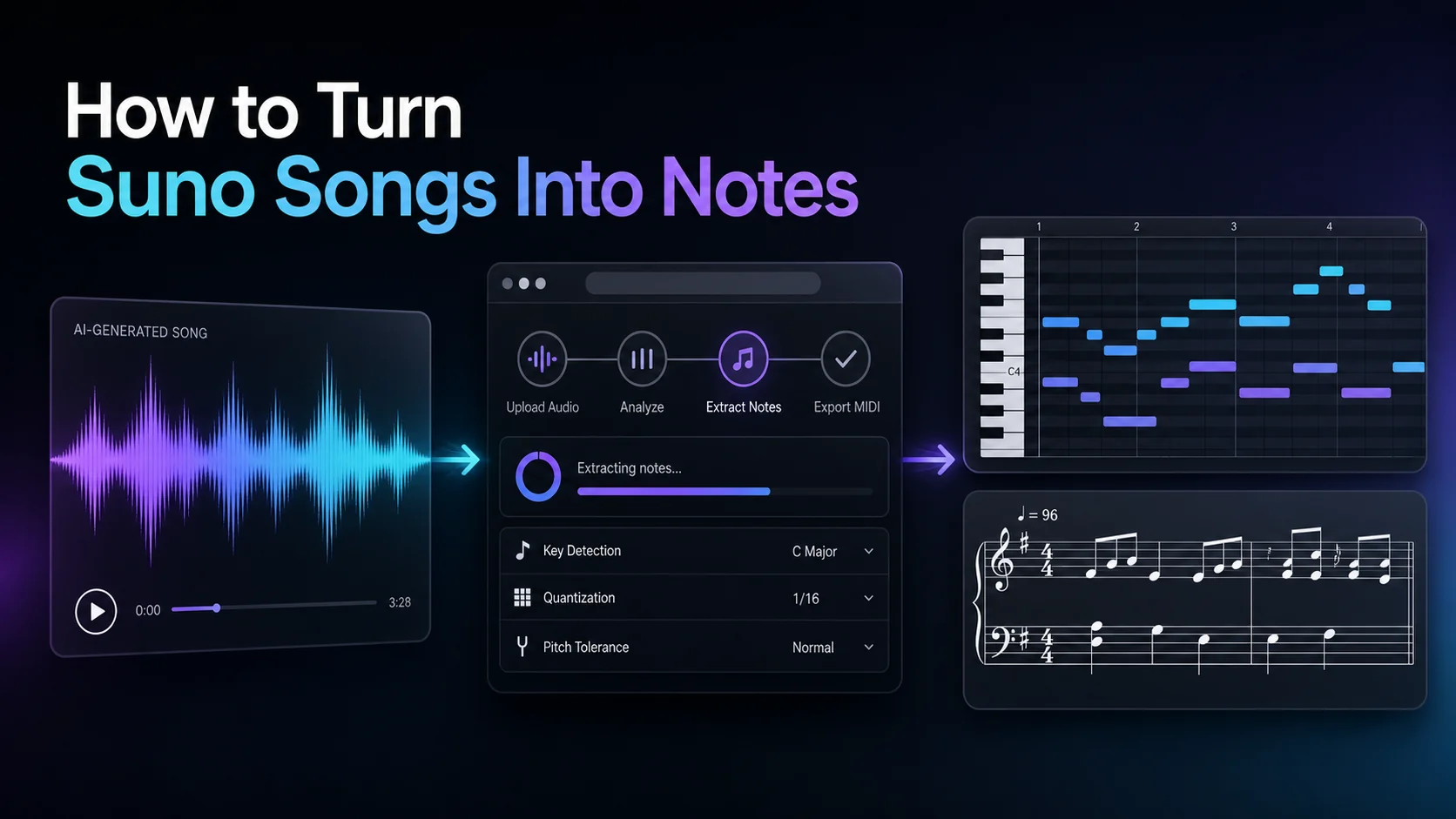
Melogen's Audio to MIDI converter works from local audio files such as MP3, WAV, FLAC, OGG, M4A, and AAC. That makes it a good fit after the source is already permitted and local.
Use a short test clip first. A 20-to-40 second phrase is enough to tell you whether the source has usable pitch information. If the MIDI output is full of stray notes, shorten the clip, use a cleaner stem, or simplify the source before trying a whole song.
Here is the practical workflow:
- Save or export a permitted local audio file.
- Trim the file to the section you actually want to transcribe.
- Open Melogen Audio to MIDI and upload the file.
- Download the MIDI draft.
- Open the MIDI in Logic Pro, Ableton, FL Studio, MuseScore, Dorico, or another editor.
- Compare the MIDI against the source audio and fix pitch, timing, note length, and octave errors.
Turn permitted local audio into editable MIDI
Use Melogen Audio to MIDI after you have a local file you are allowed to process, then clean the draft in your DAW or notation editor.
Know What MIDI Will And Will Not Preserve
MIDI is performance data. It can store note timing, pitch, velocity, tempo, and instrument events. It does not preserve lyrics, video context, mix quality, exact guitar tone, human phrasing, or a polished score layout.
That is why a YouTube-to-MIDI workflow should be judged by editability, not perfection.
| Audio source | MIDI expectation | Cleanup focus |
|---|---|---|
| Solo piano or synth | Usually the strongest first pass | Wrong notes, pedal blur, timing |
| Clear vocal melody | Good for pitch and phrase shape | Octaves, slides, note lengths |
| Guitar lead or bass line | Useful when the part is isolated | bends, slides, ghost notes |
| Full band mix | Rough sketch only | remove extra notes and simplify |
| Drum-heavy or distorted audio | Unpredictable for pitched MIDI | isolate stems or choose a cleaner section |
If the next destination is notation, also decide whether MIDI is enough. MIDI can be imported into notation software, but it often needs cleanup before it becomes readable sheet music. For score-first projects, compare the tradeoffs in MIDI vs MusicXML.
When A Dedicated YouTube Converter Fits
A dedicated YouTube-to-MIDI converter can be useful when it handles source permission responsibly, explains what it downloads or analyzes, and gives you a MIDI file that can be edited. The problem is that many tools blur three separate jobs:
- getting audio from a YouTube URL
- transcribing the audio into notes
- cleaning the MIDI into something musical
Those jobs should stay separate in your mind. A tool that accepts a URL may still produce weak MIDI if the source is noisy. A tool that produces a clean MIDI draft may still be inappropriate if the source is not yours to process. A converter that looks convenient may still be less useful than a local audio workflow when you need control over the clip, format, and cleanup.
Use this quick decision:
| If you need | Choose |
|---|---|
| Official offline viewing | YouTube's own supported offline feature |
| MIDI from your own or licensed source | Local audio export plus Melogen Audio to MIDI |
| A single melody from a complex song | Stem or section cleanup before conversion |
| A printable score | MIDI draft plus notation cleanup, or a score-first MusicXML route |
| A bypass for streaming music | Stop and choose a compliant source |
Practical Takeaway
YouTube to MIDI is possible only when you treat it as a source-first music workflow. Do not start with a random downloader. Start with a source you are allowed to use, make the audio local, trim it to the part you need, run an audio-to-MIDI pass, and then edit the MIDI like a musician.
Melogen fits the middle of that workflow: after the source is local and permitted, before the MIDI is polished enough for a DAW, notation editor, or arrangement.
About the author
Zhang Guo
Composer - AI Product Manager
AI product manager and digital marketing consultant with a background in music. Creativity is the bridge between rhythm and logic, where musical intuition and mathematical precision can coexist in every meaningful product decision.
Follow on X