How to Convert Audio to MIDI in Ableton Live and Fix Notes
Convert audio to MIDI in Ableton Live with the right Melody, Harmony or Drums command, then check transients and notes against a simple reference.
 Zhang Guo
Turn a static score into editable MIDI
Contents
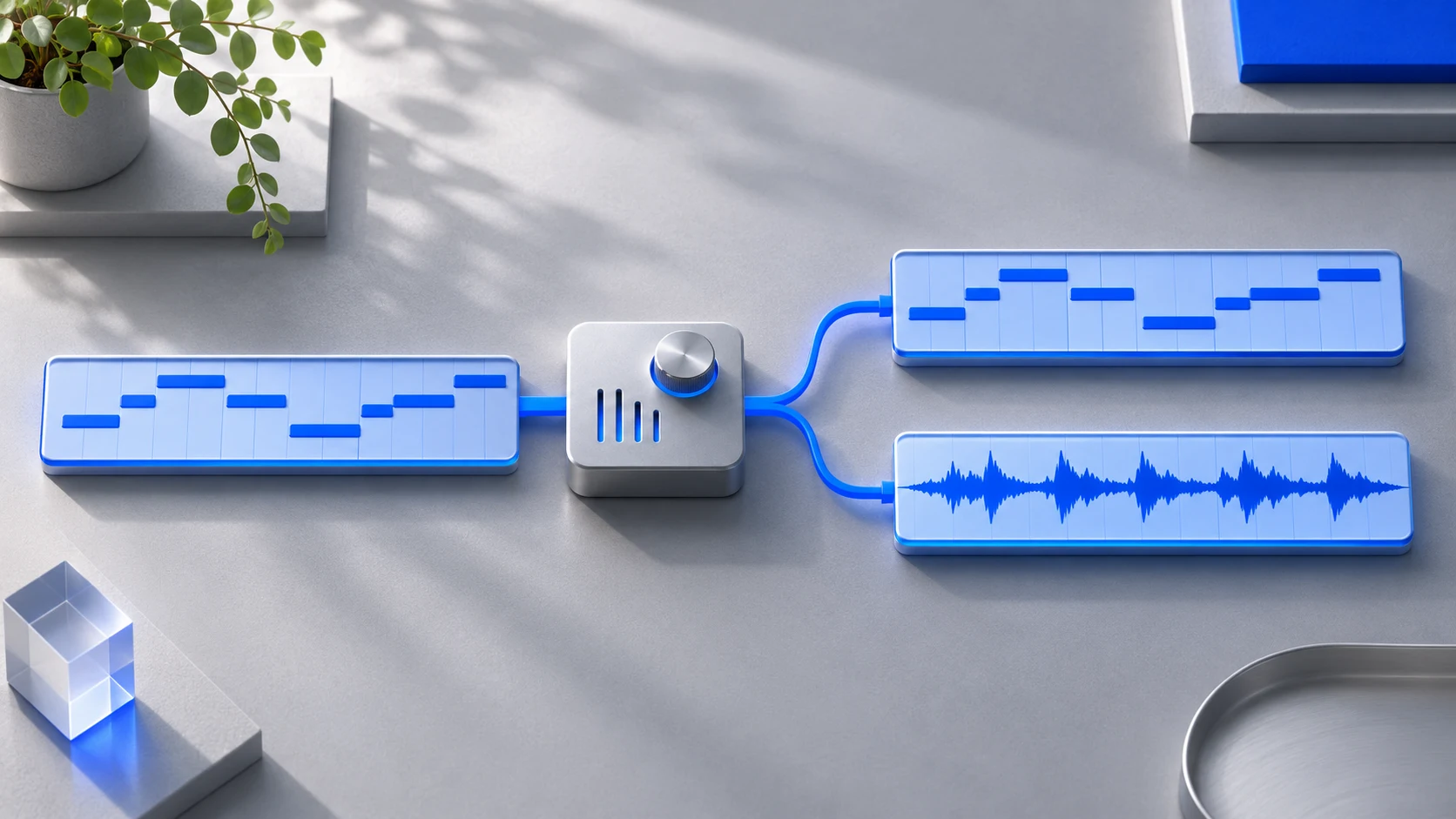
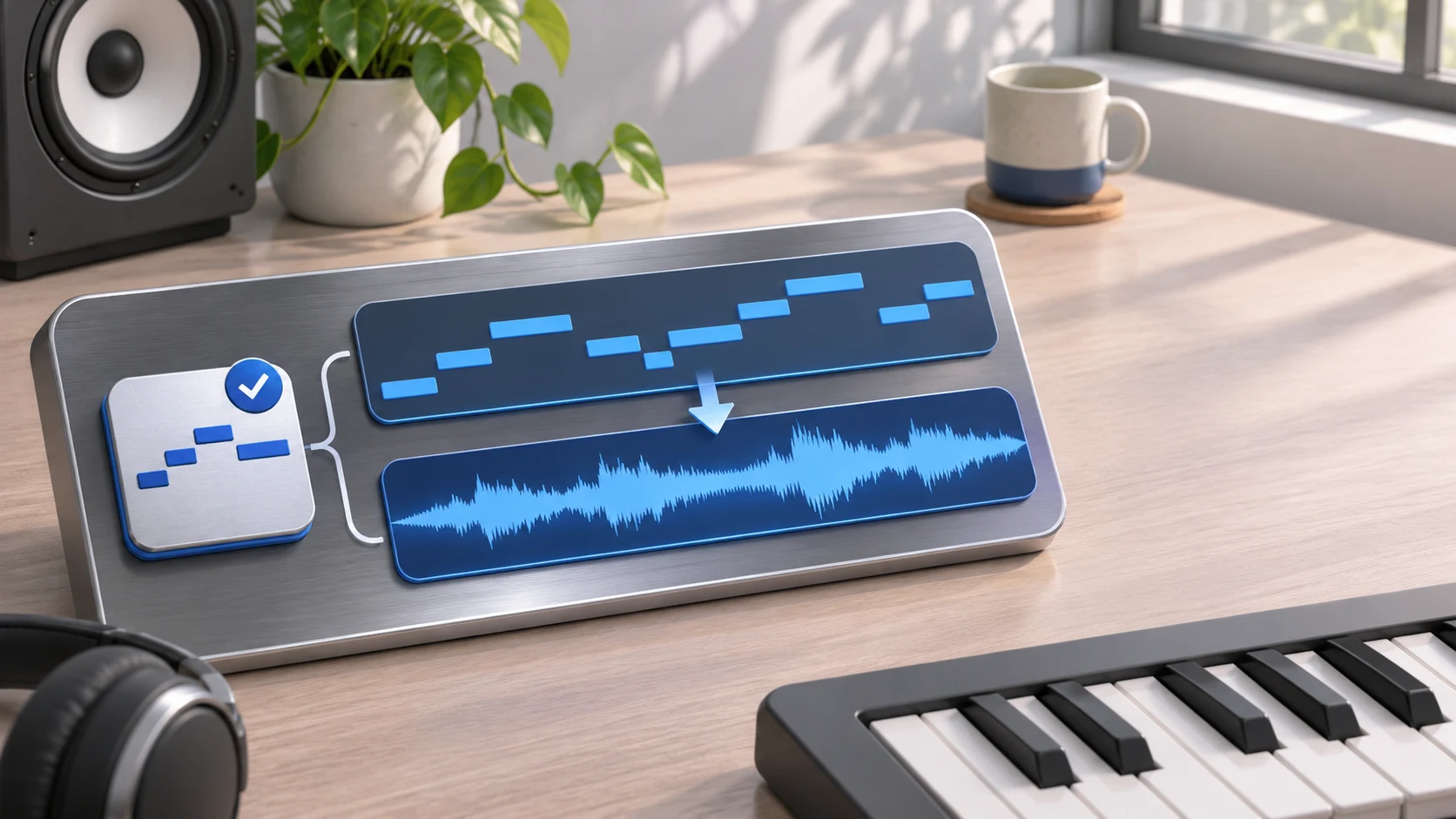
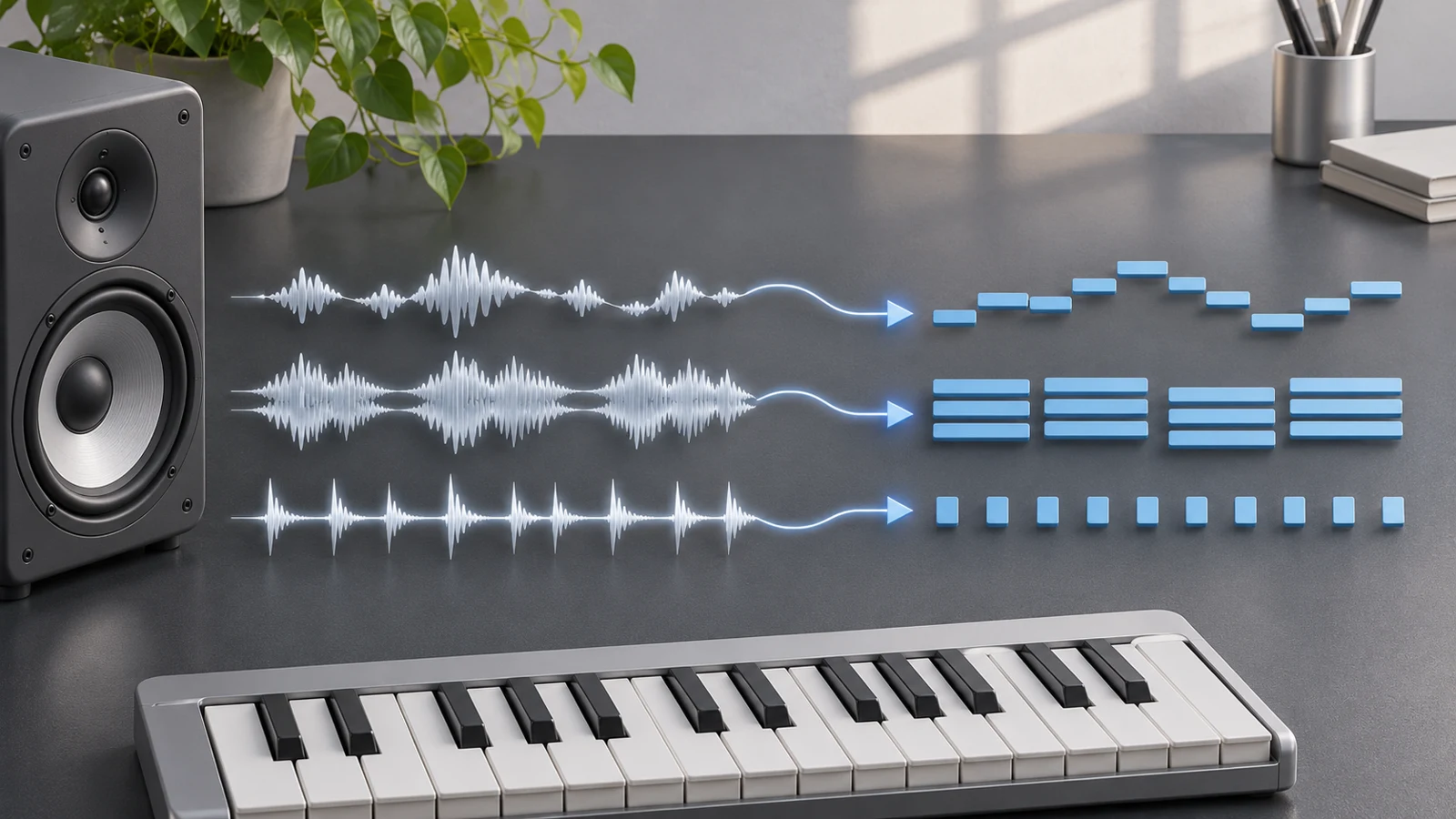
To convert audio to MIDI in Ableton Live, select an audio clip and choose the conversion command that matches it: Melody for one pitched line, Harmony for simultaneous pitches, or Drums for percussion. Live creates a new MIDI track. Listen to that track by itself, then correct the notes against the original clip.
The first decision is musical. A singer holding one note, a strummed chord and a drum break need different analysis, even when all three arrive as WAV files.
Check the edition and choose the command
Ableton's current Live edition comparison includes Audio to MIDI in Standard and Suite, with the feature absent from Intro. Check the edition you are running before troubleshooting a missing menu item. Installing a different instrument will not add an edition-level conversion feature.
| Source and intended result | Command family | What to inspect afterward |
|---|---|---|
| One voice, bass line or solo melody | Convert Melody | Pitch contour, octave and repeated notes |
| Clearly recorded chords or polyphonic playing | Convert Harmony | Missing chord tones and false extra pitches |
| Isolated unpitched percussion | Convert Drums | Hit timing and kick/snare/hat assignments |
| Playable slices retaining the recorded sound | Slice | Slice boundaries and sample mapping |
Slicing is a different job. Its notes trigger pieces of the recording. Musical conversion creates events that can play another instrument. If your aim is to replace a hummed line with a piano, use pitch conversion rather than merely slicing the hum.
Start with a controlled four-note phrase
Use the original reference WAV for a small first pass. Its companion MIDI file supplies the intended notes; it is a reference made for the exercise, not an asserted output from Live.
Set the project to 120 BPM. The two-second phrase contains MIDI pitches 60, 62, 64 and 67, starting at 0, 0.5, 1 and 1.5 seconds. Each note lasts 0.375 seconds. That gives four clear attacks and short gaps you can see in the waveform.
Before converting your own audio:
- Keep a copy of the original clip.
- Choose a phrase with a clear beginning and ending.
- Remove irrelevant count-ins from the conversion region while retaining the timing reference you need.
- Use one isolated instrument where possible.
- Check that warping and clip placement reflect the phrase you intend to transcribe.
An obviously wrong tempo or clip start is a structural problem. Fix it before judging whether a note detector found every pitch.
Run the conversion from the selected audio clip
For the supplied single-line exercise, right-click the audio clip and choose Convert Melody to New MIDI Track. The corresponding action is also available from the Create menu while that clip is selected. Wait for the new track, then solo its instrument.
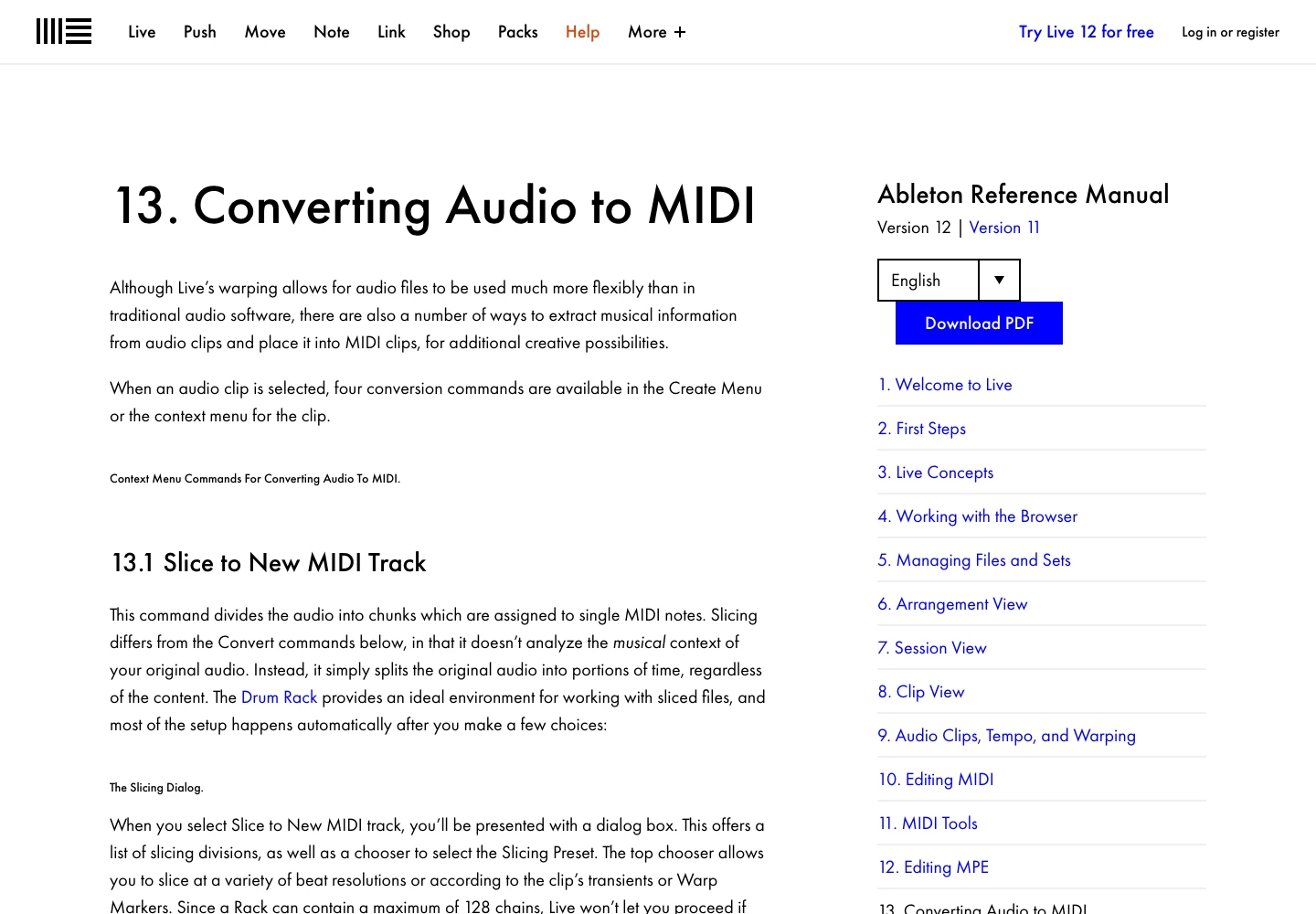
The Live 12 conversion chapter explains the available analysis modes and their source requirements. Treat the instrument Live loads as an audition sound. Replacing that instrument changes timbre; it does not repair incorrect pitch data.
Keep the audio and MIDI at the same musical start. Switch between them while listening. If both play at once, the original can make a weak conversion seem complete.
Fix attacks before chasing every note
Live uses the source clip's transient markers when dividing detected events. A noisy breath can suggest a false attack; a soft entrance can hide a real one. Inspect those markers in the source clip, then rerun conversion when the event divisions are fundamentally wrong.
For the reference phrase, a good editing target is four principal notes. It does not matter whether your software labels MIDI pitch 60 with the same octave name as another editor. The number, sounding register and interval sequence are the reliable checks.
| Observation | Likely place to investigate | Editing decision |
|---|---|---|
| Correct notes, extra short fragments | Release noise or false transient boundaries | Remove false events; rerun if the whole phrase is fragmented |
| One sustained note replaces two repeated attacks | Missing boundary | Check the source marker before splitting blindly |
| A solo melody produces chord clusters | Wrong analysis family or a dense source | Return to a single-line source and Melody conversion |
| Notes are uniformly offset | Clip start or leading silence | Align the phrase before local timing edits |
| A percussion part plays the wrong kit pieces | Drum assignments | Remap hits after checking their attack times |
Once the event structure works, correct wrong pitches, note lengths and velocities in that order. Keep intentional performance timing unless a quantized result is your actual goal.
Use a standard MIDI file as another entry point
Melogen Audio to MIDI is useful when the source is outside Live, or you want a portable note draft before choosing a DAW. Upload the recording, download the MIDI and bring it into a MIDI track with an instrument. Retain the same original audio for comparison.
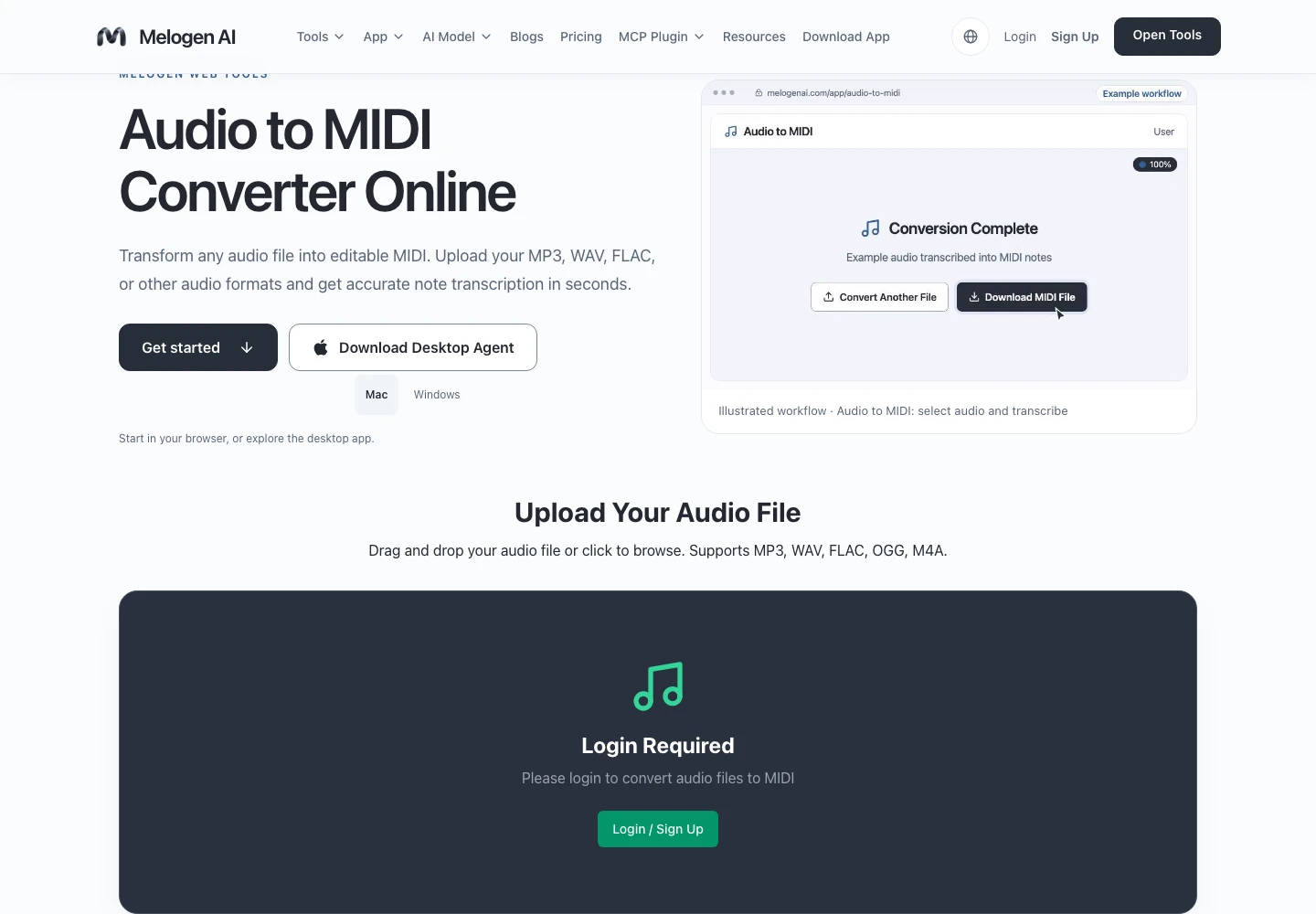
This gives you a file-based route, not a guarantee that a dense mix becomes a finished arrangement. The source-first transcription guide covers that larger input decision. Here, the important Ableton checks remain clip alignment, analysis mode, transient boundaries and instrument playback.
Bring a MIDI draft into your Live Set
Use Melogen Audio to MIDI to create a portable note draft, then review its attacks, pitches and lengths against the recording in Live.
Finish with a result you can reopen
Save the Set with the original clip and the corrected MIDI track clearly named. If you export MIDI for someone else, reopen that file in a separate track and compare its first event, final event and note count with your edited clip. Include audio when the recipient needs to hear your chosen sound; MIDI alone carries instructions rather than the instrument's rendered tone.
About the author
Zhang Guo
Composer - AI Product Manager
AI product manager and digital marketing consultant with a background in music. Creativity is the bridge between rhythm and logic, where musical intuition and mathematical precision can coexist in every meaningful product decision.
Follow on X