How to Create a MIDI File From Your First Four Bars
Create a MIDI file from a blank piano roll with an exact four-bar exercise, a downloadable example, and checks for notes, tempo, and export.
 Zhang Guo
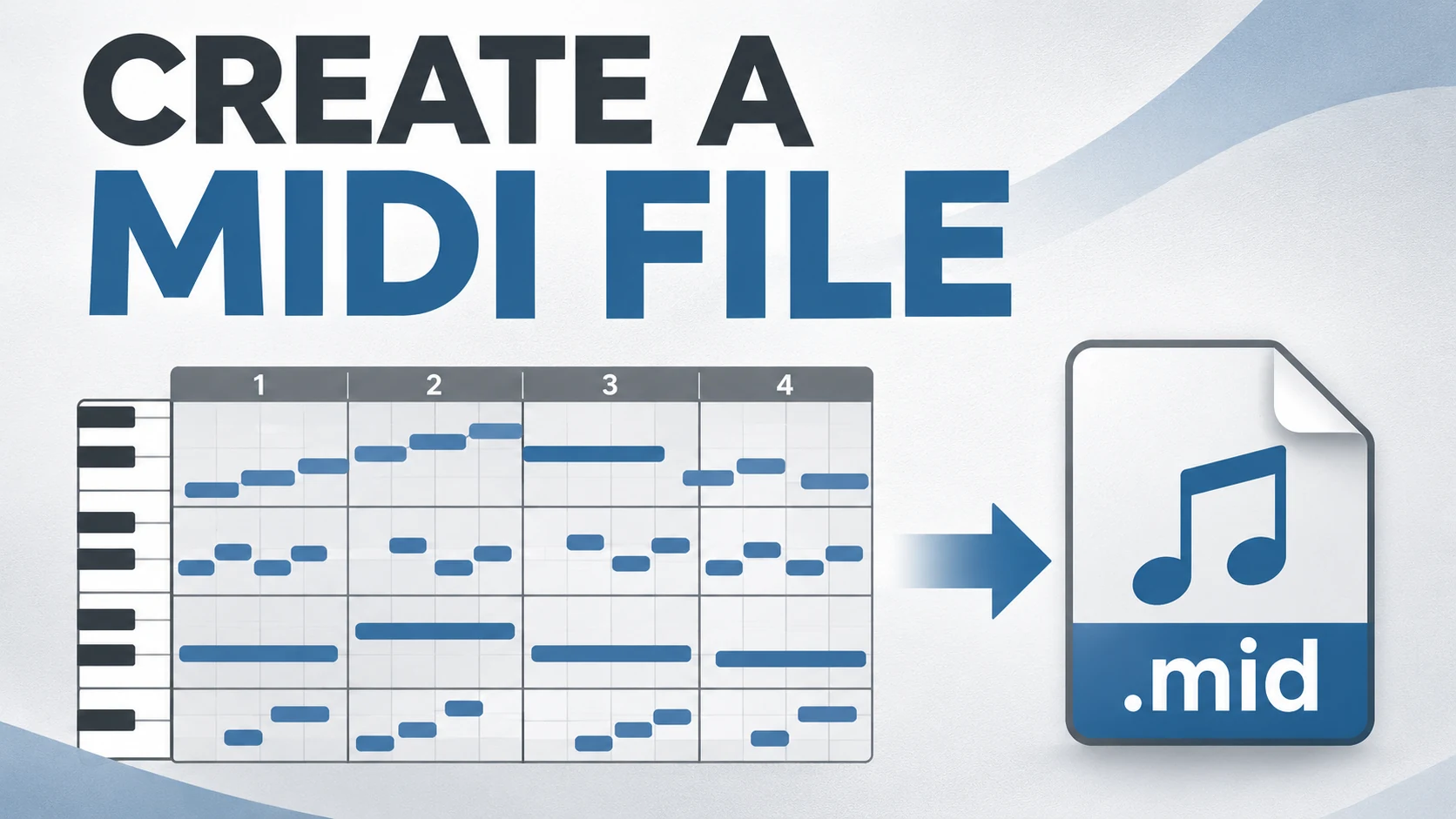
Turn a static score into editable MIDI
Contents
To create a MIDI file, open a piano-roll editor, add notes on its pitch-and-time grid, set the tempo, and choose Export MIDI or Export .mid. Then import that file into a fresh project and check the notes. You can do the first exercise with a mouse; a MIDI keyboard is optional.
A MIDI file stores performance instructions rather than your instrument's recorded sound. The MIDI Association describes information such as notes, program changes, and expression controls. You are creating editable musical events, so an MP3 export is a different result.
Open a blank piano roll
Use an editor that can create notes and export a standard MIDI file. A DAW works, as does a browser piano roll with explicit .mid export. Check that export is available before spending time composing.
For example, the public Freesong MIDI editor exposes a blank piano roll, tempo, time signature, instrument selection, and Import .mid and Export .mid controls. The following exercise is editor-independent: use the same note positions in your preferred app.
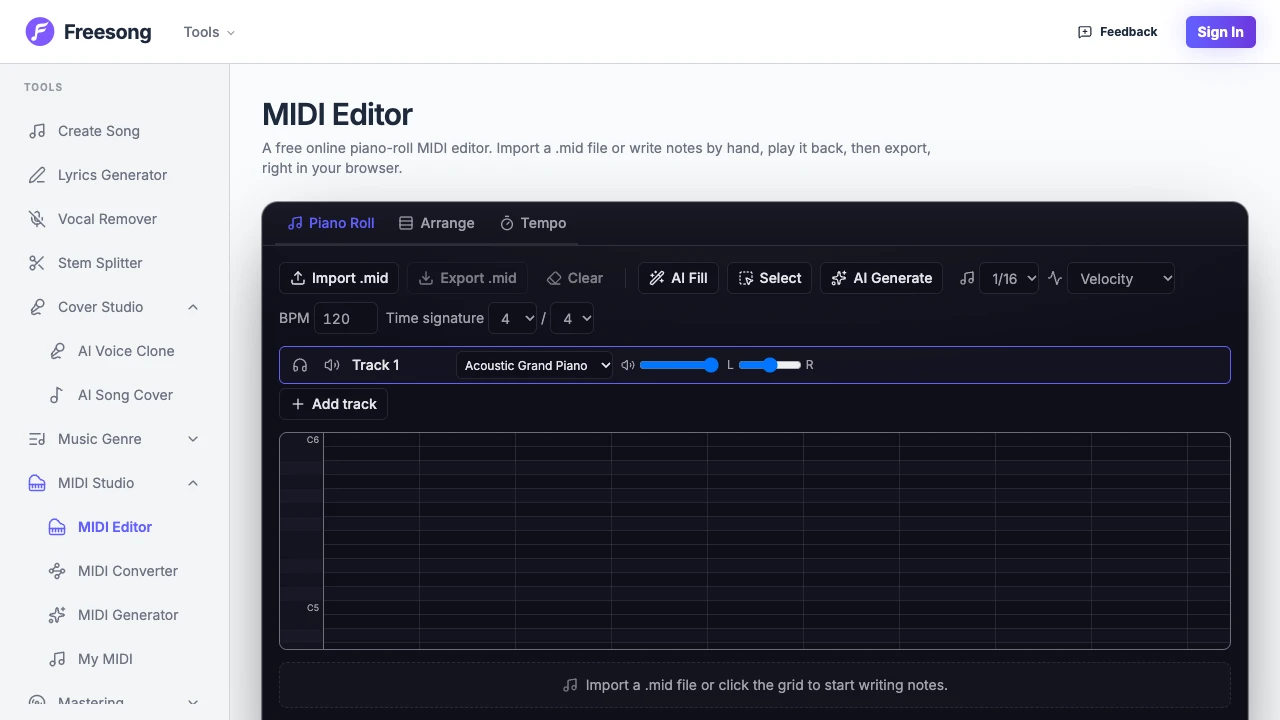
Create one pitched-instrument track, choose a piano sound, set 120 BPM and 4/4, and make four bars visible. Set the grid to quarter notes if your editor offers that. If it shows sixteenth-note subdivisions, four small cells equal one quarter-note beat.
Enter this original four-bar melody
Pitch goes up and down; time moves left to right. A note rectangle's length controls how long it is held. Enter the notes below without overlapping them. C4 means middle C in scientific pitch notation, MIDI note 60; some DAWs label octave numbers differently, so confirm note 60 if the label disagrees.
| Bar | Notes in order | Duration of each note | Total beats |
|---|---|---|---|
| 1 | C4, E4, G4, E4 | 1, 1, 1, 1 beats | 4 |
| 2 | D4, F4, A4, F4 | 1, 1, 1, 1 beats | 4 |
| 3 | E4, G4 | 2, 2 beats | 4 |
| 4 | C4 | 4 beats | 4 |
This is an original teaching melody. It contains 11 notes across 16 beats, which lasts eight seconds at 120 BPM. The longer notes in bars 3 and 4 make duration mistakes easy to hear.
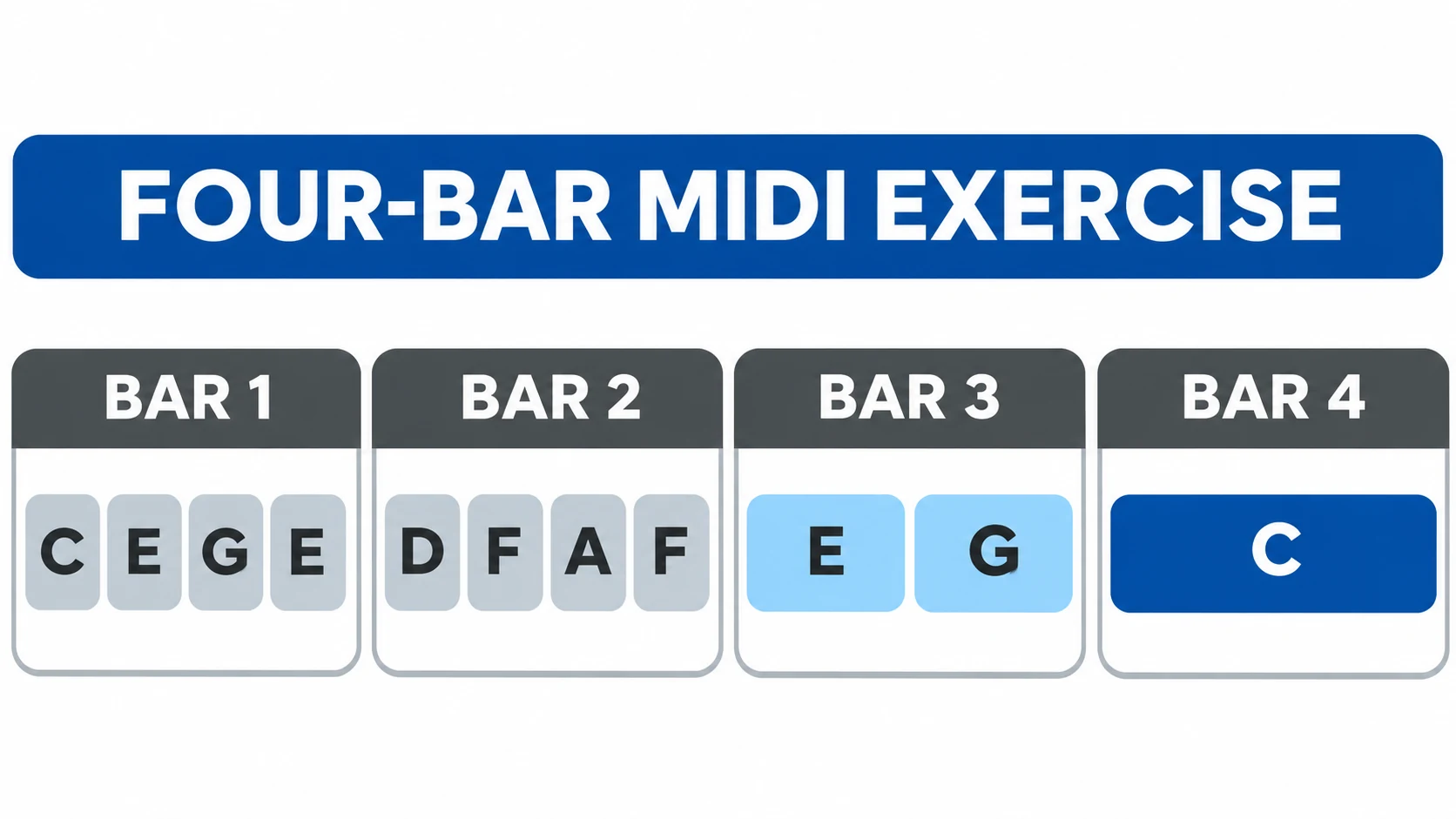
If your pencil inserts short notes, drag each note's right edge to the required length or use the editor's note-length setting. Keep the final C held through bar 4 rather than placing four repeated Cs. A held note and repeated notes are different MIDI events.
Listen for timing before changing the sound
Play from the start with the metronome if available. Count 1 2 3 4 through every bar. Bar 1 should have one note on each beat; bar 3 should change only on beats 1 and 3; bar 4 should have one attack and then sustain.
Use our downloadable example MIDI as a reference. Its saved events contain the 11 pitches and durations in the table, a 120 BPM tempo event, and a four-bar endpoint. We also imported this example into the public Freesong editor and exported it again; the returned file retained all 11 pitches, start positions, and note lengths. The synthesized audio preview provides a listening reference; your editor's piano timbre may differ.
| Symptom | First check | Fix |
|---|---|---|
| Melody runs too fast | Tempo and grid subdivision | Set 120 BPM and place quarter notes one beat apart |
| Final C repeats | Number of note rectangles in bar 4 | Replace repeated notes with one four-beat note |
| Notes stop too early | Rectangle lengths | Extend durations to the values in the table |
| Right pitches, wrong register | Octave naming | Check middle C against MIDI note 60 |
| Silence despite visible notes | Instrument and track mute | Assign a playable instrument and clear mute/solo errors |
Export the MIDI rather than only saving the project
Save the editable project, then use its MIDI export command. A project save may produce an app-specific document or browser sequence that another program cannot open. The output you want ends in .mid or .midi.
Select the intended track or whole arrangement according to your editor's export dialog. Check whether a highlighted region restricts the export. Use a clear name such as four-bar-melody-120bpm-v1.mid, and keep an audio preview separately if someone needs to hear your chosen sound.
MIDI export does not usually package a plugin's piano samples, reverb, or exact mix. For preparing a file for someone else after creation, continue to sharing a MIDI file.
Reopen the saved file and verify the result
Create a new blank project or open another compatible MIDI editor, then import your exported file. Check the file itself rather than the project you used to create it.
- There are 11 note starts, with no unexpected duplicates.
- Bar 1 is C–E–G–E and bar 2 is D–F–A–F.
- Bar 3 contains two two-beat notes; bar 4 contains one four-beat C.
- The intended tempo is 120 BPM. Some import dialogs ask whether to use the file's tempo map.
- The final note ends at the end of bar 4, after 16 beats.
- A pitched instrument plays the part in the intended register.
Choose a different starting route when you already have music
This exercise begins with a blank grid. If you already have printed notation, Melogen Sheet2MIDI is a conversion route into editable MIDI, followed by the same note-and-timing checks. If your starting point is a recording, the audio-to-notes workflow explains transcription rather than manual note entry.

Keep those jobs separate in your session. First establish whether you are composing, performing into MIDI, or converting an existing source. Once the file contains the intended musical events and survives reopening, you have a usable first MIDI file.
About the author
Zhang Guo
Composer - AI Product Manager
AI product manager and digital marketing consultant with a background in music. Creativity is the bridge between rhythm and logic, where musical intuition and mathematical precision can coexist in every meaningful product decision.
Follow on X