Best SoundCloud Downloaders for Safer Offline Audio
Compare the best SoundCloud downloaders by rights, format, platform, and risk. See when TuneFab, KlickAud, or ScloudDownloader fits.
 Zhang Guo
Turn a static score into editable MIDI
Contents
The best SoundCloud downloaders solve different jobs, and the right choice depends on what you are actually allowed to save. Start with SoundCloud's own download button when a creator enables it. If you need a desktop converter with batch and format controls, TuneFab is the strongest researched option here. KlickAud and ScloudDownloader are lighter browser tools, but they need stricter source, privacy, and output checks.
This comparison is for music you created, public-domain audio, creator-enabled downloads, or tracks you otherwise have permission to save. A streaming link is not automatic permission to extract a file.
Quick comparison of the best SoundCloud downloaders
| Option | Best for | Platform | Publicly stated output | Main tradeoff | Best-fit verdict |
|---|---|---|---|---|---|
| SoundCloud download button | Creator-enabled original files | Web | The uploader's original file format | Not available on every track; no whole-playlist download | Best first choice when available |
| TuneFab SoundCloud Music Converter | Desktop batch and format control | Windows, macOS | MP3, M4A, WAV, FLAC, AIFF | Installer, account workflow, paid limits, and rights review | Best researched desktop option |
| KlickAud | Fast browser-based link conversion | Browser | MP3; the current page advertises 128 and 320 kbps | Ad-heavy surface, shifting locale URLs, and claim verification | Best for a cautious one-off browser check |
| ScloudDownloader | Simple browser interface with an explicit permission note | Browser | MP3 | Limited format detail and an older-looking public surface | Best for a basic permitted track |
There is no universal winner. The useful distinction is whether you need an original creator-provided file, a managed desktop workflow, or a quick browser conversion for a track you are permitted to save.
Check SoundCloud's official download path first
Before comparing third-party tools, open the track on SoundCloud's website and look below the waveform for Download file. SoundCloud's official help page says this button appears when the uploader enables downloads. It also says the listener receives the original uploaded format, which may be WAV, AIFF, MP3, or something else.
That official route has three practical advantages:
- The creator has explicitly enabled the file download.
- You receive the uploaded file rather than a browser-stream transcode.
- You avoid converter pages, extensions, pop-ups, and account-handling questions.
The limits are equally clear. SoundCloud says not all tracks are downloadable, only individual tracks can use this feature, and playlists cannot be downloaded as a whole through the official button. On mobile, SoundCloud Go or Go+ can provide offline listening inside the app, but that is not a portable MP3 export.
Read SoundCloud's current rule on its official downloading-tracks help page. If you need a fuller source-rights walkthrough, use our guide to download SoundCloud songs to MP3 safely before choosing a converter.
Best desktop option TuneFab SoundCloud Music Converter
TuneFab is the most complete public product surface in this comparison. Its current page presents a Windows and macOS desktop workflow with a built-in SoundCloud player, batch selection, output-format controls, and metadata preservation. It lists MP3, M4A, WAV, FLAC, and AIFF, while the trial and paid limits should be checked again at the moment of purchase.
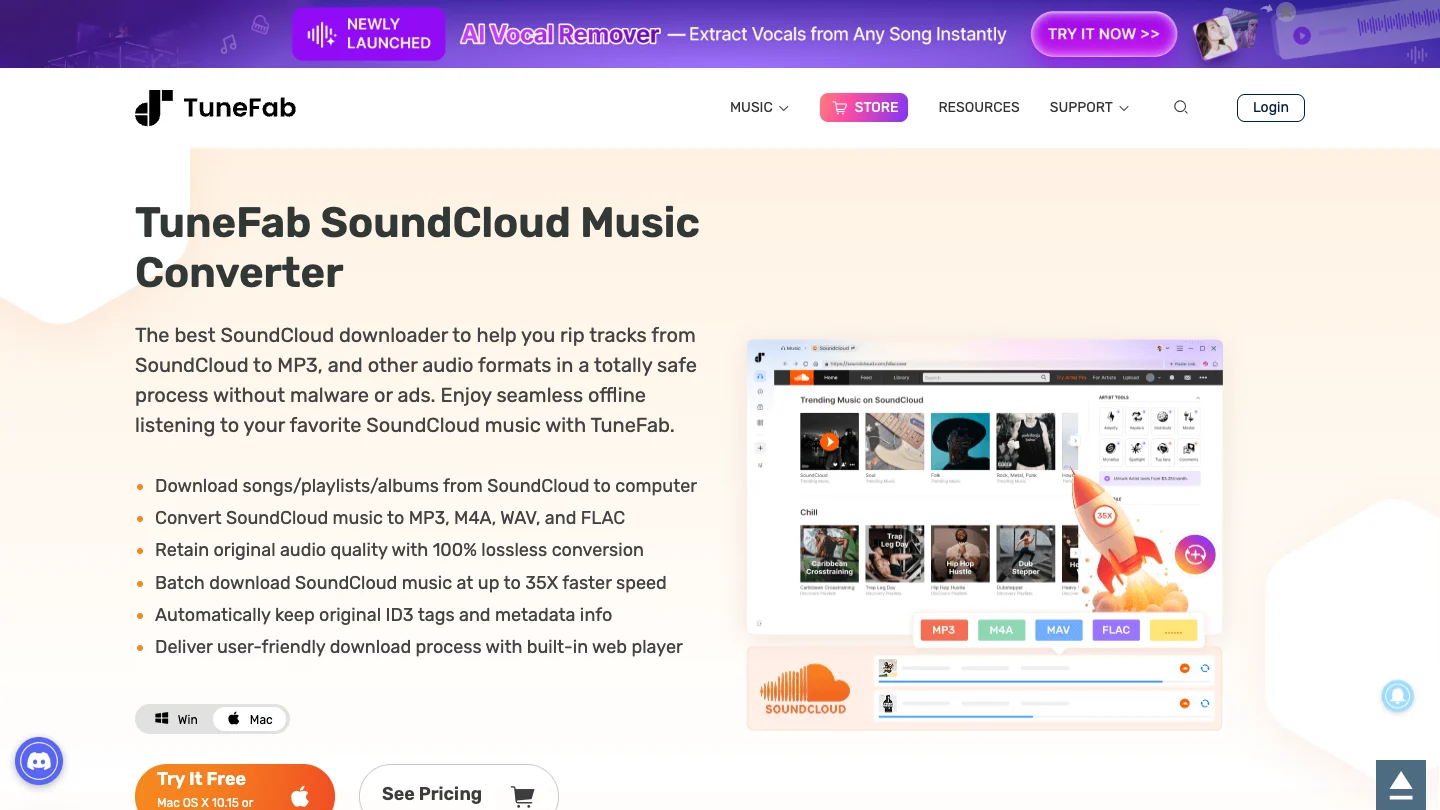
Choose TuneFab when you need:
- a desktop app rather than a converter tab surrounded by ads
- playlist or album selection on a permitted source
- more than MP3 as an output choice
- metadata and batch organization for a local library
- a product page, support path, and current platform requirements you can inspect before installing
The catch is not technical. TuneFab's page can describe what the software does, but you still have to decide whether the source track is yours, creator-enabled, licensed, public domain, or otherwise permitted. Treat bitrate, speed, quality, and success-rate language as vendor claims to verify with a small permitted file before committing a large library.
This is an affiliate recommendation: open TuneFab SoundCloud Music Converter.
Best quick browser option KlickAud
KlickAud is a paste-a-link browser converter. The current public page provides a SoundCloud URL field, conversion button, step-by-step instructions, and terms that restrict use to audio you own, public-domain material, or other permitted non-commercial uses.
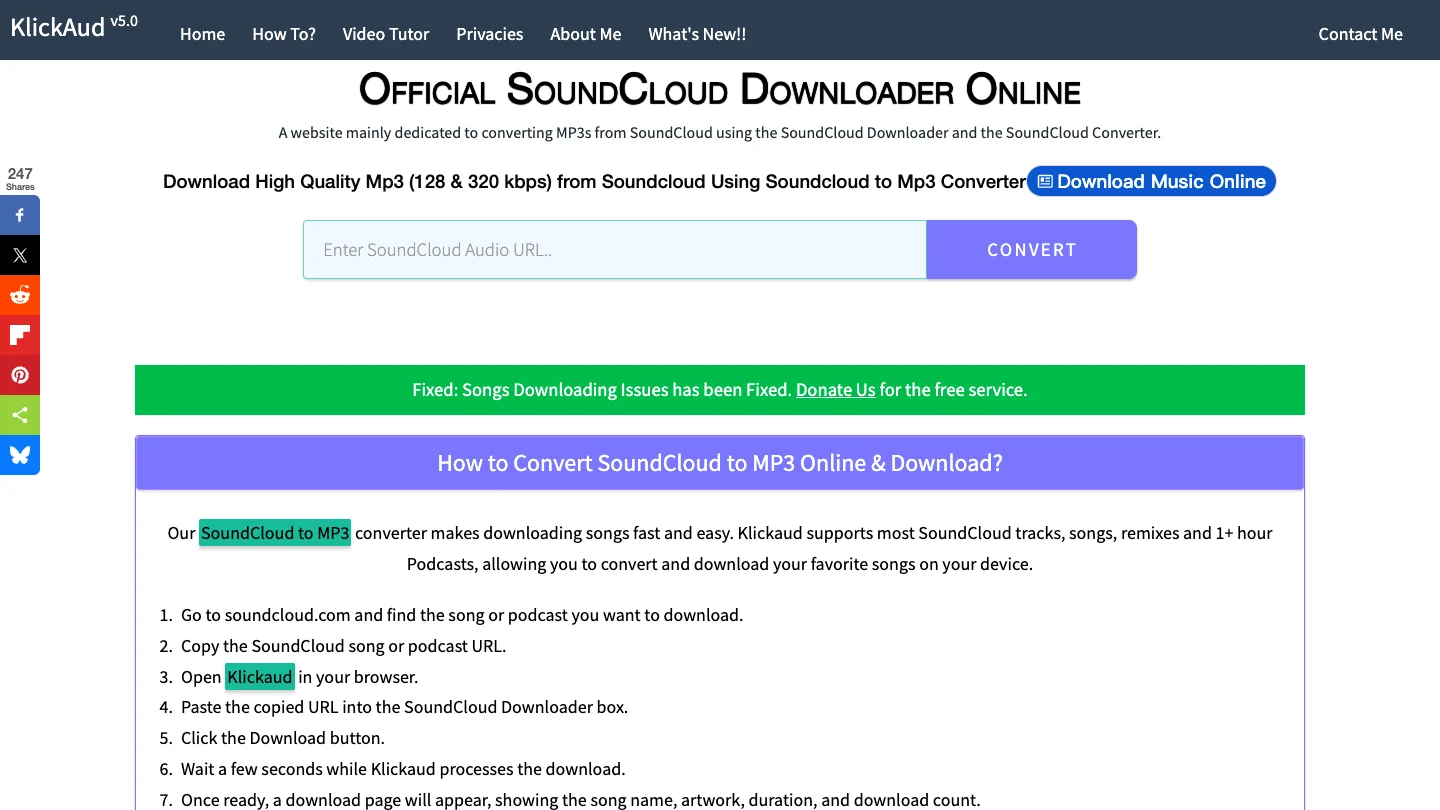
Its strength is speed of access: no desktop installer and a straightforward URL workflow. Its weakness is the surrounding surface. The page carries ads, promotional inserts, multiple dated update notices, and a rotating language-style path. That does not prove the converter is unsafe, but it does mean the reader should verify the destination URL, avoid notification prompts, and inspect the resulting filename and audio before opening it in a larger workflow.
Use KlickAud only for a permitted source and only through its current public converter page. Do not enter a SoundCloud password, browser cookie, token, or private link into an unrelated form.
Best simple permission-limited option ScloudDownloader
ScloudDownloader offers the simplest interface in this group: paste a SoundCloud track link and request an MP3. Its public page says it does not host copyrighted material and limits downloads to tracks allowed by SoundCloud, public-domain tracks, or tracks whose owners have enabled sharing.
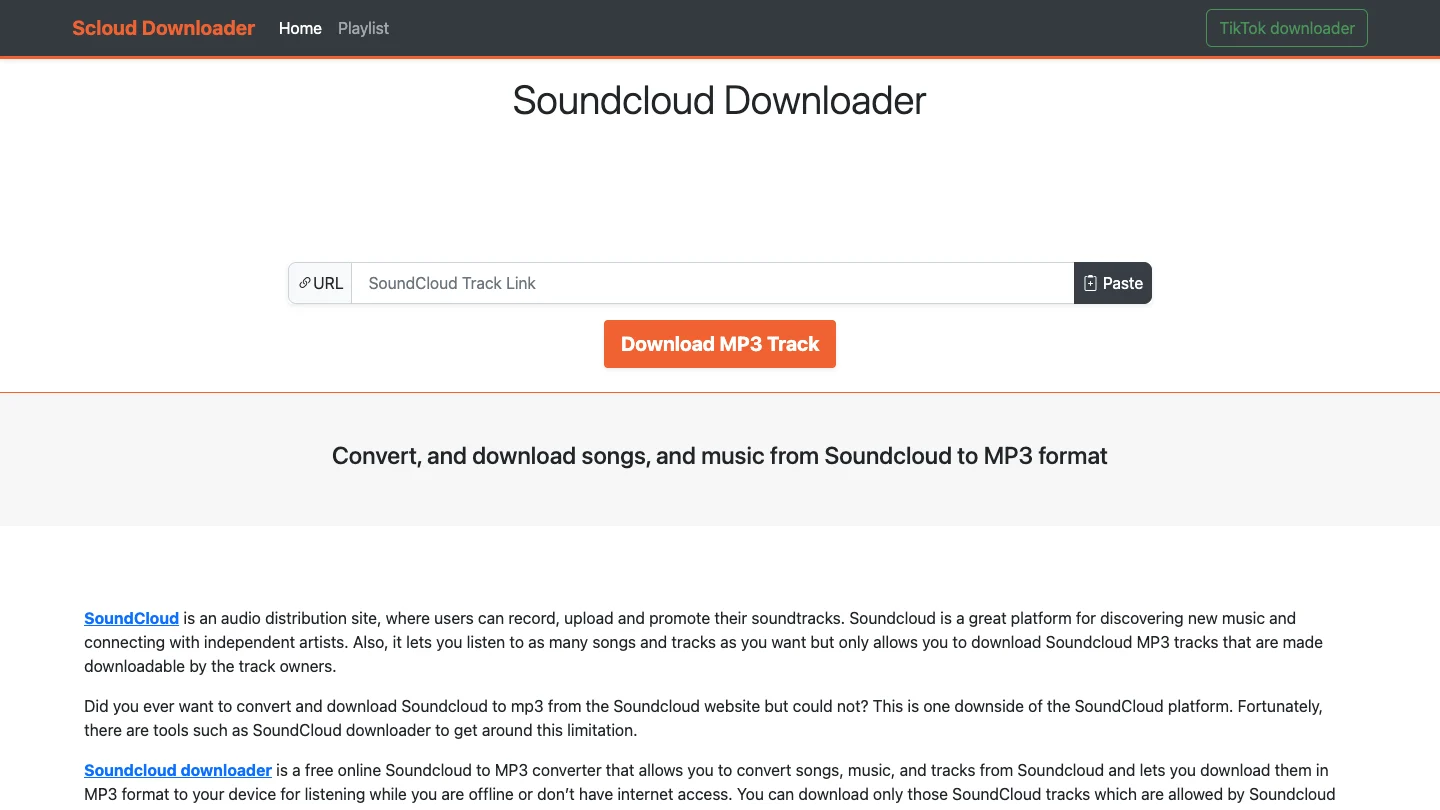
That permission language is more useful than a vague promise to download anything. The tradeoff is a thinner product surface. The page gives limited current detail about encoding, support, privacy handling, or output verification, and its notice board includes older service-status notes. Use it as a narrow browser utility, not as evidence that every public stream can be copied.
If you try the ScloudDownloader public page, start with a track you uploaded yourself or one where the creator enabled downloads. Compare the result with SoundCloud's original download before trusting claims about bitrate or quality.
How to choose without trusting a ranking badge
Run this checklist before downloading anything:
| Check | What to verify | Stop sign |
|---|---|---|
| Permission | You created the track, the uploader enabled downloads, or you have a clear license | The tool implies every public link is automatically downloadable |
| Source path | Official SoundCloud button first; third-party path only when the job still requires it | Requests for passwords, tokens, cookies, or private links |
| Output | Real file extension, duration, metadata, and audible quality | A 320 kbps label with no source-quality explanation |
| Product surface | Current domain, terms, support, installer source, and clear limits | Cracked builds, forced extensions, notification traps, or mirror chains |
| Next use | Private listening, rehearsal, editing, or archiving within your permission | Redistribution, re-uploading, or bypassing creator controls |
A useful first test is one short track you own. Confirm the duration, file size, metadata, sample rate, and audible result. If the file is wrong, do not solve that by trying more suspicious mirrors. Return to the creator-provided file or a legitimate purchase. Our comparison of places to buy MP3 music online is often the cleaner answer for building a portable library.
Where Melogen fits after you have a permitted file
Melogen is not a SoundCloud downloader and does not unlock protected streaming audio. It becomes useful after the source question is settled and you have a local file you are allowed to edit.
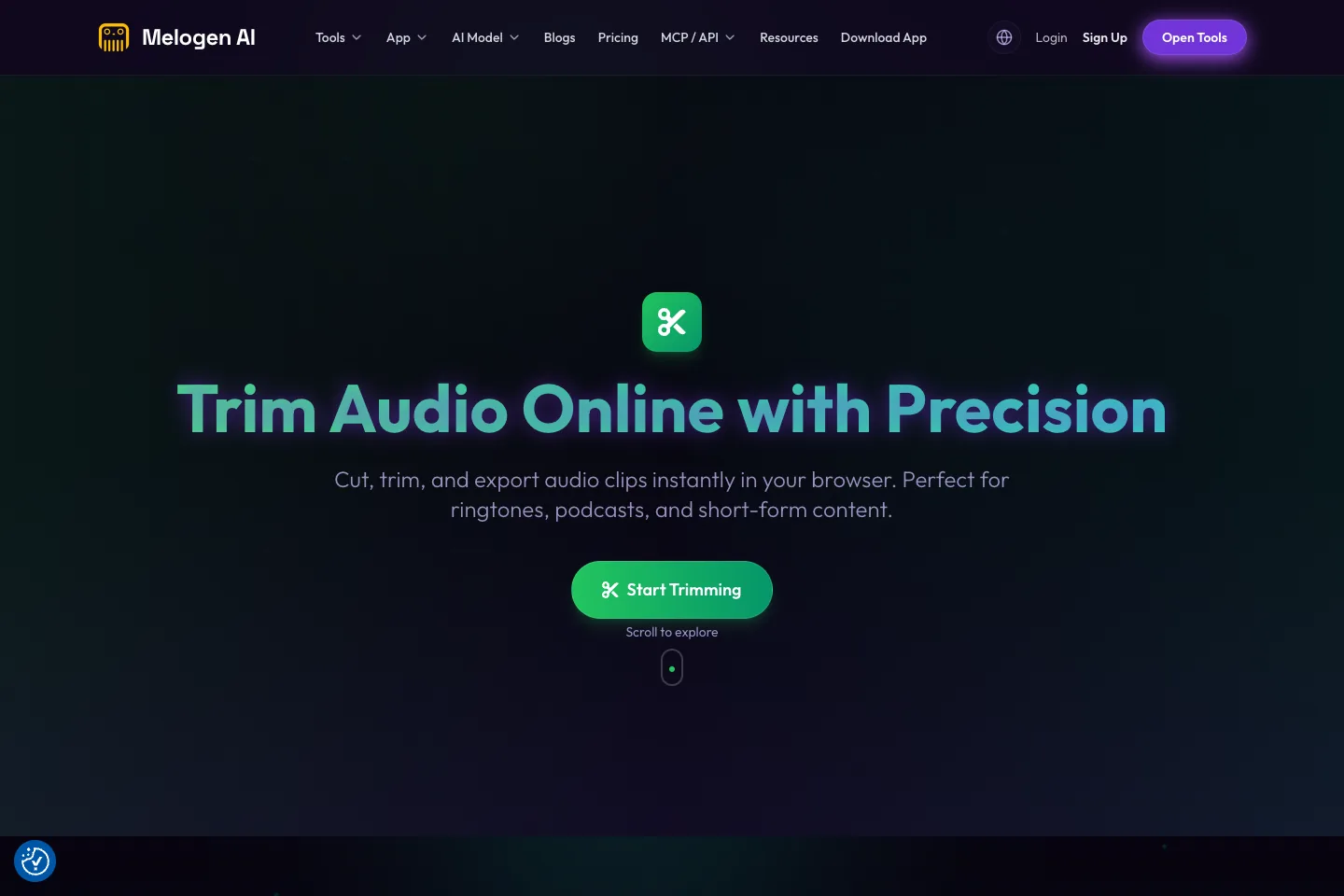
Use Melogen Music Trimmer to cut an intro, add a fade, make a rehearsal excerpt, or prepare a short clip from owned or licensed audio. This keeps the workflow honest: the downloader decision handles access and permission; Melogen handles the local editing task.
Trim the file after the source is clear
Bring Melogen a track you created, bought DRM-free, downloaded with permission, or otherwise have the right to edit.
FAQs
What is the safest SoundCloud downloader?
SoundCloud's own Download file button is the safest first choice because the uploader enabled it and SoundCloud delivers the original uploaded format. For third-party tools, verify permission, current domain, terms, output, and account handling before use.
Which SoundCloud downloader is best for playlists?
TuneFab is the strongest researched desktop option here for batch and playlist selection, based on its current public product page. Confirm current trial limits and use it only for sources you are permitted to save.
Are 320 kbps SoundCloud downloads really 320 kbps quality?
Not automatically. A file can be encoded at 320 kbps without gaining detail that was absent from the source stream. Check the creator's original download first and treat converter bitrate labels as output settings, not proof of source quality.
Is SoundCloud Go offline listening an MP3 download?
No. SoundCloud Go and Go+ offline listening stays inside the mobile app. It is useful for travel and unreliable connections, but it does not create a normal MP3 file for a DAW or editor.
Can Melogen download SoundCloud tracks?
No. Melogen starts with a local file you are allowed to edit. Use it for trimming and audio preparation after the source and permission checks are complete.
The practical takeaway
Start with SoundCloud's own download button. Choose TuneFab when a permitted workflow needs desktop batch and format controls. Use KlickAud or ScloudDownloader only as cautious browser options for a source you own or are allowed to save. Then move the local file into Melogen when the real job becomes trimming, fades, rehearsal prep, or another owned-audio edit.
About the author
Zhang Guo
Composer - AI Product Manager
AI product manager and digital marketing consultant with a background in music. Creativity is the bridge between rhythm and logic, where musical intuition and mathematical precision can coexist in every meaningful product decision.
Follow on X