Cancel Amazon Music Subscription Safely in 2026
Cancel Amazon Music subscription through the right Amazon, app-store, or Prime path, and learn what happens to downloads after cancellation.
 Zhang Guo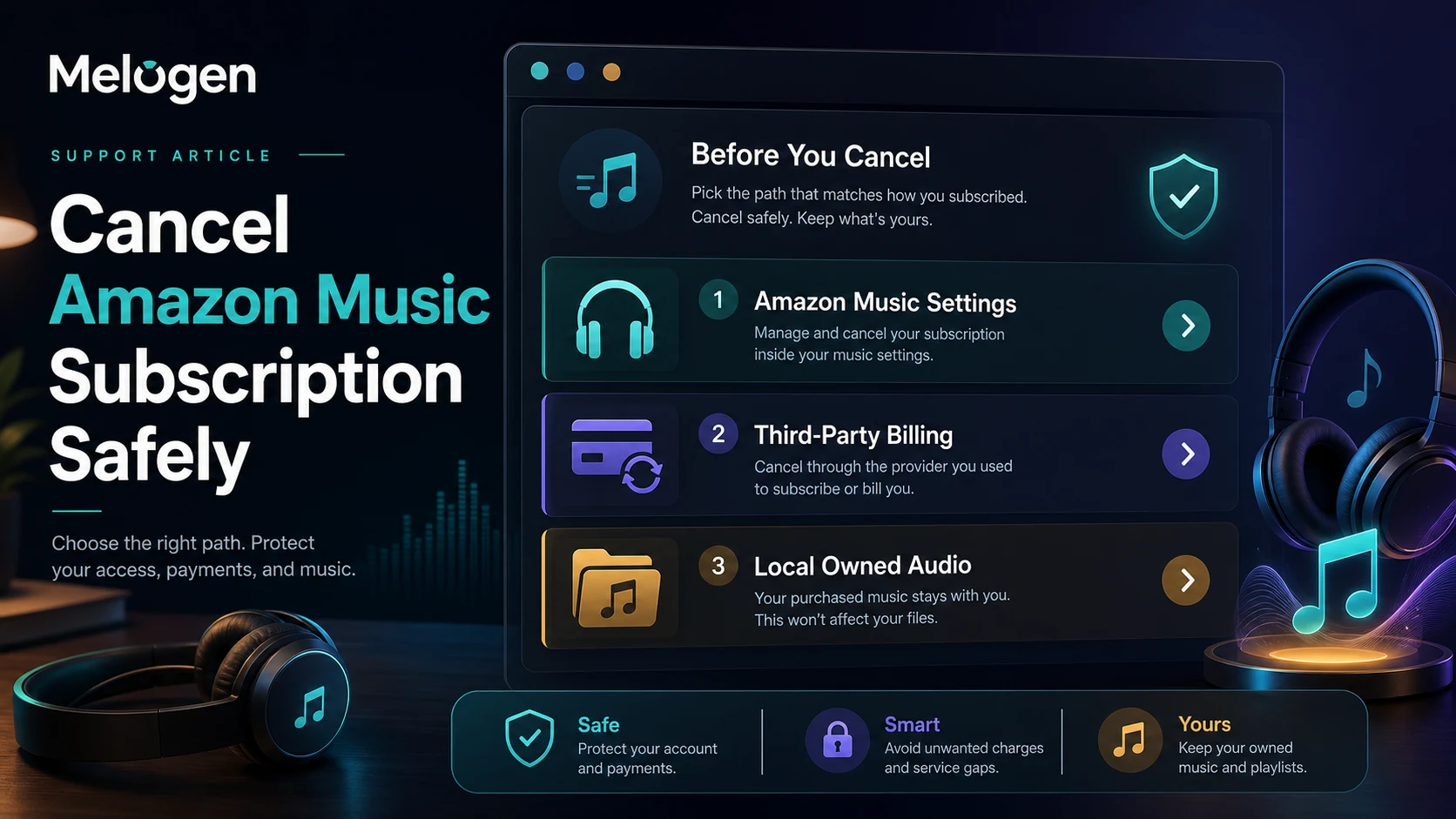
Turn a static score into editable MIDI
Contents
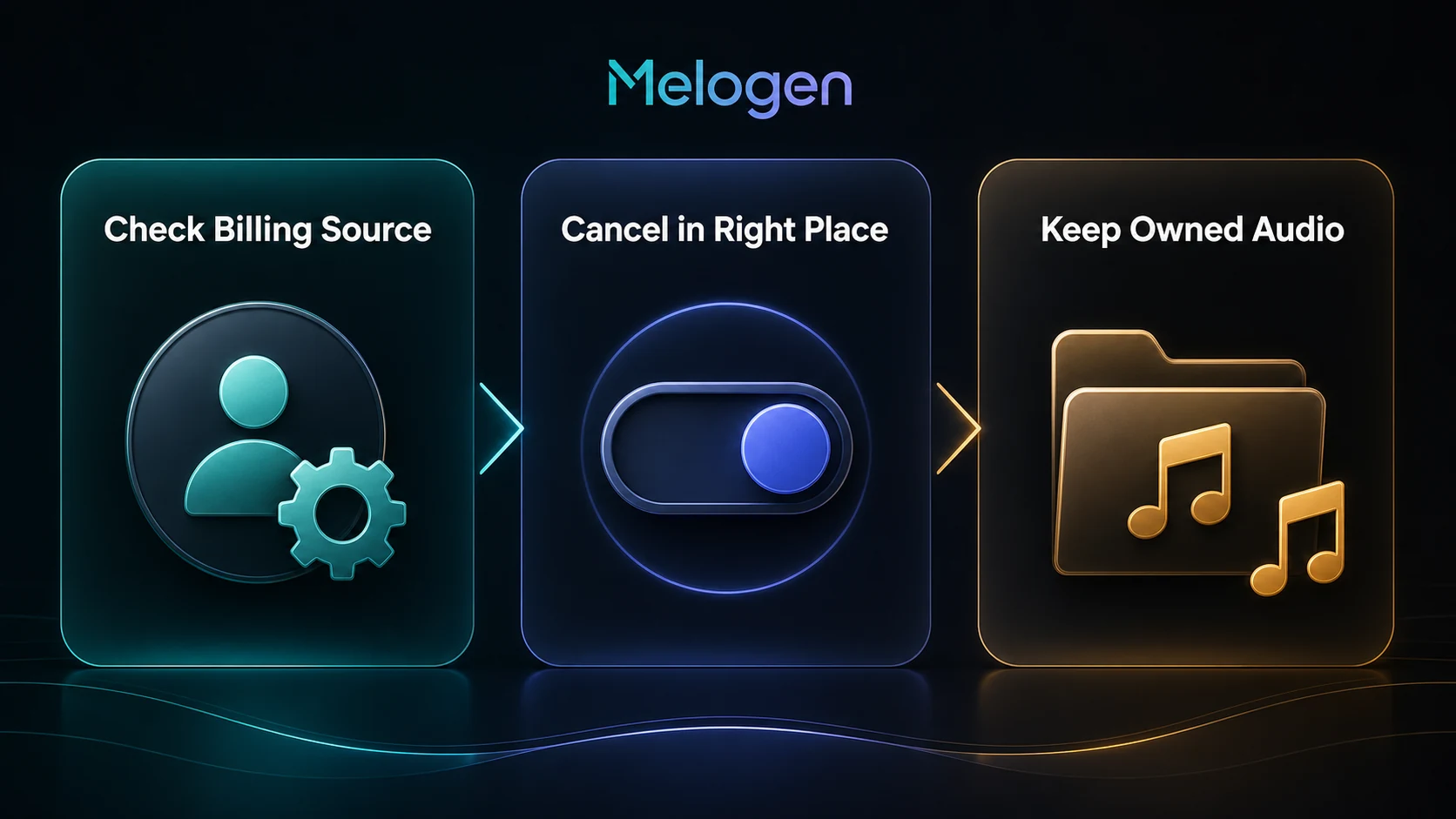
To cancel Amazon Music subscription safely, first find where the subscription is billed. If Amazon bills you directly, cancel from Amazon Music settings. If Apple, Google Play, a mobile carrier, or another provider bills you, cancel through that provider. Do not uninstall the app and assume the subscription stopped.
The useful question is not only "where is the cancel button?" It is also "what happens after cancellation?" Streaming access, offline downloads, purchased music, and local files are different categories. Melogen is not Amazon support and cannot cancel your account, but it can help later when you already have local audio you own or have permission to edit.
Quick cancellation table
| How you subscribed | Where to cancel | What to check before leaving |
|---|---|---|
| Amazon Music Unlimited billed by Amazon | Amazon Music Settings or Amazon account subscriptions | Renewal date, plan name, family/individual account, confirmation email |
| Amazon Music Standard billed by Amazon | Amazon account subscription settings | Whether the plan can be paused, canceled, or changed |
| Amazon Prime includes your music access | Prime membership settings | Canceling Prime affects more than music |
| Apple-billed subscription | Apple subscription settings | Apple ID, receipt, device, and billing date |
| Google Play-billed subscription | Google Play subscriptions | Google account, billing cycle, and access until the paid period ends |
| Carrier or bundle offer | Carrier or bundle provider | The provider's cancellation rules and bundled benefits |
This article focuses on cancellation and music-library boundaries. If you are still comparing plan value before canceling, read the Amazon Music Prime vs Unlimited guide first.
Cancel Amazon Music when Amazon bills you
If Amazon bills the subscription directly, start with Amazon Music Settings. The live US search results for this query also surface Amazon's official help pages for managing account subscriptions and canceling Amazon Music Unlimited, which point readers back to Amazon's subscription renewal or Unlimited settings flow.
Use this order:
- Sign in to the Amazon account that owns the subscription.
- Open Amazon Music Settings or your Amazon account subscriptions.
- Find the Amazon Music Unlimited or Amazon Music Standard section.
- Choose the cancel option in the renewal or subscription details area.
- Confirm the cancellation instead of only backing out of the page.
- Save the confirmation email or screenshot for your records.
- Check the next billing date after you return to the settings page.
The account matters. If a family member started the plan, or if the plan is tied to a household or bundle, the cancel option may not appear in your own account. In that case, look for the receipt or billing email before you chase the wrong settings page.
Cancel Prime only when Prime is the real subscription
Amazon Music access can come from several places. Some listeners use Amazon Music Unlimited as a separate subscription. Others get a smaller music benefit through Prime. Those are not the same cancellation decision.
If you cancel Amazon Music Unlimited, you are canceling the separate music plan. If you cancel Prime, you are changing a broader membership that may affect shipping, Prime Video, Prime Reading, and other benefits. Do not cancel Prime just because you want to stop an Unlimited add-on.
Before canceling Prime, ask:
- Is my charge labeled Amazon Music Unlimited, Amazon Music Standard, or Prime?
- Did I upgrade from Prime music access to Unlimited?
- Is another household member using Prime benefits?
- Will a cancellation end a trial, discount, or annual membership early?
- Is the music issue really plan cost, playback quality, offline access, or device access?
If the decision is only about whether Unlimited is worth paying for, compare plan scope in Amazon Music Prime vs Unlimited before changing the whole Prime membership.
Cancel through Apple or Google Play when they bill you
If Amazon does not show the subscription, do not keep clicking around randomly. The subscription may have started through Apple, Google Play, a mobile carrier, or another billing partner.
Apple's subscription support page says you can cancel subscriptions purchased from Apple on the web or from device settings, and it also recommends checking receipts when you cannot find the subscription. Google Play's subscription help page says uninstalling an app does not cancel a subscription and that access usually continues for the time already paid after cancellation.
Use this billing-source checklist:
| Clue | Likely billing source | Next move |
|---|---|---|
| Receipt says Amazon or Amazon Digital | Amazon | Cancel in Amazon Music or account settings |
| Receipt says Apple | Apple | Use Apple account or device subscription settings |
| Receipt says Google Play | Google Play | Use Google Play subscriptions for the signed-in Google account |
| Charge appears under phone carrier | Carrier | Contact the carrier or bundle provider |
| No receipt found | Unknown | Search email for Amazon, Apple, Google, receipt, invoice, and Amazon Music |
The same rule applies to refunds. Cancellation and refund eligibility depend on the billing source. Melogen cannot see or change any of those account records.
What happens to downloads after cancellation
Canceling Amazon Music does not turn subscription tracks into portable files. Offline listening inside a streaming app is account-based access. Purchased downloads and your own local audio files are separate.
Use this distinction:
| Music category | After cancellation | Can you edit it in Melogen? |
|---|---|---|
| Amazon Music subscription catalog | Access can end when the paid period ends | No, not as a Melogen source |
| Offline downloads inside Amazon Music | Usually tied to the app and account | No, keep them in Amazon Music |
| Purchased Amazon Music files | Can be downloaded as local files when eligible | Yes, if your rights allow editing |
| Your own recordings or exports | You keep the files | Yes, if you own or may edit them |
| Third-party converter output | Depends on source rights and tool terms | Only when the source is lawful for your use |
If your real goal is local file access rather than cancellation, the safer companion article is How to Download Amazon Music to Computer Safely. It separates app-only offline listening, purchased music downloads, and converter software more directly.
Where Melogen fits after cancellation
Melogen is not an Amazon Music downloader, cancellation tool, or subscription manager. It fits after you already have permitted local audio: a purchased DRM-free file, your own recording, a licensed lesson clip, a rehearsal export, a voice memo, or another file you are allowed to edit.
Use Melogen Music Trimmer when you need to:
- Trim silence from a practice recording.
- Cut a legal local file into a shorter lesson clip.
- Add a clean fade before exporting a rehearsal reference.
- Prepare a small audio example for study or feedback.
- Keep local editing separate from streaming-service cancellation.
Trim audio you are allowed to edit
Use Melogen after your subscription question is settled and the source file is lawful for local editing.
Troubleshooting after you cancel
If the subscription still looks active, work through the dull checks first. They solve most problems.
- Refresh Amazon Music Settings after signing out and back in.
- Check the Amazon account that originally subscribed.
- Search email for the latest receipt or cancellation confirmation.
- Check whether the charge came from Apple, Google Play, or a carrier.
- Confirm whether access continues until the current paid period ends.
- Check whether you canceled Prime instead of Unlimited, or the reverse.
- Contact the billing source with the receipt, charge date, and account email.
Do not install a converter just because a cancellation page says your downloads will disappear. That changes the question from account management to file rights. If you need local music files, start with purchased music, your own recordings, or licensed files.
FAQs
Where do I cancel Amazon Music subscription?
If Amazon bills you directly, start from Amazon Music Settings or your Amazon account subscriptions. If Apple, Google Play, a carrier, or another provider bills you, cancel through that provider instead.
Does deleting the Amazon Music app cancel the subscription?
No. Deleting an app is not the same as canceling a subscription. Cancel through the billing source and keep the confirmation.
Will Amazon Music stop immediately after I cancel?
Often, subscription access continues until the end of the current paid period, but the exact behavior depends on the plan and billing source. Check the confirmation screen and receipt.
Can I keep downloaded Amazon Music after cancellation?
Subscription offline downloads are different from purchased local files. Purchased music may remain downloadable when eligible, but streaming-catalog downloads inside the app should not be treated as portable audio files.
Can Melogen help me keep Amazon Music songs?
No. Melogen is for permitted local audio editing, trimming, and music workflows. It does not cancel Amazon subscriptions or export Amazon Music catalog streams.
The practical takeaway
To cancel Amazon Music subscription safely, find the billing source first, cancel in the matching settings page, and save the confirmation. Then separate account access from local audio ownership.
Use Amazon for subscription management, Apple or Google Play for app-store billing, and Melogen only after you already have audio you are allowed to edit.
About the author
Zhang Guo
Composer - AI Product Manager
AI product manager and digital marketing consultant with a background in music. Creativity is the bridge between rhythm and logic, where musical intuition and mathematical precision can coexist in every meaningful product decision.
Follow on X