How to Sign Up for Apple Music on iPhone and Other Devices
Learn how to sign up for Apple Music on iPhone and other devices, choose the right plan, confirm billing, manage renewal, and protect local audio.
 Zhang Guo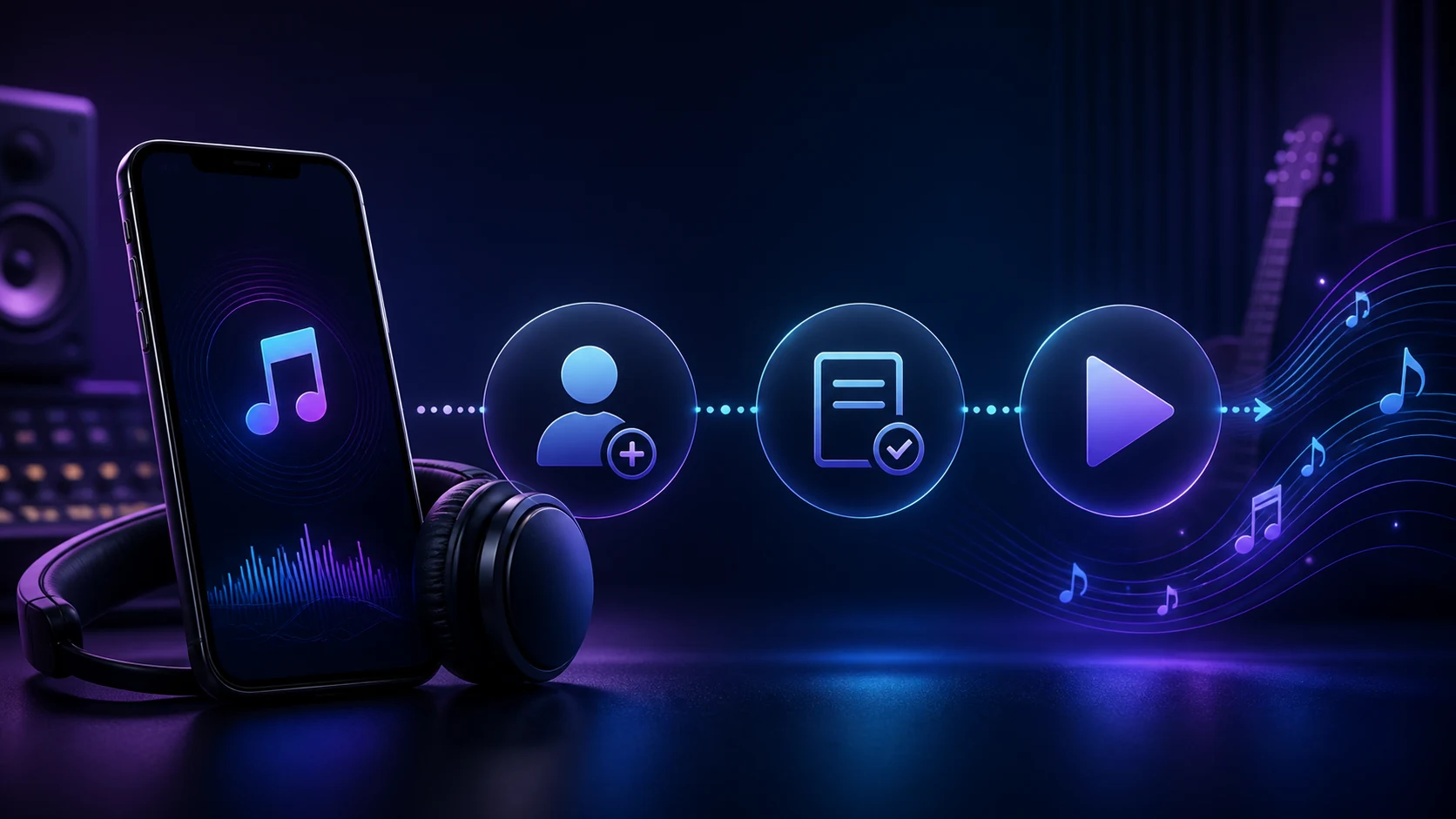
Turn a static score into editable MIDI
Contents
To sign up for Apple Music, open the Music app, go to Home, choose the offer or plan you want, sign in with the Apple Account you use for purchases, confirm billing, and join. Apple also lets you subscribe at music.apple.com or in the Apple Music app on supported devices.
The important part is not rushing past the plan and account checks. A trial, introductory price, student offer, or eligible-device promotion can vary by country, account history, and device. Confirm the offer on Apple’s current page before you accept it, then keep subscription music separate from audio files you own.
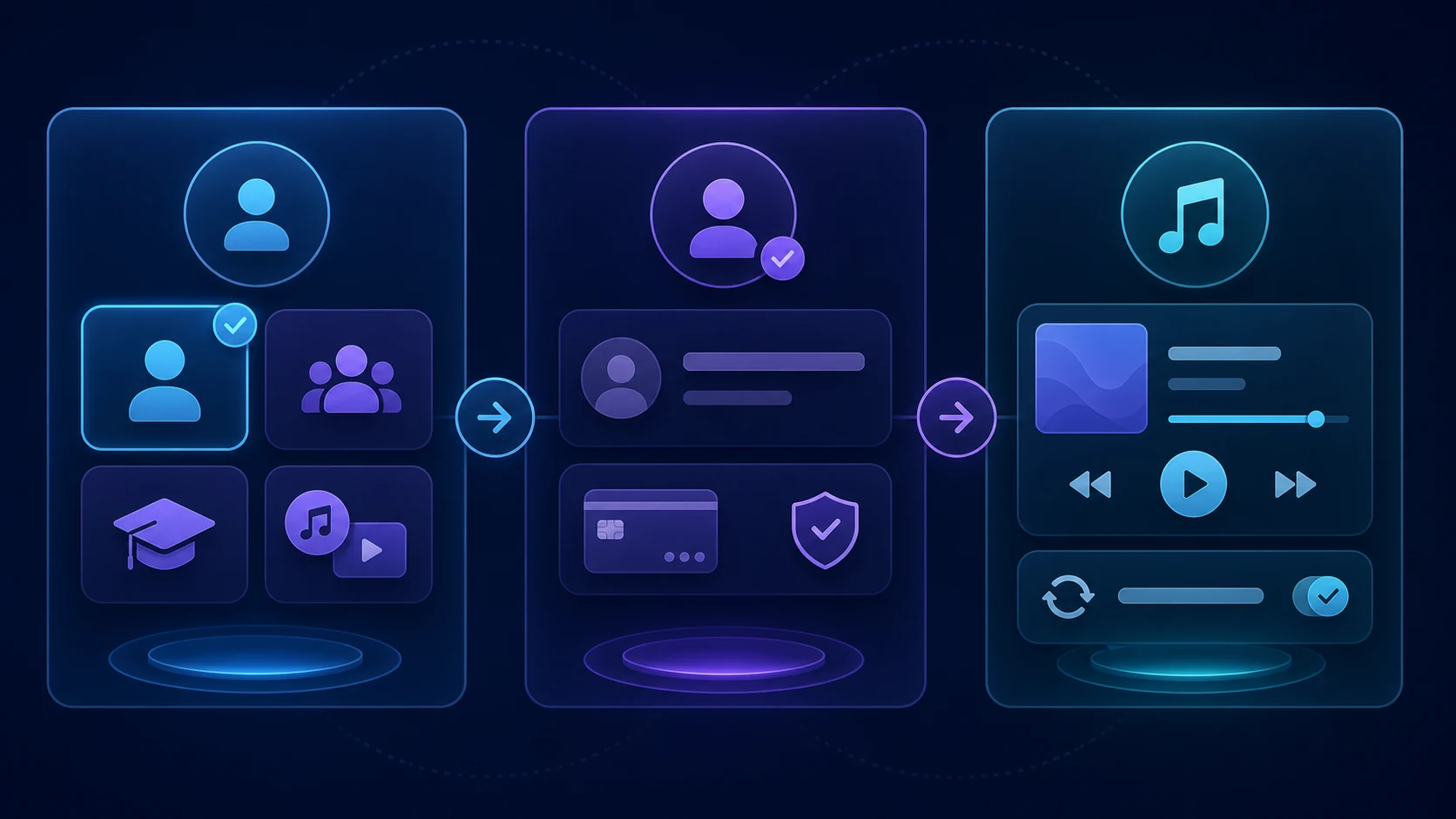
Choose the right Apple Music path before you subscribe
Apple’s current plans differ by market, so use the live Apple Music plans page for the exact price, trial, and eligibility terms you will see. The decision itself is usually simple.
| If you need | Start with | Check before joining |
|---|---|---|
| One personal listening account | Individual plan | The offer shown for your Apple Account and region |
| Separate libraries for a household | Family plan | That Family Sharing is set up and the organizer is using the intended Apple Account |
| A verified college discount | Student plan | Current student verification and the renewal terms |
| Several Apple services on one bill | Apple One | Which services you already pay for and whether the bundle actually saves money |
If you already know you will share access, do not start an Individual plan just to untangle it later. Start with the Family route, then use the dedicated Apple Music Family Sharing guide for the organizer and member steps. If you need to change plans later, use the separate Individual and Family plan switching guide.
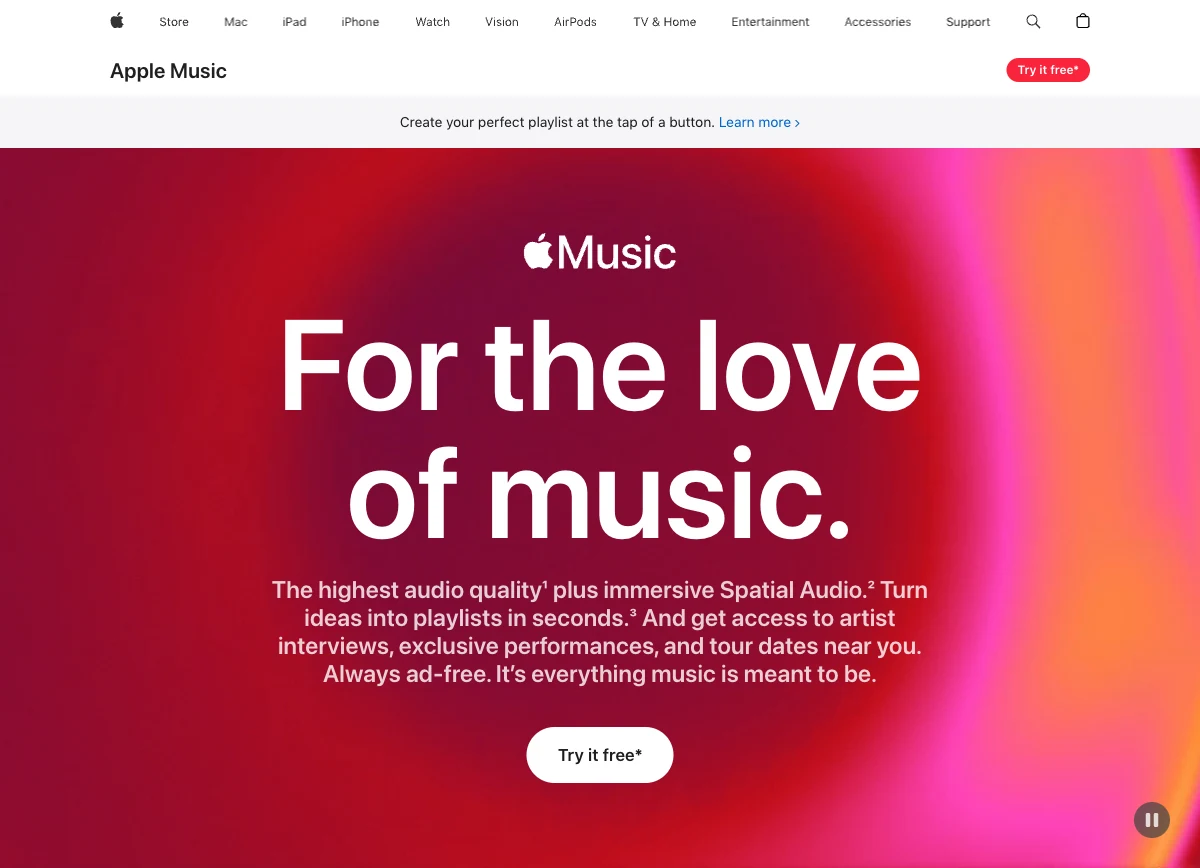
Sign up in the Apple Music app
Apple’s subscription instructions describe the core flow across supported Apple Music apps. On an iPhone or iPad, the usual route is:
- Open the Music app and go to Home.
- Tap the trial offer or subscription prompt, then choose See More Plans when you need a different option.
- Pick Individual, Family, or Student as appropriate.
- Sign in with the Apple Account used for purchases. Create one on screen if you do not have one.
- Confirm billing details and add a valid payment method when prompted.
- Tap Join, then wait for the library to load before changing sync settings or adding local files.
The screen labels can move as Apple updates its apps. If the Home tab does not show an offer, check the account or profile area in the Music app, or use the official web route instead of downloading an unrelated converter or account tool.
Use the web, Android, Windows, or a streaming device when that is easier
You do not need an iPhone to start a subscription. Apple says Apple Music can be subscribed to on the web and in the Apple Music app on Apple devices, PCs, smart TVs, Android mobile devices, and streaming devices. The safe workflow is the same on each one: use the official Apple Music surface, sign in to the correct Apple Account, choose a plan, and confirm payment.
For Android, make sure you know who bills the subscription. Apple notes that a subscription billed through Google Play follows a different cancellation route than one billed directly through Apple. On Windows, use the current Apple Music app and the same Apple Account you expect to use on your other devices.
If your real question is whether an annual option is available for your account, this is a different decision from first-time signup. Read the Apple Music annual subscription guide after the basic subscription is active or when comparing renewal choices.
Know what renews and what stays on your device
An introductory offer normally converts to a paid subscription unless you cancel it under the terms shown when you join. Apple’s plan page says subscriptions renew until cancelled, so set a reminder if you are testing the service rather than planning to keep it.
On iPhone, Apple’s current subscription-management path is Settings → your name → Subscriptions → the subscription you want to change or cancel. Apple’s cancellation guidance also explains that a missing Cancel button or a red expiry message means the subscription is already cancelled.
Before ending Apple Music, distinguish between two kinds of audio:
| Audio type | What to expect after cancellation | Safer next step |
|---|---|---|
| Apple Music catalog tracks and playlists built from that catalog | Access ends when the subscription expires | Keep the subscription active if you still need the catalog and its playlists |
| Purchases, recordings, exports, and other files you own | They remain your files, subject to where you stored them | Back up the originals and keep a clear local folder structure |
Do not use a subscription cancellation or sync change as a reason to convert protected catalog streams. It does not fix account access and can put your library at risk. The useful boundary is simple: manage the subscription inside Apple’s tools, and handle only owned or permitted local audio in an audio editor.
Keep your own audio ready for the next music task
Apple Music is for a subscription library. If you also keep rehearsal takes, purchases, licensed stems, or your own exports, preserve the originals before you change account, sync, or plan settings. A short test copy is often safer than repeatedly replacing the only source file.
Prepare a local audio test copy without touching your subscription library
When you have a recording, purchase, export, or licensed file you are allowed to edit, use Melogen Music Trimmer to make a short test clip or add a fade. Keep Apple Music account and catalog actions inside Apple’s own settings.
Melogen does not activate Apple Music, manage an Apple Account, or change an Apple subscription. It fits only after you are working with audio you own or have permission to edit.
FAQs
Can I sign up for Apple Music without an iPhone?
Yes. Apple lists music.apple.com and the Apple Music app on supported Apple devices, PCs, smart TVs, Android devices, and streaming devices as subscription paths. The available offers and billing details can differ by region and platform.
Why is the offer on my screen different from another guide?
Offers can change by country or region, whether you are a new subscriber, your account history, student status, and eligible-device promotions. Use the current Apple offer shown on your own official Apple Music page instead of assuming a historic trial applies.
What if I already have Family Sharing?
Choose the Family route only when the household needs separate listening libraries under Family Sharing. If the group already has an eligible Apple Music or Apple One family subscription, confirm the organizer’s subscription before starting another one.
Can I cancel after joining?
Yes. On iPhone, go to Settings → your name → Subscriptions, choose the subscription, then use the cancellation or change option Apple presents. Check the renewal date and the exact terms shown for your account.
The practical takeaway
Sign up for Apple Music through the official Music app or web route, choose the plan that matches one listener, a family, a student discount, or a bundle, and confirm both your Apple Account and billing before you join. Treat trials and introductory prices as live offers, not permanent promises. Keep subscription management inside Apple’s settings, and keep your own audio files backed up and separate.
About the author
Zhang Guo
Composer - AI Product Manager
AI product manager and digital marketing consultant with a background in music. Creativity is the bridge between rhythm and logic, where musical intuition and mathematical precision can coexist in every meaningful product decision.
Follow on X