How to Cancel Spotify Premium Without Losing Playlists
Cancel Spotify Premium through Spotify, Apple, or a billing partner. Keep playlists, check refund routes, and avoid common account mistakes.
 Zhang Guo
Turn a static score into editable MIDI
Contents
To cancel Spotify Premium without losing playlists, first identify who bills the subscription. Cancel through your Spotify account if Spotify bills you directly, through Apple if the subscription appears in Apple Subscriptions, or through the named partner if a mobile carrier or another company manages the payment.
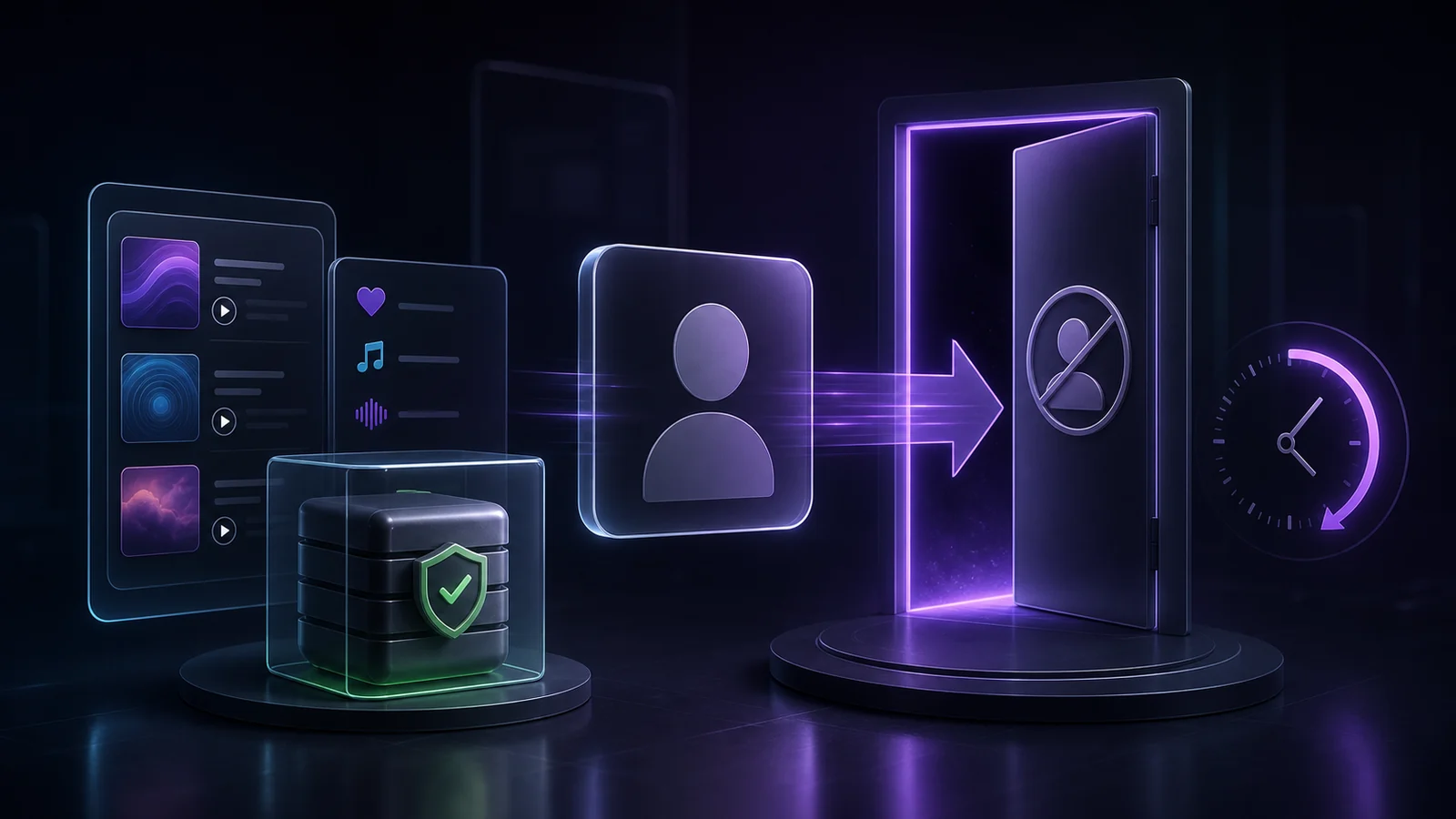
Canceling Premium normally changes the account to Spotify Free after the paid period ends. It does not delete the Spotify account, playlists, or saved music. A zero-priced trial is an important exception: Spotify says canceling that kind of trial switches the account to Free immediately.
Check who bills you before you cancel
The billing owner determines where the cancel button lives. Starting in the wrong place is the most common reason a cancellation appears to be unavailable.
| Billing source | Where to start | What to confirm |
|---|---|---|
| Spotify direct | Spotify's Manage your plan page | The correct account, current plan, next billing date, and Cancel subscription option |
| Apple | Settings or the App Store subscription screen for the Apple Account used to subscribe | Spotify appears in the active subscriptions list and the cancellation is recorded there |
| Mobile carrier, internet provider, or another partner | The partner account, bill, or support channel named in Spotify's payment details | The partner owns the recurring charge and has its own cancellation timing |
| Family or Duo plan | The plan manager's Spotify account | Whether you are the manager who pays or a member who only participates in the plan |
If the Spotify account page does not show a cancellation option, do not create a second account or repeatedly change passwords. Look for the billing partner in the plan details, bank statement, App Store receipt, or email receipt.
Before changing anything, record these details privately:
- the email or username of the account that contains your playlists
- the exact plan name
- the billing source
- the next charge date
- whether the plan is Individual, Student, Duo, or Family
- whether the account is in a zero-priced trial
If you are still deciding whether to cancel, compare the listening differences in the Spotify Free vs Premium guide. For plan prices and eligibility, use the separate guide to how much Spotify Premium costs.
Cancel a Spotify-billed Premium plan
Spotify's current official cancellation instructions direct users to Manage your plan and then Cancel subscription. Use a browser if the mobile app sends you back to account settings without exposing the full plan controls.
- Sign in to the Spotify account that owns the subscription.
- Open Manage your plan from the account page.
- Confirm the plan and billing date shown on the screen.
- Select Cancel subscription and complete every confirmation step.
- Save the final confirmation page or email.
- Reopen the plan page and confirm the date when the account will change to Free.
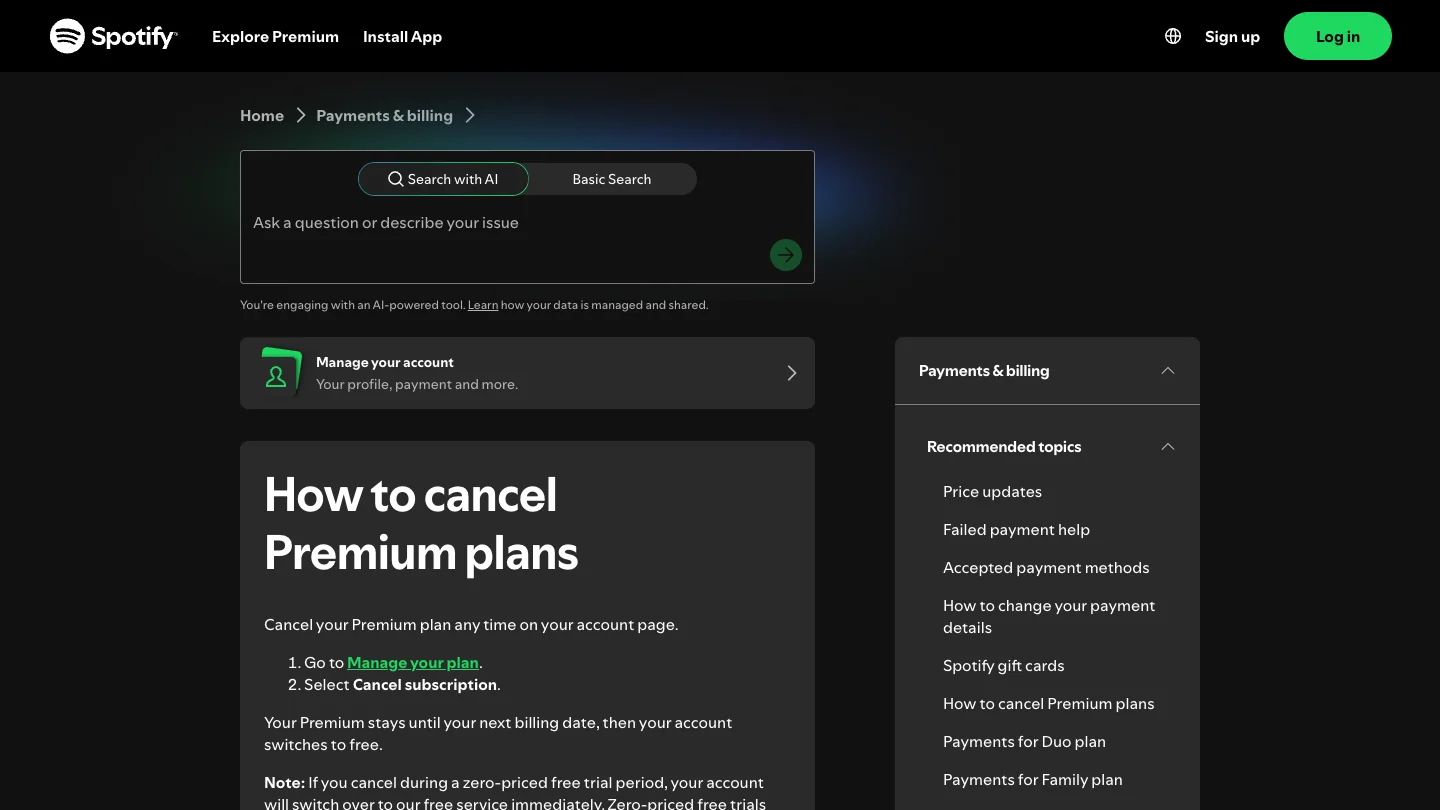
Do not stop at a survey, retention offer, or plan-comparison screen unless it explicitly confirms the cancellation. A reliable finish state shows that Premium will end on a named date or that the account has already switched to Free.
Cancel Spotify when Apple or a partner bills you
If Apple bills the subscription, Spotify cannot cancel the Apple-side renewal for you. Follow Apple's official subscription cancellation steps, using the Apple Account that made the purchase. If Spotify does not appear in that subscription list, check whether a different Apple Account or another billing source was used.
For a mobile carrier, broadband provider, media bundle, or other partner, open the payment details in Spotify and identify the company listed there. Then use that partner's account or support process. Ask for written confirmation and verify whether access ends immediately or remains active through the paid period.
The practical rule is simple: cancel where the recurring charge is controlled. Removing the Spotify app, signing out, or removing a saved payment card is not a substitute for canceling the subscription.
Know what changes after cancellation
For a normal paid subscription billed by Spotify, Premium remains active until the next billing date and the account then switches to Free. Spotify's support page also states that playlists and saved music remain available after that switch.
| Item | Expected outcome after a normal cancellation | What to verify |
|---|---|---|
| Spotify account | Remains open as a Free account | You can still sign in with the same account |
| Playlists and saved music | Remain attached to the account | The cancellation confirmation refers to a Free switch, not account deletion |
| Premium playback controls | End when the paid period ends | The exact end date on the account page |
| Offline Premium downloads | Stop functioning as Premium offline access | Reconnect before the plan ends if you need to review your library |
| Family or Duo participation | Depends on the manager and member role | Which account pays and which people are plan members |
The zero-priced trial exception matters. Spotify says canceling during that kind of free trial switches the account to Free immediately. If uninterrupted trial access matters, read the confirmation screen before completing the cancellation.
Canceling Premium also does not export Spotify catalog tracks as local files. Offline downloads remain part of Spotify's subscription-controlled playback system; they are not purchased audio files.
Handle Family and Duo roles correctly
Family and Duo plans add a second question: are you the manager or a member?
The plan manager controls payment and the subscription. If the manager cancels the plan, the shared Premium arrangement ends according to the billing terms. Members should not assume they can cancel the manager's recurring charge from their own accounts.
Before canceling a shared plan:
- Confirm which account is the manager.
- Tell members when Premium access is expected to end.
- Check whether anyone needs to move to another eligible plan.
- Keep each person's existing Spotify account rather than creating replacement accounts.
- Verify the final status from the manager's billing page.
This avoids a common mistake: treating plan membership and billing ownership as the same thing. They are related, but only the billing owner can stop the recurring charge at its source.
Treat refunds as a separate request
Cancellation stops a future renewal according to the billing terms. It does not automatically reverse a charge that has already completed.
Spotify's refund policy and support route should be the starting point for a Spotify-billed charge. If Apple or another partner processed the payment, use that provider's refund process because the payment record is controlled there.
When requesting help, provide the charge date, amount, currency, account identifier, receipt, and cancellation confirmation. Do not assume eligibility from a third-party blog: refund rules can depend on the payment source, transaction type, timing, and local consumer law.
Do not confuse cancellation with account deletion
Canceling Premium and deleting a Spotify account solve different problems.
- Cancel Premium when you want to stop the paid plan and continue with Spotify Free.
- Change plan when you want another paid tier, such as Student, Duo, or Family.
- Leave a shared plan when you are a member but do not control its billing.
- Delete the account only when you intend to close the Spotify identity and follow Spotify's separate closure process.
If preserving playlists is the priority, cancellation is normally the relevant action. Keep the account, confirm the switch to Free, and sign back in with the same credentials after the Premium period ends.
Use Melogen only with audio files you already own
Leaving Spotify may change how you listen, but it does not create editable copies of Spotify catalog tracks. Melogen does not download Spotify songs, unlock offline files, remove digital restrictions, or preserve subscription-only access.
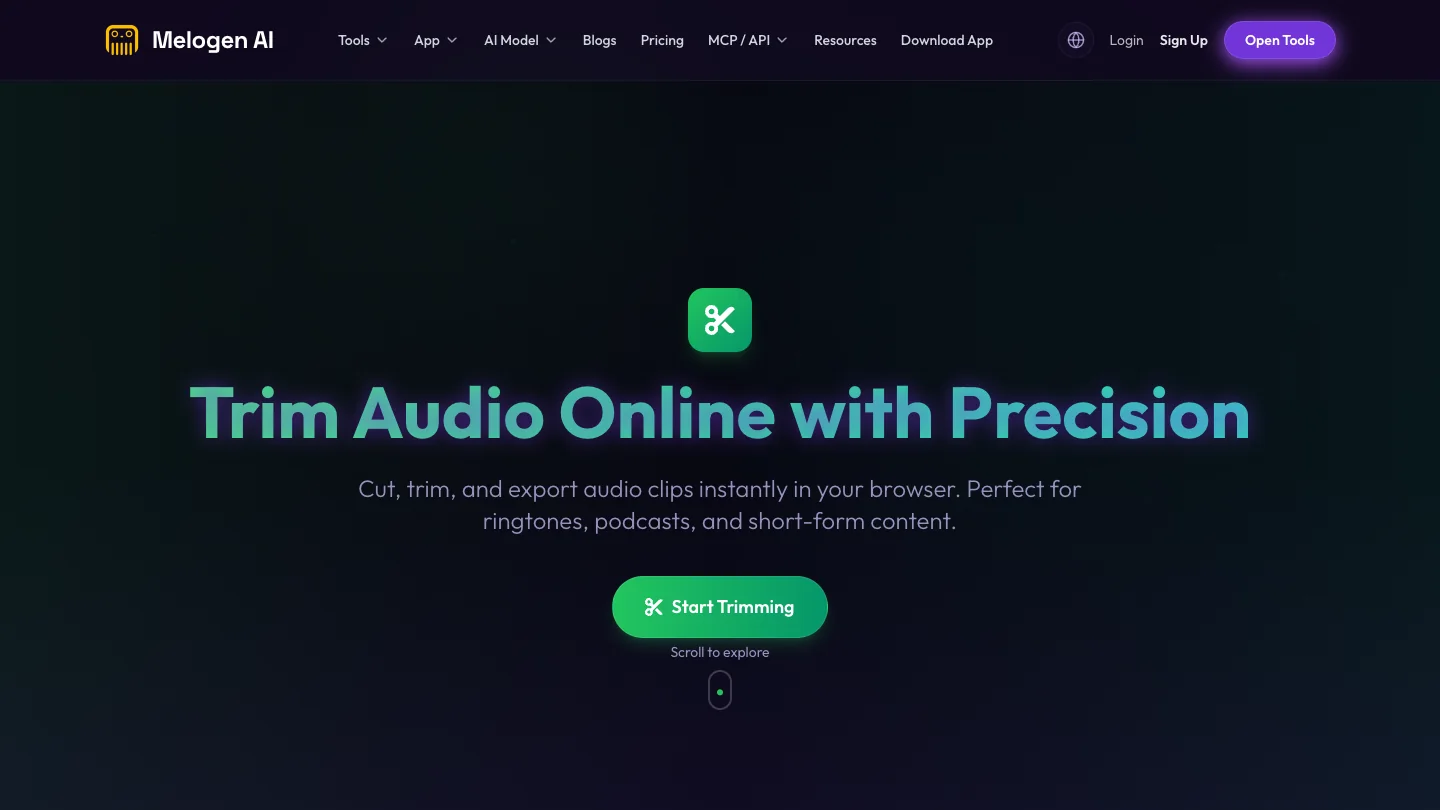
Use Melogen Music Trimmer only when you already have a recording, DAW export, purchased DRM-free file, voice memo, or another audio file you are allowed to edit. The browser workflow can trim a region, preview the result, add fades, and export a new MP3 or WAV file. It is a local-file editing tool, not a Spotify cancellation or conversion tool.
Trim audio files you are allowed to edit
Keep Spotify cancellation and local-file editing separate. Use Melogen for recordings, exports, purchases, and other authorized audio.
Run this cancellation checklist
- Sign in to the Spotify account that contains the playlists you want to keep.
- Identify Spotify, Apple, or the named partner as the billing owner.
- Check whether you are the plan manager or a member.
- Record the next billing date and any trial status.
- Complete the cancellation at the billing source.
- Save the confirmation page or email.
- Reopen the plan page and confirm the switch date.
- Request a refund separately only when you have a completed charge to dispute.
- Do not delete the account if the goal is to keep playlists on Spotify Free.
- Keep Spotify catalog access separate from audio files you own and may edit.
Spotify Premium cancellation FAQs
Will I lose my playlists if I cancel Spotify Premium?
Spotify says playlists and saved music remain when a normal Premium subscription switches to Spotify Free. Use the same account after cancellation and avoid the separate account-deletion flow.
Does Spotify Premium stop immediately after I cancel?
A normal paid plan generally remains Premium through the next billing date. Spotify says a zero-priced free trial switches to Free immediately when canceled. Check the date shown in your own confirmation.
Why is there no cancel button in my Spotify account?
The subscription may be billed by Apple, a mobile carrier, an internet provider, or another partner. Spotify's payment details should identify the billing source, and that provider controls the cancellation.
Can a Family or Duo member cancel the whole plan?
The plan manager controls the recurring payment. A member should identify the manager and distinguish leaving the shared plan from canceling the manager's subscription.
Does canceling Spotify automatically refund the last charge?
No automatic refund should be assumed. Use Spotify's official refund route for Spotify-billed payments or the billing partner's process for partner-billed charges.
Can Melogen save my Spotify downloads before Premium ends?
No. Melogen does not unlock, convert, or export Spotify catalog tracks or offline downloads. It works with local audio files you created, purchased in an editable format, or otherwise have permission to process.
The practical takeaway
Cancel Spotify Premium at the source that controls the payment. Spotify direct subscribers use Manage your plan, Apple subscribers use Apple Subscriptions, and partner-billed subscribers use the named partner. Save the confirmation and verify the date when the account changes to Free.
Your playlists and saved music normally stay with the same Spotify account. Keep cancellation separate from account deletion, treat refunds as a separate request, and use Melogen only for audio files you already own or are authorized to edit.
About the author
Zhang Guo
Composer - AI Product Manager
AI product manager and digital marketing consultant with a background in music. Creativity is the bridge between rhythm and logic, where musical intuition and mathematical precision can coexist in every meaningful product decision.
Follow on X