Spotify Free vs Premium for Music Listeners in 2026
Compare Spotify Free vs Premium by ads, control, offline listening, lossless audio, price, and when local files matter.
 Zhang Guo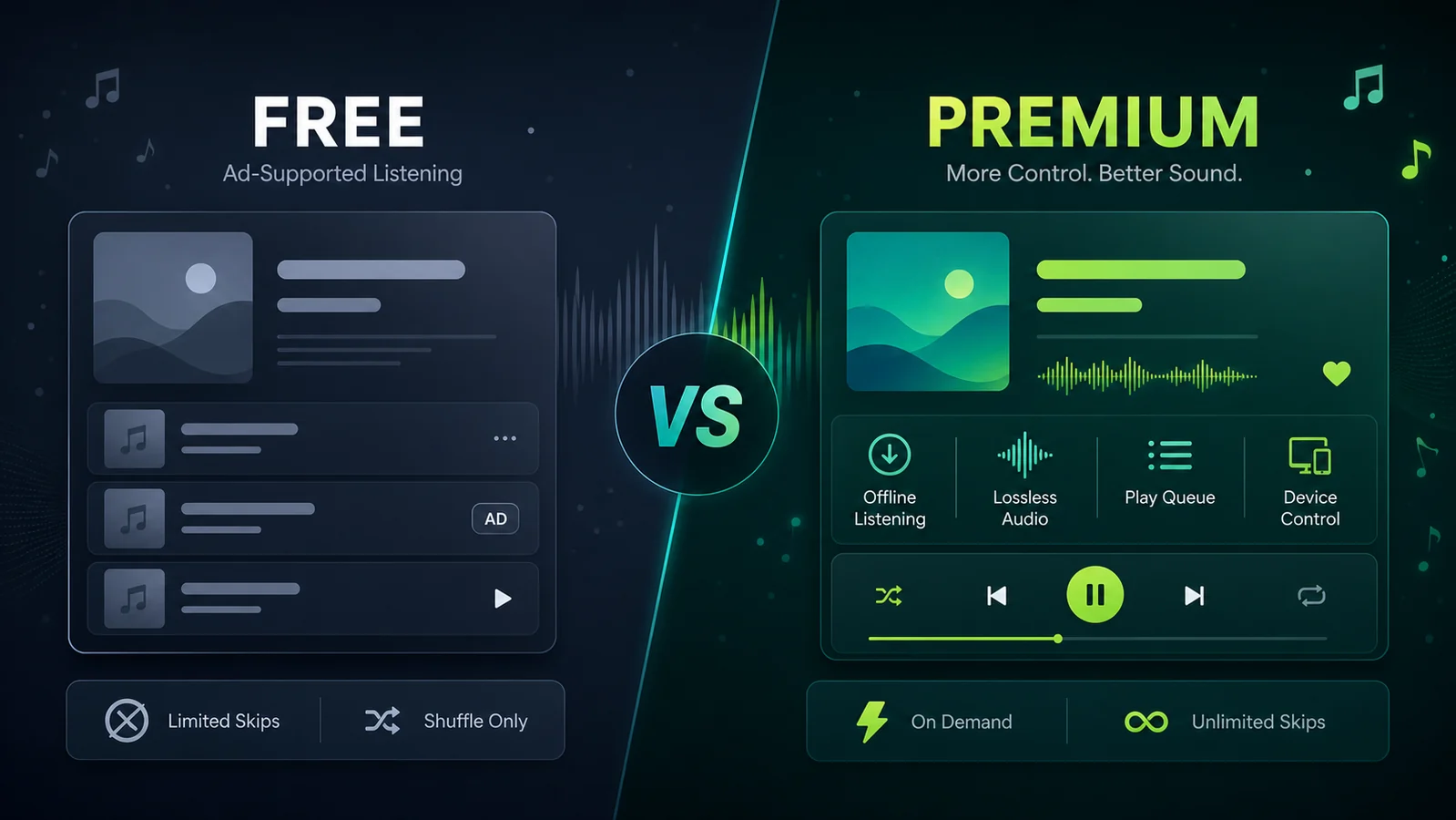
Turn a static score into editable MIDI
Contents
Spotify Free vs Premium is really a question about listening control. Free gets you into Spotify without a monthly bill, but Premium removes the friction that interrupts focused listening, rehearsal playlists, study sessions, DJ prep, and family music routines.
The short answer: stay on Spotify Free if you only listen casually and ads do not bother you. Choose Premium if you want ad-free playback, offline listening, lossless audio where available, better queue control, and fewer limits when you repeat, skip, or arrange a long listening session.
Quick comparison table
| Question | Spotify Free | Spotify Premium |
|---|---|---|
| Monthly price | No subscription fee | Paid plan after any current trial or promotion |
| Ads | Ad-supported listening | Ad-free music listening |
| Offline listening | No normal offline music downloads | Download music for offline listening inside Spotify |
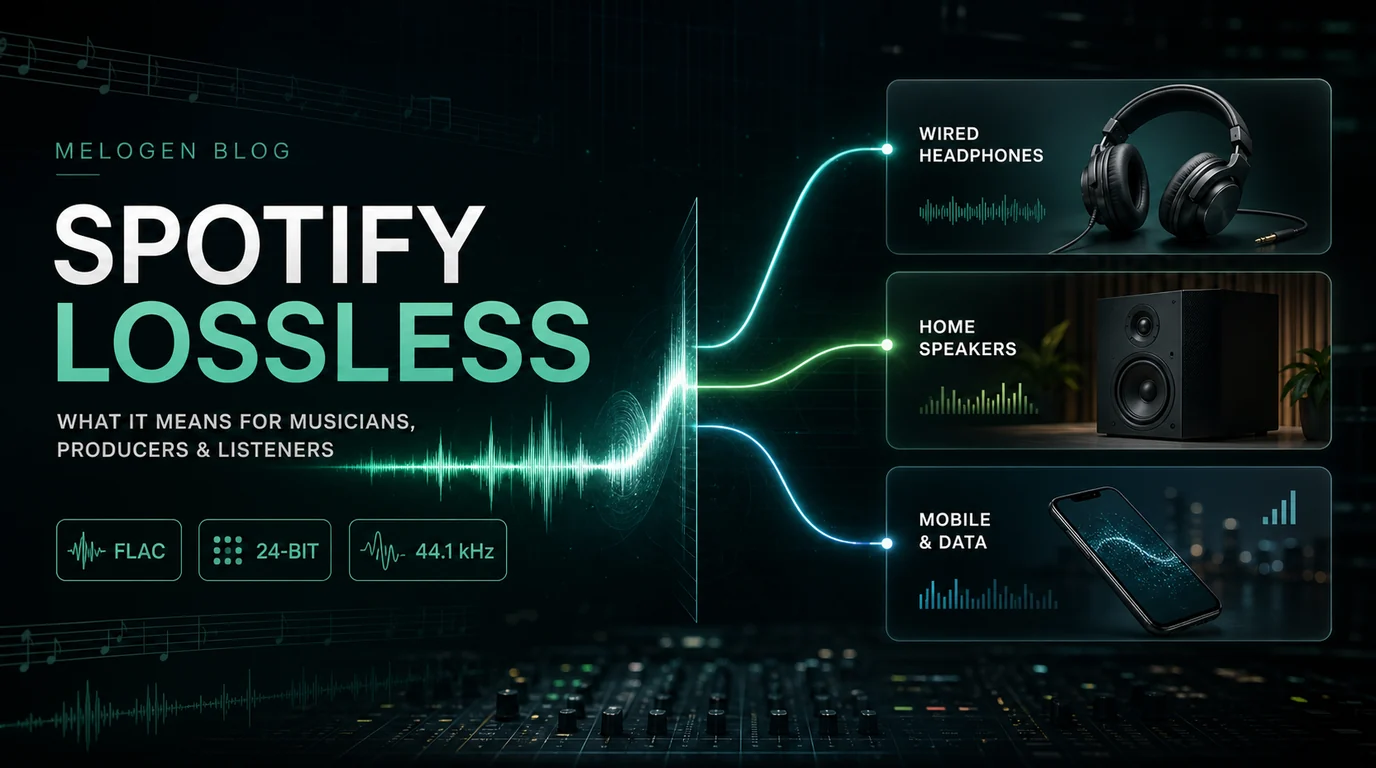
| Audio quality | Good enough for casual listening | Lossless music up to 24-bit/44.1 kHz on supported listening paths |
| Playback control | More limits, especially on mobile and queue-heavy sessions | Repeat songs, play albums in order, and skip more freely |
| Best for | Casual discovery, light podcast listening, checking playlists | Commutes, practice playlists, home speakers, travel, study, and serious listening |
If your main concern is the exact monthly bill across Individual, Student, Duo, and Family, start with the Melogen guide to how much Spotify Premium costs. This page focuses on whether the Free-to-Premium upgrade actually changes the way you listen.
What Spotify Premium currently adds
As checked on May 31, 2026, Spotify's official US Premium page listed Premium Individual at $12.99 / month after the current introductory offer. The same page showed Student at $6.99 / month after, Duo at $18.99 / month, and Family at $21.99 / month. Always confirm the checkout page in your country before subscribing because promotions, taxes, eligibility, and plan bundles can change.
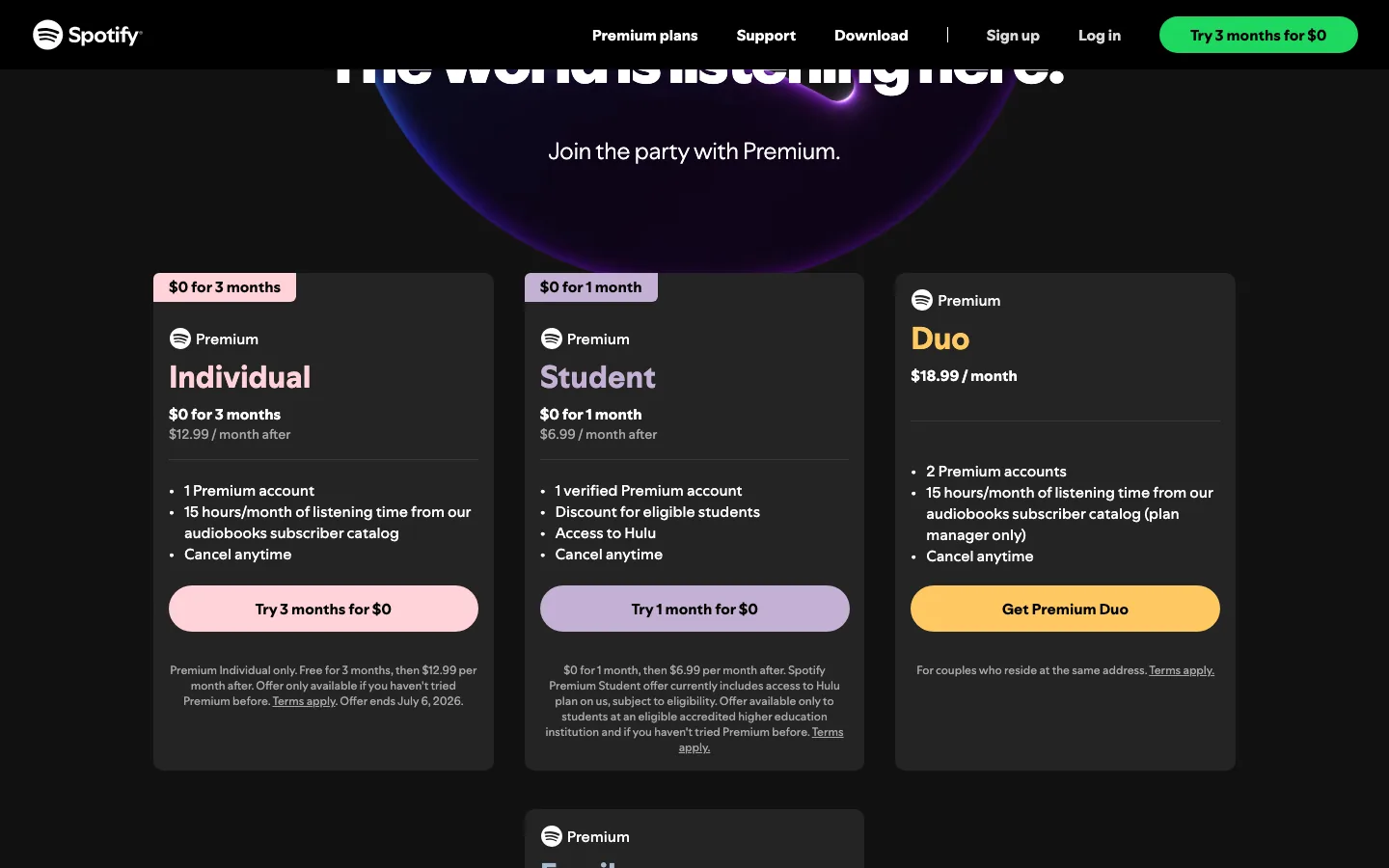
The more important part is the feature set. Spotify's Premium page describes Premium as adding ad-free music listening, lossless music up to 24-bit/44.1 kHz, offline listening, and full control over what plays next.
For music listeners, those four upgrades matter in different ways:
| Premium upgrade | Why it matters in real listening |
|---|---|
| Ad-free music | Better for study, sleep, workouts, lessons, rehearsals, and focused album listening |
| Lossless music | More useful with wired headphones, hi-fi gear, or careful listening than noisy Bluetooth situations |
| Offline listening | Useful for flights, subway rides, weak networks, and saving mobile data |
| Full queue control | Helps when you repeat a phrase, compare versions, sequence a set, or study a specific album order |
Premium is not automatically "better" for every person. It is better when these limits are actually getting in your way.
When Spotify Free is enough
Spotify Free is still useful when listening is casual. If you mostly search for a song, let playlists run, listen to podcasts, or test whether Spotify's catalog fits your taste, Free may be enough.
Use Free when:
- You do not mind ads between listening sessions.
- You rarely need music offline.
- You are not trying to repeat one track or passage often.
- You listen mostly near reliable Wi-Fi.
- You are comparing Spotify against another service before paying.
Free also works as a low-risk way to build playlists before deciding whether Premium is worth it. The mistake is expecting Free to behave like a controlled music workstation. If you need a predictable queue for practice, rehearsal timing, long study blocks, or device handoff, Premium becomes more practical.
When Premium is worth paying for
Premium earns its place when music becomes part of a repeatable routine.
| Listening situation | Why Premium helps |
|---|---|
| Daily commute | Offline downloads keep music available when the network drops |
| Practice playlist | Better control makes it easier to replay the same track or section |
| Study and sleep | Ad-free listening avoids sudden interruptions |
| Home speaker setup | Device switching and queue control make shared listening calmer |
| Album listening | Playing albums in order matters when sequencing is part of the experience |
| Higher-quality gear | Lossless streaming is more relevant when the playback chain can reveal it |
If you are choosing for a household, the decision is different from one-person listening. Compare the per-person cost and address rules in the Spotify Family Plan guide before upgrading several people one by one. If you are a student, check the Spotify student discount before defaulting to Individual.
Free vs Premium for musicians and creators
For musicians, producers, teachers, and creators, Spotify is mainly a listening and reference layer. It is good for finding repertoire, checking releases, sharing playlists, studying mixes, and listening to reference tracks. Premium makes those jobs smoother, but it does not turn streamed catalog tracks into editable project files.
That distinction matters:
| Task | Use Spotify? | Use another local-file workflow? |
|---|---|---|
| Listen to a reference track | Yes, Free or Premium can work | Not required |
| Study a playlist offline inside Spotify | Premium | Not an exported-file workflow |
| Trim a rehearsal recording | No | Yes, use a file you recorded or are licensed to edit |
| Prepare a short class cue | Maybe for listening reference | Yes, start from owned or permitted audio |
| Import local audio into Spotify for listening | Yes, with Spotify local files | Prepare the file outside Spotify first |
Spotify's local files support page says you can use the app to play audio files legally stored on your device. That is the clean bridge: Spotify can play local audio, but editing should happen before the file enters your listening library.
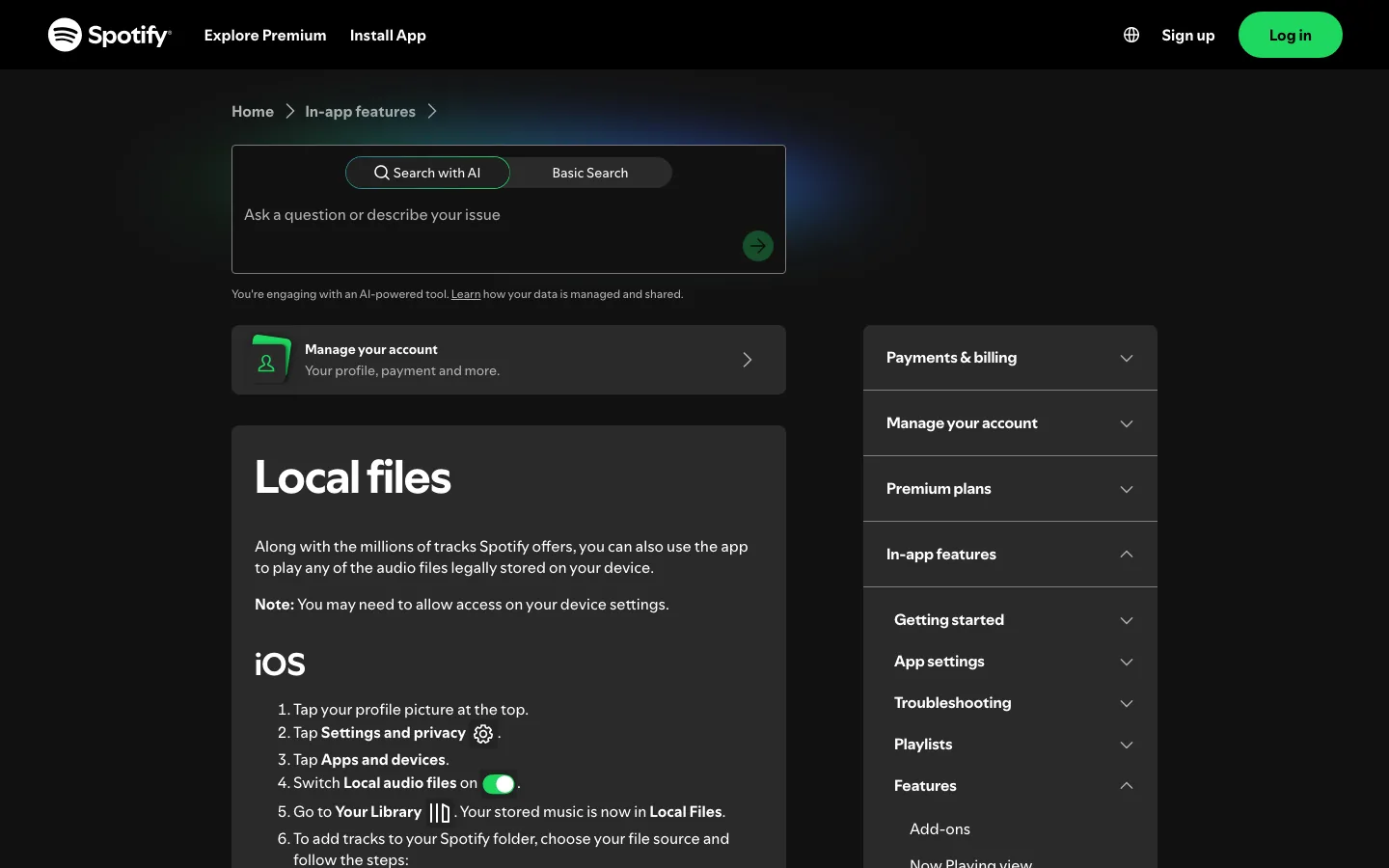
For a deeper setup path, read the Melogen guide to add local files to Spotify.
Where Melogen fits
Melogen does not convert protected Spotify catalog tracks, unlock Premium downloads, remove ads, or bypass Spotify's app rules. It fits when you already have audio you can legally process: a rehearsal recording, voice memo, class recording, podcast clip, purchased DRM-free file, original demo, export from a DAW, or another permitted source.
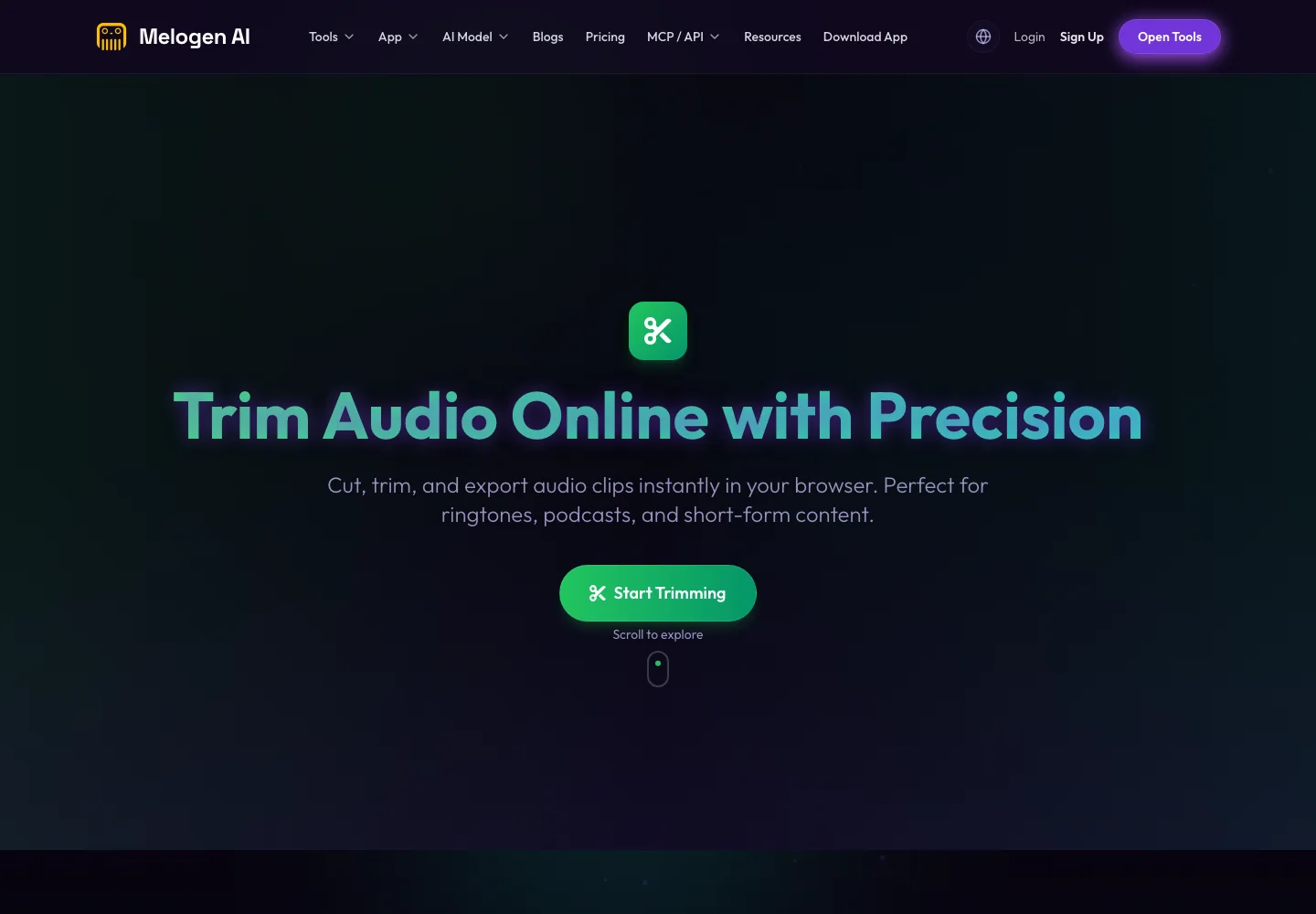
Use Melogen Music Trimmer when you need to cut silence, make a short practice cue, create a clean intro/outro, or export a smaller clip before sharing or adding it to a library. Keep Spotify Premium for streaming control. Keep Melogen for files you are allowed to edit.
Trim music files you are allowed to edit
Use Melogen Music Trimmer for recordings, exports, and owned audio clips while keeping Spotify Free or Premium for streaming access.
How to choose without overpaying
Use this small checklist before you upgrade:
- Count how often ads interrupt a real listening task, not just your mood.
- Decide whether offline listening would change your commute, travel, or study routine.
- Check whether lossless audio matters for the headphones, speakers, and connection you actually use.
- Compare Individual against Student, Duo, or Family if you are eligible.
- Keep editable-file needs separate from streaming access.
- Cancel or downgrade if the Premium features stop matching your routine.
The most common mistake is paying for Premium because it feels like the "serious" choice, then using it exactly like Free. The second mistake is staying on Free while fighting ads, queue limits, and network gaps every day. Let the real listening pattern decide.
FAQs
Is Spotify Free actually free?
Yes. Spotify Free lets you listen without a monthly subscription, but it is ad-supported and does not include Premium features such as normal offline music downloads, ad-free music, lossless listening, or full playback control.
How much is Spotify Premium Individual in the US?
As checked on May 31, 2026, Spotify's official US Premium page showed Premium Individual at $12.99 / month after the current introductory offer. Confirm the live checkout page before subscribing because prices and promotions can change.
Does Spotify Premium include lossless audio?
Spotify's current US Premium page describes lossless music up to 24-bit/44.1 kHz as a Premium benefit. Whether you hear a meaningful difference depends on the track, settings, headphones or speakers, connection path, and listening environment.
Can I download Spotify songs as editable files with Premium?
No. Premium offline listening keeps music available inside Spotify. It is not the same as owning editable audio files. Use local editing tools only with files you created, purchased in an editable format, recorded, or otherwise have permission to process.
Is Premium better for musicians?
Premium is better for listening control: ad-free reference playlists, offline playback, queue order, repeats, and higher-quality listening paths. For editing, arranging, trimming, or exporting audio, start from local files you are allowed to process.
The practical takeaway
Spotify Free is fine for casual discovery. Spotify Premium is worth it when ads, offline access, lossless listening, and queue control affect your daily music routine.
For musicians and creators, keep the boundary clean. Spotify is the listening layer. Melogen is for local audio work after you have a file you are allowed to edit.
About the author
Zhang Guo
Composer - AI Product Manager
AI product manager and digital marketing consultant with a background in music. Creativity is the bridge between rhythm and logic, where musical intuition and mathematical precision can coexist in every meaningful product decision.
Follow on X