How to Redeem Spotify Gift Card Safely in 2026
Redeem Spotify gift card codes with the official web flow, eligibility checks, troubleshooting tips, and safe local-audio boundaries.
 Zhang Guo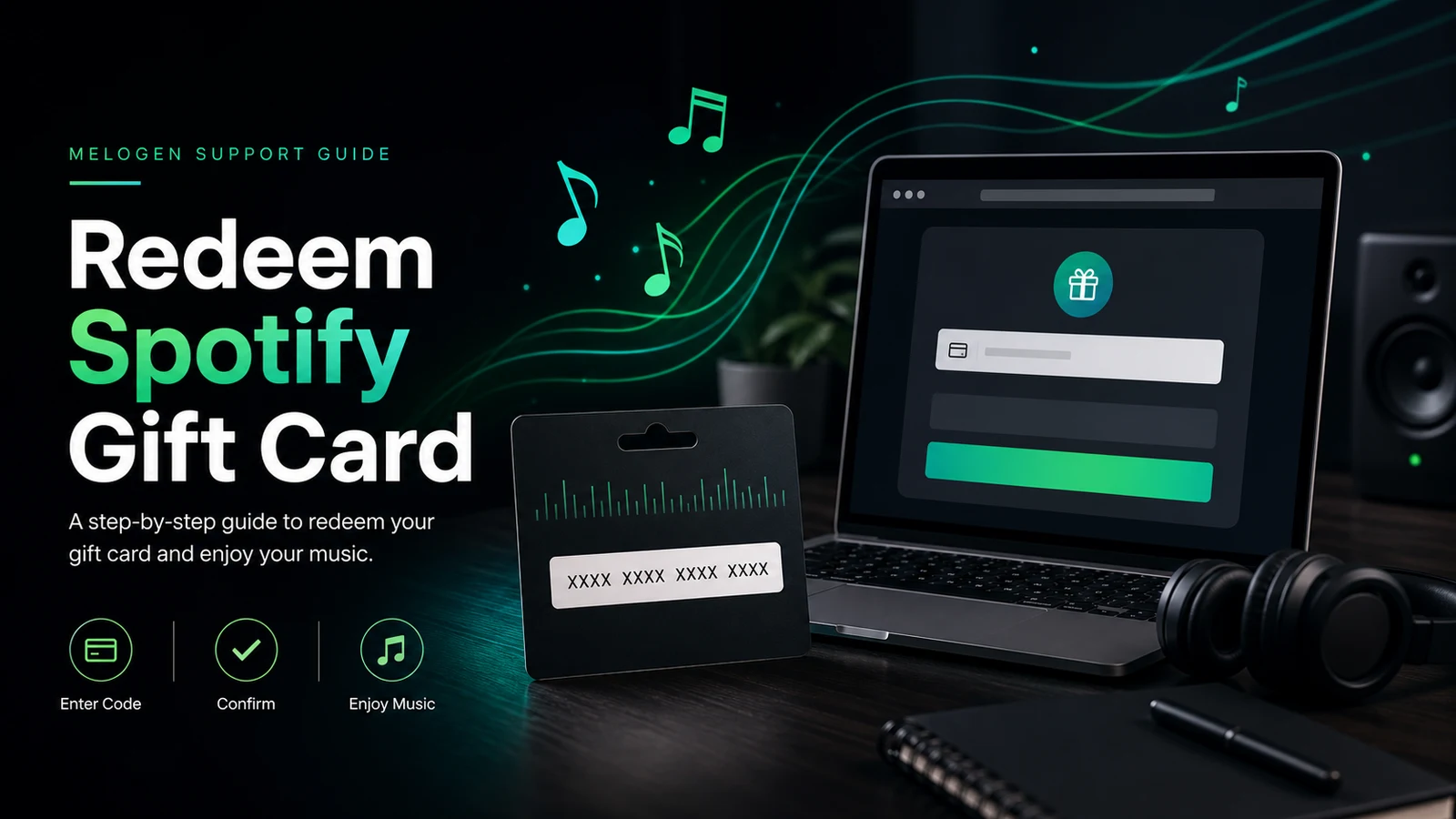
Turn a static score into editable MIDI
Contents
To redeem Spotify gift card codes, use Spotify's official redeem page in a web browser, not the mobile app. Sign in to the Spotify account that should receive the Premium time, enter the gift card PIN or code, and confirm the redemption before you close the page.
Melogen is not Spotify support and cannot redeem, refund, or troubleshoot a Spotify payment code for you. This guide is for checking the official redemption path, avoiding the common plan and country-region mistakes, and keeping your music workflow expectations clear after the card is applied.
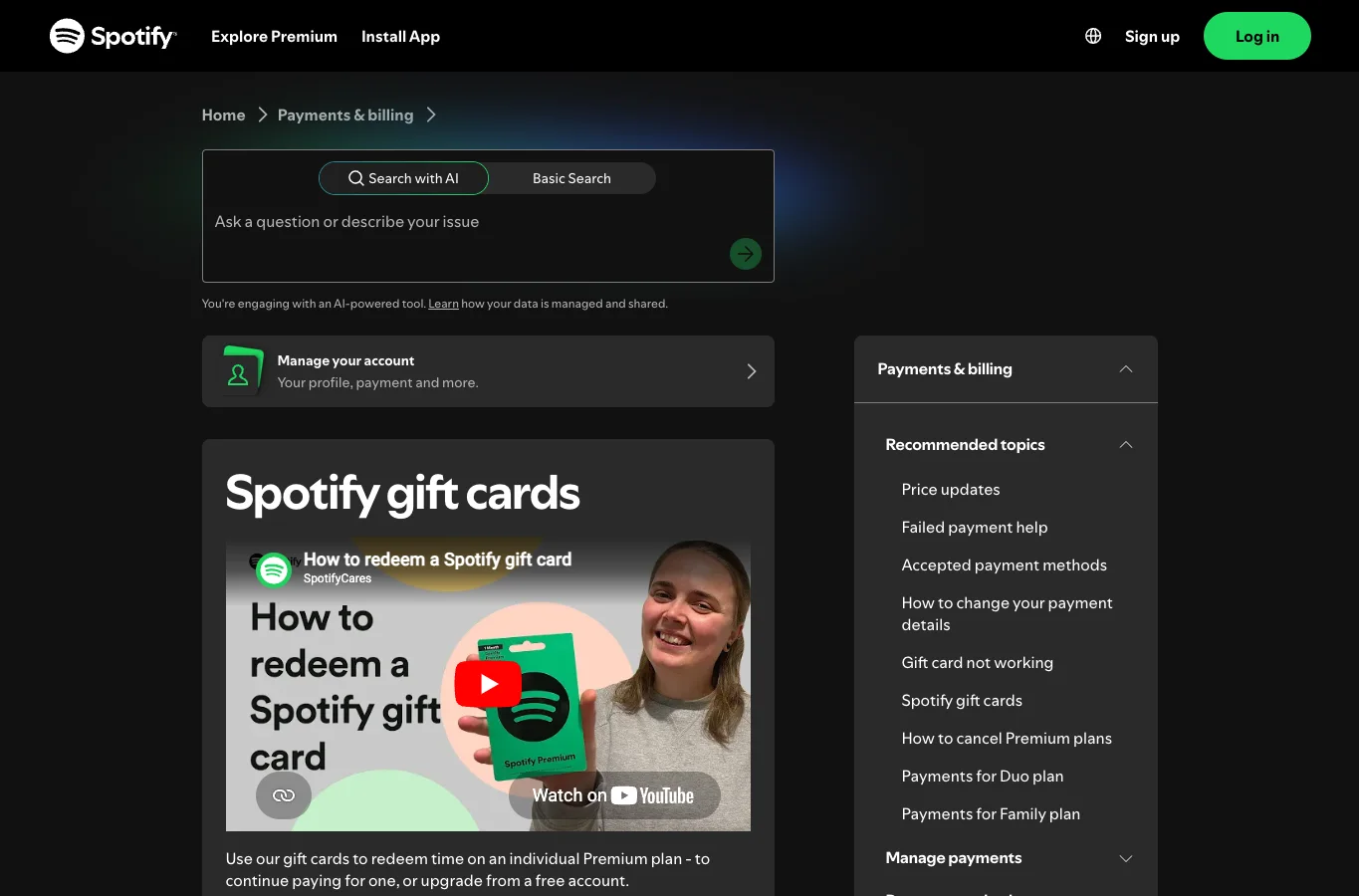
Quick answer before you redeem
Use this checklist before entering the code:
| Check | What to do | Why it matters |
|---|---|---|
| Use the official page | Open Spotify Redeem in a browser | Gift card redemption is a web account flow |
| Sign in first | Use the account that should receive Premium time | Codes are applied to the signed-in account |
| Check the plan | Gift cards usually apply to standalone full-price Individual Premium | Discounted plans and trials can block redemption |
| Match the country | Your account country should match where the card was purchased | Region mismatch is a common failure point |
| Check activation | Retail cards need cashier activation | A physical card can fail if it was not activated |
| Watch the time cap | Spotify may limit how much Premium time you can stack | Official support currently references an 18-month limit |
If you are still deciding whether Premium is worth it, start with the broader guide on how much Spotify Premium costs. If the gift card is for a household, check the Spotify Family Plan guide before assuming a gift card can pay for every plan type.
How to redeem a Spotify gift card
As checked on June 27, 2026, Spotify's public support and legal pages point users to Spotify's web redeem flow. The exact screen can change, but the safe order is stable:
- Scratch or reveal the code if you have a physical card.
- Open spotify.com/redeem in a browser.
- Log in to the Spotify account that should receive the Premium time.
- Enter the PIN or code exactly as shown.
- Confirm the redemption.
- Check the account page to confirm the new Premium time or billing state.
- Save the card or receipt until the account page shows the result clearly.
The important detail is the account. If you are buying the card for someone else, do not redeem it while signed in to your own Spotify account unless you want the Premium time to land there. Send the unopened code to the recipient and let them redeem it from their own account.
Eligibility rules that block gift cards
Spotify gift cards are not a universal payment method for every Spotify plan. The current official gift-card support page says cards redeem time on an Individual Premium plan. Spotify's gift-card-not-working page also flags discounted plans, Duo, Family, Student, and trial offers as common blockers.
Use this table before you blame the code:
| Current account state | Likely gift card behavior | Next step |
|---|---|---|
| Free account | Usually the cleanest redemption path | Redeem on the official web page |
| Individual Premium at full price | Usually eligible | Check the account country and code format |
| Premium Student | Often blocked | Review Spotify's current Student and gift-card rules |
| Premium Duo or Family | Often blocked | Check the manager account and plan rules before changing anything |
| Trial or promotional offer | Often blocked | Wait until the promo state ends or ask Spotify support |
| Account country differs from card country | Likely blocked | Update eligible account settings or use a card from the matching country |
Gift cards also do not turn Spotify into an editable music-file library. They add Premium listening time under Spotify's account terms. Offline listening, if available on your plan and device, stays inside Spotify.
If your Spotify gift card is not working
When a Spotify gift card fails, the fix is usually boring and account-level. That is good news. It means you can check a short list before contacting support.
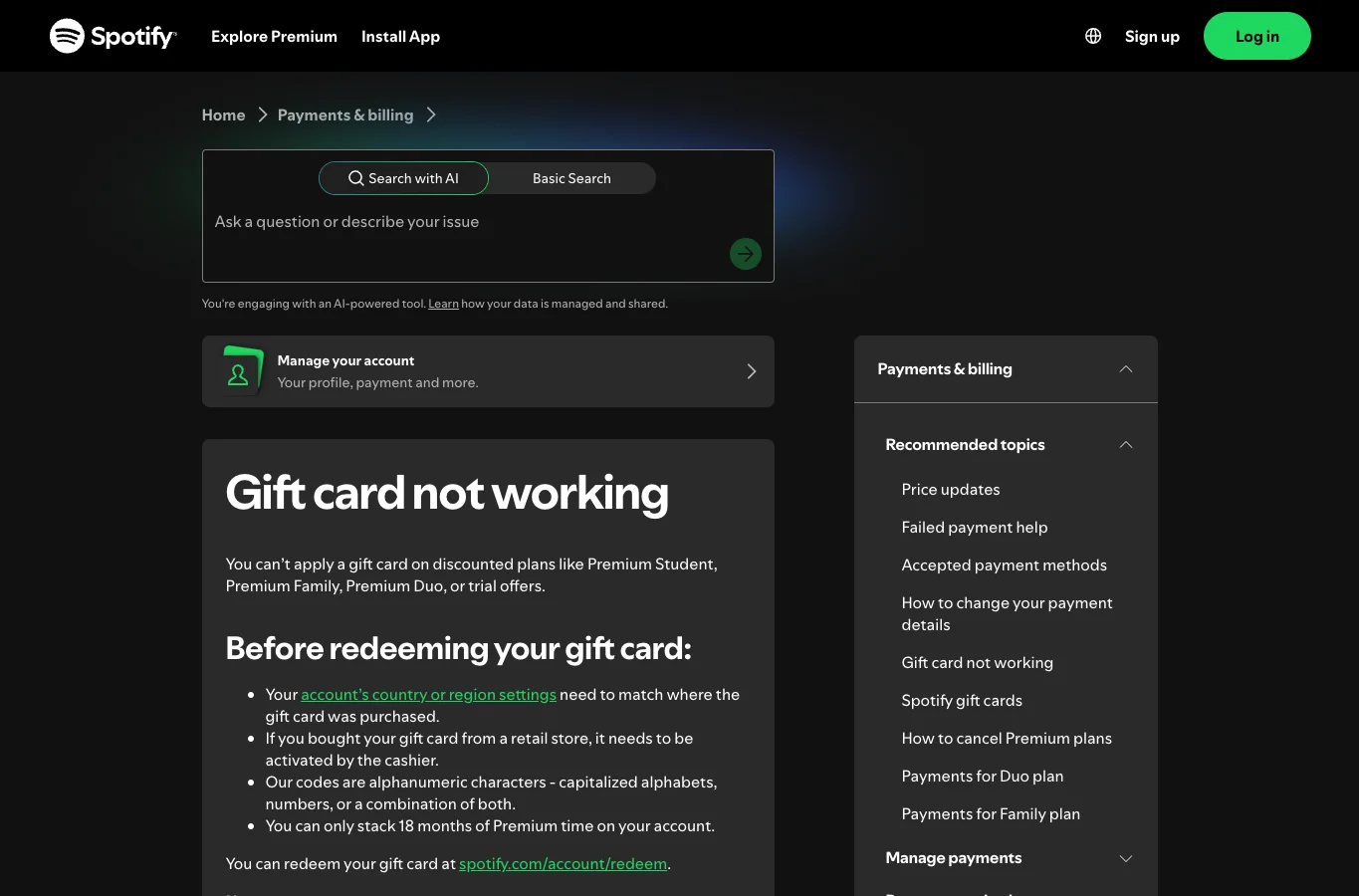
Work through this order:
- Confirm you are on the official Spotify redeem page.
- Re-enter the code, keeping capitalization and characters exact.
- Check whether the card has been activated by the store.
- Confirm the account country matches the card purchase country.
- Confirm the account is not on Student, Family, Duo, Basic, or a promotional trial that blocks redemption.
- Check whether the account already has too much Premium time stacked.
- Try a desktop browser if a mobile browser behaves strangely.
- Contact Spotify support with the card, receipt, and exact error message if the code still fails.
Spotify's official gift card not working page is the best source when the failure is about eligibility, activation, or account settings. Spotify's Gift Card terms are the better source when you need the legal redemption rules.
Gift card vs Spotify Code vs playlist link
People mix up three different Spotify "codes." They do different jobs:
| Item | What it does | What it does not do |
|---|---|---|
| Spotify gift card | Adds eligible Premium time to an account | It does not share a song, playlist, or profile |
| Spotify Code | Scannable sharing graphic for music, profiles, or playlists | It does not add Premium time |
| Playlist or profile link | Opens a Spotify destination in the app or web player | It does not pay for a subscription |
This distinction matters because the search results for gift card redemption also surface questions about Spotify Codes. If your goal is sharing music with someone, a playlist link or Spotify Code may be the right tool. If your goal is paying for Premium time, you need the gift card redemption flow.
Where Melogen fits after redemption
Redeeming a Spotify gift card may improve listening access, remove ads, or enable official offline listening inside Spotify. It does not give you permission to extract protected catalog tracks, convert streams, or edit Spotify downloads in another app.
Melogen fits only when the source is already yours to process: an original recording, rehearsal bounce, purchased DRM-free file, lesson clip, voice memo, or another audio file you have permission to edit.
Use Melogen Music Trimmer when you need to cut silence, make a clean practice loop, prepare a ringtone-length clip, or export a short local audio file. If you want your own files to appear in Spotify afterward, the separate add local files to Spotify guide is the better next step.
Trim local music files you are allowed to edit
Use Melogen Music Trimmer for recordings, purchased DRM-free audio, and practice clips while keeping Spotify gift cards for account listening access.
FAQs
Where do I redeem a Spotify gift card?
Redeem it on Spotify's official web page at spotify.com/redeem. Sign in to the account that should receive the Premium time before entering the code.
Can I redeem a Spotify gift card in the app?
Use the browser flow. Spotify's public support flow points users to the web redeem page, and app-only attempts are a common source of confusion.
Why is my Spotify gift card not working?
The usual causes are account country mismatch, a discounted or promotional plan, Duo or Family eligibility, a retail card that was not activated, a mistyped code, or too much Premium time already stacked.
Can a Spotify gift card pay for Family or Student?
Do not assume it can. Spotify's public support page currently points gift cards toward Individual Premium time and flags Student, Family, Duo, and trials as common incompatibility cases.
Is a Spotify gift card the same as a Spotify Code?
No. A gift card is for Premium time. A Spotify Code is a scannable sharing format for music, playlists, profiles, or other Spotify destinations.
Can I use Melogen with songs unlocked by a Spotify gift card?
No. A gift card changes account access, not music ownership or editing rights. Use Melogen with local audio you created, recorded, purchased in an editable format, or otherwise have permission to process.
The practical takeaway
Redeem Spotify gift card codes through Spotify's official web page, on the right account, with the right plan and country settings. If the code fails, check eligibility, activation, and the exact error before contacting support.
Treat the gift card as listening access. Keep Spotify for streaming and account benefits; keep Melogen for local music files you are allowed to trim, prepare, and export.
About the author
Zhang Guo
Composer - AI Product Manager
AI product manager and digital marketing consultant with a background in music. Creativity is the bridge between rhythm and logic, where musical intuition and mathematical precision can coexist in every meaningful product decision.
Follow on X