Spotify Lossless Audio Guide for Premium Listeners
Spotify Lossless explained with 24-bit FLAC quality, setup steps, Bluetooth limits, data tradeoffs, and when musicians should care.
 Zhang Guo
Turn a static score into editable MIDI
Contents
Spotify Lossless is Spotify Premium's higher-quality listening option for music streams and downloads inside Spotify. The useful version is simple: it can stream tracks in up to 24-bit/44.1 kHz FLAC, but it only matters when your plan, device, connection, and listening environment can actually carry the extra detail.
For most listeners, Spotify Lossless is worth trying on Wi-Fi with wired headphones, powered speakers, or a compatible Spotify Connect path. It is less useful over normal Bluetooth, on mobile data, or when the source recording and playback setup are not revealing enough to make the quality change meaningful.
What Spotify Lossless means in 2026
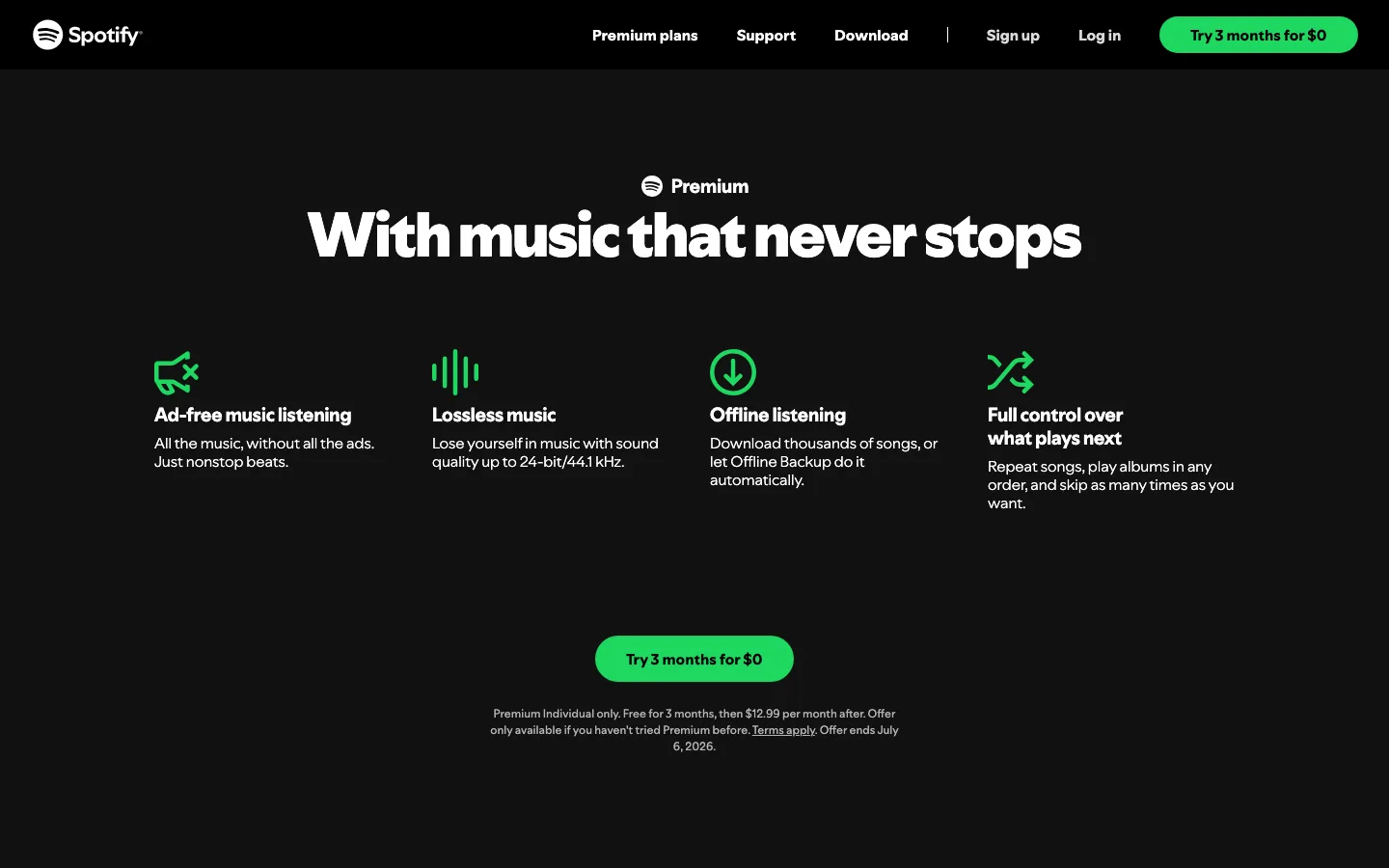
Spotify announced Lossless for Premium in September 2025, then updated the rollout note to say Lossless was available to Premium users in more than 50 markets. Spotify's own announcement says Lossless streams can reach up to 24-bit/44.1 kHz FLAC, and the current Spotify Premium page lists lossless music as a Premium benefit.
The important word is "up to." Lossless is a quality ceiling, not a guarantee that every listening path sounds dramatically different. The track, master, app setting, output device, network, headphones, speakers, and room all affect what you hear.
Use this mental split:
| Spotify setting or path | What it does | Best use |
|---|---|---|
| High or Very High | Compressed streaming with smaller data use | Everyday listening, mobile data, Bluetooth |
| Lossless | FLAC up to 24-bit/44.1 kHz | Wi-Fi, wired headphones, speakers, careful listening |
| Offline Lossless downloads | Larger local files inside Spotify | Travel or home listening when storage is available |
| Bluetooth playback | Convenient wireless listening | Comfort first; the signal is still compressed before playback |
If you are comparing streaming quality terms more broadly, the Melogen guide to what bitrate means in audio is a useful companion because it separates bitrate, codec, sample rate, and source quality.
Turn on Spotify Lossless the right way
Spotify's rollout guide says Lossless is enabled manually per device. In the app, open your profile, go to Settings and Privacy, choose Media Quality, then enable Lossless for the listening paths you actually use: Wi-Fi, cellular, and downloads.
Use this setup order:
| Step | What to check | Why it matters |
|---|---|---|
| 1 | Confirm you are on Premium | Lossless is a Premium feature |
| 2 | Enable Lossless on each device | Settings do not automatically cover every phone, tablet, and computer |
| 3 | Start with Wi-Fi streaming | You can test quality without burning cellular data |
| 4 | Use wired headphones, speakers, or a compatible Connect path | Normal Bluetooth does not carry the full lossless stream |
| 5 | Watch for the Lossless indicator | It tells you when the app is actually using the setting |
| 6 | Download selectively | Lossless downloads are larger and can fill storage quickly |
Spotify also notes that larger lossless files can take a moment to start while the track loads or caches. That is normal. If instant playback and small downloads matter more than detail, do not force Lossless everywhere.
When Spotify Lossless will sound better
Spotify Lossless is most useful when you listen closely enough for compression artifacts and small production details to matter. Think quiet rooms, wired headphones, studio monitors, home speakers, and reference listening. It is less useful when the listening context masks detail.
| Listening situation | Lossless value | Better choice |
|---|---|---|
| Wired headphones at a desk | High | Try Lossless on Wi-Fi |
| Powered speakers or hi-fi setup | High | Try Lossless or Spotify Connect if the path supports it |
| Bluetooth earbuds on a commute | Low to medium | Use convenience-focused quality settings |
| Cellular streaming | Depends on data plan | Test before enabling Lossless on mobile data |
| Noisy gym or car playback | Low | Prioritize stability and volume comfort |
| Comparing mixes or arrangements | Medium to high | Use the cleanest source and stable playback chain |
The honest test is not "Can Spotify show the Lossless badge?" It is "Does the higher-quality path help me make a better listening decision?" If you cannot hear a difference on your current setup, that is useful information.
Data, storage, and device tradeoffs
Lossless audio preserves more data, so it asks more from your connection and storage. That is good when you are sitting at home with Wi-Fi and a listening setup that benefits from it. It is less good when you are trying to keep a large offline library on a small phone.
Before you enable Lossless everywhere, run a small test:
- Pick three tracks you know well.
- Test Lossless on Wi-Fi with wired headphones or speakers.
- Compare the same tracks over Bluetooth.
- Download one album in Lossless and watch the storage impact.
- Keep cellular Lossless off unless your data plan and signal can handle it.
This protects you from turning a quality feature into a storage problem. For casual playlists, compressed quality can still be the practical choice. For album listening, reference tracks, and careful study, Lossless deserves a real trial.
Spotify Lossless vs Apple Music Lossless
Spotify Lossless and Apple Music Lossless are both higher-quality streaming features, but they are not identical products. Spotify's official ceiling is up to 24-bit/44.1 kHz FLAC. Apple Music uses ALAC and includes higher-resolution tiers in some situations, which the Melogen Apple Music Lossless guide covers in detail.
Here is the practical comparison:
| Question | Spotify Lossless | Apple Music Lossless |
|---|---|---|
| Main format | FLAC inside Spotify | ALAC inside Apple Music |
| Practical setup issue | Enable per device and avoid normal Bluetooth assumptions | Match the Apple device, setting, and wired/DAC path |
| Best reason to care | Better Spotify listening quality without leaving Spotify | Apple ecosystem lossless listening and hi-res options |
| What it is not | An editable-file export path | An ownership or editing path |
The services are listening platforms. They do not replace local masters, purchased files, DAW exports, or files you have rights to edit.
Where Melogen fits
Melogen does not unlock Spotify downloads, convert protected Spotify catalog tracks, or change Spotify's subscription rules. The fit is your own music: MIDI renders, original arrangements, exported demos, rehearsal recordings, and files you are allowed to process outside a streaming app.
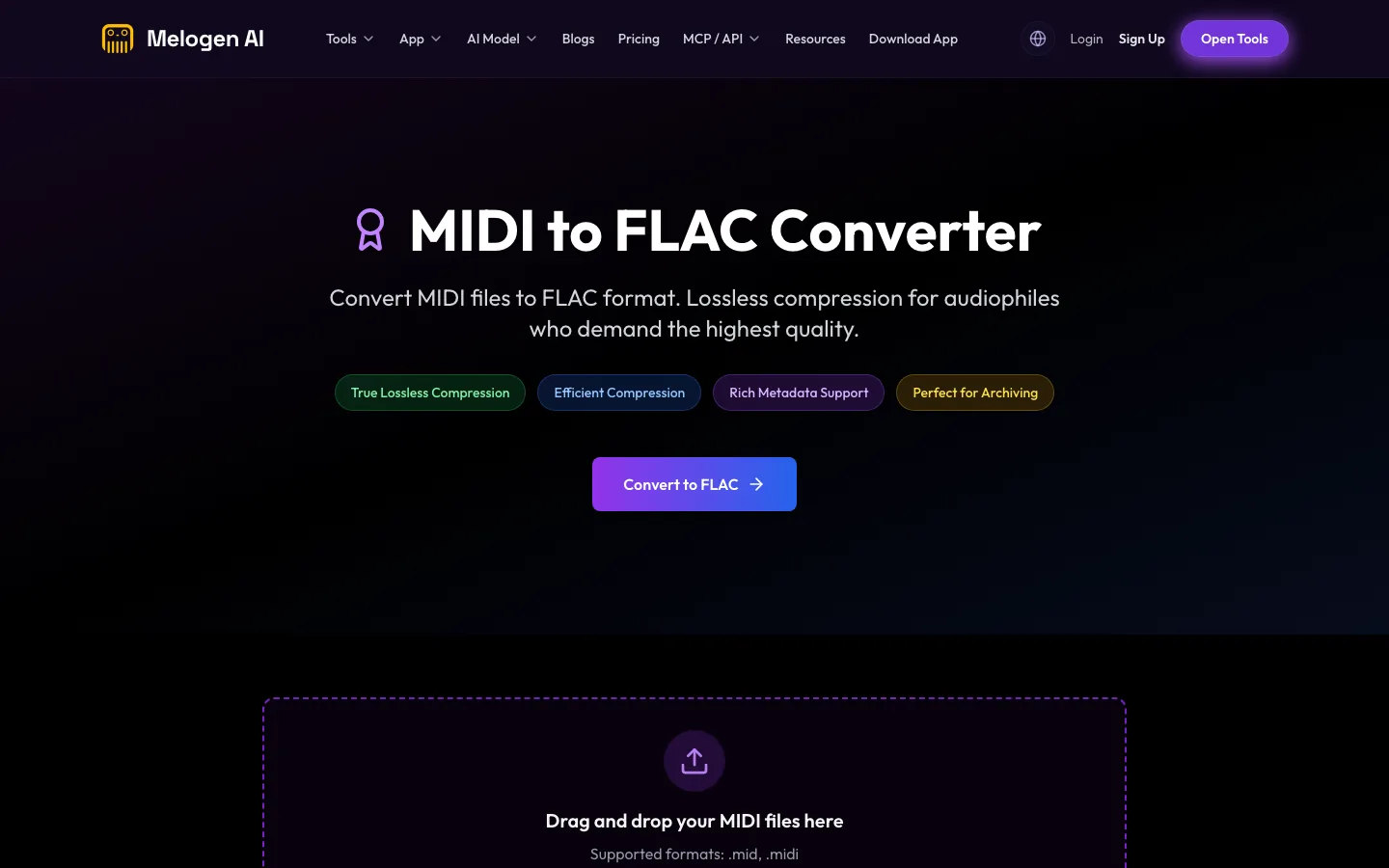
If you already have MIDI and want a lossless audio copy for review, archive, or sharing with another musician, use Melogen's MIDI to FLAC route. If your question is whether MIDI or notation data is the better source before export, read MIDI vs MusicXML first.
Render your own MIDI as FLAC
Use Melogen MIDI to FLAC when you have an arrangement, demo, or MIDI file that you are allowed to export as a lossless audio file.
Keep the boundary clean: Spotify Lossless improves listening inside Spotify. Melogen helps when you control the source file and need a practical output for music work.
FAQs
Is Spotify Lossless available now?
Spotify's official newsroom update says Lossless is available to Premium users in more than 50 markets. Availability can still depend on your country, account, device, and app version, so check the Media Quality settings and the Lossless indicator in your Spotify app.
What quality is Spotify Lossless?
Spotify describes Lossless as FLAC streaming up to 24-bit/44.1 kHz. That is enough for careful listening, but the audible difference depends on your playback chain and listening environment.
Does Spotify Lossless work over Bluetooth?
Do not treat normal Bluetooth as a full lossless path. Spotify says Bluetooth does not provide enough bandwidth to transmit lossless audio, so the signal is compressed before it reaches Bluetooth headphones or speakers.
Should I use Spotify Lossless on cellular data?
Only if you understand the data cost. Start with Wi-Fi, test a few tracks, and keep cellular Lossless off if your plan, signal, or battery life is a concern.
Can Spotify Lossless give me FLAC files to edit?
No. Spotify Lossless is a listening quality setting inside Spotify. It is not the same as owning FLAC files you can edit, archive outside Spotify, or use in a DAW.
The practical takeaway
Spotify Lossless is worth trying if you already use Premium and care about listening quality. Start on Wi-Fi, use a wired or compatible speaker path, look for the Lossless indicator, and test music you know well before changing every download setting.
For casual Bluetooth listening, the difference may be small. For careful album listening, arrangement study, reference tracks, and home speakers, Spotify Lossless can make Premium feel more complete. When you need editable or exportable files, move back to owned audio and local music tools instead of treating streaming quality as file ownership.
About the author
Zhang Guo
Composer - AI Product Manager
AI product manager and digital marketing consultant with a background in music. Creativity is the bridge between rhythm and logic, where musical intuition and mathematical precision can coexist in every meaningful product decision.
Follow on X