SpotifyDown Review for Safer Music Workflows in 2026
A public-surface SpotifyDown review with safety checks, official offline-listening limits, TuneFab alternatives, and Melogen owned-audio steps.
 Zhang Guo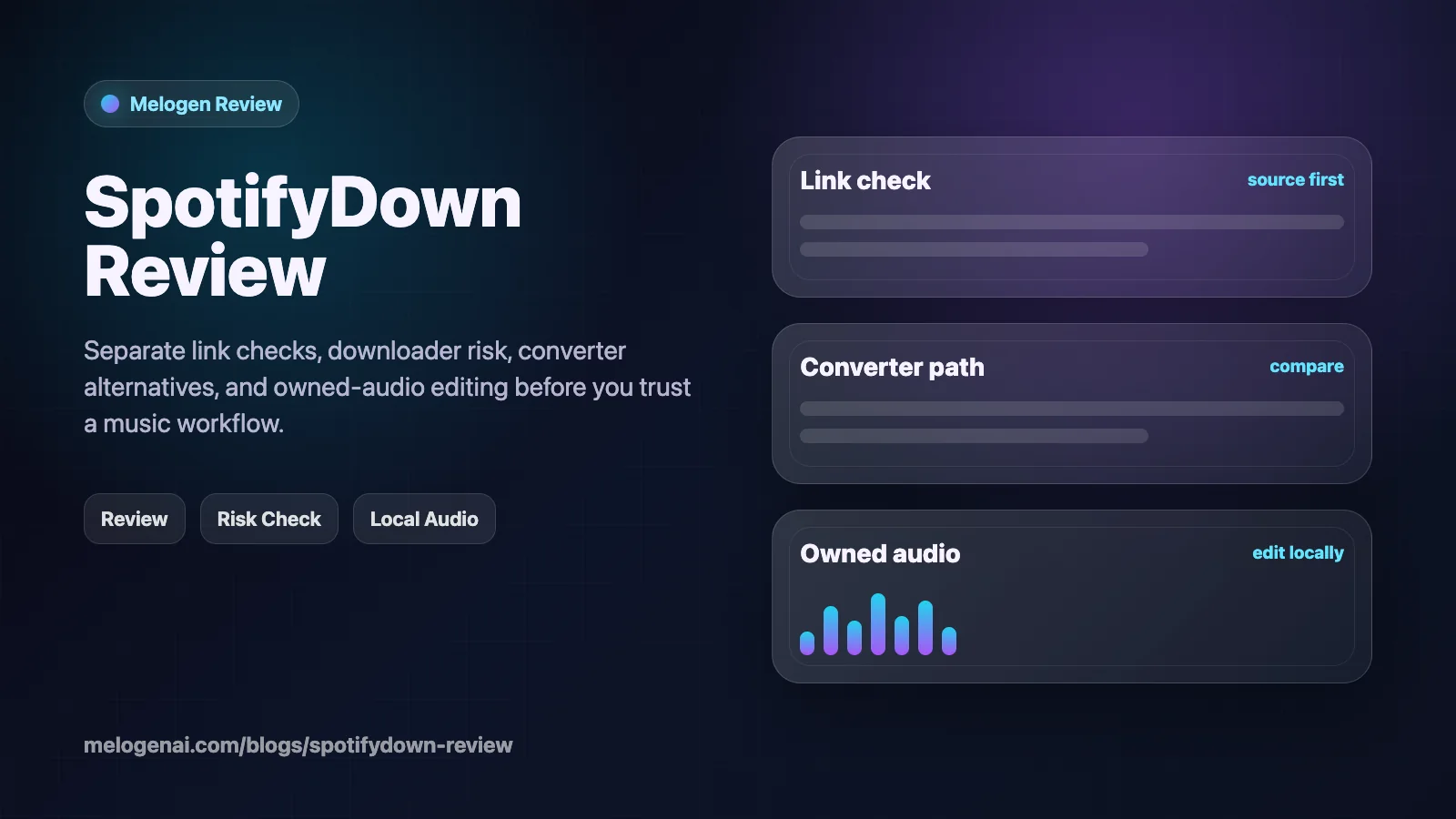
Turn a static score into editable MIDI
Contents
This SpotifyDown review is for a very specific reader: someone who found an online Spotify downloader, wants to know whether it is safe, and needs a cleaner way to think about offline listening, local files, and music editing. The short answer is that SpotifyDown-style tools are not the same as Spotify's official offline mode, and they are not the same as Melogen. Treat them as a risk-check decision, not a shortcut you install blindly.
The useful path is to separate four jobs: listening offline inside Spotify, researching a desktop converter, editing audio you already own or have permission to use, and avoiding cracked or account-bypass tools. That separation keeps the review practical without pretending every downloader solves the same music workflow.
Quick Verdict
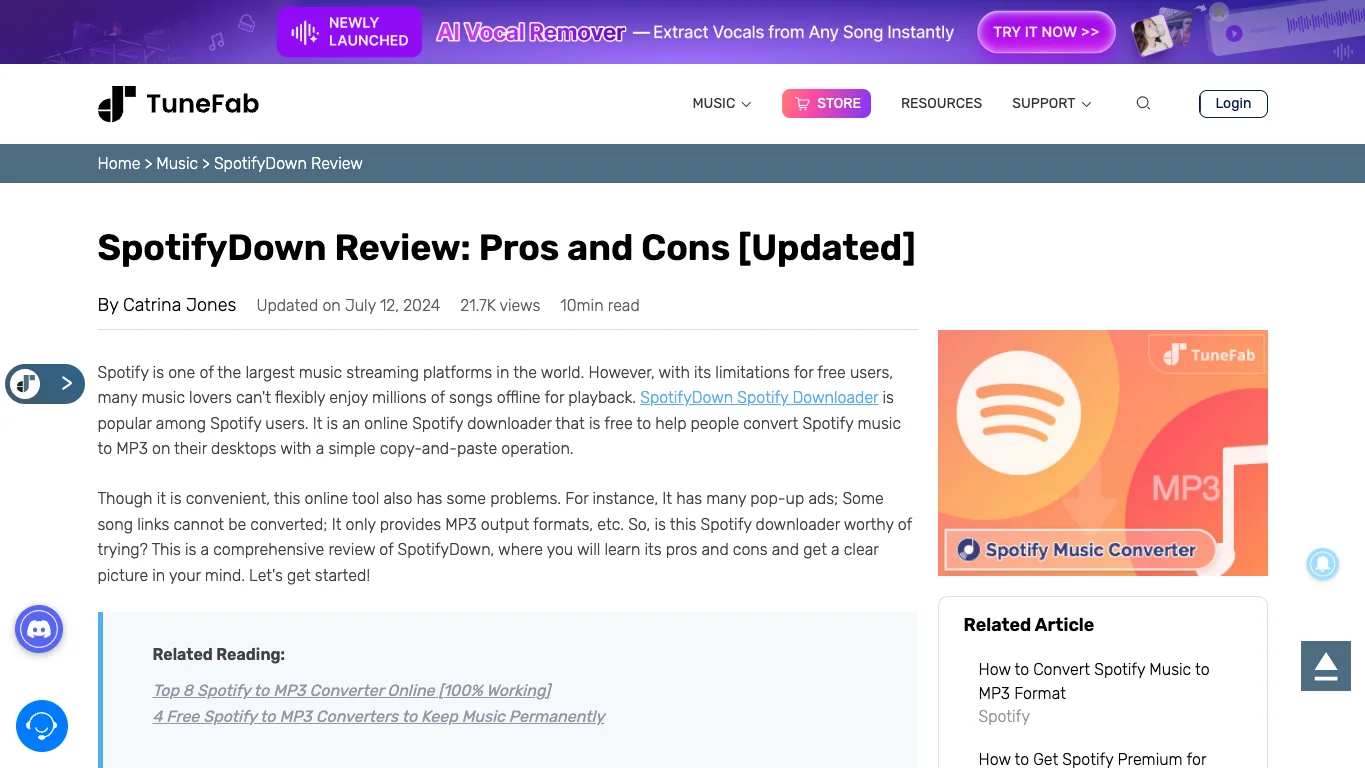
SpotifyDown is worth reviewing because the competitor URL and public page snapshot are review-heavy: pros, cons, safety, alternatives, and customer-trust checks all appear before a stable product decision. It is not the same job as a broad best Spotify downloaders roundup. A review reader wants to decide whether this named online downloader is trustworthy enough to use.
My practical recommendation is cautious:
| Reader job | Best first move | Why it matters |
|---|---|---|
| Offline listening in Spotify | Use Spotify's official offline mode | It stays inside the supported Spotify app instead of creating local audio files. |
| Local Spotify-to-file research | Compare official product pages and trial limits | Converter claims, update history, and usage boundaries change. |
| Editing a file for a music project | Use Melogen only after the file is yours to edit | Melogen is not a Spotify downloader or protected-stream converter. |
| Looking for cracked or bypass tools | Stop and choose another path | Security, account, and rights risk outweigh the convenience. |
What SpotifyDown Is Trying To Solve
SpotifyDown-style tools usually attract readers who want Spotify tracks outside the Spotify app. Public SpotifyDown review pages frame the product as an online Spotify downloader and usually discuss free use, safety, main features, verdict, and desktop alternatives. That is a real review-shaped search intent, but the central task is still sensitive: moving streaming-catalog music into local-file territory.
The practical question is not only whether the downloader works. A better review question is whether the source, account flow, output file, and intended use make sense for you. If the tool asks for a playlist link, creates an MP3, or points you toward a mirror site, you need to know what source is actually being used and whether the resulting file is appropriate for your situation.
If the public domain you check redirects, changes ownership, or does not show a stable product page, treat that as a warning sign. For online downloaders, source verification matters as much as feature claims.
What You Can Verify Before Using It
Use public review pages as a surface-level reference, then verify everything that affects your own risk. A page title, review table, or alternative recommendation can confirm that people are searching for a SpotifyDown verdict, but it does not prove that the online downloader is currently safe, maintained, or suitable for your use case.
Before using any online downloader, check:
- The official page or repository you are actually downloading from.
- Whether the page redirects, changes domain, or sends you through ads.
- Whether it asks for account credentials, browser permissions, or installer downloads.
- What file source it uses when a Spotify URL is pasted.
- Whether the output is only for personal listening or could create rights problems if reused.
- Whether a supported Spotify feature solves the same job with less risk.
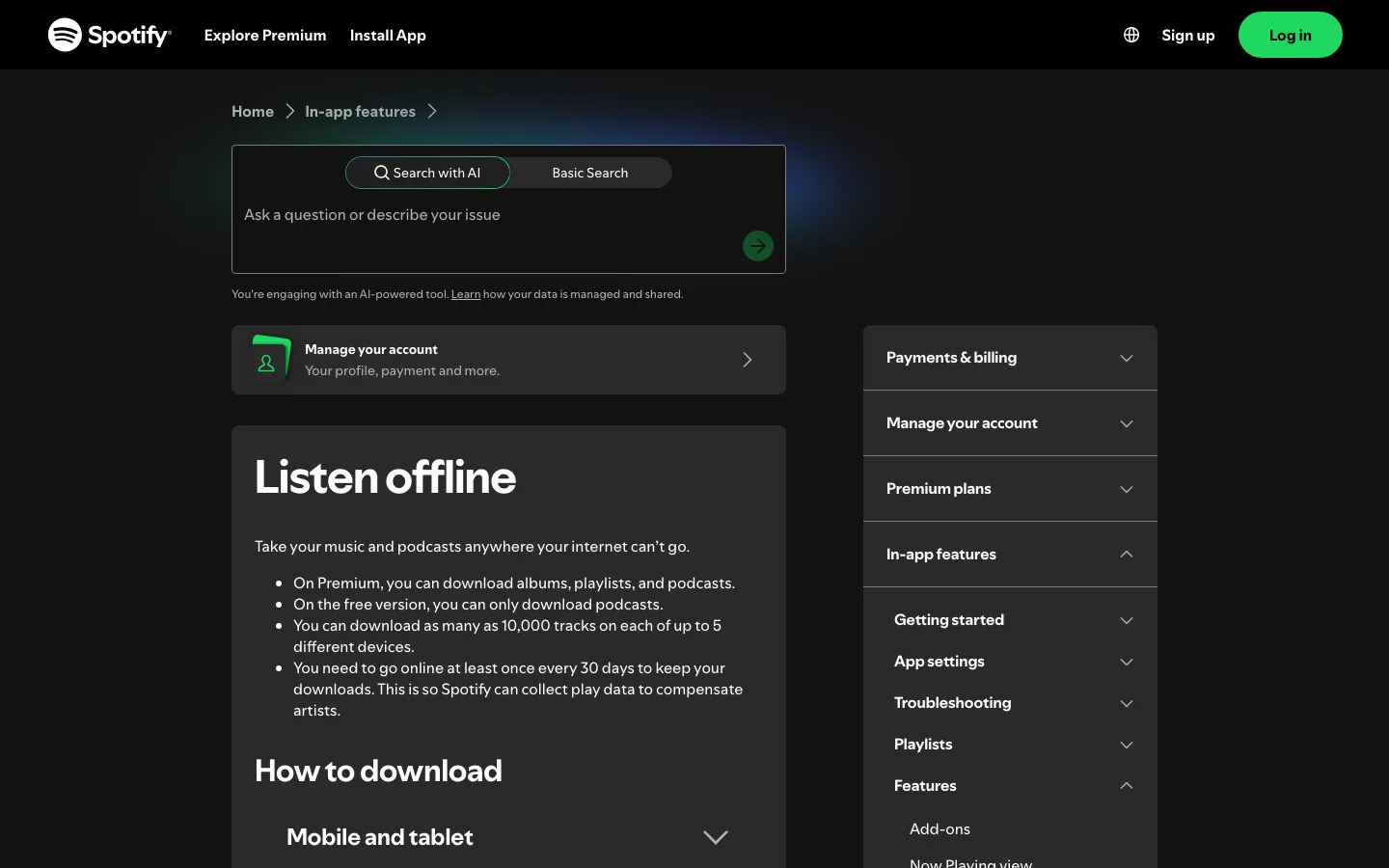
Official Spotify offline listening is still the cleanest route when you only want playback without a connection. See Spotify's own Listen offline support page for the supported app-based workflow.
Safety and Rights Checklist
Use this checklist before treating SpotifyDown or any similar online downloader as part of a music workflow.
| Check | Pass signal | Warning signal |
|---|---|---|
| Source page | Clear official site, current documentation, no mirror chain | Redirects, popups, clone domains, or unclear ownership |
| Account safety | No password request, no suspicious browser permission | Login prompts, token requests, or install prompts from unknown sources |
| Output clarity | Explains file source and format honestly | Promises unlimited free MP3 downloads without explaining source or limits |
| Usage boundary | Personal, rights-aware use is clearly separated from reuse | Encourages redistribution, bypassing subscriptions, or cracked access |
| Better alternative | Official Spotify offline mode or a reputable converter fits better | The tool is only attractive because it avoids normal account/product limits |
SpotifyDown Compared With Safer Paths
SpotifyDown's appeal is convenience: paste a Spotify URL, get a file, move on. The tradeoff is verification. Online downloaders can change domains, rely on unclear sources, or stop working when platforms change. For a one-off listener, Spotify offline mode may be enough. For a file-management reader, a desktop converter with a public product page, support policy, and refund terms is easier to evaluate.
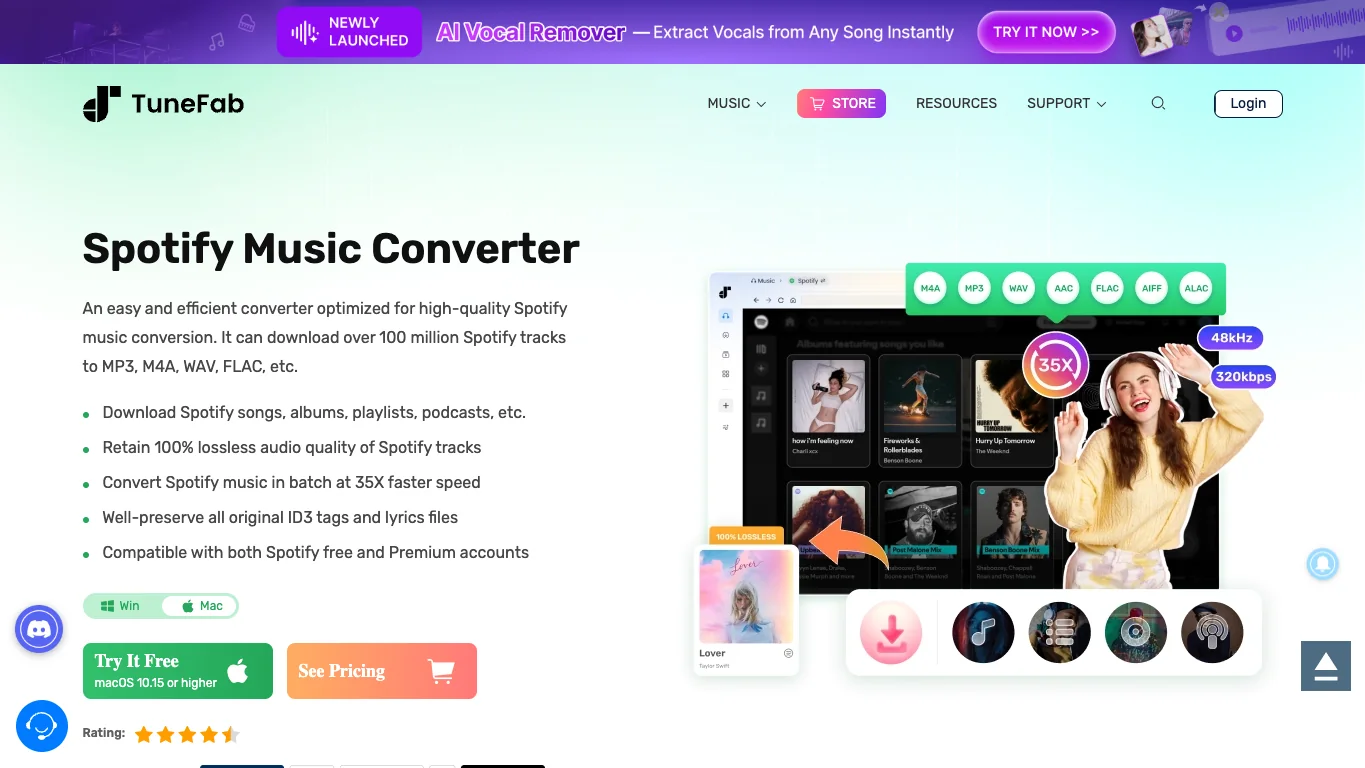
TuneFab Spotify Music Converter is the stronger affiliate fit when the reader has already decided they need a dedicated Spotify converter and wants a desktop product to compare. TuneFab's official product page positions it around Spotify songs, albums, playlists, podcasts, and audiobooks, with output formats such as MP3, M4A, WAV, FLAC, AIFF, ALAC, and AAC.
This is an affiliate recommendation: open TuneFab Spotify Music Converter.
Use the deeper TuneFab Spotify Music Converter review if your decision is about TuneFab specifically. Use the broader best Spotify downloaders roundup if you want to compare official offline mode, converter tools, open-source projects, recorder workflows, and Melogen's owned-audio lane.
Where Melogen Fits
Melogen should not be described as a Spotify downloader, Spotify-to-MP3 converter, or protected-stream unlocking tool. Its role begins after the source is already a file you created, purchased DRM-free, recorded with permission, rendered from MIDI, or otherwise have the right to edit.
Use Melogen when the next task is musical rather than streaming-library extraction:
- trim an owned audio clip with the Music Trimmer
- render a MIDI file to MP3 with MIDI to MP3
- clean up a rehearsal recording or local demo before sharing it
- continue from the add local files to Spotify workflow when the file is already permitted
- compare local audio export paths with the guide to convert music files to MP3
Edit permitted audio after the download decision
Use Melogen when the file is already yours to edit, trim, render, or prepare for a music workflow. Keep streaming extraction and local editing as separate decisions.
FAQs
Is SpotifyDown safe
Treat safety as something to verify at the moment you use it. Check the current domain, redirect behavior, permission requests, installer source, and whether the tool asks for anything beyond a public link. If those checks are unclear, use Spotify offline mode or a better-documented product path instead.
Is SpotifyDown the same as Spotify offline mode
No. Spotify offline mode keeps music inside the Spotify app for supported offline playback. SpotifyDown-style tools are usually about creating a separate local file, which is a different user job with different risk and rights questions.
Should I use TuneFab instead of SpotifyDown
Use TuneFab only if your real job is researching a dedicated desktop Spotify converter and you are willing to check current pricing, trial limits, supported formats, refund policy, and usage boundaries. It is not a universal replacement for official Spotify listening.
Can Melogen download Spotify songs
No. Melogen is for music workflows such as trimming, MIDI rendering, local-file cleanup, and notation-adjacent processing. It should not be used or marketed as a Spotify downloader.
The Practical Takeaway
SpotifyDown deserves a cautious review, not blind trust. Start with Spotify offline mode when you only need listening. If you need a converter, compare official product pages and keep the files within rights-aware personal use. If you already have permitted local audio, Melogen is the next-step music workflow tool, not the downloader.
About the author
Zhang Guo
Composer - AI Product Manager
AI product manager and digital marketing consultant with a background in music. Creativity is the bridge between rhythm and logic, where musical intuition and mathematical precision can coexist in every meaningful product decision.
Follow on X