How to Convert Audio to MIDI in GarageBand on Mac
Use an external transcription step to turn audio into MIDI for GarageBand on Mac, then align the notes, choose an instrument and check the phrase.
 Zhang Guo
Turn a static score into editable MIDI
Contents
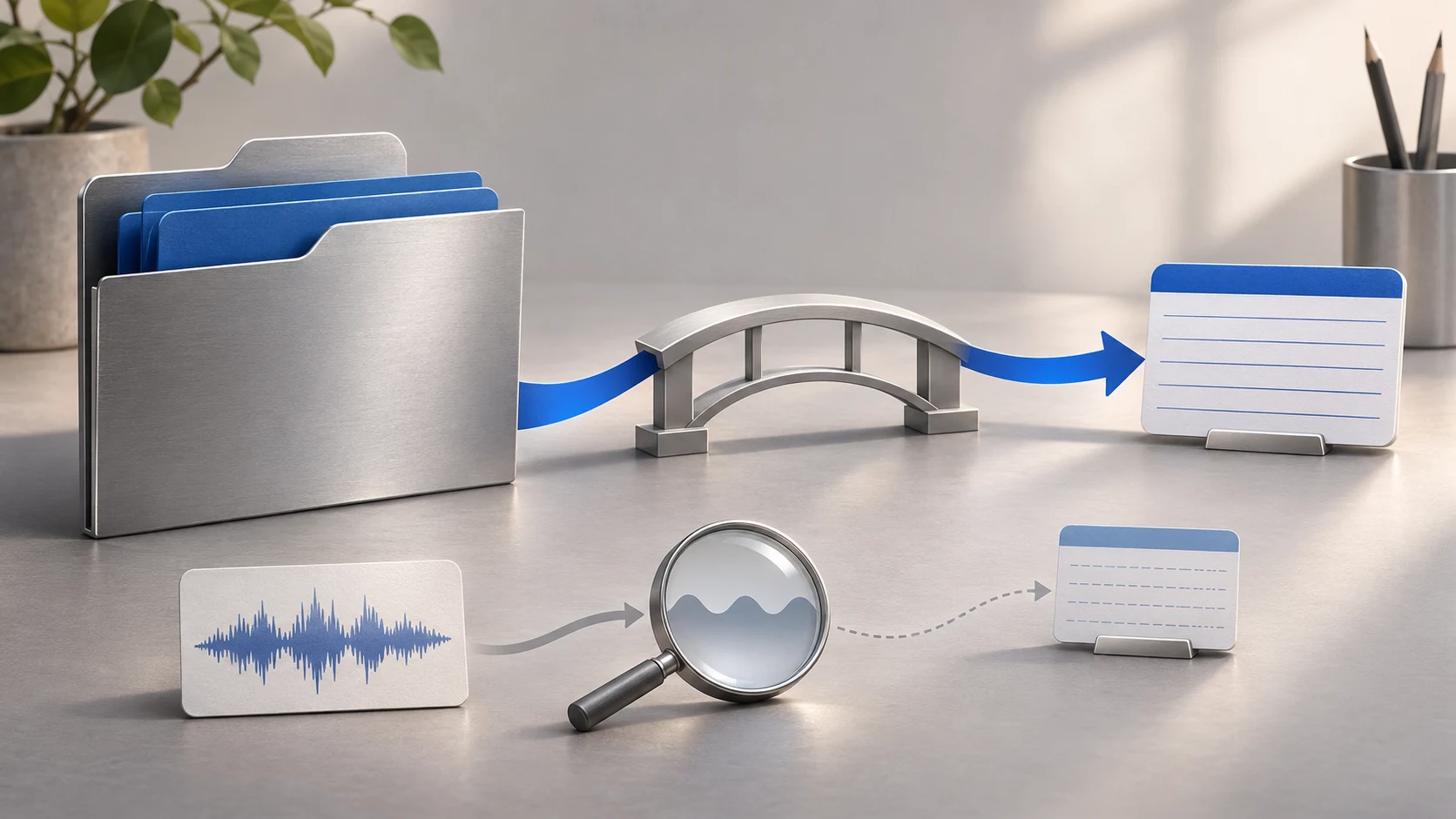
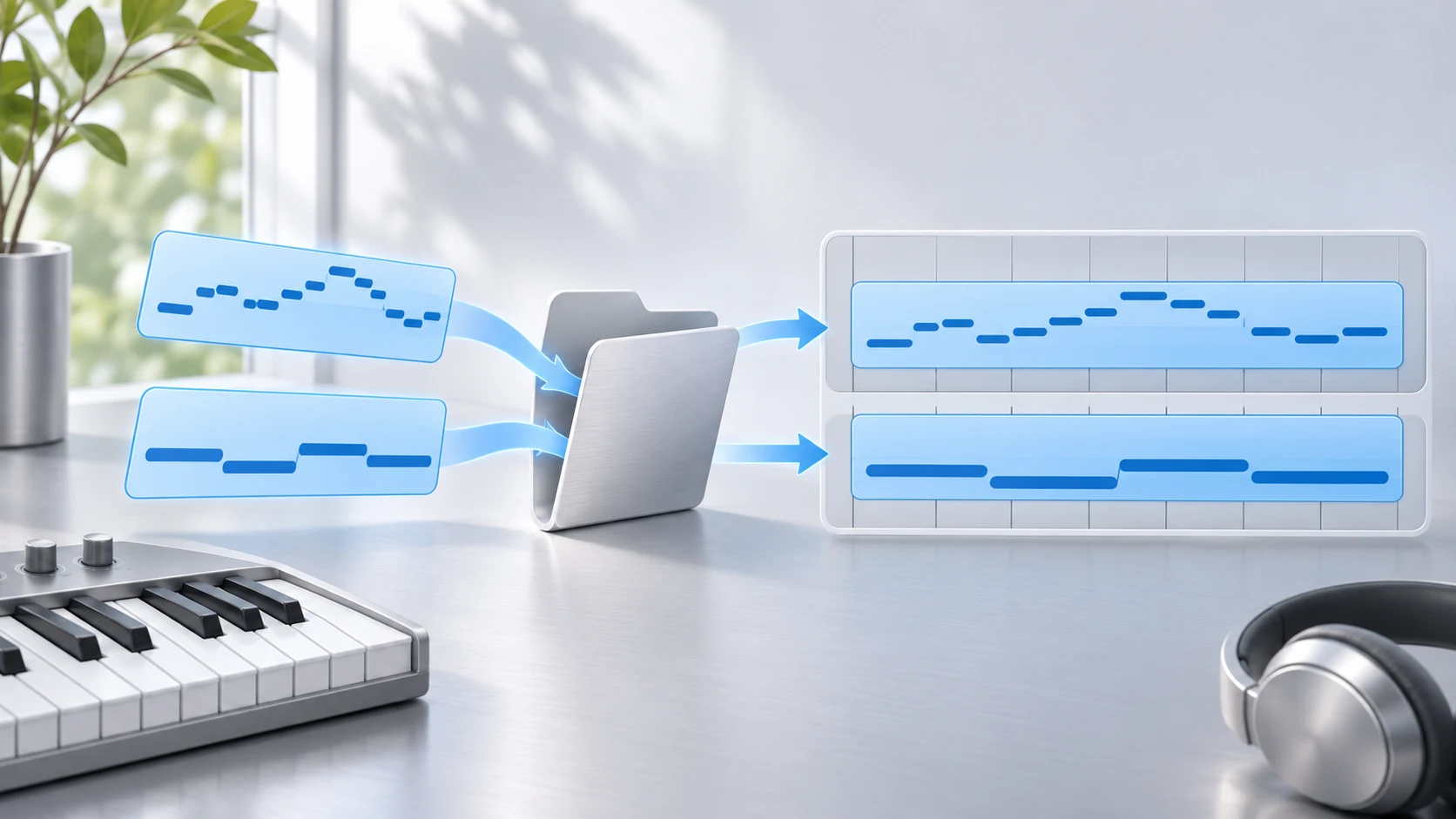
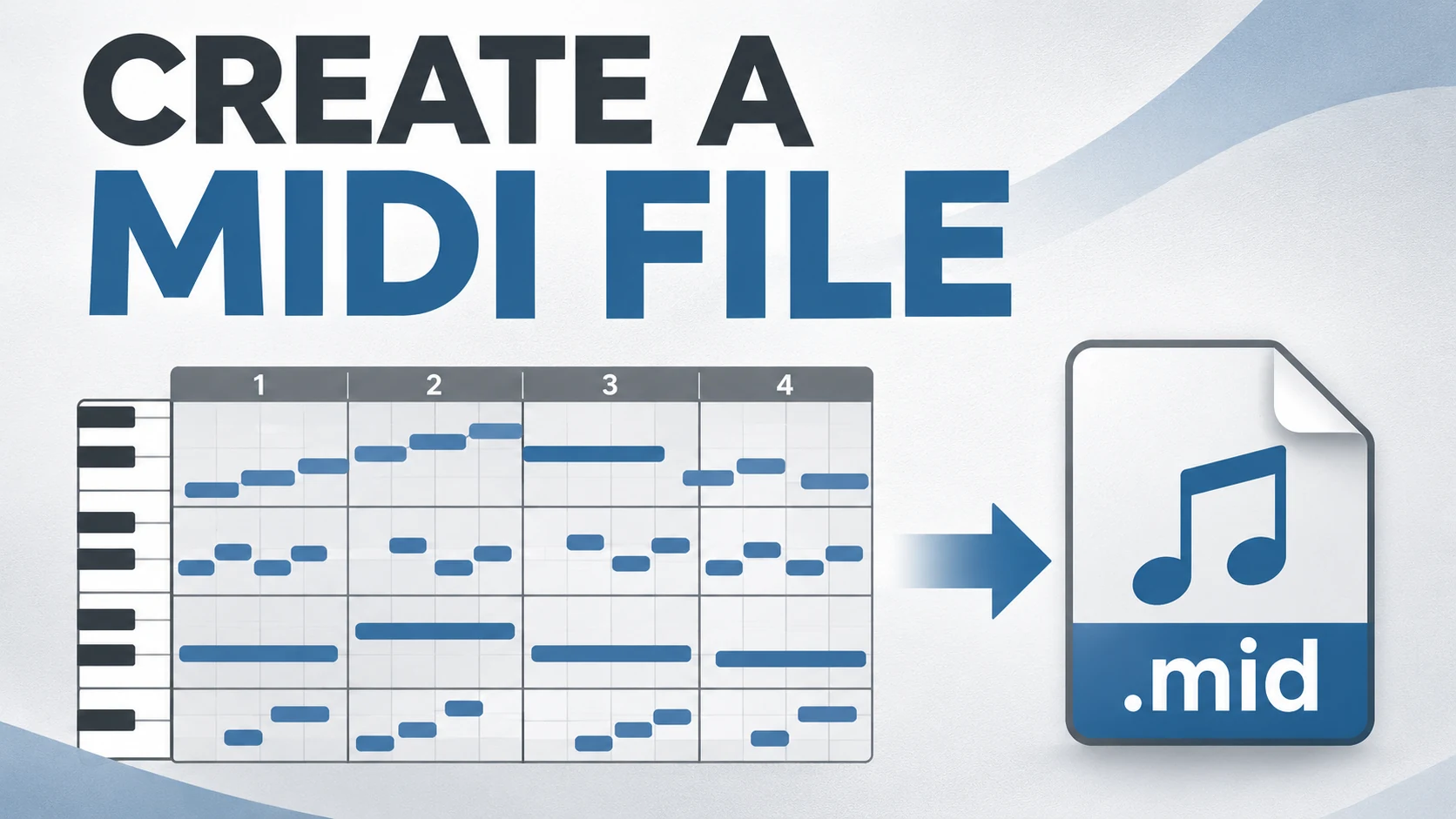
To convert audio to MIDI for GarageBand on Mac, transcribe the recording with an audio-to-MIDI tool, download the .mid, then drag it from Finder into GarageBand's Tracks area. The recording stays your reference; the imported MIDI becomes notes played by a software instrument.
Dropping a WAV into GarageBand imports sound. It does not turn the waveform into editable note events. Keep that transcription step separate from import, and you can diagnose the result without searching for a nonexistent conversion in an audio-export dialog.
Separate the three files in the workflow
| File | What it contains | Its job here |
|---|---|---|
| WAV, AIFF or another recording | Recorded sound | Source to transcribe and reference to compare |
.mid | Note and timing instructions | Editable musical draft for a software instrument |
.band | GarageBand project data | Session containing the source, notes and chosen sounds |
This guide starts with a recording and ends with editable notes in a Mac project. If you already have a good MIDI file, the transcription stage is unnecessary. If your goal is to send an existing GarageBand performance to another program, that is an export task with different constraints.
Apple's Mac import guide documents importing recordings and existing MIDI separately. It is also worth checking the platform: Mac instructions and the iPhone Files/Loop Browser workflow use different controls.
Make a short conversion you can judge
Start with a dry voice, bass line or solo instrument. Use a short phrase rather than an entire mix. Keep a copy of the original, including any tempo information you know.
For a controlled exercise, download the two-second audio phrase and its MIDI reference. The files were made for this lesson. The MIDI is the intended answer, not a claimed transcription output.
At 120 BPM, the phrase plays C, D, E and G. MIDI pitch numbers are 60, 62, 64 and 67; attacks occur at 0, 0.5, 1 and 1.5 seconds. Each note lasts 0.375 seconds. Compare the sounding pitches and event numbers if two programs use different octave names.
That small example gives you a useful question: can you account for each of the four attacks? A few correct notes buried in a large converted song are much harder to assess.
Transcribe the recording before opening the MIDI
Melogen Audio to MIDI accepts common recording formats and provides a downloadable MIDI result. Use it when you want a browser-based first pass before arranging in GarageBand.
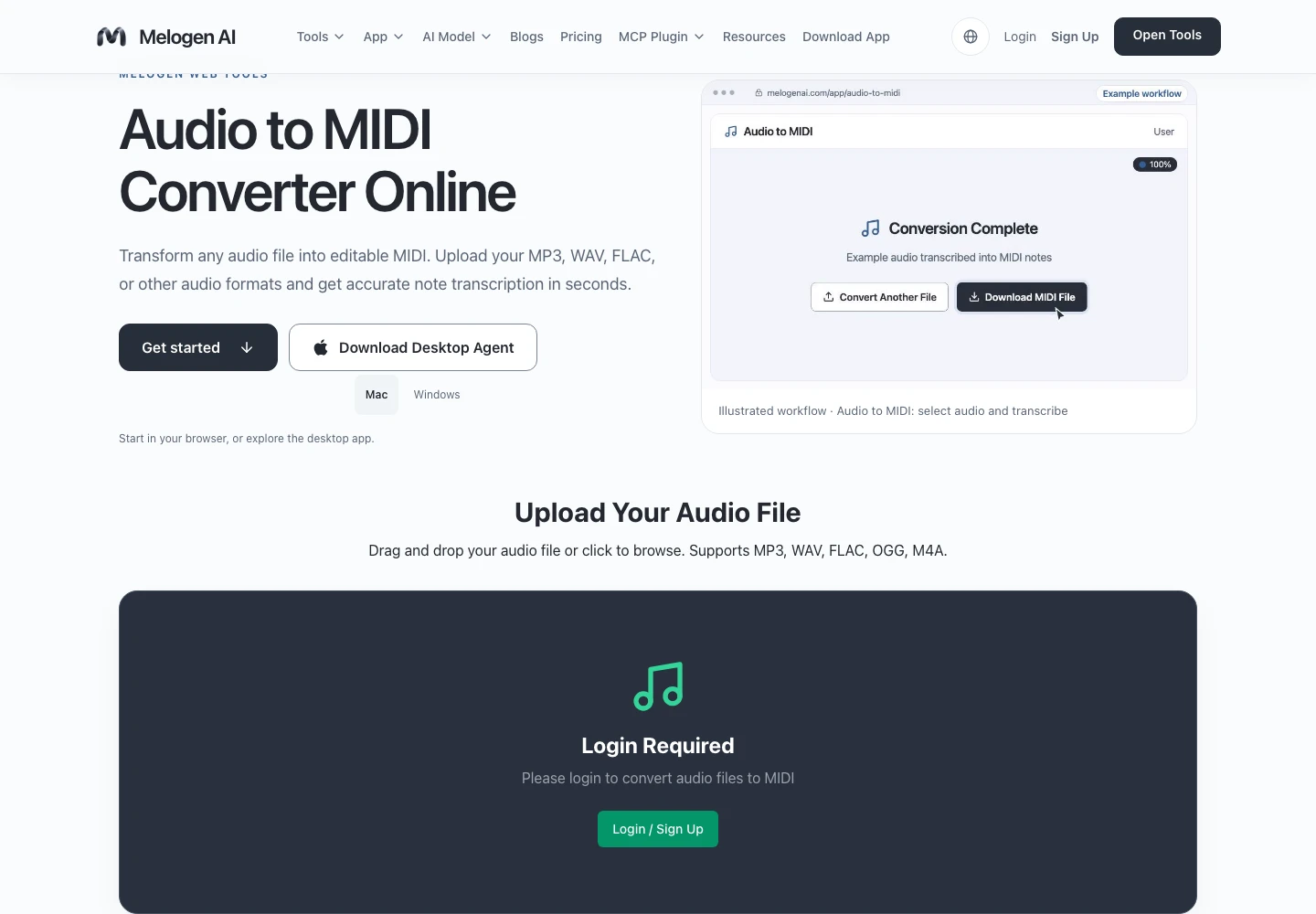
- Open the audio-to-MIDI tool and sign in when prompted.
- Choose the short recording you have permission to use.
- Start conversion and wait for the result.
- Download the MIDI file while retaining the source recording.
- Name both files so you can recognize the same phrase in the project.
Check the tool's current credit and preview terms before starting. The first MIDI is an editing draft, especially when the source contains overlapping instruments, room sound or long reverberation.
Create the MIDI before arranging in GarageBand
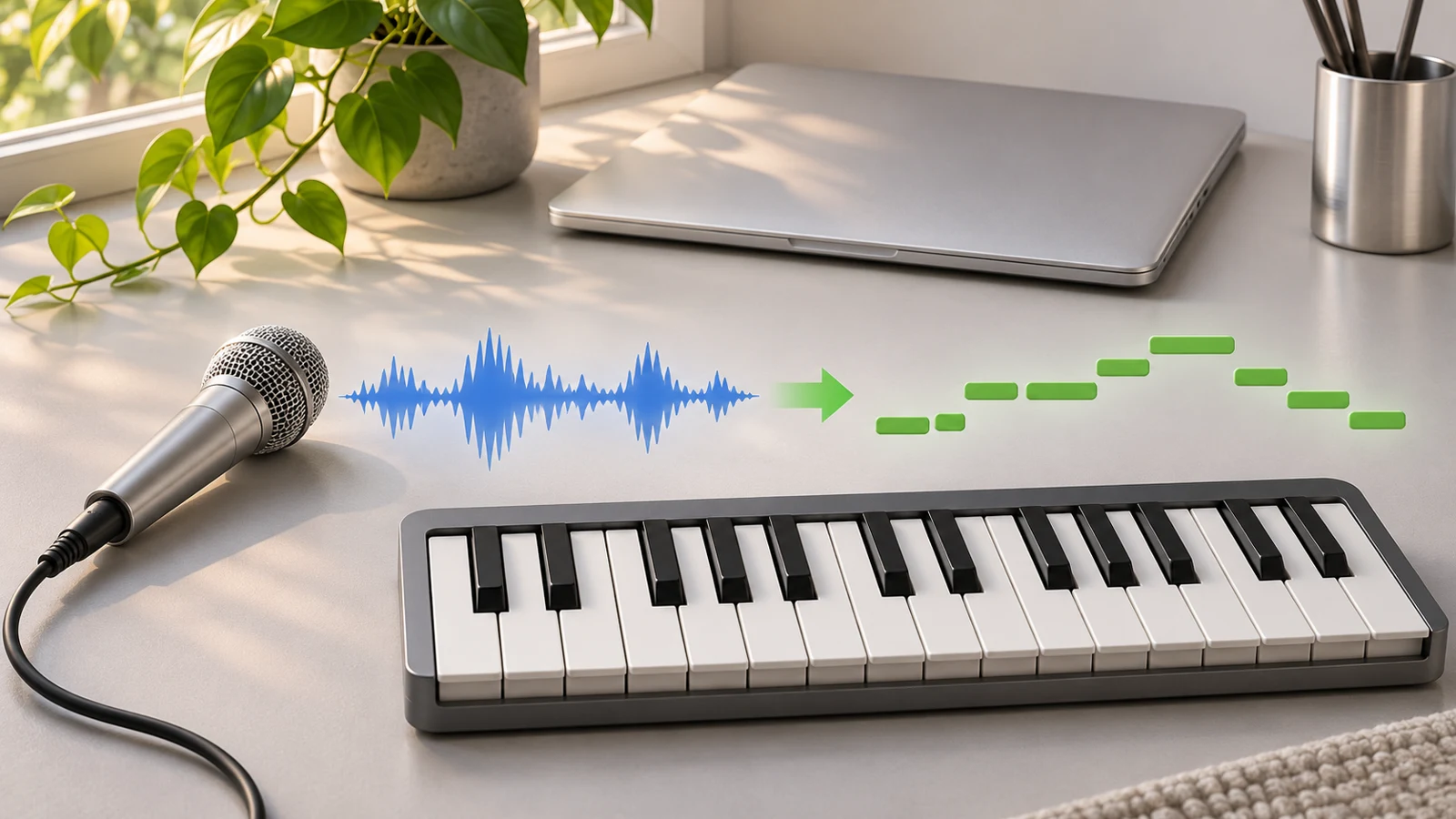
Upload a recording to Melogen Audio to MIDI, download the notes, then compare them with the source in your GarageBand project.
Import onto a software instrument track
Create a small GarageBand project and choose a plain software instrument. Set the project tempo to the phrase's known tempo before judging bar positions. Drag the .mid from Finder onto the software instrument track or into the empty area beneath the existing tracks.
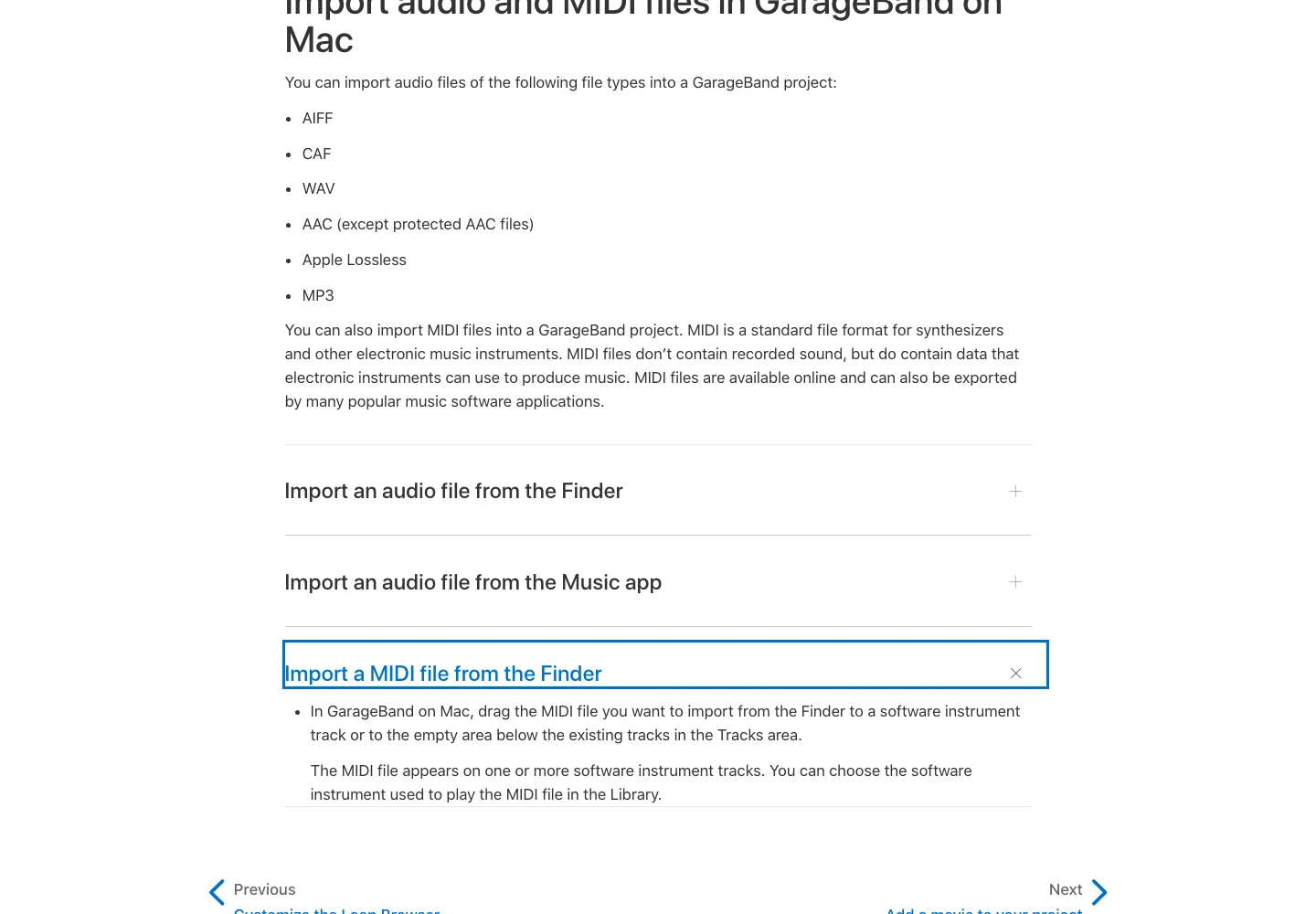
Keep the recording on a separate audio track. Place the audio phrase and imported notes at the same musical start, then audition each alone. A stable source and a standard MIDI file do not automatically guarantee matching region placement.
Use the supplied reference MIDI once to distinguish two possible failures. If the reference imports and plays, but your transcription is messy, focus on the transcription and source. If even the reference will not play, inspect the receiving track, instrument and file before rerunning an audio analysis.
Check the phrase in the Piano Roll Editor
Review the imported region's note events. Begin with structure, then move to detail:
- Compare the first attack with the original recording.
- Check the last attack. A growing timing difference suggests a tempo issue rather than one late note.
- Confirm the pitch contour and register.
- Look for missing repeated notes or tiny false events.
- Adjust note ends and velocities after the main notes are right.
| Symptom | What to inspect first | Better next action |
|---|---|---|
| Visible notes but no useful sound | Track type, instrument and mute state | Audition a plain software instrument |
| Correct melody at the wrong speed | Project tempo and source timing | Resolve tempo before moving individual attacks |
| The whole phrase is equally late | Region placement or leading silence | Align the start |
| Extra notes appear near every release | Noisy or reverberant source | Try a drier phrase or remove false events |
| The timbre is completely different | The selected software instrument | Choose a sound after checking the notes |
Decide whether to correct or rerun
Correct a few isolated errors in the Piano Roll Editor. Rerun from a cleaner source when the result is fundamentally fragmented, combines several instruments into one confusing part, or misses the phrase's rhythm.
The broader audio-to-notes guide explains source selection and cleanup. If the final destination is printed notation, read MIDI versus MusicXML before assuming an editable GarageBand region will preserve score layout.
Finish by saving the project with clearly named source and MIDI tracks. Your useful result is a phrase whose notes you can edit and verify, with the original recording still available to settle musical decisions.
About the author
Zhang Guo
Composer - AI Product Manager
AI product manager and digital marketing consultant with a background in music. Creativity is the bridge between rhythm and logic, where musical intuition and mathematical precision can coexist in every meaningful product decision.
Follow on X