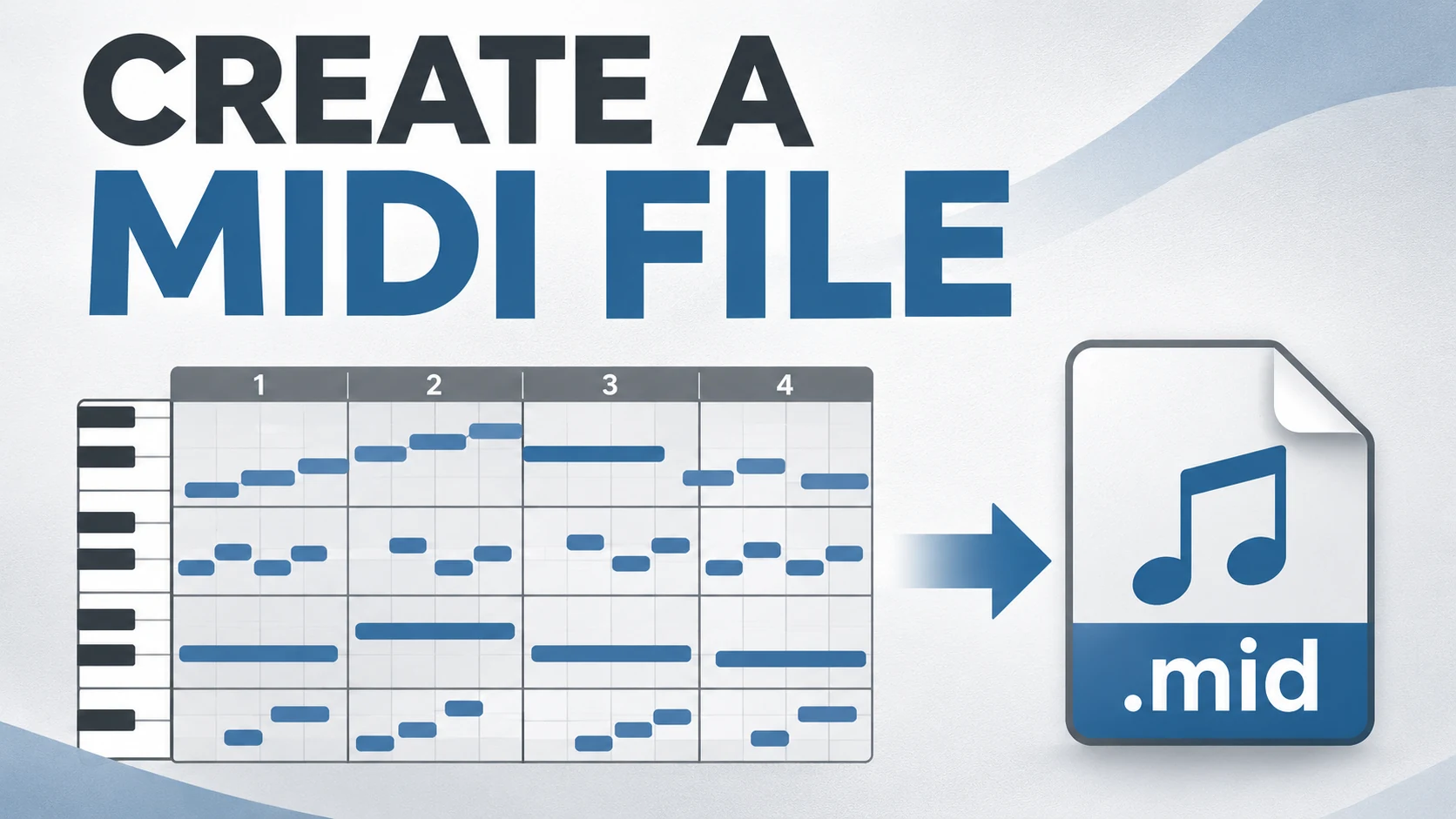
How to Convert Audio to MIDI in Melodyne and Export It
Convert audio to MIDI in Melodyne 5, choose the right edition or host route, export the intended range, and check notes against the recording.
 Zhang Guo
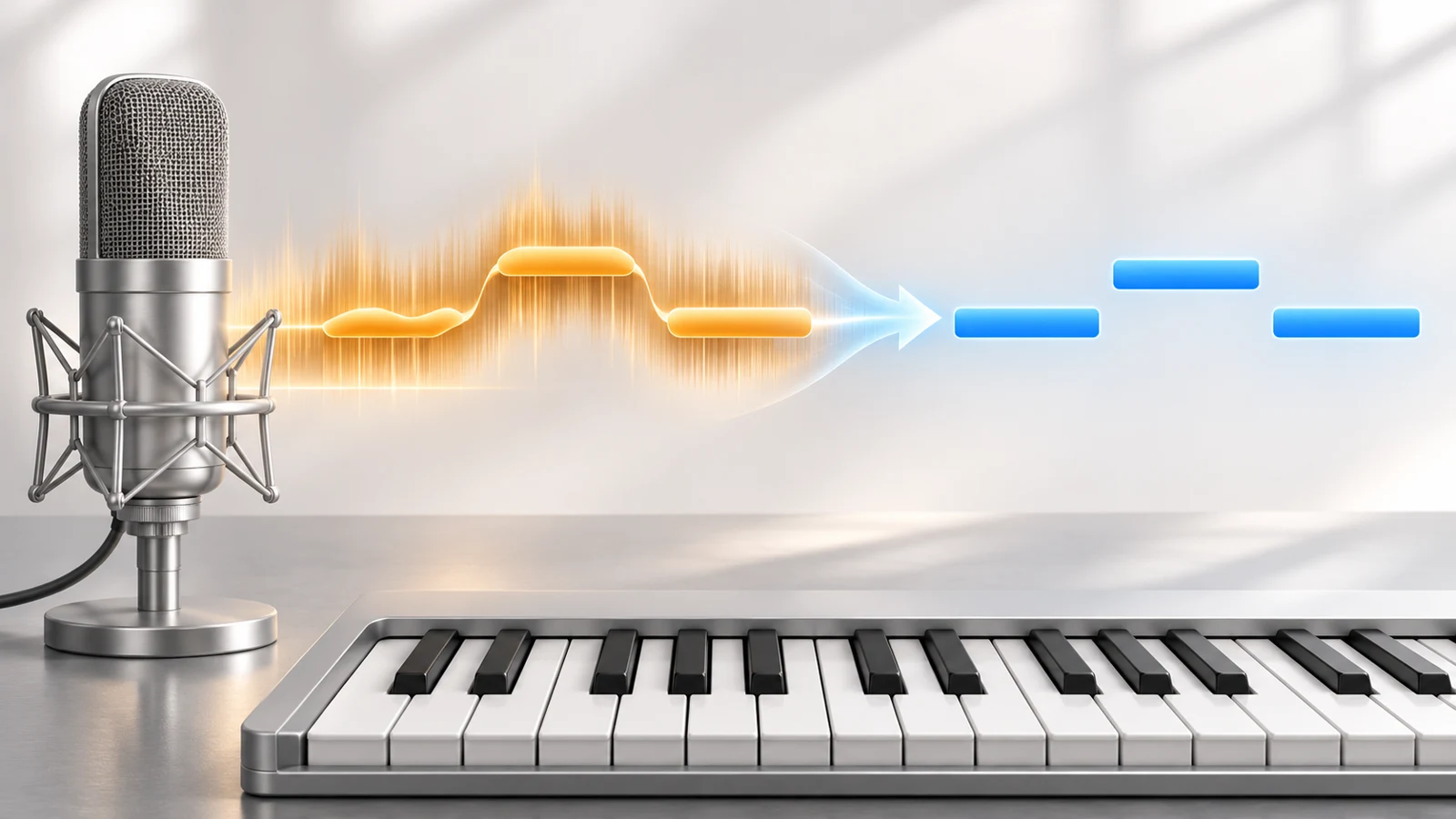
Turn a static score into editable MIDI
Contents
To convert audio to MIDI in Melodyne 5, analyze the recording, correct the detected notes, then export MIDI through the route supported by your edition and host. In the stand-alone application, the export dialog can save MIDI rather than audio. In some ARA hosts, the DAW handles the note handoff directly.
Check that route before editing a long performance. A stand-alone export, a host-integrated extraction and an audio render are different outputs, even when they begin with the same detected melody.
Check your edition and host first
Celemony's edition guide places stand-alone audio-to-MIDI among the features added with Assistant. Editor and Studio build on that feature set. Essential can have a different answer inside an integrated host, so “Essential never supports this” is too broad.
| Setup | Route to verify | Important boundary |
|---|---|---|
| Stand-alone Assistant, Editor or Studio | Export a MIDI file | The export type and time range must be correct |
| Essential in a supported ARA host | The host's extraction or instrument-track handoff | Host integration can provide capabilities beyond stand-alone export |
| Polyphonic source | An appropriate detection algorithm and edition/host combination | A chord is not the same analysis task as a solo vocal |
| Rhythmic or Universal analysis | Check the intended event output | Exported events can share one pitch rather than identify a pitched melody |
For example, Celemony's Pro Tools integration guide documents host extraction from Pro Tools and Pro Tools Ultimate 2020.11 onward, including an Essential exception. Check your host's documented method rather than looking for an identical plug-in export button in every DAW.
Use a phrase with clear expected events
Download the original reference audio. It plays a short C–D–E–G line at 120 BPM. The reference MIDI is a separate intended-answer file for comparison in your DAW, not a claimed Melodyne export.
| Note event | MIDI pitch | Attack time | Duration |
|---|---|---|---|
| C | 60 | 0.0 seconds | 0.375 seconds |
| D | 62 | 0.5 seconds | 0.375 seconds |
| E | 64 | 1.0 seconds | 0.375 seconds |
| G | 67 | 1.5 seconds | 0.375 seconds |
Open the audio in Melodyne, not the reference .mid. For your own recording, start with one clearly audible pitched line and keep the original available. A short control tells you more about note boundaries and export range than an unfamiliar full mix.
Review the detected notes before export
Check the analysis against what you hear. One sustained note should remain one intended event unless the performance genuinely rearticulates it. A breath or a noisy release should not become a new musical pitch just because it creates a visible shape.
Work in this order:
- Confirm the source and analysis type suit a pitched melody.
- Check the main pitch sequence and register.
- Correct obvious false splits or merged repeated notes.
- Compare note starts with the recording.
- Refine lengths only after the main events make sense.
MIDI describes discrete note events. It does not carry the complete vocal timbre, and a simple note export should not be expected to reproduce every expressive bend of the original voice. Choose the receiving instrument after the notes pass review.
Export MIDI from the stand-alone application
In the supported stand-alone edition, choose File > Export, set the output type to MIDI, and choose the time range. Use Entire Length for the full project or Cycle Range Only for a deliberately bounded phrase. Mute material you do not want included.
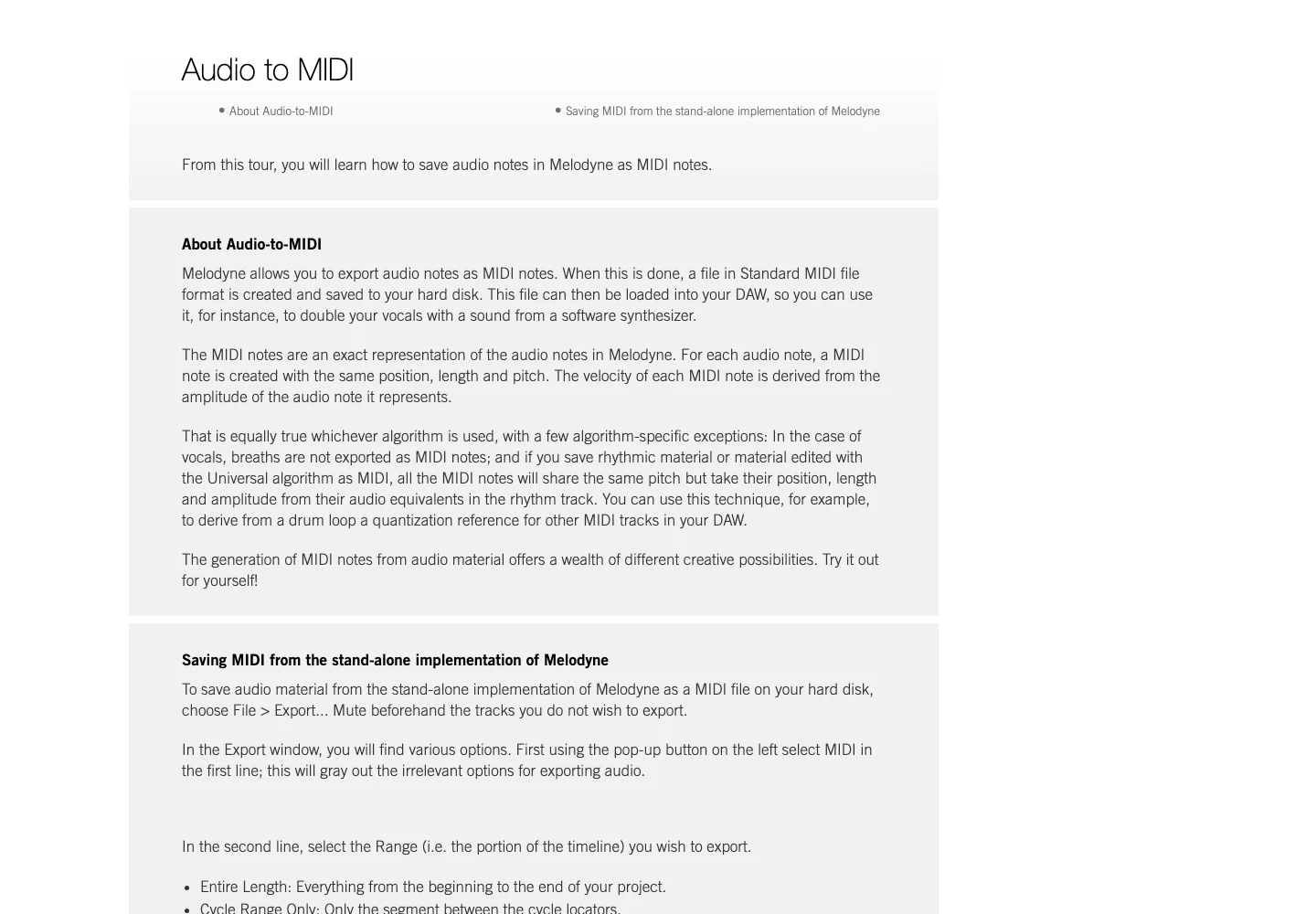
If a note continues beyond the cycle boundary, decide whether its ending belongs in the deliverable. The Include tails option can preserve notes that are still sounding at that boundary. A rehearsal loop and a complete held-note phrase may require different choices.
The stand-alone export guide explains these controls. Save the .mid with a name that identifies the phrase and tempo, then reopen it in the destination DAW for the final check.
Handle an ARA host handoff separately
Inside a supported DAW, use the host-specific instructions. Celemony's Studio One guide, for example, describes dragging an audio event already opened in Melodyne to an instrument track. Pro Tools offers its own extraction commands.
One useful Pro Tools detail concerns edited material: Celemony says leaving the extraction algorithm at Automatic preserves the current Melodyne-edited melody when that clip already has ARA edits. Choosing another analysis can derive notes from the original audio instead. That difference matters if you changed pitches before creating the MIDI.
Do not generalize one host's gesture to every ARA implementation. The result you need is the edited musical phrase on a playable instrument track, not merely a successful drag operation.
Check note data and export scope in the destination
For the supplied control, compare the exported part with four principal pitches: 60, 62, 64 and 67. At 120 BPM the attacks are a quarter note apart. Compare pitch numbers and sound if software octave labels differ.
| Result | Check first | Next decision |
|---|---|---|
| All events have the same pitch | Analysis type and rhythmic/Universal behavior | Use suitable pitched analysis for a melody |
| Correct middle, missing held ending | Export range and tails | Include the ending or intentionally make a shorter loop |
| Old pitches appear after an ARA edit | Host extraction and analysis choice | Follow the host's edited-material route |
| Extra accompaniment appears | Muted tracks and export scope | Export only the intended material |
| Notes exist but nothing sounds | Instrument assignment and routing | Load a simple sound before judging the file |
Use a browser route when you need a portable draft
If your starting point is an audio file outside the host, Melogen Audio to MIDI offers a separate upload-and-download workflow. It creates a MIDI draft you can inspect in a DAW. It does not change Melodyne licensing or supply missing controls inside a plug-in.
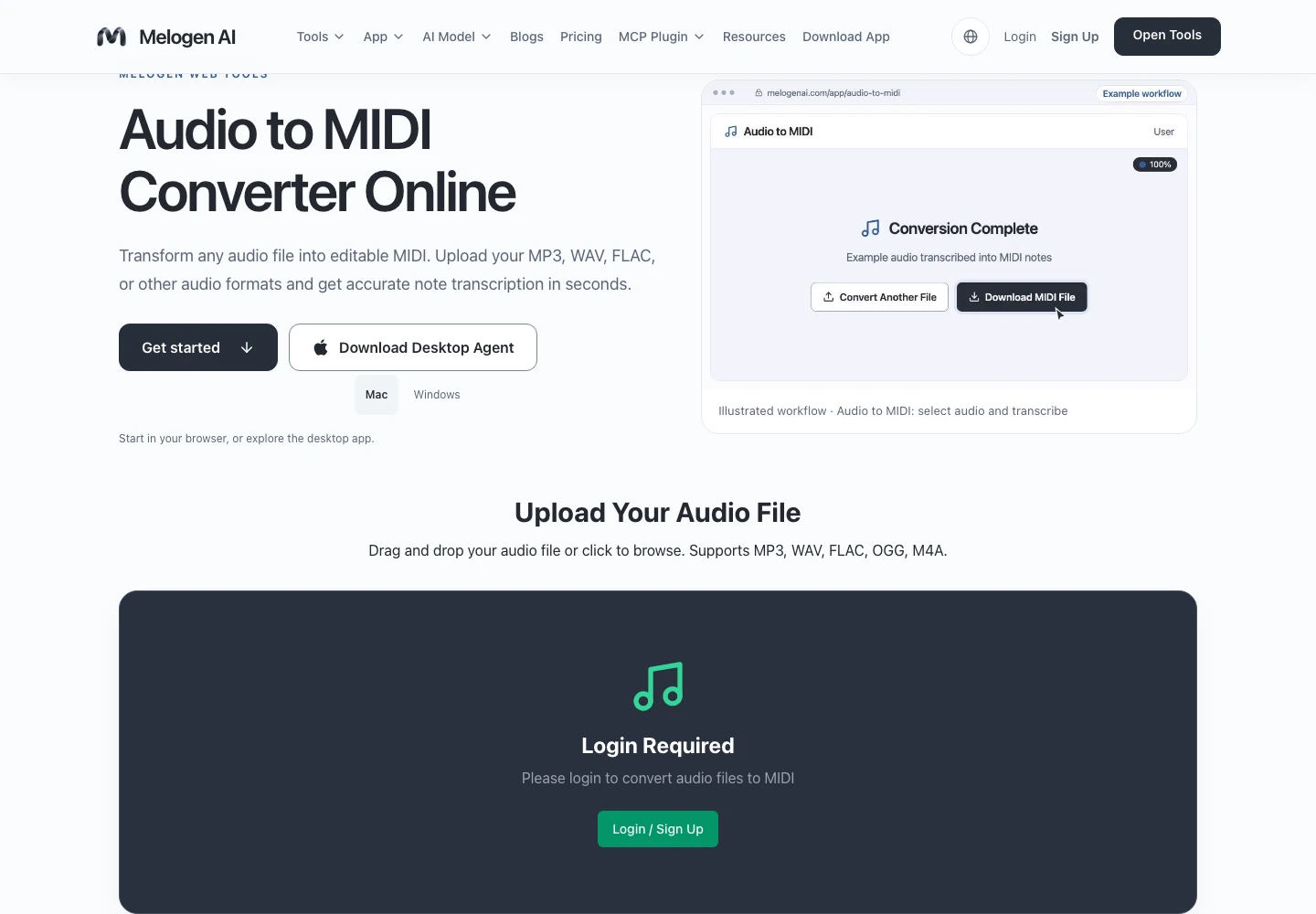
Create a MIDI draft before your host setup
Use Melogen Audio to MIDI for a portable first pass, then review pitch, note boundaries and timing in your preferred editor.
The audio transcription guide covers source quality. When the notes are ready, the MIDI sharing checklist helps you package the intended file and a useful audio reference.
About the author
Zhang Guo
Composer - AI Product Manager
AI product manager and digital marketing consultant with a background in music. Creativity is the bridge between rhythm and logic, where musical intuition and mathematical precision can coexist in every meaningful product decision.
Follow on X