Best Apple Music Playlists for Every Mood and Task in 2026
Compare the best Apple Music playlists for discovery, workouts, focus, running, relaxation, sleep, and genre exploration, plus practical choosing tips.
 Zhang Guo
Turn a static score into editable MIDI
Contents
The best Apple Music playlists are not one universal top ten. The useful choice depends on what you need the music to do: surface this week's biggest records, introduce brand-new releases, hold a steady workout mood, stay out of the way while you focus, or help a room settle down at night.
This shortlist covers nine current playlists on Apple Music's public US pages. I prioritized official Apple Music editorial playlists with a clear listening job, a visible curator, and either a recent update label or a stated refresh policy. Availability, track order, artwork, and update timing can vary by country, so use the links as current starting points rather than permanent track lists.
Quick comparison of the best Apple Music playlists
| Playlist | Best for | Energy | Discovery level | Main tradeoff |
|---|---|---|---|---|
| Today's Hits | A fast snapshot of major current songs | High | Medium | Broad popularity over niche depth |
| New Music Daily | Finding newly released music | Mixed | High | Changes quickly, so save favorites |
| Pure Workout | General gym sessions and mixed training | High | Medium | Not paced for one exact workout |
| Pure Running | Runs that need sustained momentum | High | Medium | Your ideal cadence may differ |
| Concentration | Deep work and low-distraction listening | Low | Low to medium | Too restrained for an energy lift |
| Acoustic Chill | Reading, coffee, and gentle background music | Low | Medium | Vocal tracks may distract some listeners |
| Pure Chill | Broad electronic and instrumental relaxation | Low to medium | Medium | Less acoustic and singer-songwriter focused |
| Sleep Sounds | Bedtime and ambient background sound | Very low | Low | Not designed for active listening |
| '90s Hip-Hop Essentials | A guided entry into one major era | Medium to high | Medium | Era-specific rather than a current-hits feed |
There is no ranking score here because these playlists solve different jobs. The strongest option is the one whose pace, novelty, vocals, and refresh pattern match the session in front of you.
Today's Hits for a quick read on popular music
Apple Music describes Today's Hits as an evolving snapshot of major songs across pop, hip-hop, R&B, and other mainstream lanes. The public page identifies Apple Music Hits as the curator and shows a recent update label.
Choose it when you want one playlist that quickly answers, "What is big right now?" It works well for a shared room, a casual drive, or catching up after you have ignored the charts for a few weeks. The tradeoff is obvious: a broad hits playlist favors reach and immediacy, not deep exploration of one scene.
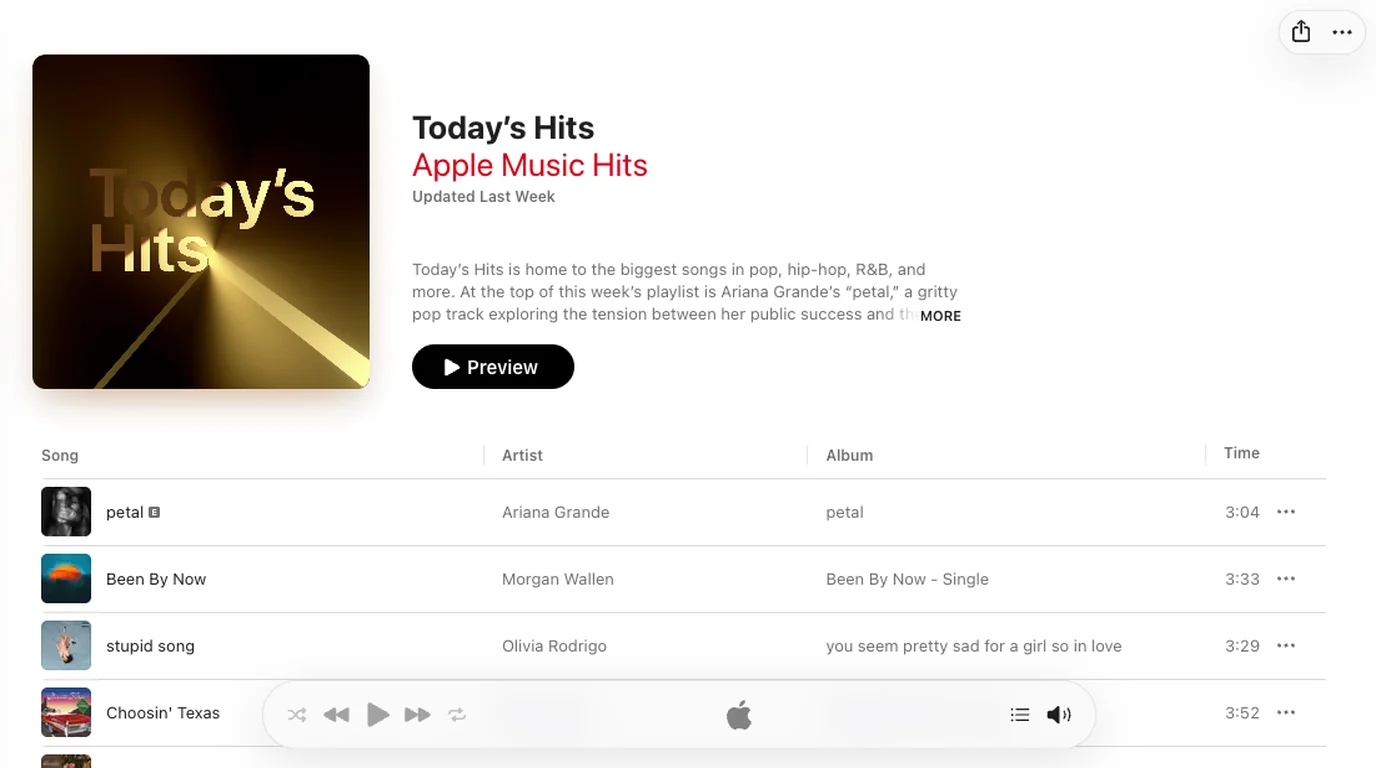
If one track matters, add it to your library or a personal playlist. Editorial selections and ordering can change, so the playlist is better treated as a live feed than as a fixed collection.
New Music Daily for release discovery
New Music Daily is the better choice when novelty matters more than consensus. Apple describes it as a playlist that is updated regularly with new music worth hearing.
Use it for a weekly discovery pass: scan the first several tracks, listen long enough to understand the production or writing idea, and move the keepers into a smaller personal playlist. That workflow prevents a constantly changing editorial feed from becoming a pile of half-remembered songs.
This is also the playlist in the list most likely to feel uneven. New releases span styles, moods, and levels of familiarity. That variety is the feature, but it makes New Music Daily less dependable as background music for a single activity.
Pure Workout for mixed gym sessions
Pure Workout is Apple Music Fitness's broad exercise playlist. Its public description emphasizes movement across different settings, from weights to walks, and says editors update the picks regularly.
It is the practical default when a workout mixes warm-up, strength work, intervals, and cooldown rather than staying at one pace. Expect an optimistic, energetic profile instead of a strict BPM plan.
For timing-sensitive sets, use the playlist as a source rather than accepting its order unchanged. Move suitable tracks into your own sequence, then test transitions during one normal session before relying on it for a race, class, or performance.
Pure Running for sustained momentum
Pure Running narrows the activity from general exercise to running. Apple Music Fitness describes a style-spanning set meant to keep runners moving and notes that the editors update it regularly.
Choose it when you want fewer energy drops than a general workout mix. Then judge the playlist against your actual stride. A song can feel energetic while still landing awkwardly against your cadence, interval length, or long-run effort.
If pace is the deciding variable, Melogen's Spotify running playlist guide explains a reusable BPM and workout-type framework. The streaming service is different, but the selection logic applies: easy runs, tempo work, intervals, and cooldowns need different energy curves.
Concentration for low-distraction work
The Concentration playlist sits under Apple Music Focus. Its public page presents a long set built around subdued electronic, ambient, and related material.
This is the best starting point in the list for writing, coding, studying, or editing when vocals pull your attention away from the task. Keep the volume low enough that the music provides continuity instead of becoming the foreground.
The catch is that low-distraction does not always mean motivating. If the playlist makes the room feel too still, switch to Acoustic Chill or use one short discovery playlist before moving back to focus music.
Acoustic Chill for gentle songs with human texture
Acoustic Chill leans toward mellow singer-songwriter, acoustic-pop, and indie material. Apple Music Acoustic says the playlist mixes newer selections with familiar tracks and refreshes it regularly.
It fits reading, a quiet kitchen, coffee with friends, and the softer end of a workday. Compared with Concentration, it keeps more obvious songcraft in the foreground: voices, guitar timbre, and lyric phrasing are part of the appeal.
That same human detail can become distracting during language-heavy work. If you keep following every vocal line, move to Pure Chill or Concentration instead of forcing the playlist to serve the wrong job.
Pure Chill for broad electronic relaxation
Pure Chill is a wider relaxation choice. Apple Music Chill frames it as a regularly refreshed set of songs listeners should hear, with a current catalog that can move across ambient, electronic, downtempo, and other low-pressure styles.
Pick it when you want a chilled atmosphere without committing to acoustic songwriting or pure background ambience. It works for late-afternoon work, travel, or a room that needs motion without obvious intensity.
Pure Chill and Acoustic Chill are useful as a pair. Start with the source texture: choose Acoustic Chill for voices and organic instruments, or Pure Chill for smoother electronic space and less singer-songwriter emphasis.
Sleep Sounds for a quiet bedtime layer
Sleep Sounds is curated by Apple Music Sleep. Its public description centers on sedate ambient and atmospheric tracks that fade into the background, and it states that the playlist is refreshed regularly.
Use it as a low-volume layer rather than a playlist to study track by track. Set a sleep timer if your device and routine support one, avoid large volume jumps, and do not assume that a sound that relaxes someone else will suit you.
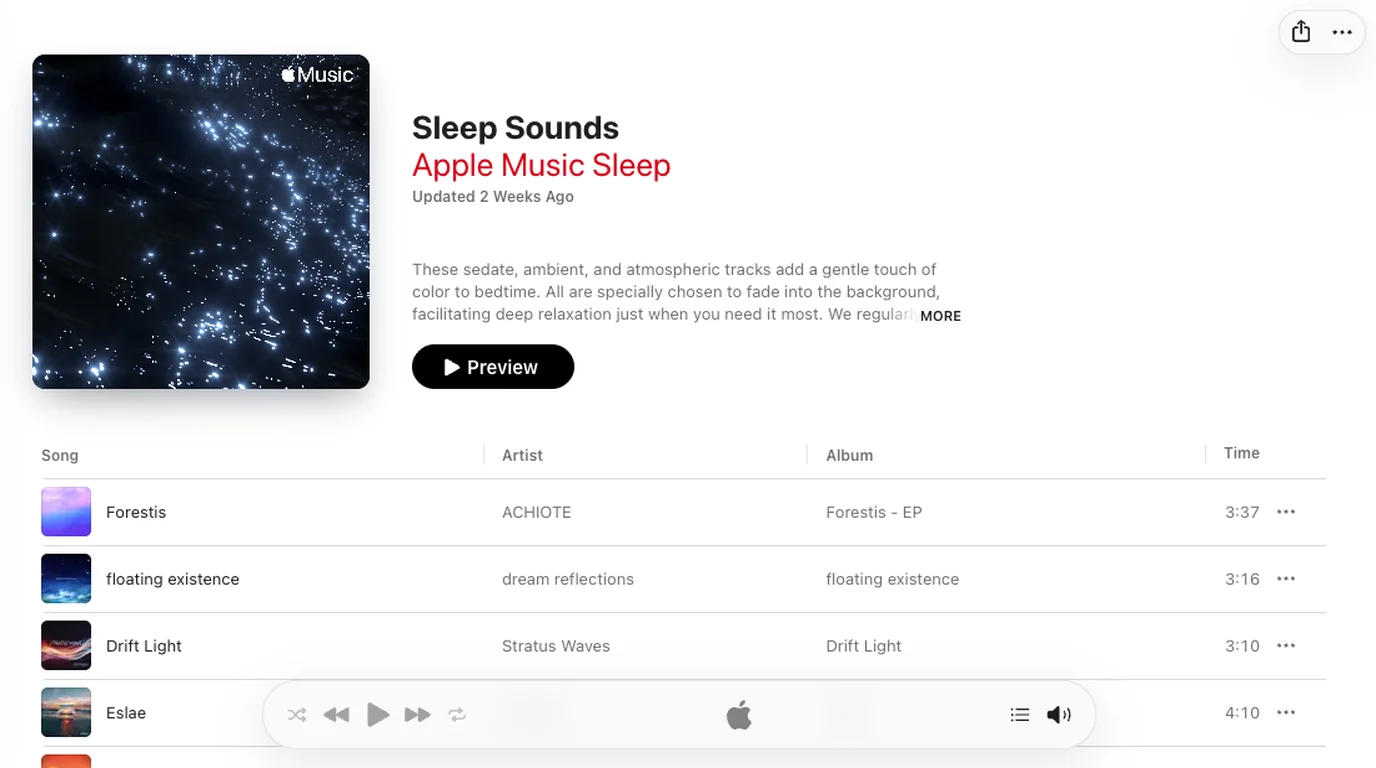
If spoken lyrics or obvious hooks keep you awake, this is a more targeted choice than Pure Chill. If ambient music itself holds your attention, silence, rain sounds, or a shorter timer may work better.
'90s Hip-Hop Essentials for guided genre exploration
'90s Hip-Hop Essentials shows why an era or genre playlist belongs beside mood and activity picks. Apple Music's public description frames the decade through regional shifts, production changes, and artists who shaped the period.
Choose it when you want context, not just a stream of current singles. An editorial essentials playlist can work like a listening syllabus: note which production styles or regional scenes catch your ear, then follow those artists, albums, and related playlists.
The limitation is scope. One essentials playlist cannot represent every local movement, independent release, or stylistic branch. Treat it as an organized entrance, not a final history.
How to choose the right Apple Music playlist
Use four checks before you press play:
- Name the activity. Discovery, running, studying, dinner, and sleep need different energy curves.
- Choose a novelty level. New Music Daily changes quickly; an essentials or focus playlist is more stable in purpose.
- Decide whether vocals help. Acoustic Chill keeps songs and voices present, while Concentration and Sleep Sounds push attention away from lyrics.
- Check the public page before saving. Confirm the curator, region, description, update label, and whether the current track list still serves your goal.
Save individual tracks you care about instead of depending on an editorial sequence forever. If you plan to listen away from a connection, use Apple Music's official download and subscription features; the Apple Music offline guide explains that boundary without treating subscription streams as ordinary audio files.
Keep playlist links and local files in separate lanes
An Apple Music playlist link identifies a catalog collection. It is not the same thing as a folder of audio files you own. Keep those two lanes clear when you organize music for a rehearsal, class, edit, or archive.
Melogen Desktop can parse music links, review playlist information, organize local files, and continue permitted media into other Melogen workflows on Apple Silicon Mac. It does not turn protected Apple Music catalog tracks into owned files.
Review playlist links without confusing them with local audio
Use Melogen Desktop to inspect music links and organize files you own or have permission to use. Keep Apple Music playback inside Apple's supported access model.
FAQs
What is the best Apple Music playlist right now?
For a broad snapshot of popular current songs, start with Today's Hits. For newly released music, use New Music Daily. The better choice depends on whether you want consensus or discovery, and both lists can change frequently.
Which Apple Music playlist is best for working out?
Pure Workout is the flexible default for mixed gym sessions. Pure Running is better when you want a more continuous running feel. For intervals or pace-specific work, build a personal sequence after testing the tracks against your cadence.
What is a good Apple Music playlist for studying?
Concentration is the strongest low-distraction starting point in this list. Pure Chill can work when you want more atmosphere, while Acoustic Chill is better only if vocals and song structure do not pull attention away from the task.
Do Apple Music playlists stay the same?
No. Editorial playlists can change their songs, order, artwork, description, and update timing. Add individual favorites to your library or a personal playlist if you want to keep track of them.
Are these playlists available in every country?
Not necessarily in the same form. The links in this guide point to US public pages, and catalog availability can vary by region. Search the exact playlist name in your local Apple Music app and confirm the curator before assuming it is the same list.
The practical takeaway
Choose Apple Music playlists by job, not by a generic ranking. Today's Hits and New Music Daily handle current discovery. Pure Workout and Pure Running provide movement. Concentration, Acoustic Chill, and Pure Chill cover different levels of background attention. Sleep Sounds lowers the energy further, while an essentials playlist gives you an organized path into a genre or era.
Because editorial lists change, verify the public page, save the tracks that matter, and keep Apple Music catalog access separate from local files. That small amount of discipline turns a disposable list of recommendations into a repeatable listening workflow.
About the author
Zhang Guo
Composer - AI Product Manager
AI product manager and digital marketing consultant with a background in music. Creativity is the bridge between rhythm and logic, where musical intuition and mathematical precision can coexist in every meaningful product decision.
Follow on X