Best DJ Software for Spotify in 2026
Compare Spotify-ready DJ apps, streaming limits, local-file workflows, and the safest way to prepare owned audio for real sets.
 Zhang Guo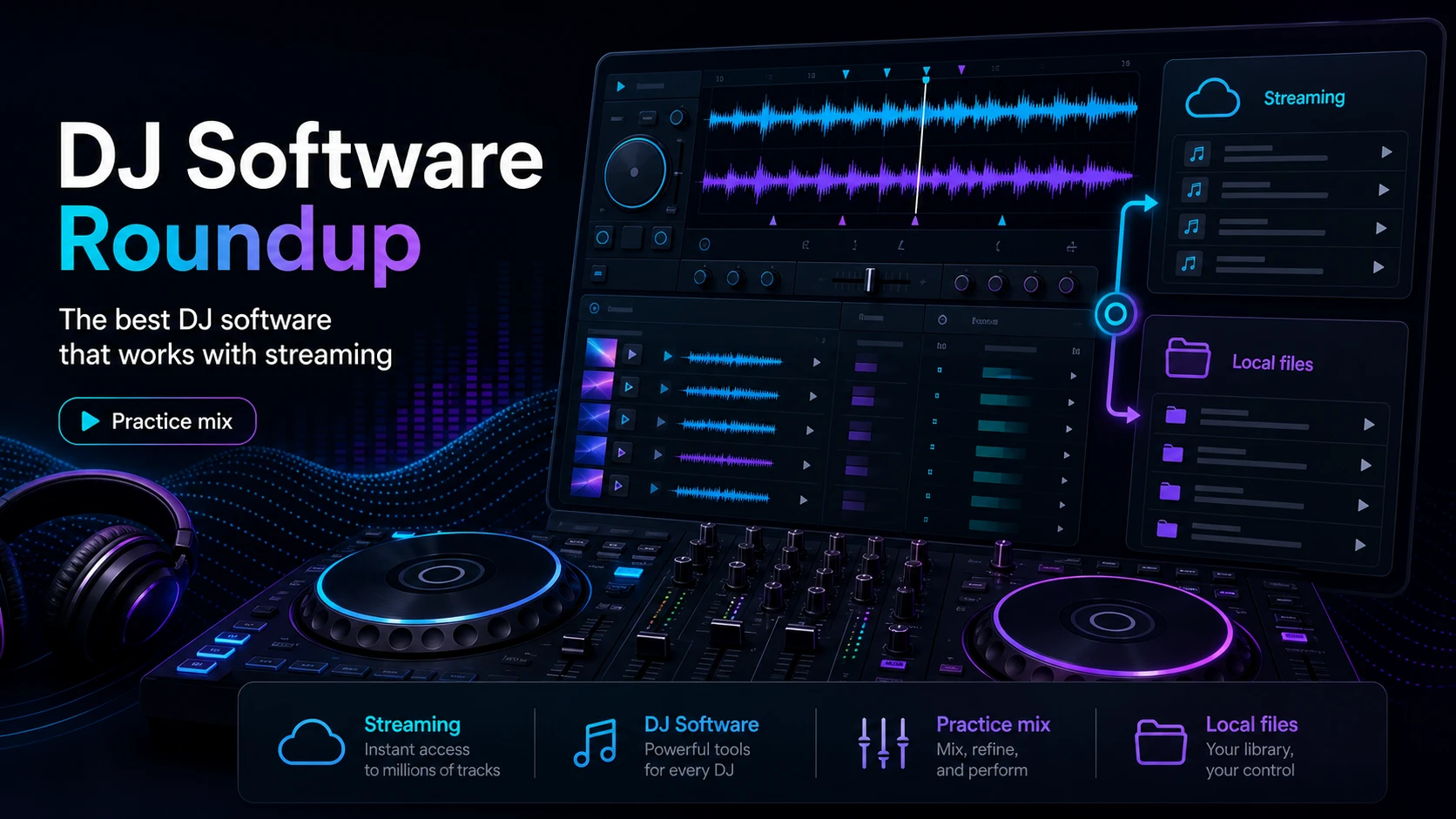
Turn a static score into editable MIDI
Contents
The best DJ software for Spotify depends on what you mean by "DJ with Spotify." If you want official streaming access inside DJ software, start with Spotify's current DJ integration list: djay, rekordbox, and Serato. If you need recording, stems, USB export, offline reliability, or custom edits, keep a separate local-file workflow for audio you own or have permission to use.
That distinction matters because many older guides blur three different tasks: streaming tracks into a DJ app, using an automatic party-mix app, and converting subscription streams into permanent audio files. Only the first two belong in a Spotify DJ software roundup. The third is not a safe or reliable workflow for musicians.
Quick comparison table
| Option | Spotify role | Best for | Main limit |
|---|---|---|---|
| djay by Algoriddim | Direct Spotify access in djay | Beginners, mobile DJs, casual sets, Automix-style practice | Feature availability still depends on device, app version, account, and region |
| rekordbox | Direct Spotify access in rekordbox | Pioneer/AlphaTheta users and DJs who prepare across mobile and desktop | Check your platform and plan before relying on it for an event |
| Serato DJ Pro | Direct Spotify access in Serato DJ Pro | Serato users who want Spotify search and playlists inside a pro DJ surface | Streaming tracks may not behave like owned local files for every advanced task |
| Offtrack | Spotify Premium support in a party-focused AI DJ app | Fast mobile mixes, shorter songs, and low-friction party playback | Less suitable for controller-heavy club workflows |
| VirtualDJ | Strong DJ software with other catalog partners and local files | DJs who already manage owned files or other supported streaming catalogs | Spotify is not the direct catalog shown on VirtualDJ's content-catalog page |
| Melogen Music Trimmer | No Spotify unlocks; prepares owned audio | Cleaning intros, endings, fades, loops, and legal local clips before DJ library import | Only use it on files you have the right to process |
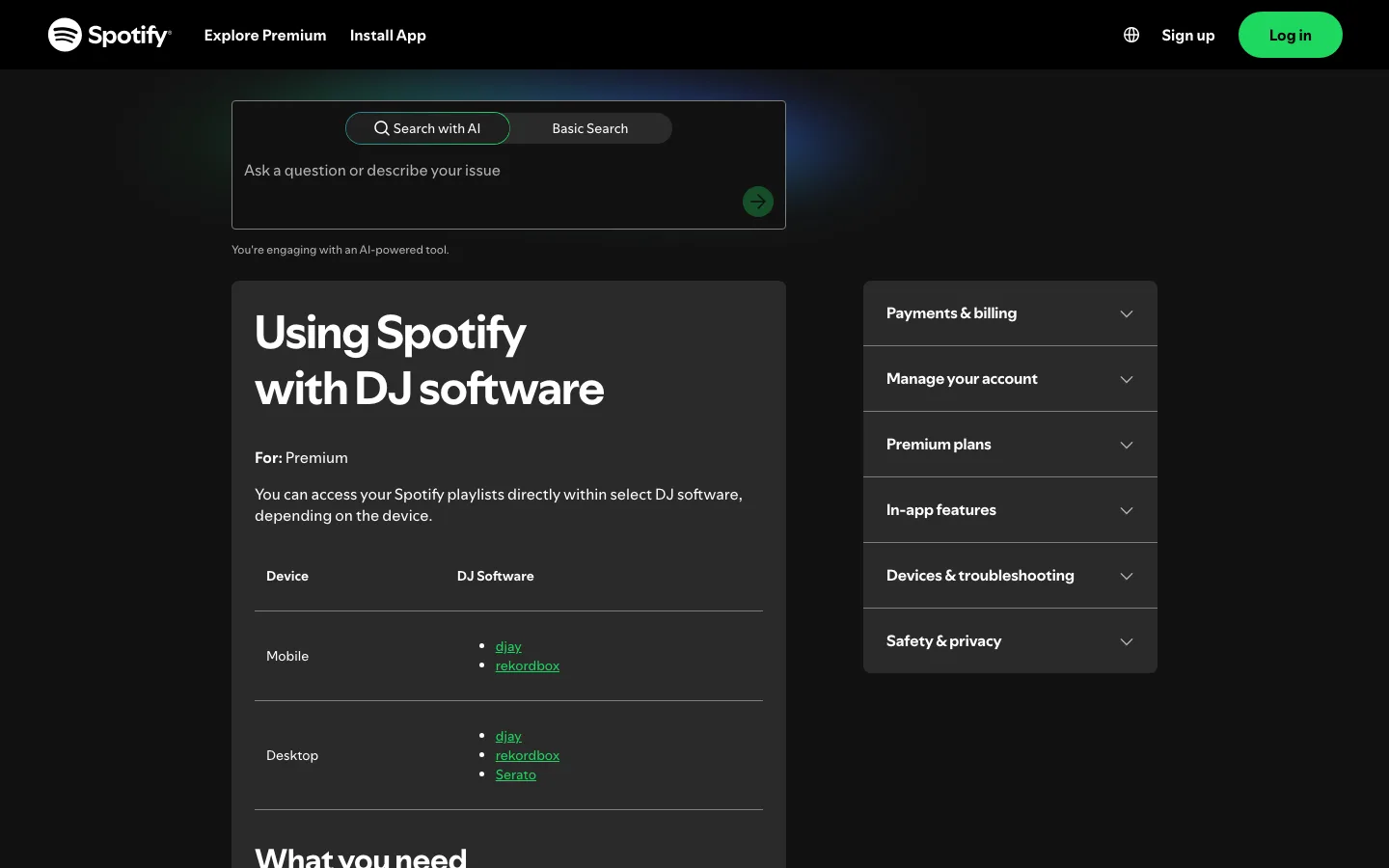
Spotify's own support page is the best starting point because it separates supported DJ software by device. Treat that list as the compatibility baseline, then verify the exact app, country, subscription, controller, and event context before building a set around streaming access.
Best overall for most Spotify DJs is djay
djay by Algoriddim is the simplest first recommendation because the official djay page is built around Spotify access across iPhone, iPad, Mac, Android, and Windows. It is also friendly to beginners because the app is designed around browsing, loading, cueing, and mixing from one surface rather than forcing you to manage a club-style library first.
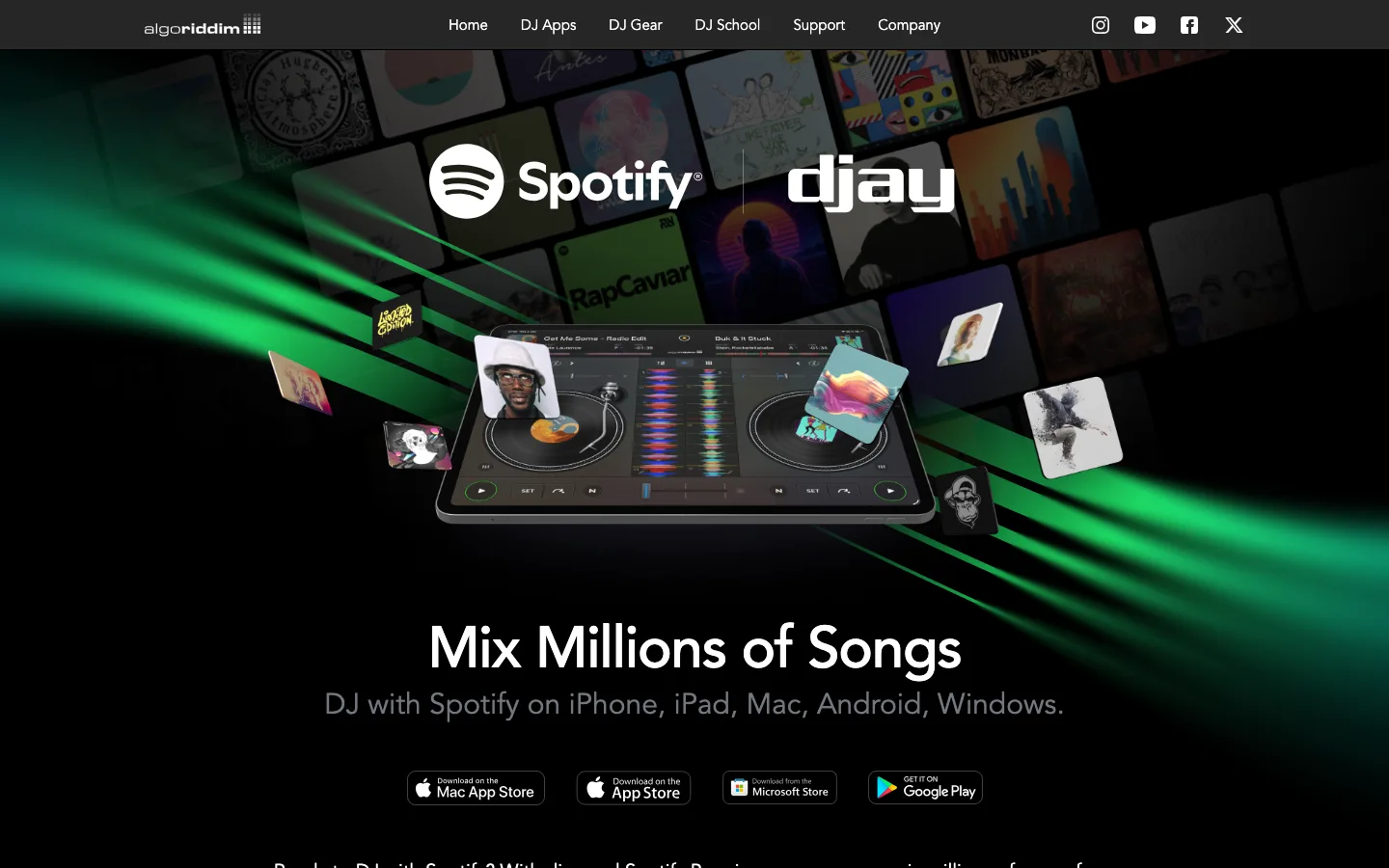
Choose djay if you want:
- A direct route from Spotify Premium into a DJ app.
- A practice-friendly interface for learning mixing, cueing, and transitions.
- Mobile or desktop flexibility.
- A smoother on-ramp before you invest in deeper controller and library workflows.
The tradeoff is that Spotify streaming still remains streaming. Before a paid set, test the app with the same account, device, controller, headphones, and network you will use live. If you need a recorded mix or guaranteed offline playback, do not assume a streaming track behaves like an owned WAV or MP3.
Best for Pioneer and AlphaTheta users is rekordbox
rekordbox is the strongest pick when your DJ life already revolves around Pioneer or AlphaTheta gear, library prep, and rekordbox workflows. The current public rekordbox Spotify announcement presents Spotify Premium library access inside rekordbox, which makes it a serious option for DJs who want streaming discovery without leaving a familiar ecosystem.
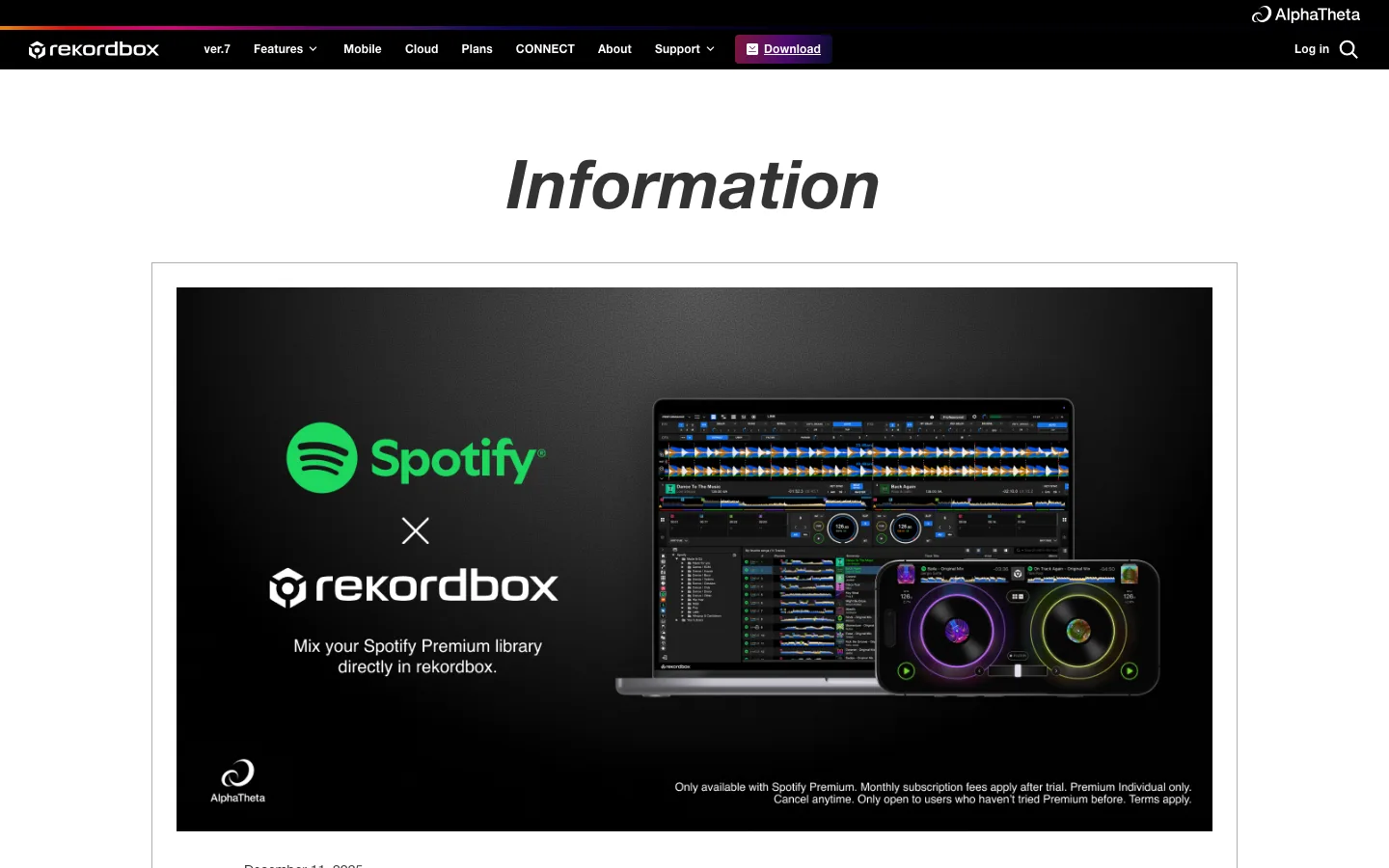
Choose rekordbox if you want:
- Spotify access inside a DJ ecosystem many club and controller users already know.
- A workflow that can sit beside hardware preparation, playlists, and performance organization.
- A more serious library context than a casual mobile party app.
The safe reading is not "Spotify replaces your whole rekordbox library." It is "Spotify can be one source inside a supported rekordbox setup." Keep your must-play tracks, recordings, edits, and venue-critical material in a rights-cleared local-file library whenever reliability matters.
Best for Serato users is Serato DJ Pro
Serato DJ Pro's music streaming page now includes Spotify as a streaming source inside Serato DJ Pro. That is useful for DJs who already rely on Serato's deck layout, controller support, library habits, and performance muscle memory.
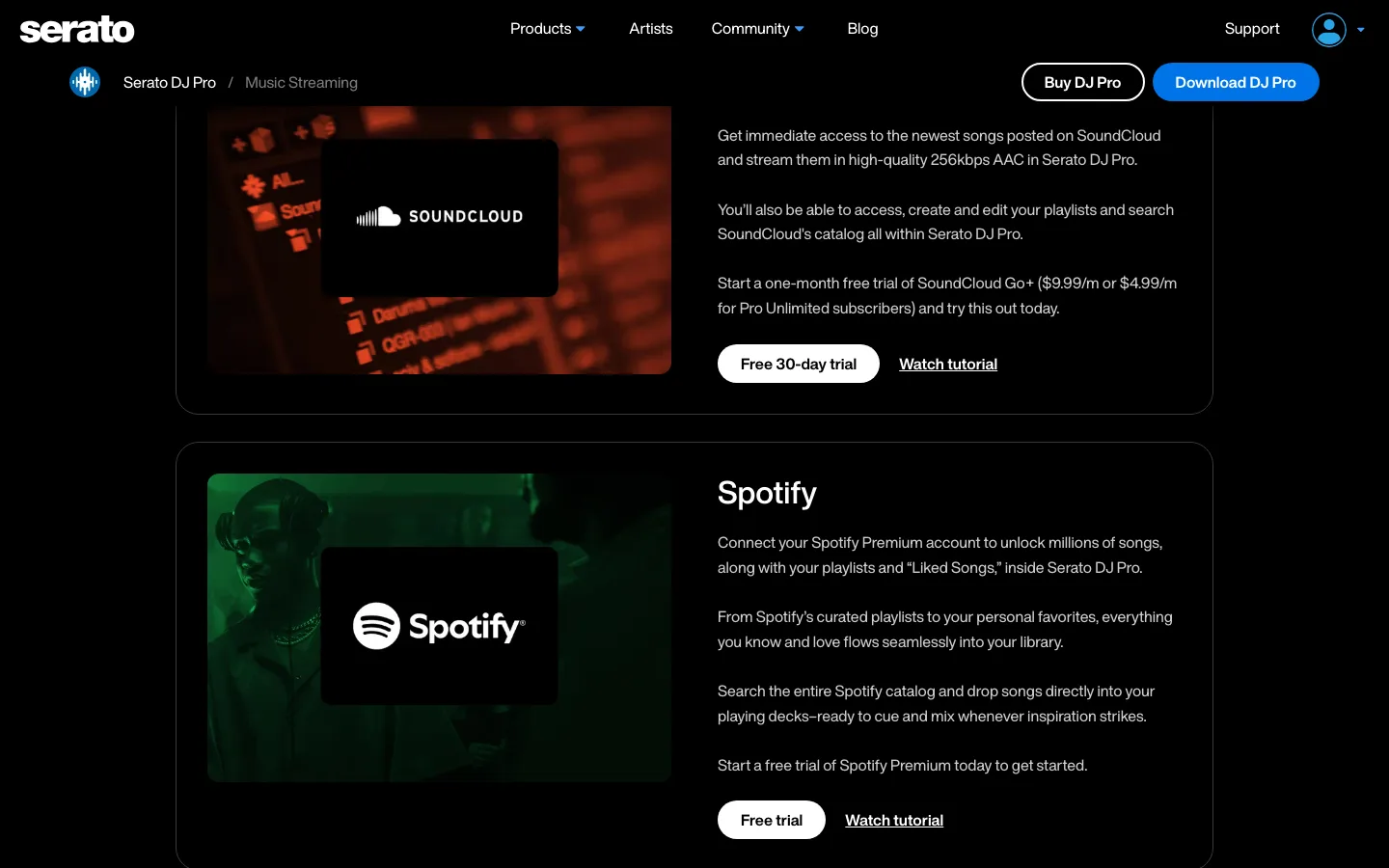
Choose Serato if you want:
- Spotify search and playlists inside a professional DJ interface.
- A familiar Serato workflow instead of learning a new app only for Spotify.
- A streaming layer beside other Serato music sources.
The main caution is the same as with every streaming option. Confirm the current Serato version, account requirements, country availability, and feature limits before planning a real event. If your routine depends on recording, stems, offline crates, or custom edits, build that part from owned local files rather than from Spotify streaming tracks.
Best lightweight AI mix app is Offtrack
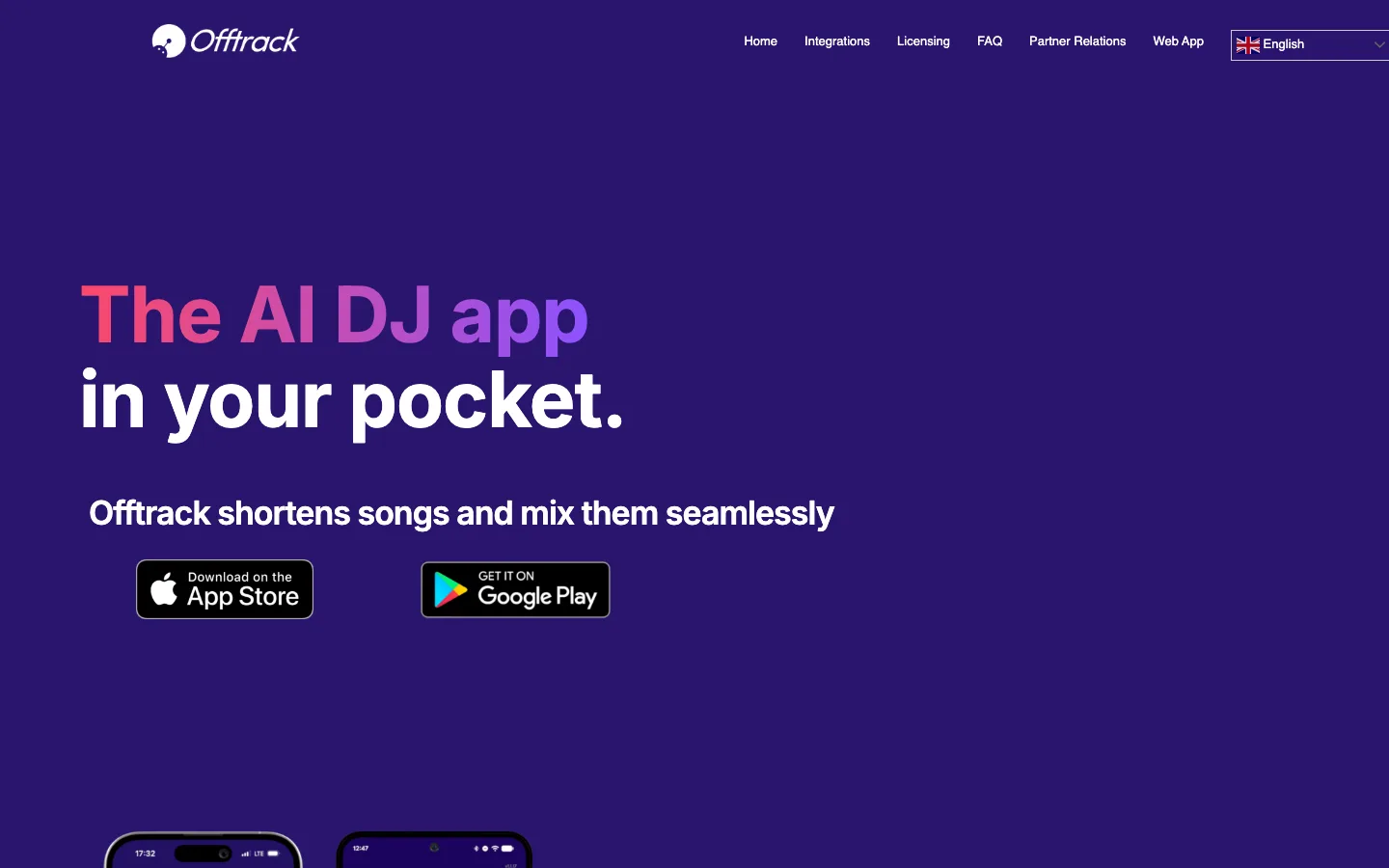
Offtrack is a different kind of Spotify DJ option. Its public page positions the app around shortening songs and creating seamless transitions, and it says its iOS app supports Spotify Premium, Apple Music, SoundCloud Free, TIDAL HiFi, local files, and Apple CarPlay, while Android supports Spotify Premium.
Choose Offtrack if you want:
- A quick mobile party-mix experience.
- Automatic transitions and shortened-song playback.
- Less manual controller work.
- A lightweight way to keep energy moving in a casual setting.
Do not choose Offtrack if you want full manual deck control, advanced controller mapping, club library preparation, or a workflow that behaves like rekordbox, Serato, or djay. It is better understood as a smart mixing app than a full professional DJ platform.
Best local-file alternative is VirtualDJ
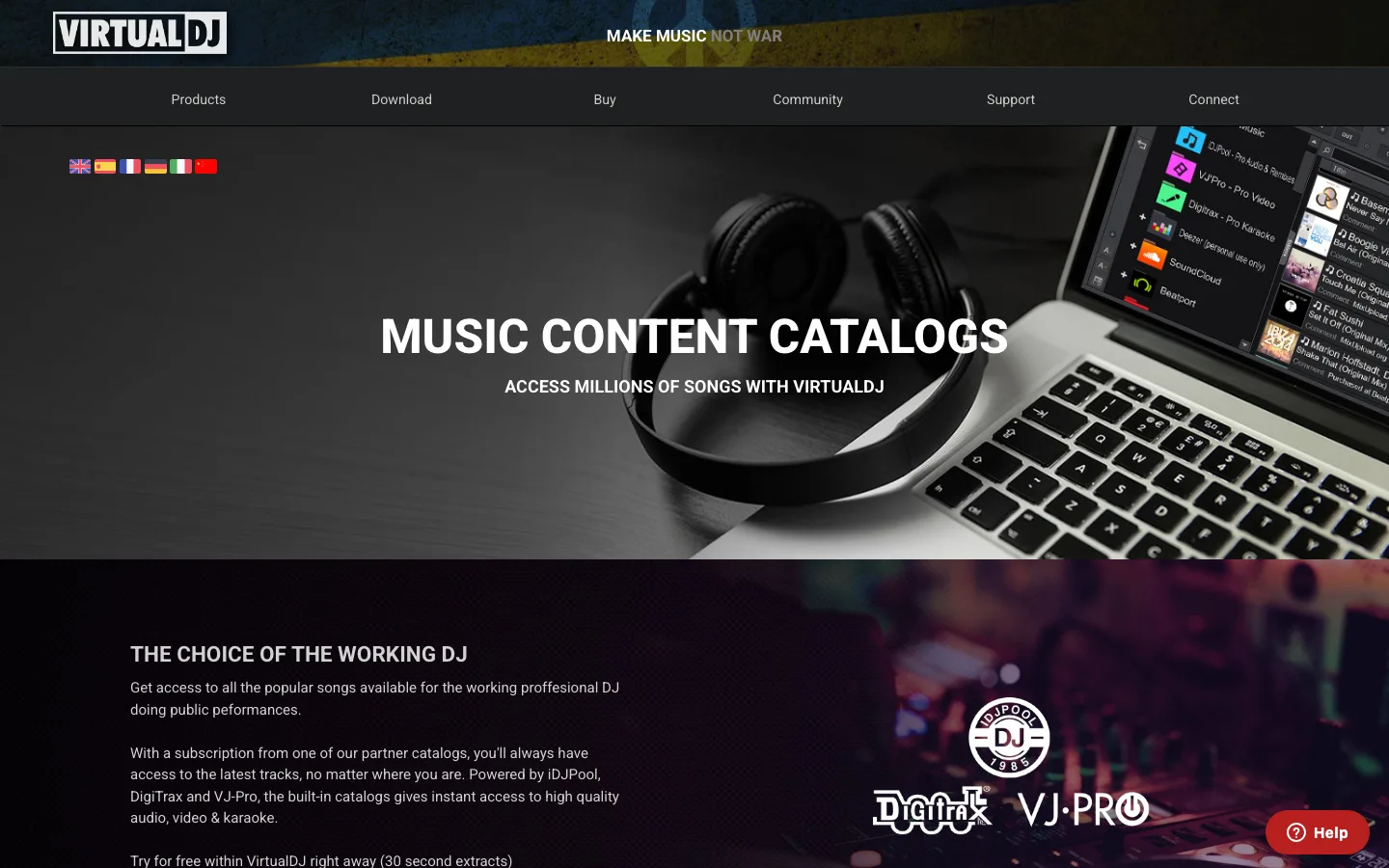
VirtualDJ is still worth discussing because many people searching for Spotify DJ software really want a capable DJ app, not only a Spotify button. VirtualDJ's public content-catalog page highlights partner catalogs such as iDJPool, DigiTrax, VJ-Pro, and Beatport, and it is also known for deep local-file DJ workflows.
Choose VirtualDJ if you want:
- A mature DJ application for owned local files and supported catalog partners.
- Broad performance features and flexible workflows.
- A route that does not depend on Spotify being the direct music source.
Do not choose it as your Spotify-first answer unless VirtualDJ and Spotify announce direct support in your exact setup. If you already own the tracks, or you work with licensed promos, edits, stems, loops, or original material, VirtualDJ can be a strong local-file environment. That is a different job from streaming Spotify inside DJ software.
Where Melogen fits in a Spotify DJ workflow
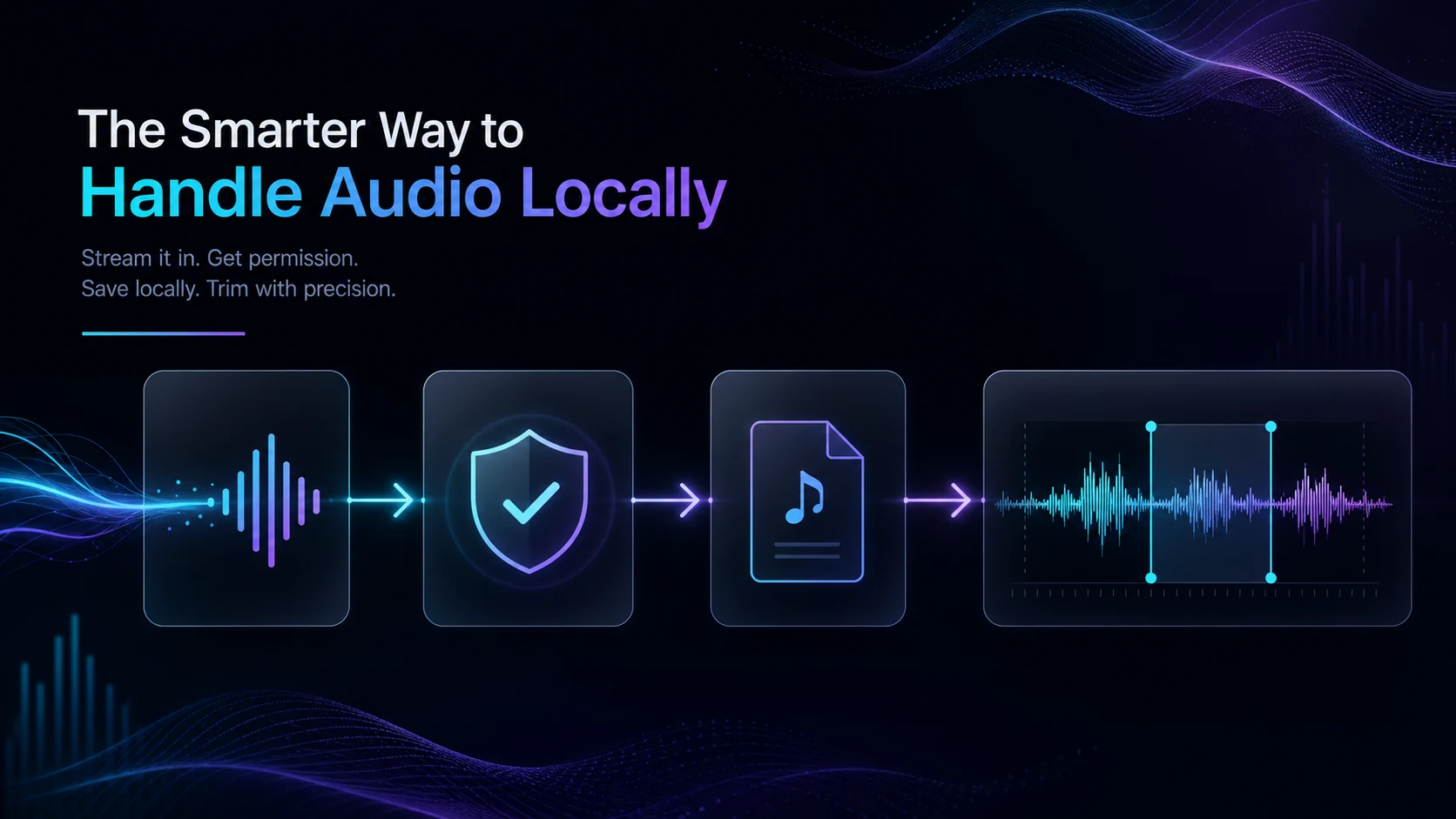
Melogen does not unlock Spotify streams, bypass protection, or turn subscription tracks into local DJ files. It fits the clean part of the workflow: preparing audio files that are already yours to edit.
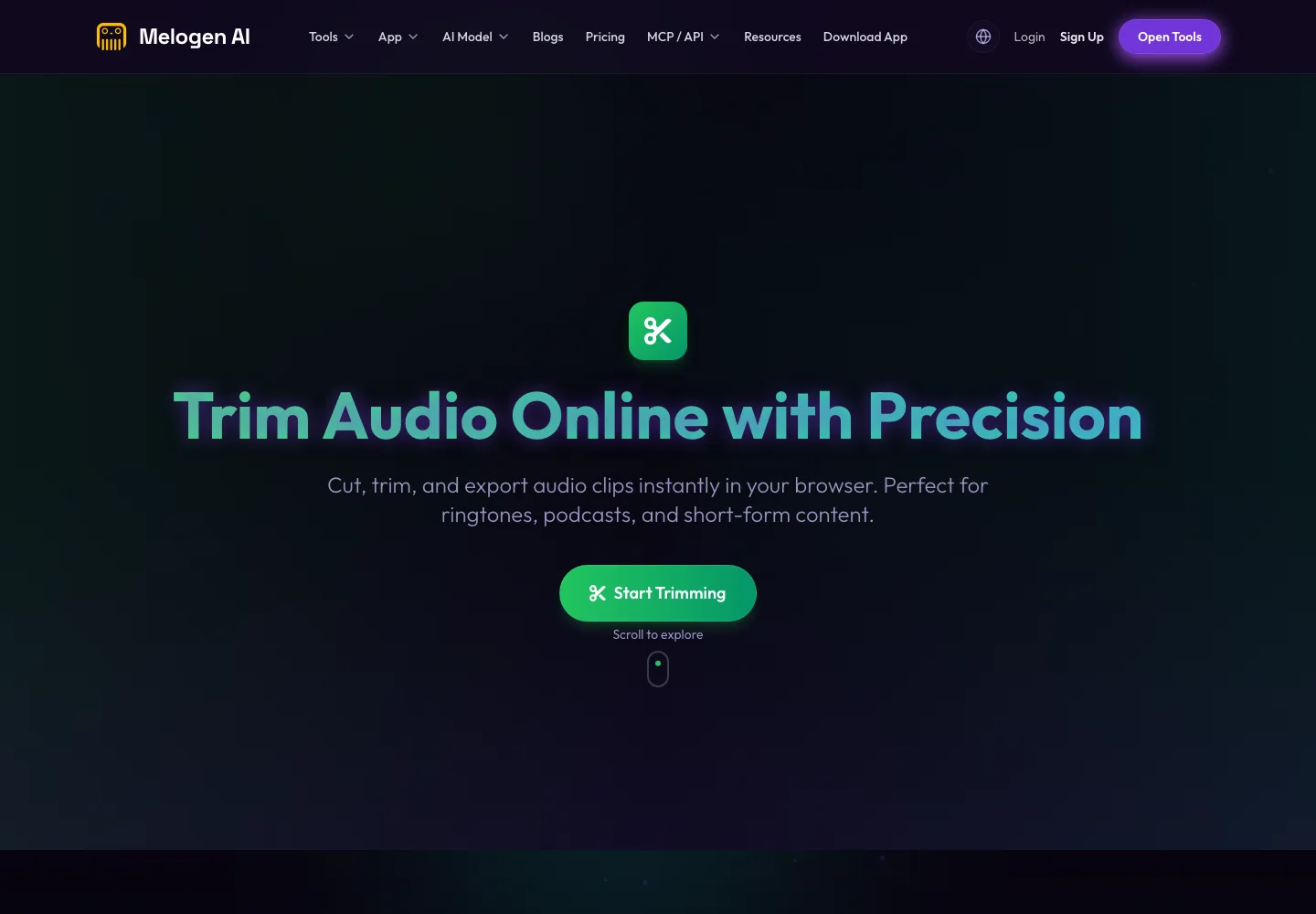
Use Melogen Music Trimmer when you have a purchased track, licensed promo, original recording, rehearsal bounce, podcast intro, set opener, or other file you are allowed to process. It can help you trim long intros, add fades, prepare a short cue, clean an ending, or make a practice clip before importing the result into your DJ library.
If you are comparing streaming-service DJ support, read the DJ with Apple Music guide next. If your Spotify work is more about playback flow than full DJ software, the Spotify crossfade guide is a better fit. If your goal is to mix streaming references with your own audio, start with adding local files to Spotify so the ownership boundary stays clear.
Prepare clean local files before the set
Use Melogen Music Trimmer for audio you are allowed to edit, then bring tighter starts, fades, and endings into your DJ library.
How to choose the right Spotify DJ setup
Use this checklist before you commit to a workflow:
- Check Spotify's official DJ integration page for your device.
- Confirm the DJ app's own current Spotify support page.
- Test your account, region, app version, and controller before the event.
- Load several playlists and tracks in the actual app, not only in Spotify.
- Verify whether recording, stems, offline playback, and local export are available.
- Build a local-file fallback for must-play tracks.
- Avoid converter paths that promise permanent files from subscription streams.
The right answer is usually a hybrid. Use Spotify inside supported DJ software for discovery, practice, and flexible access. Use owned local files for anything that must be stable, editable, recordable, or portable.
FAQs
What DJ software works with Spotify?
Spotify's current DJ support page lists djay and rekordbox for mobile, and djay, rekordbox, and Serato for desktop. Offtrack also says its mobile apps support Spotify Premium. Always verify the current app page and your region before relying on a specific integration.
Is djay the best DJ software for Spotify?
djay is the best first pick for many users because its official Spotify page is direct, beginner-friendly, and available across major platforms. rekordbox is stronger for Pioneer or AlphaTheta workflows, while Serato is better for Serato users who already know that ecosystem.
Does Serato work with Spotify?
Yes. Serato's official music streaming page includes Spotify support for Serato DJ Pro. You should still verify the current app version, subscription, country availability, and feature limits before using it for a real set.
Does VirtualDJ work with Spotify?
Do not treat VirtualDJ as the Spotify-first option unless there is current official support for your setup. VirtualDJ is better considered a strong local-file and supported-catalog DJ app, not the main direct Spotify integration path in this roundup.
Can I download Spotify songs for DJ software?
Spotify DJ integrations are streaming workflows, not permanent file-export tools. If you need editable DJ files, use purchased, licensed, original, or otherwise permitted audio files and prepare them in a local-file workflow.
The practical takeaway
For most people, the best Spotify DJ software shortlist is djay, rekordbox, and Serato. Add Offtrack when you want a fast mobile AI mix app, and consider VirtualDJ when local-file control matters more than direct Spotify access. Keep the workflow clean: stream Spotify where it is officially supported, and use owned audio files when the job requires editing, recording, offline reliability, or venue-grade control.
About the author
Zhang Guo
Composer - AI Product Manager
AI product manager and digital marketing consultant with a background in music. Creativity is the bridge between rhythm and logic, where musical intuition and mathematical precision can coexist in every meaningful product decision.
Follow on X