How to Change Key in FL Studio Piano Roll by Semitones
Change key in FL Studio Piano roll with exact semitone moves. Separate transposition from scale highlighting and verify a C-to-D MIDI example.
 Zhang Guo
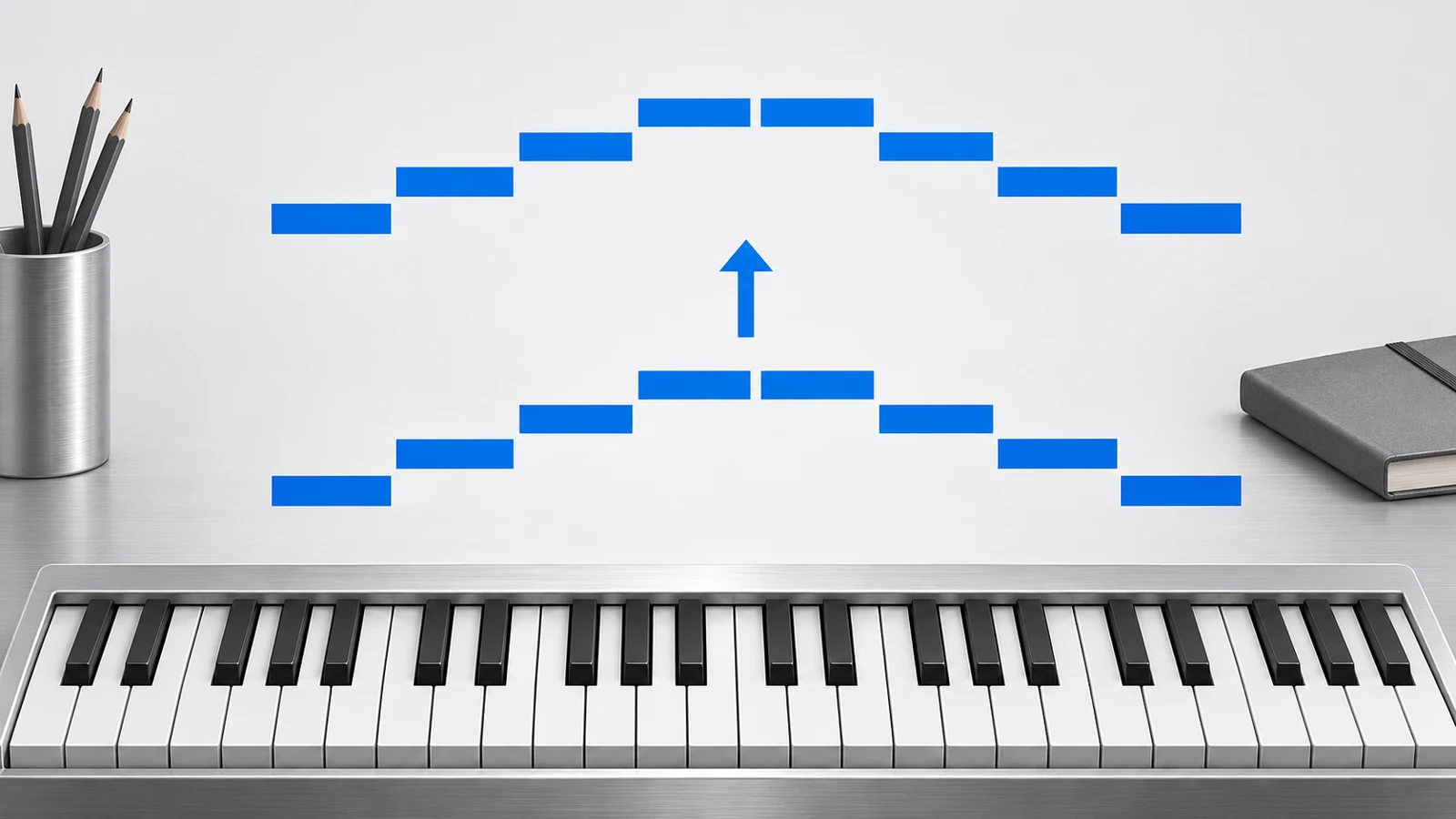
Turn a static score into editable MIDI
Contents
To change a phrase's key in FL Studio Piano roll, select the notes and transpose them by the required number of semitones. Shift + Up Arrow moves the selection up one semitone; Shift + Down Arrow moves it down one. Changing scale highlighting changes the background guide, not the pitches already written.
For example, moving a C-major phrase to D major means adding two semitones to every pitched note. C–E–G becomes D–F-sharp–A. The rhythm, note lengths and velocities can stay exactly as they were.
Choose the operation you actually need
| Goal | Operation | What changes |
|---|---|---|
| Move a phrase from C major to D major | Transpose every pitched note up two semitones | Pitch; the interval relationships remain |
| See D-major lanes in the background | Set scale highlighting | The visual guide |
| Fit newly moved notes to a scale | Review the relevant snap-to-scale behavior | Selected edits can change pitch choices |
| Turn C major into C minor | Change selected scale degrees deliberately | The interval pattern and harmony |
| Move a sound without editing its score | An instrument-level pitch control | Playback may differ from the displayed notes |
Uniform transposition preserves a phrase's major or minor structure. It does not turn a major third into a minor third. If the target is a different mode, review individual notes and chords rather than applying one offset and expecting the harmony to change quality.
Make a copy and select the intended notes
Save the project, then keep an untouched Pattern or project copy for comparison. Open the intended instrument Channel's Piano roll and select the notes you want to move. Use Ctrl/Cmd + A only when the whole Piano roll is the correct scope.
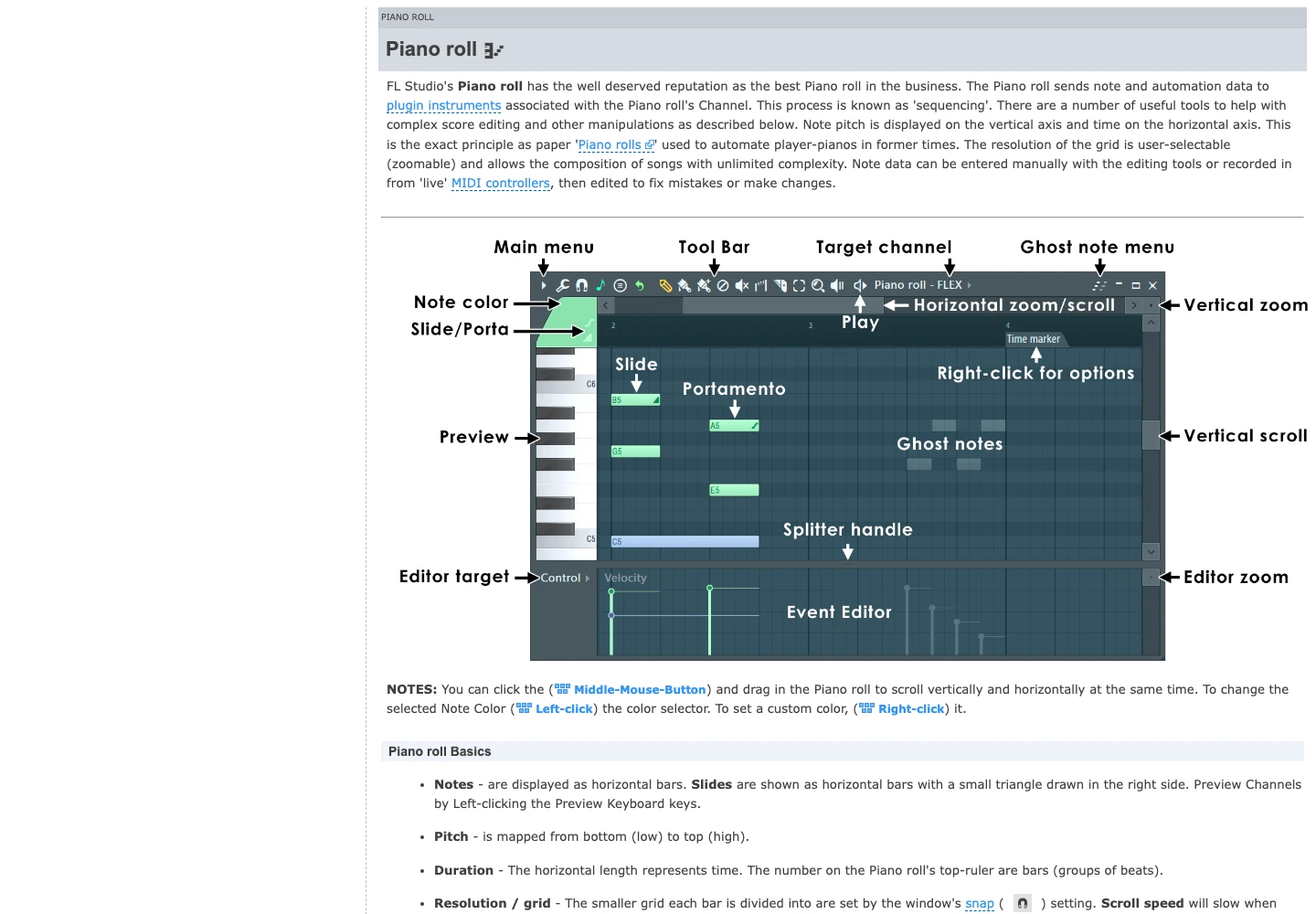
Check the selection before using a shortcut. A highlighted note group can be much smaller than the whole arrangement, while a drum part may share a Pattern with pitched instruments. Moving a drum note can change the triggered kit piece instead of changing a musical key.
If you are changing a complete song, decide which bass, melody and harmony Channels must move together. Transposing only the lead can leave the accompaniment in the old key.
Calculate the semitone distance
Count chromatic steps from the old tonic to the new one. Use a musically sensible direction for the instrument's range.
| Key move | One useful offset | Example |
|---|---|---|
| C major to D major | +2 | C–E–G → D–F-sharp–A |
| C major to B-flat major | −2 | C–E–G → B-flat–D–F |
| A minor to C minor | +3 | A–C–E → C–E-flat–G |
| E minor to D minor | −2 | E–G–B → D–F–A |
A distant upward move may have a nearer downward alternative. The pitch class may match in both cases, but the register and playability will differ. Choose by the singer or instrument, not only the key name.
The general transposition guide explains interval and written-pitch decisions. This page focuses on moving existing Piano roll data and verifying that the edit did what you intended.
Apply the move in the Piano roll
With the intended notes selected, apply the semitone shortcut once for each step. For C major to D major, use the upward command twice. Image-Line also documents octave moves using Ctrl/Cmd + Up Arrow or the downward equivalent; an octave move alone does not change the key's pitch-class collection.
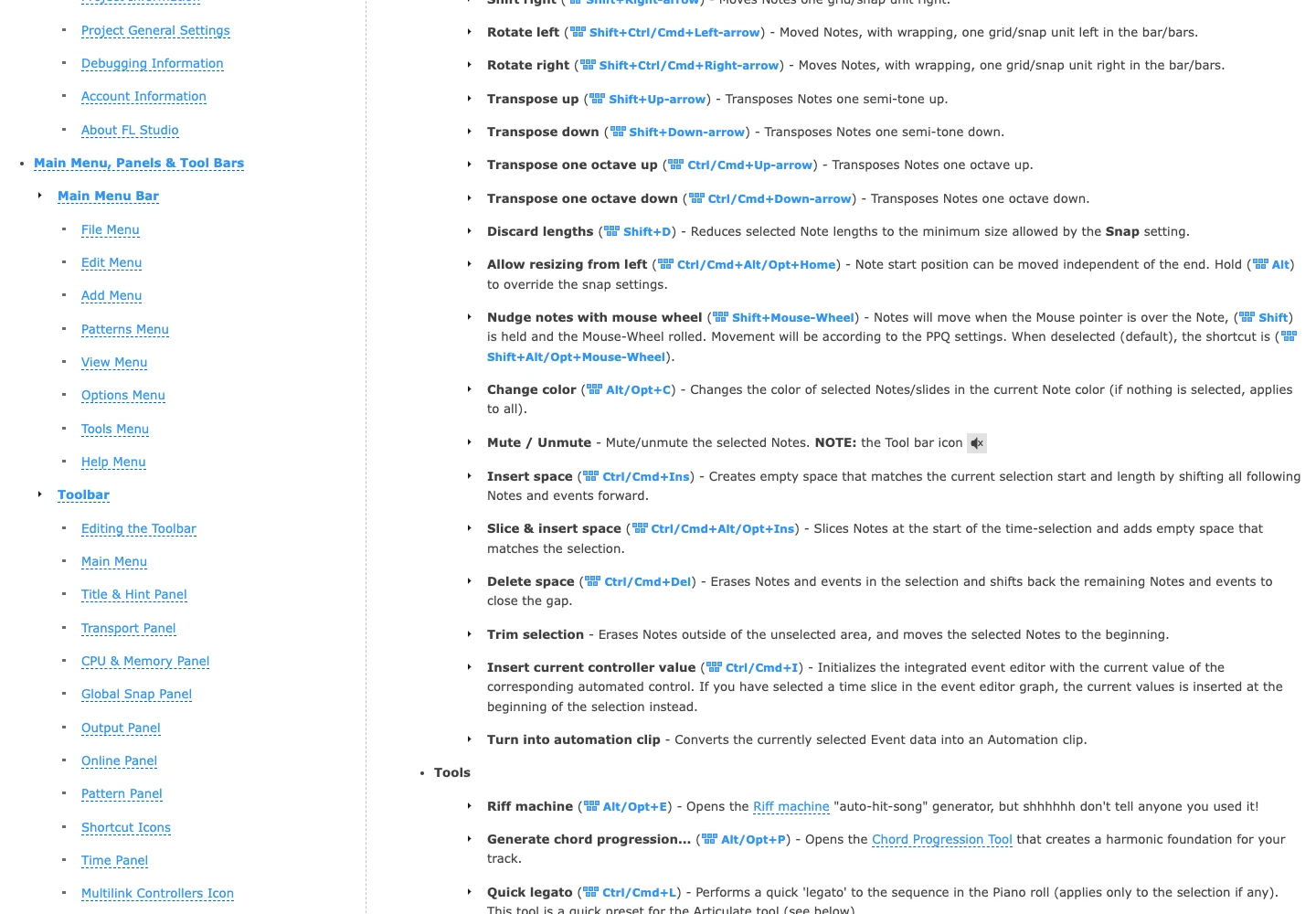
Use the official Piano roll menu reference for the installed version's command names. Immediately compare a known note before doing another operation. It is easier to undo one mistaken move than to reconstruct a phrase after several unrelated edits.
Verify the C-to-D reference files
Download the original C-major reference MIDI and D-major reference MIDI. These are generated teaching controls, not claimed FL Studio exports. Each contains three sequential notes at 120 BPM.
| Property | C-major control | D-major control | Required relationship |
|---|---|---|---|
| MIDI pitches | 60, 64, 67 | 62, 66, 69 | Every pitch increases by 2 |
| Note starts, in beats | 0, 1, 2 | 0, 1, 2 | Unchanged |
| Length of each note | 0.75 beat | 0.75 beat | Unchanged |
| Velocity of each note | 88 | 88 | Unchanged |
Import the C-major file into a test Pattern, apply the move, then compare with the D-major control. Some programs label the same MIDI pitch with different octave numbers, so use sounding pitch or numeric event values when checking across editors.
Keep scale highlighting separate from the edit
Scale highlighting is useful for orientation. It can show the target root and scale on the grid, but setting that background is not evidence that existing notes moved. Inspect and audition the actual events.
The current Piano roll documentation also describes snap-to-scale behavior for dragged notes. Review that setting when a mouse edit unexpectedly changes intervals. A uniform keyboard transposition and moving notes onto scale-constrained lanes are different operations.
If you do not know the starting key, identify it before choosing the offset. The song-key guide covers tonal-center checks; a list of notes alone does not always settle major versus relative minor.
Audition and share the edited result
First play the transposed Pattern with its accompaniment. Listen for register problems, untransposed bass notes and drum mappings that changed by accident. Then export the intended MIDI scope if another musician needs the notes.
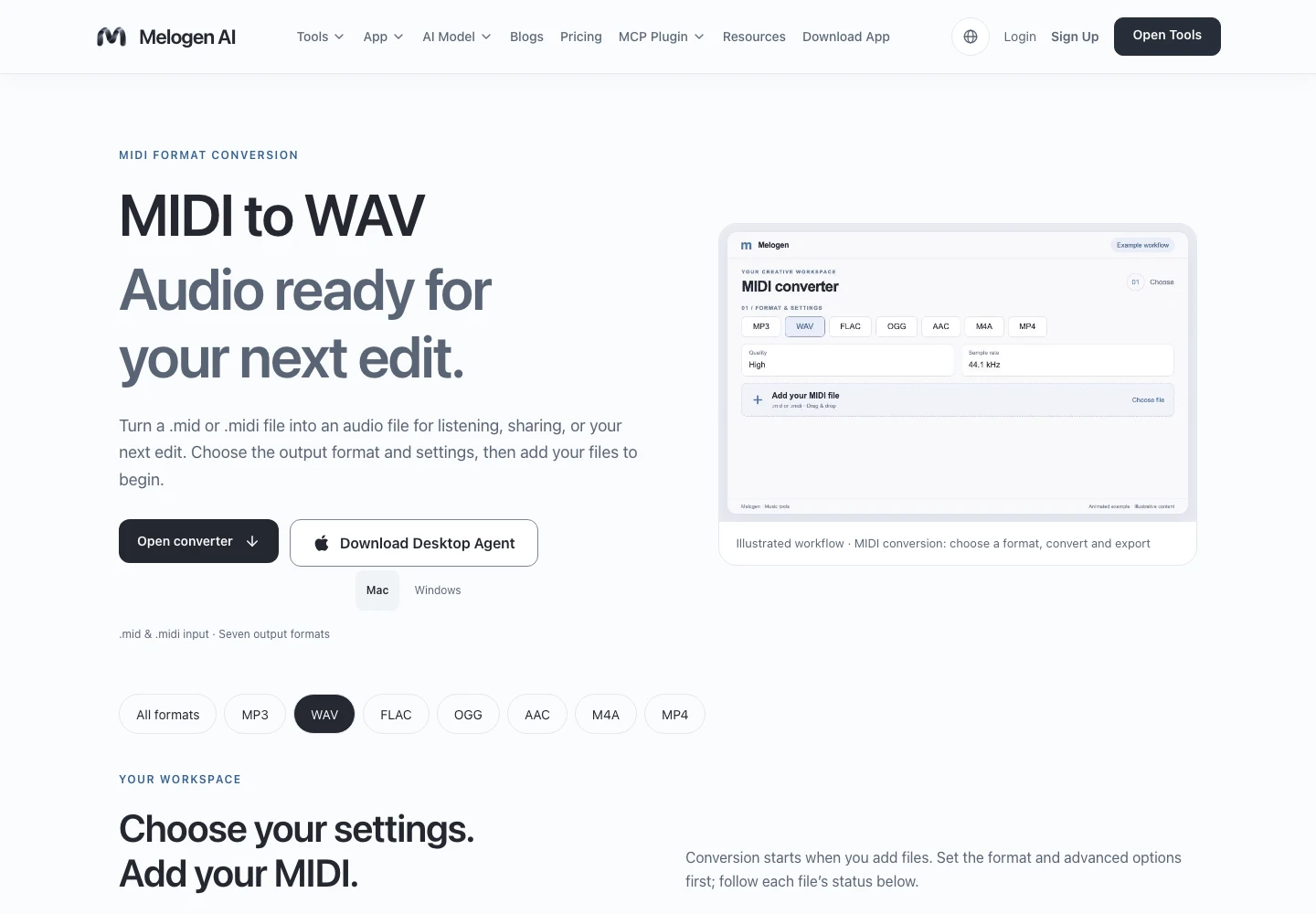
For a quick audio reference outside FL Studio, Melogen MIDI to WAV can render a standard MIDI file. Its sound depends on the rendering instrument; use an FL Studio audio export when the recipient needs your exact plug-ins and mix.
Make an audio reference for the notes you changed
Render a standard MIDI file with Melogen MIDI to WAV when you need a portable listening reference alongside the editable notes.
Keep the pre-change and post-change files clearly named. A successful key change preserves the musical relationships you intended, and the saved deliverable should match the version you just auditioned.
About the author
Zhang Guo
Composer - AI Product Manager
AI product manager and digital marketing consultant with a background in music. Creativity is the bridge between rhythm and logic, where musical intuition and mathematical precision can coexist in every meaningful product decision.
Follow on X