How to Add Spotify Music to Serato DJ Safely
Use Spotify Premium with Serato DJ Pro safely. Set up streaming, understand online limits, and prepare owned audio for reliable sets.
 Zhang Guo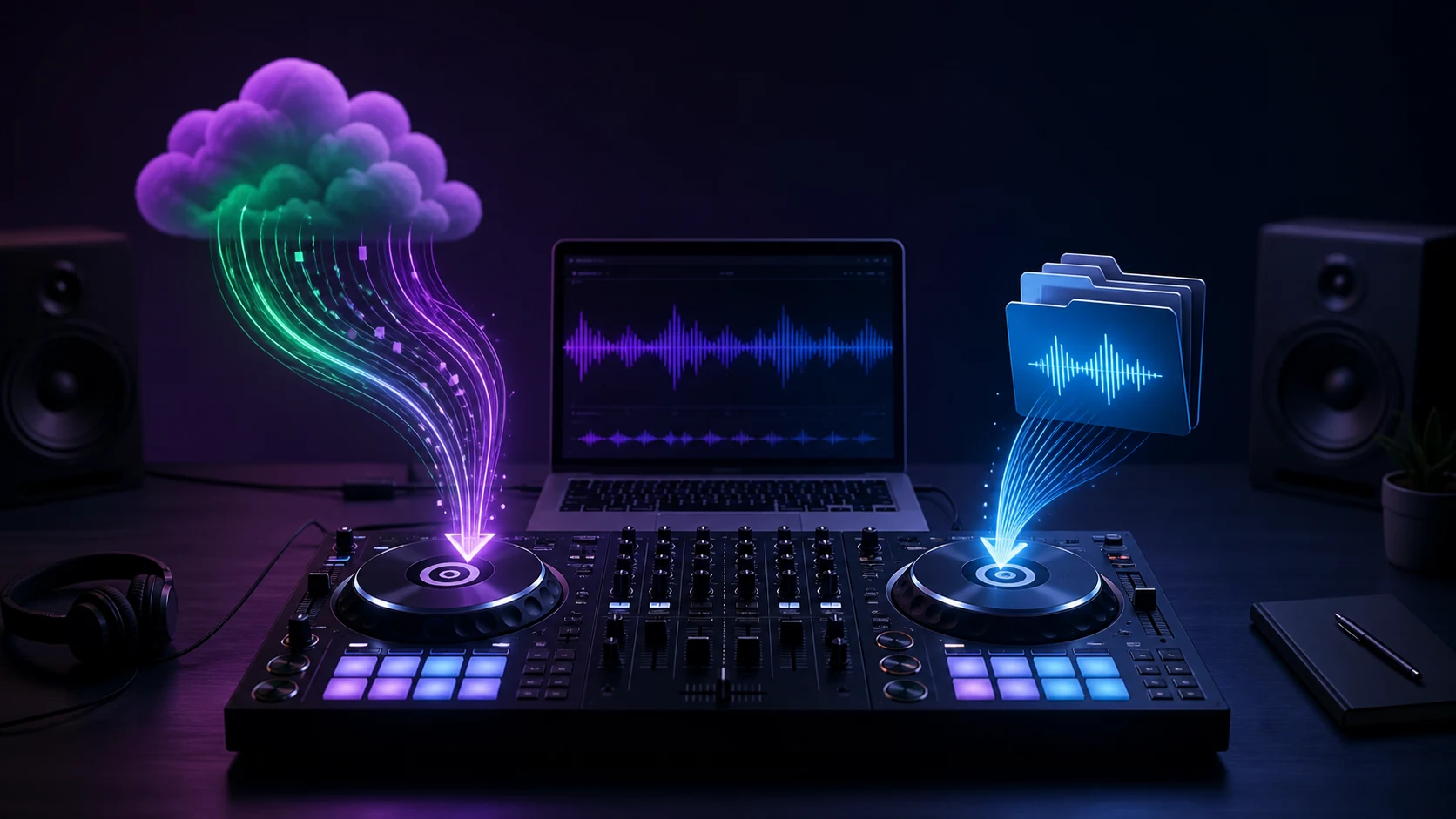
Turn a static score into editable MIDI
Contents
To add Spotify music to Serato DJ safely, use the official desktop integration: keep Spotify Premium active, update Serato DJ Pro, sign in to Spotify from Serato, then load tracks or playlists while you are online. This is streaming access, not a way to turn a subscription catalog into permanent DJ files. For recorded sets, public performances, USB prep, or custom edits, use audio you own or are licensed to use.
Spotify's DJ software guide lists Serato for desktop use and currently requires Spotify Premium plus the latest DJ software. Serato's music streaming page confirms that Spotify can be connected inside Serato DJ Pro.
What you need before connecting Spotify
Start with the setup that Spotify and Serato publicly support:
| Requirement | Why it matters | Check before a session |
|---|---|---|
| Spotify Premium | Spotify's DJ integration is a Premium feature | Confirm the account used in Serato is Premium |
| Serato DJ Pro on desktop | Spotify currently lists Serato in its desktop DJ-software support | Update Serato before you sign in |
| A stable internet connection | Spotify says DJ-software playback is online only | Test the actual venue or rehearsal network |
| A personal-use session | Spotify says its service and catalog are for personal, non-commercial use | Do not plan club, event, livestream, or client playback around the integration |
| A local-file fallback | Streaming tracks cannot cover every performance task | Bring cleared audio for must-play material |
Spotify's official guide also says you can mix up to four Spotify tracks at once. It notes that playlist additions and removals happen in the Spotify app, so organize the playlist there before rehearsal rather than expecting Serato to be your full Spotify playlist editor.
Connect Spotify to Serato DJ Pro
The clean setup is short:
- Update Serato DJ Pro, then launch it on your desktop computer.
- Open Serato's music-streaming area and choose Spotify.
- Sign in with the Spotify Premium account you intend to use for the session.
- Let the library load, then search the catalog or open a prepared Spotify playlist.
- Load a few tracks, set cue points and loops, and test your controller, headphones, and output routing.
Serato says saved cue points and loops for streaming tracks are stored on your machine. That helps a personal practice workflow feel more familiar, but it does not change the streaming and rights limits below.
Know the limits before you plan a set
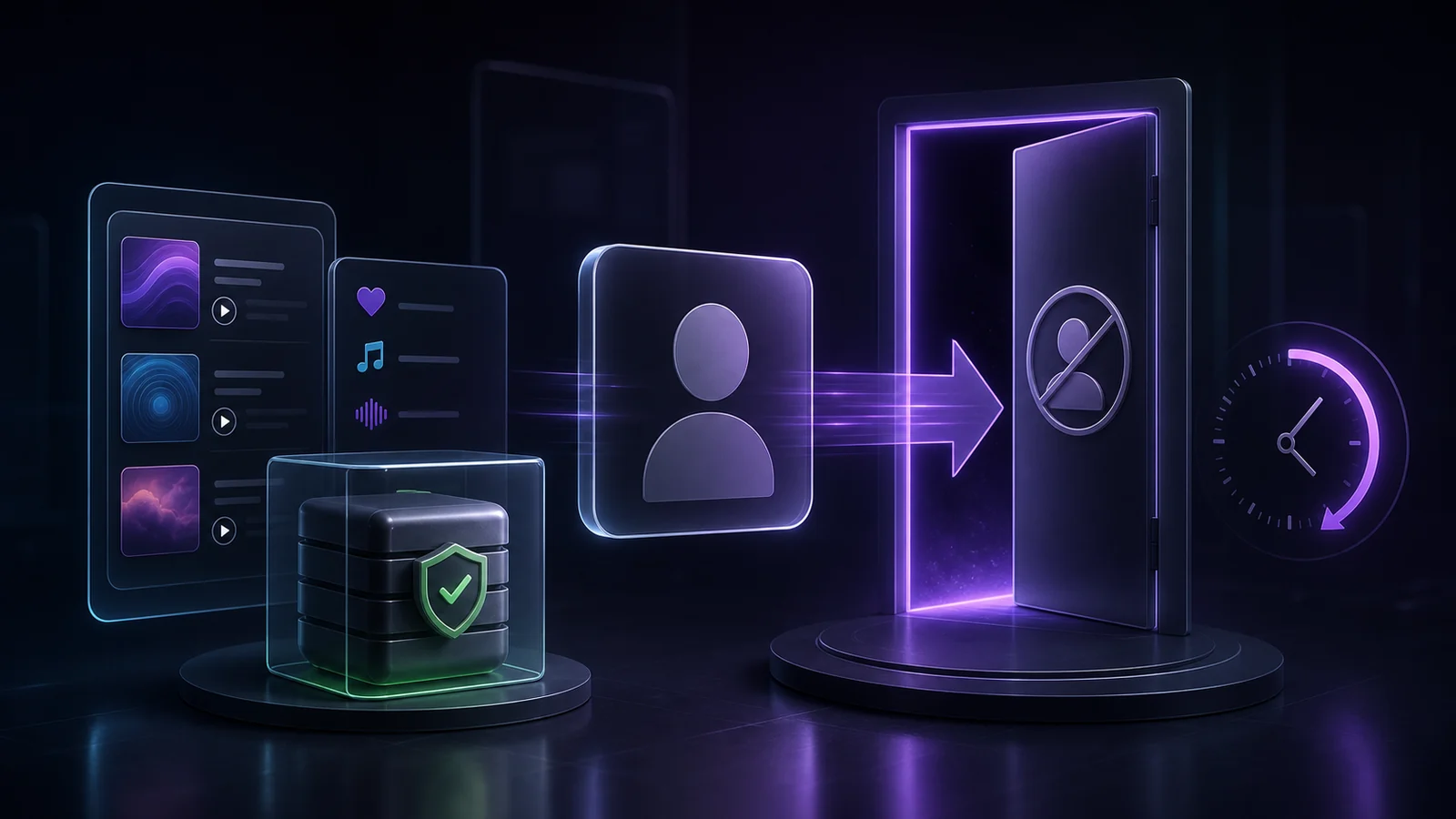
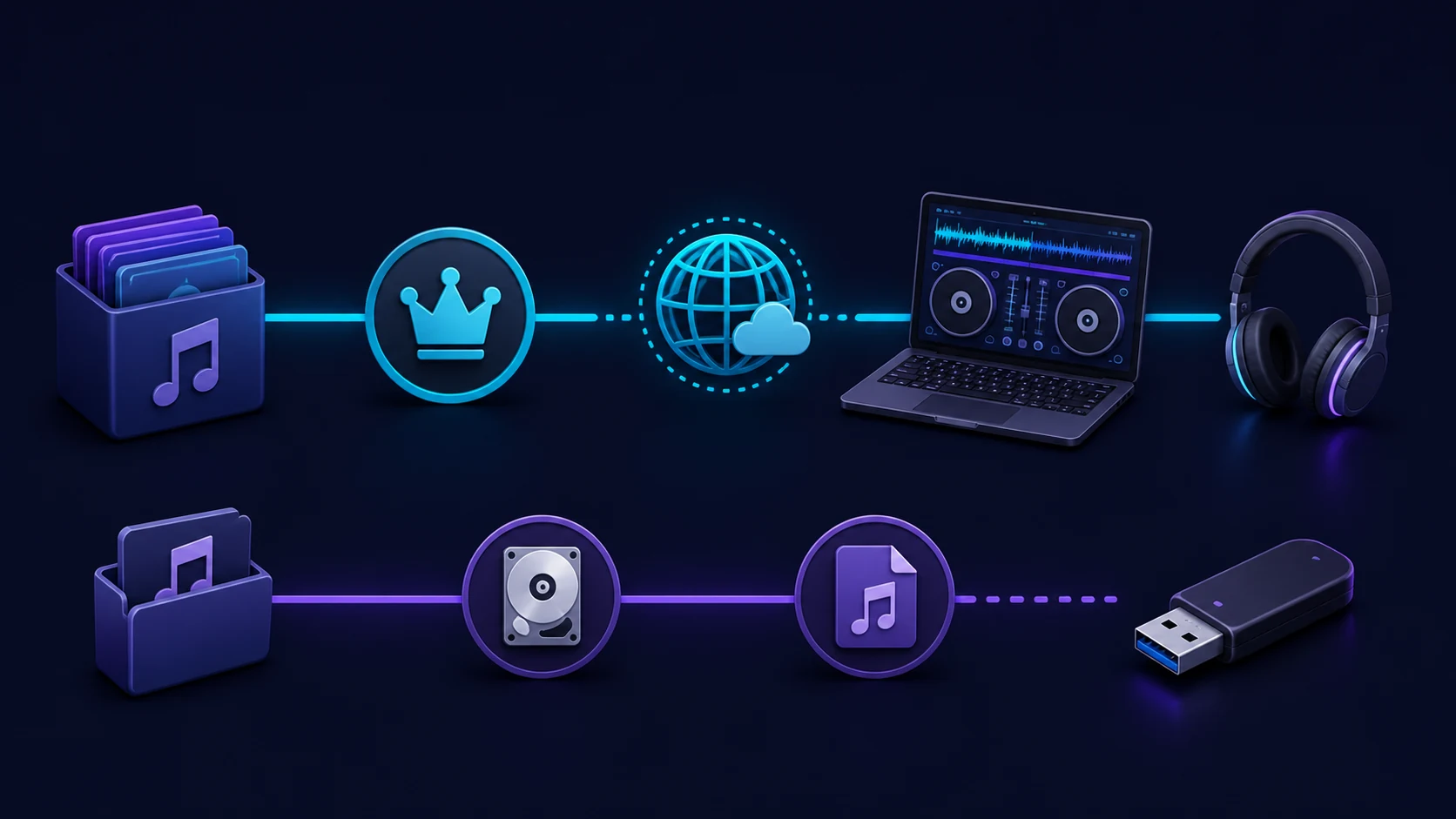
The useful part of this guide is knowing when Spotify in Serato is the right source and when it is not. Spotify states that DJ-software playback is online only and intended for personal, non-commercial use. Its support page specifically excludes public playback in clubs, venues, events, and livestreams.
Serato adds another important operational limit: it says you cannot record sets while DJing with streaming tracks. Treat the integration as a discovery, practice, or personal-mixing layer rather than the asset library for a paid or recordable performance.
| If your goal is | Use Spotify in Serato? | Better preparation |
|---|---|---|
| Practice transitions at home | Yes, if your account, app version, and internet connection work | Prepare playlists in Spotify, then test them in Serato |
| Explore a set idea online | Yes | Keep notes on the selections you want to license or buy |
| Record a mix | No | Use owned or licensed local files |
| Play a club, venue, event, or livestream | No as the performance source | Confirm performance rights and use a cleared local library |
| Build a USB or offline emergency library | No | Use permitted files, analyze them locally, and test the export |
| Make edits, clean intros, or mashup-ready clips | No | Work only with audio you have the right to edit |
Prepare owned audio for the work streaming cannot do
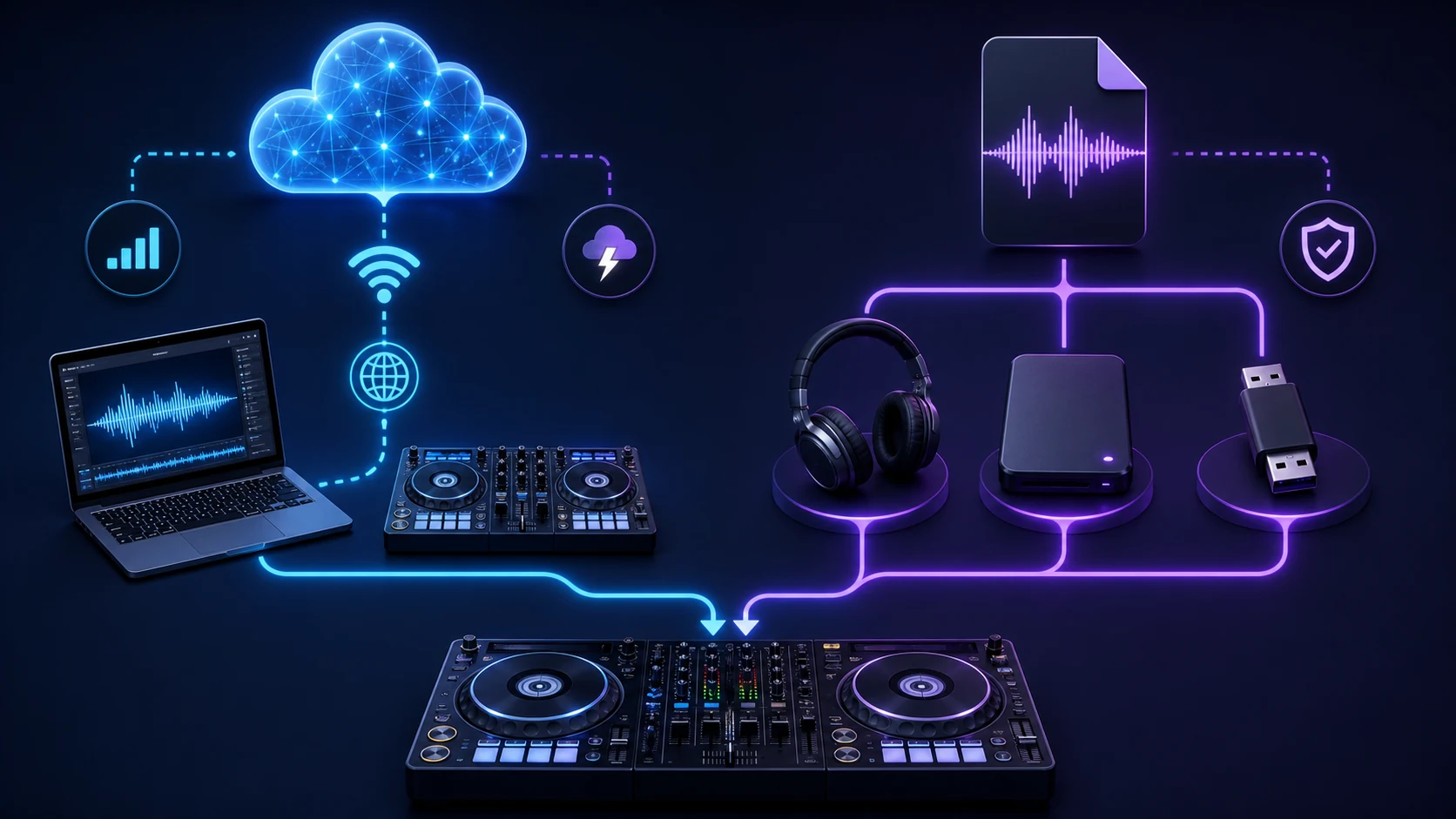
Spotify streaming is convenient for trying a musical direction. It is not a substitute for a properly cleared local library when you need resilient playback, a recorded set, file-level edits, or a client-facing performance.
For audio you own or have permission to process, Melogen Music Trimmer can help prepare a shorter intro, cleaner ending, fade, or rehearsal loop before you import the result into a local DJ library. It does not unlock Spotify streams or remove protection from subscription tracks.
If you are still choosing a platform, the best DJ software for Spotify roundup compares Serato with other official options. If you use another streaming service in your personal practice setup, the DJ with Apple Music guide explains the same streaming-versus-owned-audio distinction.
Prepare cleared audio for reliable DJ libraries
Use Melogen Music Trimmer on audio you own or are licensed to edit, then bring cleaner intros, fades, and endings into your local DJ workflow.
Troubleshoot the official connection first
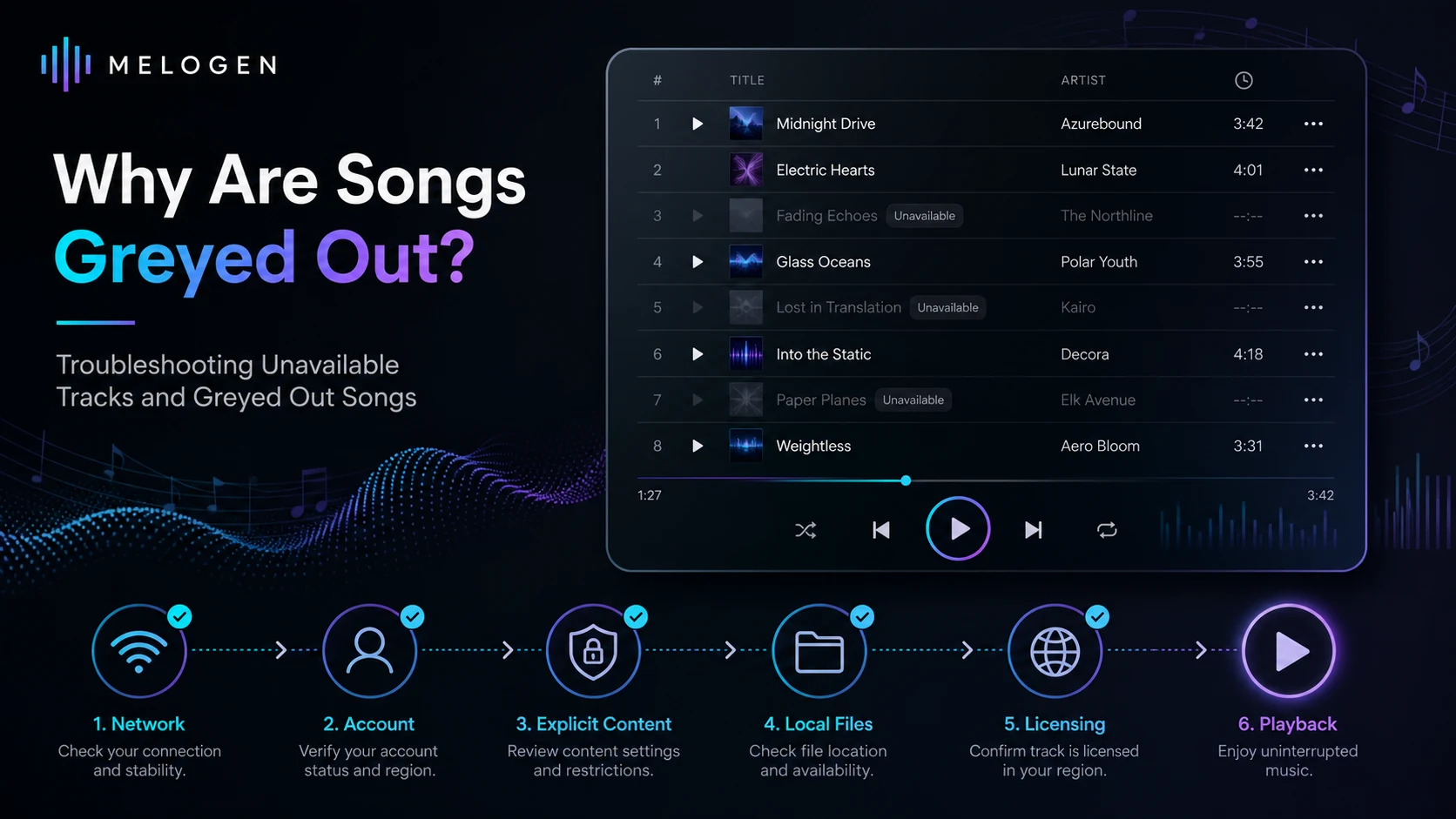
If Spotify does not appear or tracks will not load, follow Spotify's support order before trying any converter workaround:
- Confirm that the Spotify account is Premium.
- Check that you are on desktop and have the latest Serato DJ Pro version.
- Verify the internet connection, then restart Serato.
- Sign out and back in inside the DJ software if the service is still unavailable.
- Check whether the track is available in your market and for connected DJ apps.
Catalog availability can change by market and licensing. If a track is essential, do not build a performance plan that depends on a last-minute streaming search. Use a cleared, tested local fallback instead.
FAQs
Can I use Spotify with Serato DJ?
Yes. Spotify currently lists Serato as a supported desktop DJ-software integration for Spotify Premium users, and Serato DJ Pro lists Spotify among its streaming services.
Do I need Spotify Premium for Serato DJ?
Yes. Spotify's current DJ integration guide says the feature is for Premium and requires the latest DJ software.
Can I use Spotify tracks offline in Serato?
No. Spotify says its DJ-software content can only be played while you are online.
Can I record a Serato set with Spotify tracks?
No. Serato says set recording is not available while DJing with streaming tracks.
Can I play a public event with Spotify in Serato?
Do not treat the integration as an event-performance license. Spotify describes this catalog use as personal and non-commercial, and says public performances and livestreams are not permitted. Use a cleared local library and obtain any necessary rights for public playback.
The practical takeaway
Spotify and Serato DJ Pro are useful together for personal, online mixing: update Serato, sign in with Premium, organize playlists in Spotify, and test the full setup before you rely on it. Keep the professional boundary equally clear. Streaming is for supported personal access; owned or licensed local audio is for the work that needs recording, editing, offline resilience, or public-performance rights.
About the author
Zhang Guo
Composer - AI Product Manager
AI product manager and digital marketing consultant with a background in music. Creativity is the bridge between rhythm and logic, where musical intuition and mathematical precision can coexist in every meaningful product decision.
Follow on X