How to Listen to Spotify Offline Without Premium Safely
Learn how to listen to Spotify offline without Premium using podcast downloads, permitted local files, and clear limits for Offline Backup and music downloads.
 Zhang Guo
Turn a static score into editable MIDI
Contents
You can listen to Spotify offline without Premium, but the official options are narrower than many guides imply. On Spotify Free, you can download podcasts for offline listening. You cannot use Spotify's normal download feature to save catalog songs, albums, or playlists for offline music playback.
For music, the rights-safe choices are to upgrade to Premium for in-app downloads or play audio files that are already legally stored on your device through Spotify Local Files. Offline Backup does not change that answer because Spotify currently lists it as a Premium feature.
Quick answer for each offline listening goal
Start with the thing you actually want to hear. "Offline Spotify" can mean four different jobs, and each has a different answer.
| What you want offline | Works without Premium? | Safest route |
|---|---|---|
| A podcast episode | Yes, usually | Download the episode inside Spotify |
| A Spotify album or playlist | No, not with the official Free plan | Use Premium downloads |
| Recently played Spotify music with Offline Backup | No | Offline Backup is a Premium feature |
| A rehearsal recording, voice memo, purchased DRM-free track, or your own song | Yes | Keep the file on your device and use Spotify Local Files |
| Less mobile data while still online | Yes | Use Wi-Fi, Data Saver, and lower streaming quality |
This is different from the broader Spotify Free vs Premium comparison, which covers ads, playback control, lossless audio, pricing, and household fit. Here, the decision is only about what remains playable when the connection disappears.
What Spotify Free can actually download
Spotify's current Listen offline support page states that Premium users can download albums, playlists, and podcasts. On the free version, users can only download podcasts.
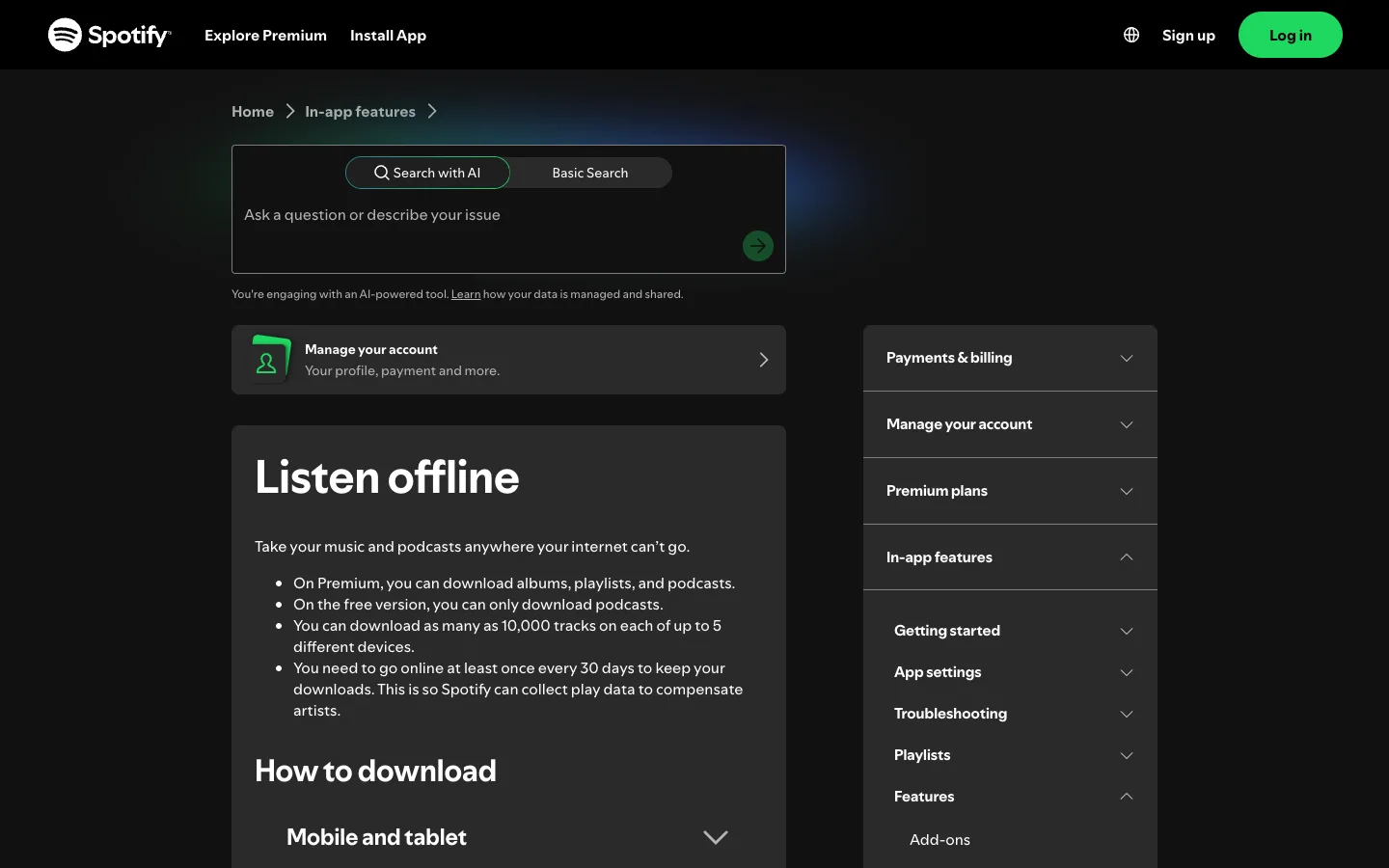
The same official page currently lists these Premium download limits:
- up to 10,000 tracks on each of as many as five devices
- an online check at least once every 30 days to keep downloads active
- offline playback inside Spotify rather than an exported audio-file workflow
Those limits matter because a green download indicator does not mean you own a portable MP3 or WAV file. It means Spotify has prepared that content for playback inside its app under the current account and plan rules.
If you only need spoken content for a flight, commute, or low-signal route, Spotify Free may already cover the task. If you need catalog music offline, Free does not include that feature.
Download podcasts on Spotify Free
Spotify's Podcasts and shows support page says podcast episodes can be downloaded for offline listening. It also notes that some shows may require Premium, so check the specific show before relying on it for a trip.
Use this simple workflow:
- Connect to Wi-Fi before leaving home, work, or the hotel.
- Open the podcast or show in Spotify.
- Choose the episode you want.
- Tap the download control and wait for it to finish.
- Open Your Library and confirm the episode appears in your downloaded content.
- Turn off Wi-Fi and mobile data briefly, then play the episode as a real offline test.
Do the test before you lose service. Saving or following a podcast is not the same as downloading an episode, and a partially completed download will not become more complete on the subway.
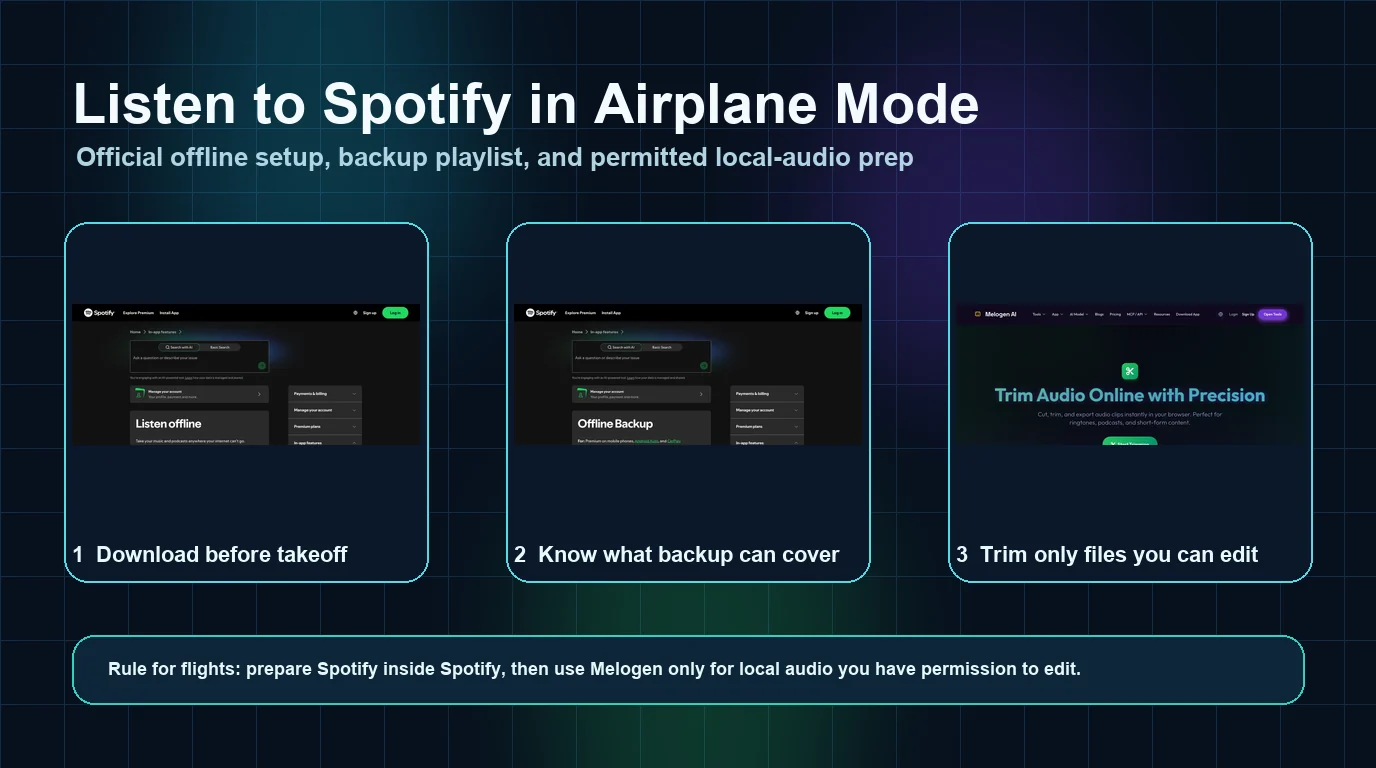
If your main scenario is a flight, the Spotify airplane mode guide has a longer pre-flight checklist for storage, device limits, app updates, and testing exact playlists.
Use Spotify Local Files for audio you already have
Spotify also supports audio files legally stored on your device. Its Local Files support page describes how to enable local audio on iOS, Android, Windows, and Mac.
This route is useful when the source is already yours to keep and edit, such as:
- a rehearsal recording you made
- a lesson voice memo
- an original demo or DAW export
- a purchased DRM-free track
- a backing track you created or licensed
- a public-domain recording stored as a local file
On mobile, Spotify currently places the Local Files control under Settings and privacy → Apps and devices → Local audio files. On desktop, the control appears under Settings → Library → Show Local Files. The exact labels can move in future app updates, so use the official page if your screen differs.
Local Files solve a different problem from Spotify catalog downloads. The file already exists on your device; Spotify is acting as a player and library surface. For a complete setup and sync checklist, use the Melogen guide to add local files to Spotify.
Why Offline Backup does not unlock Free music
Offline Backup sounds like a workaround because Spotify says it can play cached music without a manual download. The important limit is the first line of Spotify's current Offline Backup support page: it is for Premium on mobile phones, Android Auto, and CarPlay.
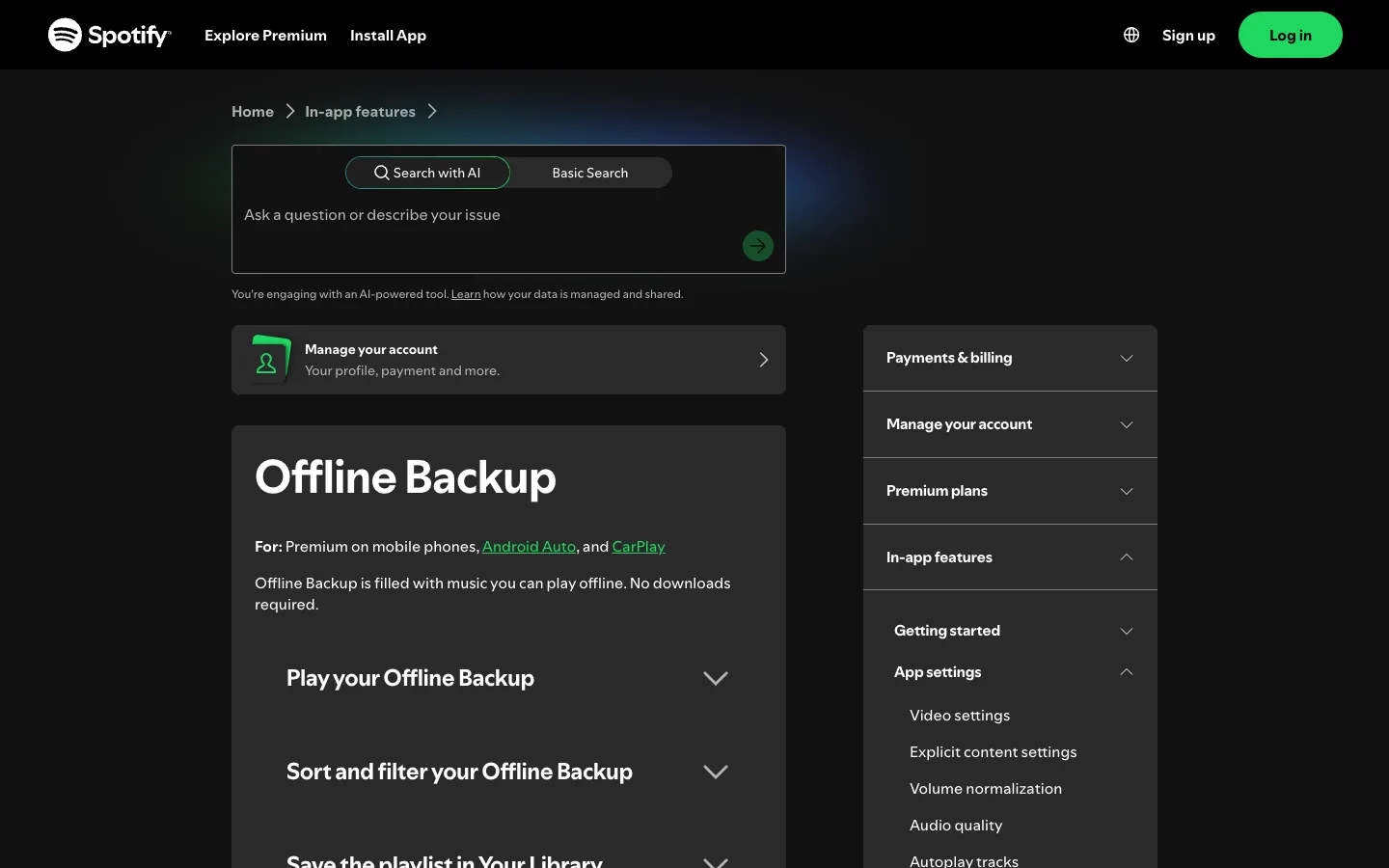
Offline Backup is built from music already stored in the device cache through recent listening. It can help when Premium listeners forget to download a playlist, but it does not turn a Free account into an offline music account.
Use it as a safety net only when all of these are true:
- The account has Premium.
- Offline listening is enabled.
- The device has enough cached recent music and free storage.
- The feature appears on the supported mobile or car surface.
For a planned album, rehearsal playlist, or long trip, manual Premium downloads are still more predictable because you can choose the exact content and test it before leaving.
Data Saver is useful but is not offline playback
If the real problem is mobile-data cost rather than a complete lack of service, Spotify Data Saver may be enough. It reduces data use while you are connected, but it does not make undownloaded catalog music available with no connection.
Use these steps:
- Open your profile picture in Spotify.
- Open Settings and privacy.
- Choose Data-saving and offline.
- Turn on Data Saver.
- Keep downloads over cellular off unless you intentionally want to use mobile data.
- Stream at a lower quality when signal or data allowance is limited.
Think of Data Saver as a smaller pipe, not a replacement for the pipe. It helps while Spotify can still reach the internet.
Avoid shortcuts that create a worse problem
Search results for this topic often mix official offline features with modded apps, password-sharing offers, downloader sites, cracked clients, or tools that promise permanent copies of streaming-catalog music. Those are not interchangeable with Spotify Free.
Avoid a shortcut when it asks you to:
- install an unofficial Spotify APK or modified desktop client
- disable device security protections
- enter Spotify credentials on an unrelated site
- share account cookies, session tokens, or login codes
- bypass plan checks, ads, DRM, or access controls
- treat temporary streaming access as permanent file ownership
A legitimate Premium trial can provide Premium features during the eligible trial period, but it is still a temporary Premium plan. Check the renewal date and cancellation terms before starting it. Do not build an offline library plan around an access period you may forget to cancel.
The clean rule is simple: use Spotify's official downloads for catalog access, podcasts on Free where supported, and Local Files for audio you already have the right to store.
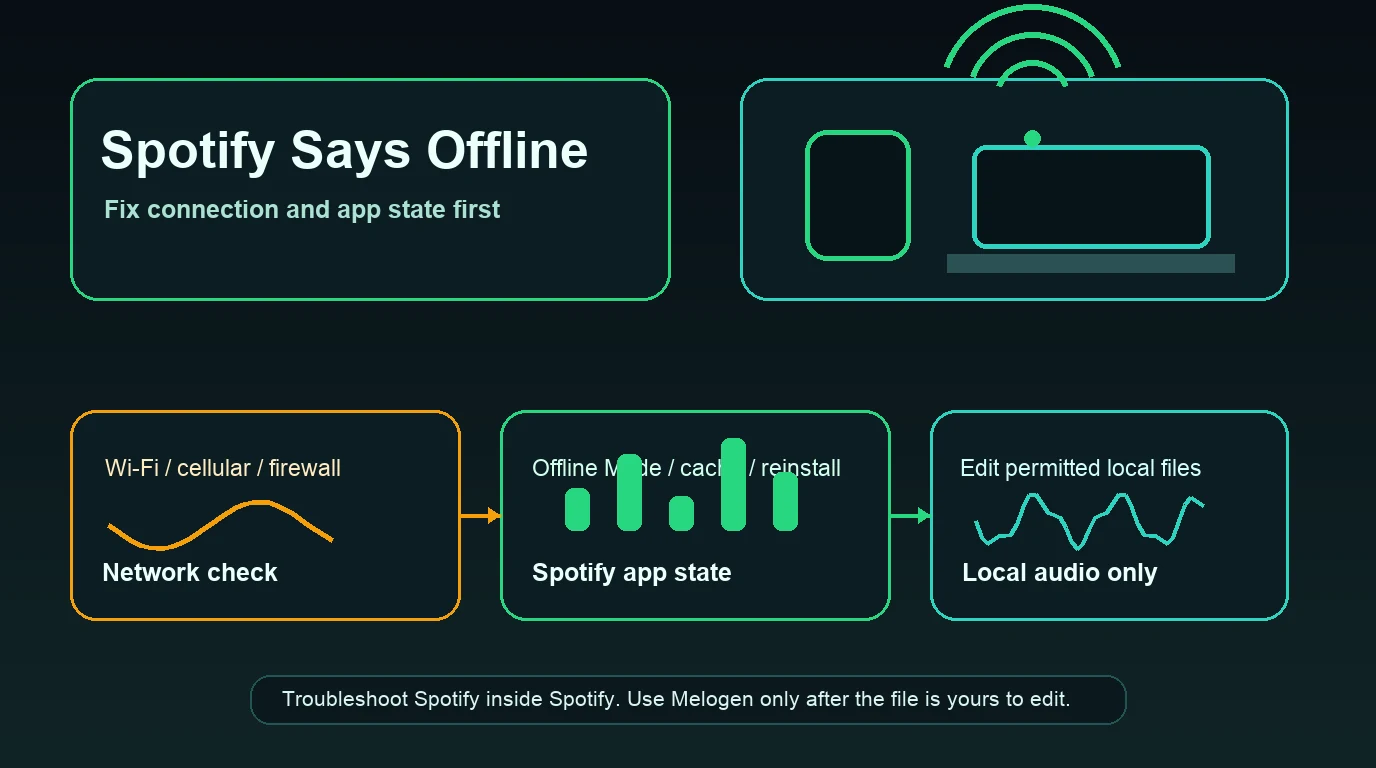
Fix offline content before reinstalling Spotify
If something you prepared no longer plays, check the smallest failure first. Spotify's offline page currently recommends at least 1GB of free storage and lists several reasons downloads can disappear.
| Symptom | First check | Why it matters |
|---|---|---|
| Podcast is not marked downloaded | Reconnect and finish the download | A saved episode may still be online-only |
| Premium playlist disappeared offline | Check the 30-day online requirement | Spotify needs periodic online verification |
| One old phone lost downloads | Check the five-device limit | Spotify can remove downloads from the least recently used device |
| Content vanished after reinstall | Download it again | Reinstalling removes in-app downloads |
| Offline Backup is missing | Confirm Premium, cache, and storage | The feature depends on Premium and recent cached listening |
| Local file is missing | Check file access and the source path | Spotify cannot play a file it can no longer reach |
Reinstall last. It can fix a corrupted app state, but it also removes downloaded content and creates more work when the original problem was storage, a missing permission, or an unfinished download.
Where Melogen fits in this workflow
Melogen does not unlock Spotify Premium, download Spotify catalog tracks, manage Spotify's Offline Mode, or bypass streaming restrictions. It fits only when the source is already a local audio file you own or have permission to edit.
Use Melogen Music Trimmer when you want to prepare that permitted file before adding it to a local library:
- Upload an MP3, WAV, M4A, OGG, FLAC, AAC, or another supported audio file.
- Use the waveform to select the useful section.
- Preview the trimmed result.
- Add a fade when a practice cue or backing track needs a cleaner edge.
- Export the clip in the format and quality that fit the destination.
That is useful for cutting silence from a rehearsal, making a short lesson cue, or preparing your own backing track. It is not a route from a Spotify stream to an editable file.
Prepare an offline clip you are allowed to edit
Use Melogen Music Trimmer for recordings, exports, and DRM-free local files before adding them to your listening library.
FAQs
Can Spotify Free download songs for offline listening?
No. Spotify's current support page says Free accounts can download podcasts, while Premium accounts can download albums, playlists, and podcasts. Saving a song or playlist to Your Library does not make it available offline.
Can Spotify Free download podcasts?
Yes, Spotify says Free users can download podcasts. Some shows may have additional plan requirements, so check the download control on the exact episode and test it before losing your connection.
Is Spotify Offline Backup available without Premium?
No. Spotify currently lists Offline Backup for Premium on mobile phones, Android Auto, and CarPlay. It uses cached recent listening and does not replace a Free account with offline catalog access.
Can I use Spotify Local Files without Premium?
Spotify's Local Files page explains how the app can play audio files legally stored on your device. Availability and sync behavior can vary by platform, so follow the current official instructions for the device you use.
Will Data Saver let Spotify play with no internet?
No. Data Saver reduces network use while Spotify is connected. It does not make undownloaded catalog music available offline.
Can Melogen turn Spotify songs into local files?
No. Melogen does not convert protected Spotify catalog streams or change Spotify plan rules. It helps edit audio that is already yours or that you have permission to process.
The practical takeaway
To listen to Spotify offline without Premium, download podcasts or use legally stored Local Files. Catalog music downloads and Offline Backup remain Premium features in Spotify's current official documentation.
Keep each tool in its lane. Spotify handles streaming access and official offline playback. Melogen helps only after you already have a permitted local audio file and want to trim, preview, fade, or export it for a cleaner listening workflow.
About the author
Zhang Guo
Composer - AI Product Manager
AI product manager and digital marketing consultant with a background in music. Creativity is the bridge between rhythm and logic, where musical intuition and mathematical precision can coexist in every meaningful product decision.
Follow on X