Spotify Equalizer Settings for Better Music Playback
Set Spotify equalizer settings by device and listening problem, then choose when to use audio quality, normalization, or Melogen cleanup instead.
 Zhang Guo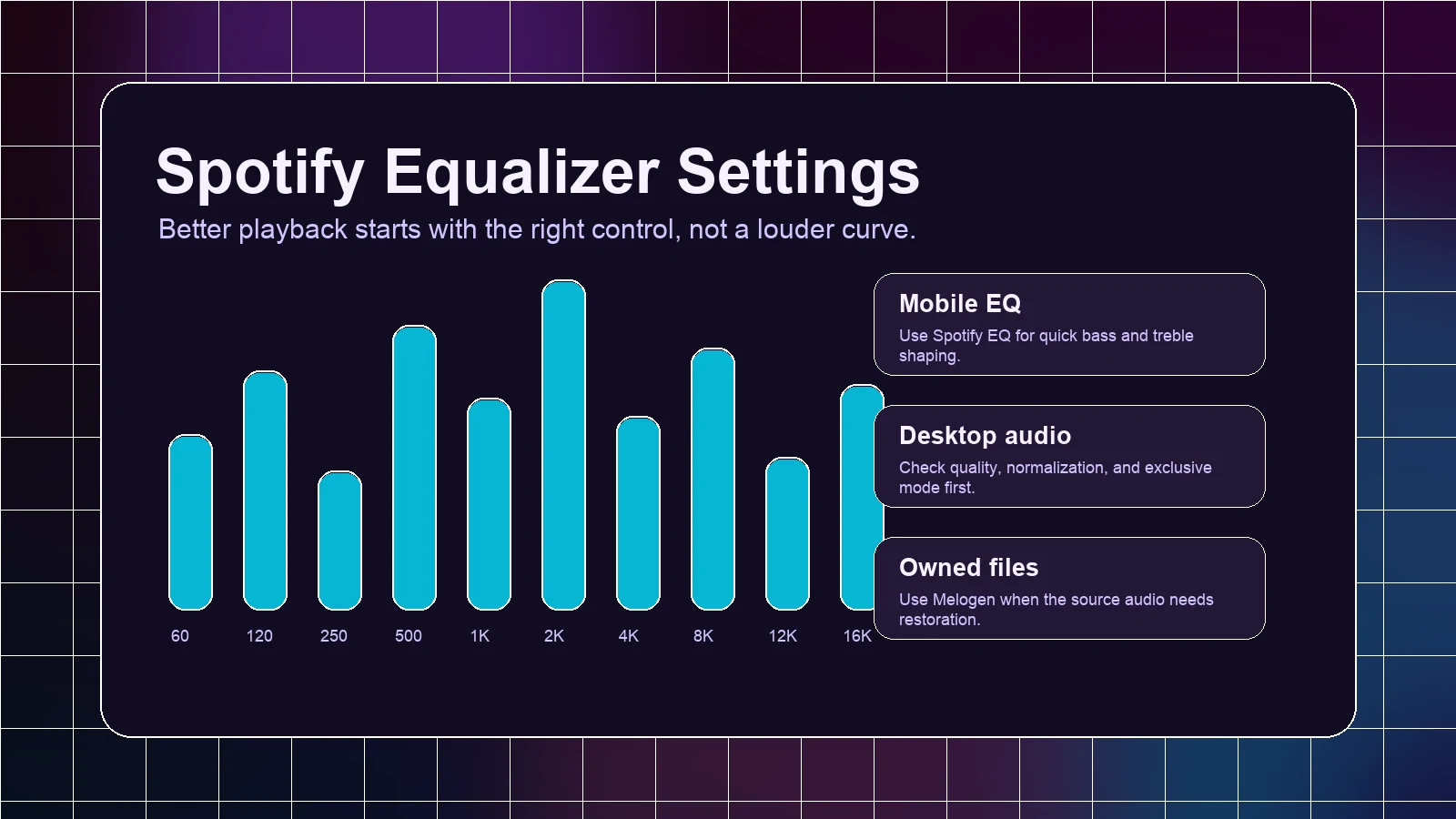
Turn a static score into editable MIDI
Contents
Spotify equalizer settings are useful when a track sounds too boomy, thin, harsh, or buried on the device you are using right now. The best setting is not the loudest curve. Start with a small correction, compare at the same volume, and check whether the problem is really EQ before moving sliders.
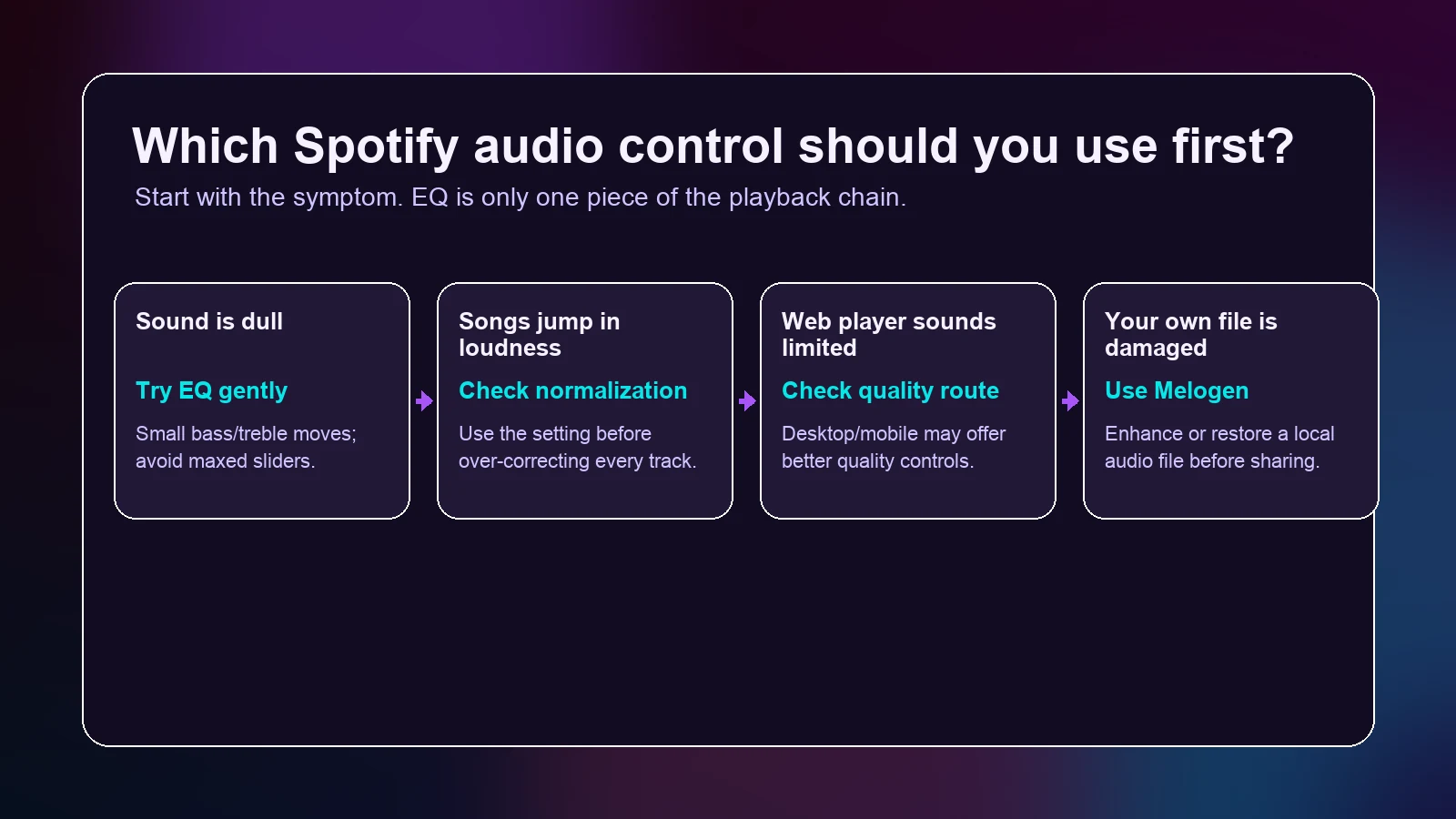
Use Spotify EQ for playback tone. Use audio quality settings when the stream itself is too limited. Use volume normalization when songs jump in loudness. Use Melogen only when the source file is yours and needs repair before playback.
Quick Spotify Equalizer Map
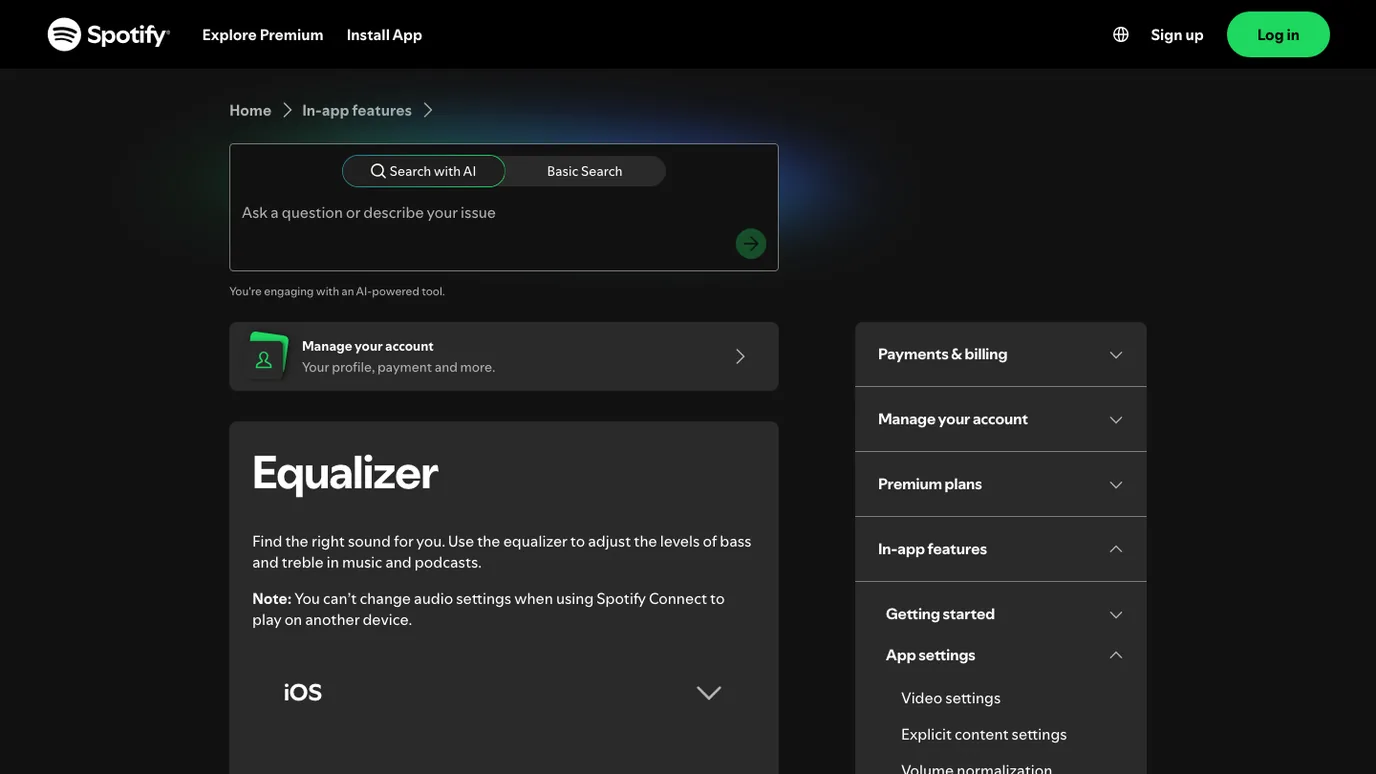
Spotify's official Equalizer support page describes EQ as a way to adjust bass and treble levels in music and podcasts. It also notes an important limit: audio settings are not changed while Spotify Connect is playing on another device.
Start with this map before changing anything:
| Problem you hear | First setting to check | Why it matters |
|---|---|---|
| Bass feels heavy or cloudy | Spotify equalizer | A small bass cut can reveal rhythm and vocals. |
| Vocals feel buried | Spotify equalizer | A gentle mid or treble lift can improve clarity. |
| Songs keep jumping in loudness | Volume normalization | EQ does not solve loudness matching. |
| Web player sounds dull or limited | Audio quality and app choice | Spotify's web player has different quality limits from desktop and mobile. |
| A file you own sounds damaged | Source cleanup before playback | EQ cannot restore missing detail or remove noise from a bad file. |
If you only need a starting point, keep EQ off, play a familiar song, then make one small change. If the track only sounds better because it is louder, back off.
Set Spotify EQ on Mobile and Desktop
Spotify currently groups equalizer guidance by iOS, Android, and desktop. The exact menu labels can move as the app changes, but the practical path is the same: open Spotify settings, go to playback or audio quality, find Equalizer, then test with one familiar track.
Use this simple workflow:
- Pick a song you know well.
- Turn off EQ first so you hear the default playback.
- Open the Spotify equalizer on your current device.
- Move one area at a time: bass, mids, or treble.
- Switch EQ off and on at the same volume.
- Keep the setting only if the music is clearer, not merely louder.
On mobile, the EQ may depend on the device audio system. On desktop, Spotify also now separates some high-quality playback decisions into other audio controls, so do not treat the equalizer as the only knob.
If your goal is a cleaner transition between songs, the Spotify crossfade settings guide is the better companion. Crossfade changes transitions. EQ changes tone.
Choose Settings by the Listening Problem
Do not choose a preset only because the genre name looks right. A rock preset can make one headphone exciting and another one harsh. A bass-heavy preset can help tiny speakers but blur kick drums on larger systems.
Use this table instead:
| Listening problem | Safer EQ move | Stop when |
|---|---|---|
| Muddy bass | Lower bass or low mids slightly | Kick drum loses weight or the track feels small |
| Thin speakers | Add a little low end, not a huge bass boost | The speaker starts to distort |
| Buried vocal | Add a gentle midrange or presence lift | S and T sounds become sharp |
| Harsh cymbals or strings | Reduce upper mids or treble slightly | The mix loses air and detail |
| Quiet background listening | Try volume normalization first | The mix feels flat after loudness matching |
The best habit is to cut before you boost. If bass is too big, reduce bass before adding treble. If treble is sharp, reduce upper energy before pushing bass. Big boosts can make clipping, fatigue, and speaker distortion worse.
Check Audio Quality and Normalization Before EQ
Spotify EQ cannot fix every playback problem. Spotify's Audio quality support page separates quality choices by plan and surface, including web player, desktop, mobile, and tablet. It also lists higher quality options for Premium users, including Very high and Lossless where available.
That means a dull stream may need a quality setting, a different app surface, or a better connection before EQ. If you brighten a low-quality stream too much, you may only reveal compression artifacts.
Volume is a separate layer. Spotify's Volume normalization support page explains that normalization balances soft and loud songs for a more uniform listening experience. Use it when playlists jump in loudness from track to track. Do not try to solve that by boosting treble or bass.
For a clean setup order, use this:
- Check whether you are on web player, desktop, mobile, or tablet.
- Set audio quality appropriately for your connection and plan.
- Decide whether volume normalization helps the playlist.
- Then adjust EQ for a specific tone problem.
- Test with two more songs before keeping the setting.
If the topic you are really comparing is file quality, what is bitrate in audio explains why bitrate, sample rate, and compression are different from EQ.
Know When EQ Should Stay Off
Spotify's Exclusive mode support page is a useful reminder for desktop listeners with external audio gear. Spotify says exclusive mode is for Premium listeners on the Windows desktop app with compatible external audio devices, and its guidance recommends disabling EQ for the purest playback in that mode.
That does not mean EQ is bad. It means the goal matters.
| Goal | Better choice |
|---|---|
| Hear a mastered recording as directly as possible | Keep EQ off, use the best supported quality path, and avoid extra processing. |
| Make earbuds less boomy for daily listening | Use a small EQ correction. |
| Match loudness across a playlist | Try volume normalization. |
| Fix a noisy rehearsal recording | Repair the source file before playback. |
| Improve a local demo before sharing | Use an owned-audio cleanup workflow first. |
If you are making production decisions, keep EQ off while judging the source. If you are making a playlist comfortable in a car or earbuds, a mild EQ curve is reasonable.
Where Melogen Fits for Owned Audio
Melogen does not control Spotify's catalog, account settings, subscriptions, protected downloads, or playback inside Spotify. Keep Spotify tracks inside Spotify and use Spotify's official settings for Spotify playback.
Melogen becomes useful when the audio file is yours: a rehearsal recording, exported demo, podcast intro, voice memo, instrument stem, or local clip you are allowed to process. In that case, fix the source before you tune playback.

Use this split:
| Situation | Best next step |
|---|---|
| Spotify sounds too bass-heavy on earbuds | Try a small Spotify EQ correction. |
| Spotify web player sounds lower quality | Check Spotify audio quality and app surface first. |
| Songs in a playlist jump in level | Use volume normalization before EQ. |
| Your own MP3 sounds dull or compressed | Improve the local file before final listening. |
| A local clip needs a cleaner finish | Trim or fade the file before adding it to a playlist. |
Improve local audio before final playback
Use Melogen Audio Enhancer for files you are allowed to process, then use Spotify EQ only for the listening environment.
FAQs
What is the best Spotify equalizer setting?
There is no single best Spotify equalizer setting for every listener. Start with EQ off, identify the actual problem, then make a small correction. Keep the setting only if clarity improves at the same volume.
Does Spotify EQ work on the web player?
Spotify's current support structure separates web player audio quality from app EQ controls. If you cannot find the equalizer in the web player, use the desktop or mobile app for EQ and check audio quality settings first.
Should I use Spotify equalizer with lossless audio?
Use EQ only if you want a playback tone correction. If your goal is the most direct playback through external audio gear, Spotify's exclusive mode guidance recommends leaving EQ off in that path.
Is volume normalization the same as equalizer?
No. Volume normalization balances loud and soft songs. EQ changes frequency balance. If songs jump in volume, start with normalization before you change bass or treble.
Can Melogen improve Spotify streaming tracks?
No. Melogen should not be used as a workaround for Spotify catalog tracks or protected streaming content. Use it for local audio files you own, created, or are licensed to process.
The Practical Takeaway
Spotify equalizer settings work best when you know the exact listening problem. Use small moves, compare at matched volume, and check quality or normalization before EQ. Keep EQ off when you want the purest source playback.
For Spotify playback, stay inside Spotify's official controls. For your own damaged or low-quality audio files, clean up the source first, then use EQ only as the final listening adjustment.
About the author
Zhang Guo
Composer - AI Product Manager
AI product manager and digital marketing consultant with a background in music. Creativity is the bridge between rhythm and logic, where musical intuition and mathematical precision can coexist in every meaningful product decision.
Follow on X