Spotify on Sonos Setup Guide for Safer Playback
Set up Spotify on Sonos with official app paths, Connect checks, speaker troubleshooting, and clear local-audio limits for Melogen.
 Zhang Guo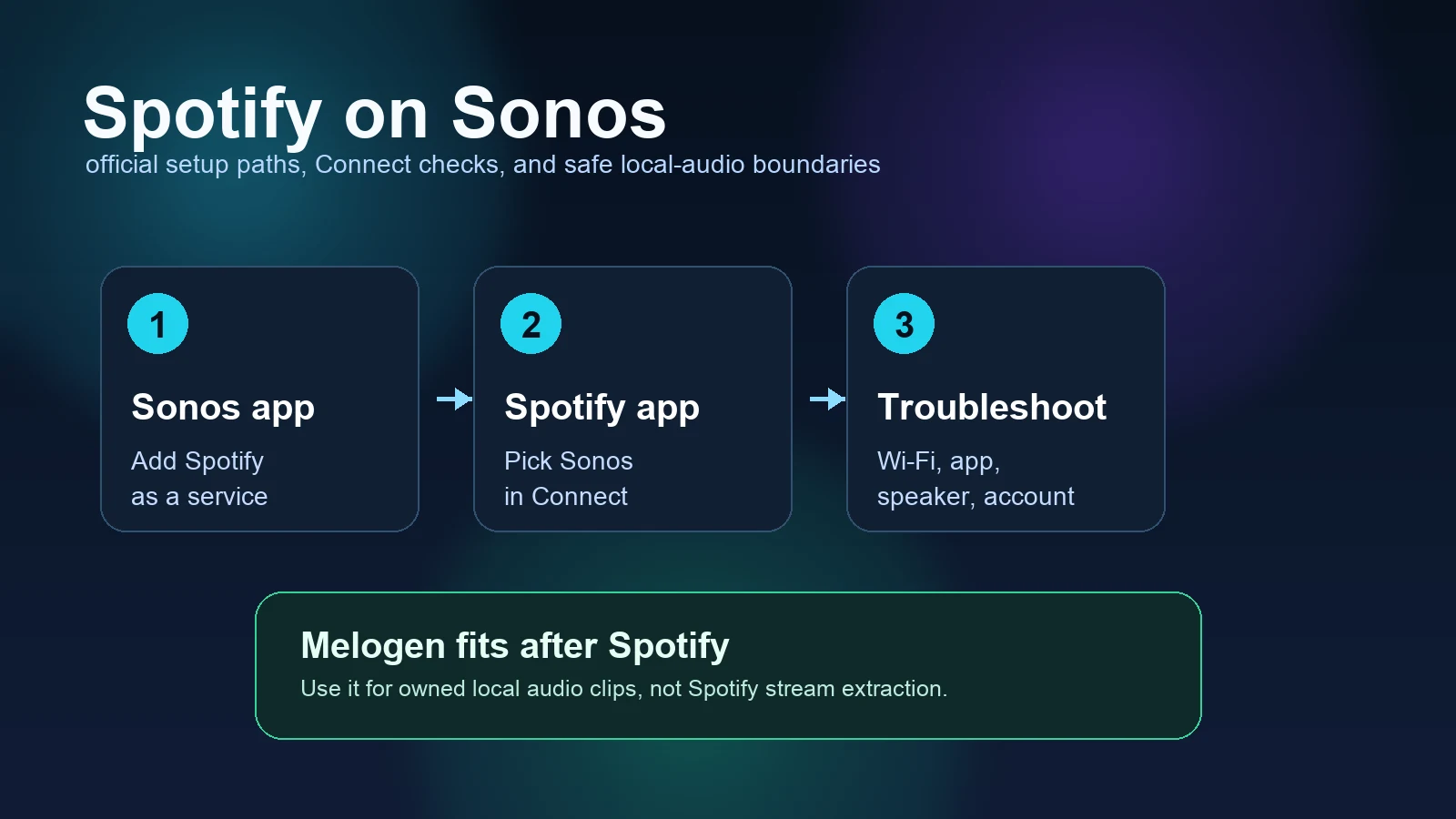
Turn a static score into editable MIDI
Contents
Spotify on Sonos works best when you treat it as a speaker setup problem first, not a download problem. Add Spotify inside the Sonos app when you want Sonos to browse the service directly. Use the Spotify app and Spotify Connect when you want Spotify to control the room. If the speaker does not appear, check Wi-Fi, app updates, local network permission, and the linked account before changing files.
Melogen is not Sonos or Spotify support, and it cannot manage your streaming account. It only fits after the playback path is solved, when you already have an owned or permitted local audio file that needs trimming, a smoother fade, or a cleaner practice clip.
Quick answer
Start with the path that matches your job:
| What you want to do | Best first path | What to check |
|---|---|---|
| Add Spotify to a Sonos system | Sonos app | Add Spotify as a music service, then authorize the account |
| Play Spotify from the Spotify app | Spotify Connect | Open Spotify, play something, then pick the Sonos room in the device picker |
| Control a Sonos speaker from another device | Same Wi-Fi and Connect | Keep the controller and speaker on the same network for first setup |
| Fix a missing Sonos speaker | Troubleshooting checklist | Restart Spotify, Sonos, the controller device, and Wi-Fi in order |
| Prepare your own local audio clip | Melogen Music Trimmer | Only use files you own, recorded, exported, bought DRM-free, or have permission to edit |
The main mistake is jumping from "Spotify will not play on Sonos" to a converter or downloader. Most Sonos issues are account, network, app, or speaker routing issues. Fix those first.
Add Spotify from the Sonos app
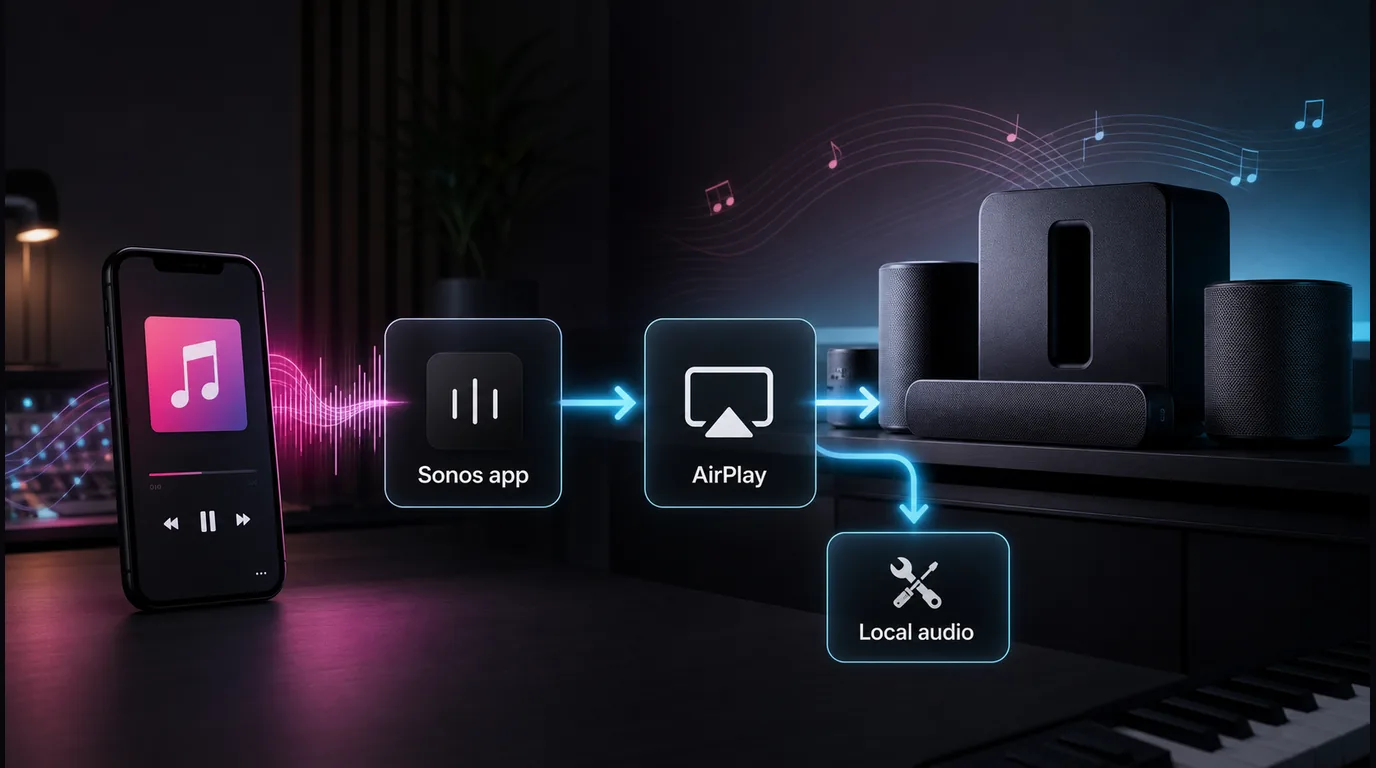
Spotify's official Spotify on Sonos support page says you can control Spotify with the Spotify app, the Sonos app, compatible voice assistants, Spotify Connect, or Apple AirPlay. Sonos also maintains a public Spotify service page for adding Spotify to a Sonos system.
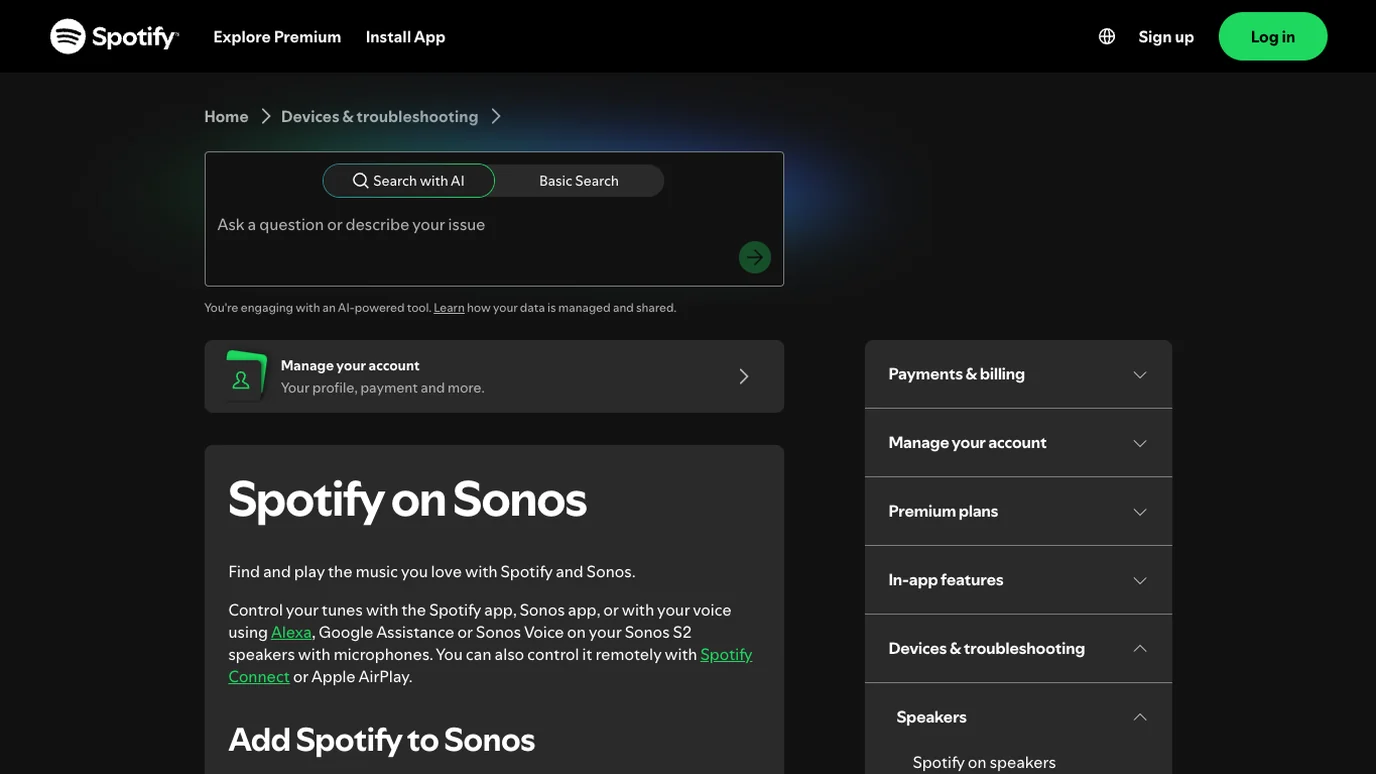
Use this setup path when you want Spotify to appear as a service inside Sonos:
- Update the Sonos app and the Spotify app.
- Open the Sonos app.
- Go to settings for services or content.
- Add Spotify as a music service.
- Sign in with the Spotify account you want Sonos to use.
- Test one playlist or album from inside the Sonos app.
- If you use a family plan, add accounts one at a time instead of assuming every profile appears automatically.
This path is useful when a shared home speaker should browse Spotify from the Sonos interface. It is also the cleanest way to confirm the Spotify account is actually linked to the Sonos system.
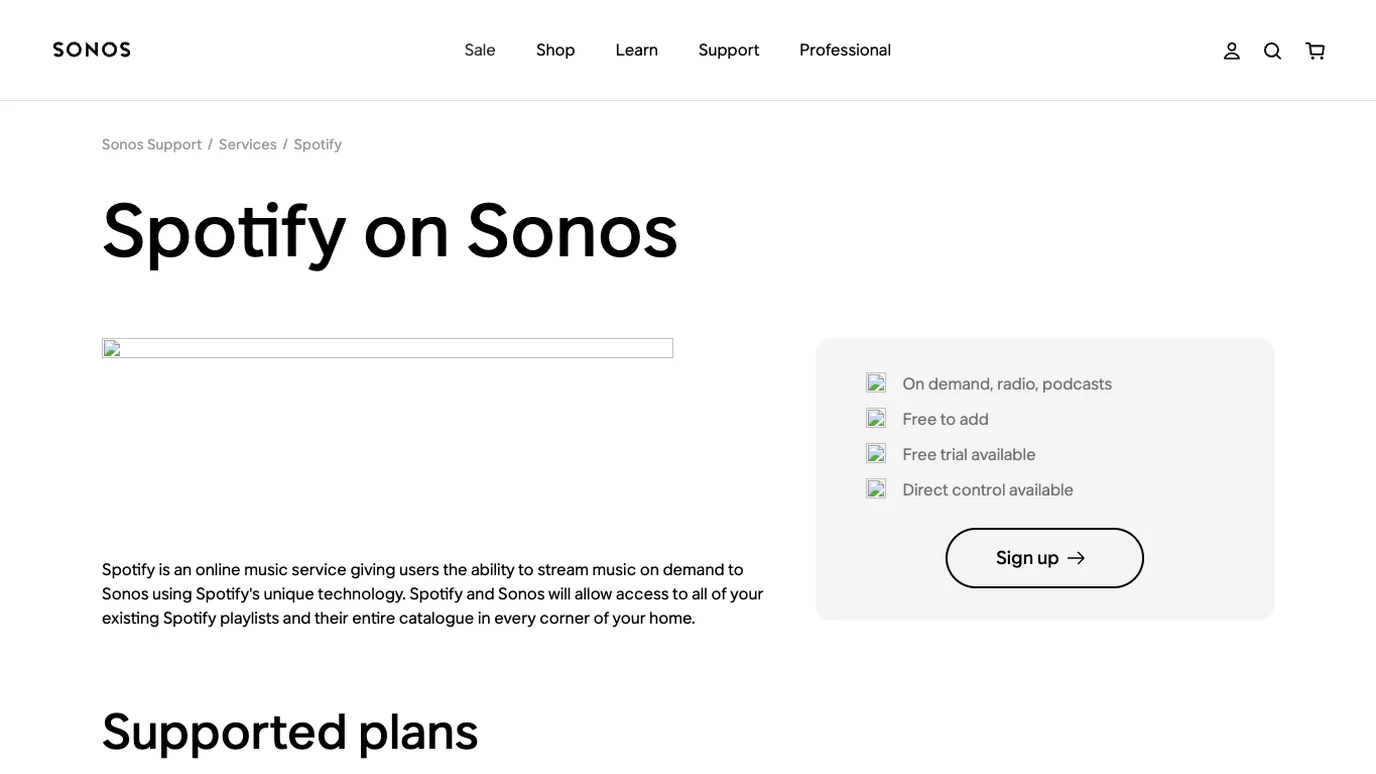
Play Sonos from the Spotify app
If Spotify is already linked and you simply want the Spotify app to control the speaker, use Spotify Connect. Spotify's Spotify Connect support page explains that one device can remotely control listening on another, and it says first-time speaker setup needs the devices on the same Wi-Fi.
The basic Spotify app flow is:
- Open Spotify.
- Play a track, playlist, album, podcast, or audiobook.
- Open the device picker from Now Playing.
- Choose the Sonos room or speaker.
- Wait for the room to become the active playback device.
- Adjust volume inside the app or speaker system if physical phone volume does not control the connected device.
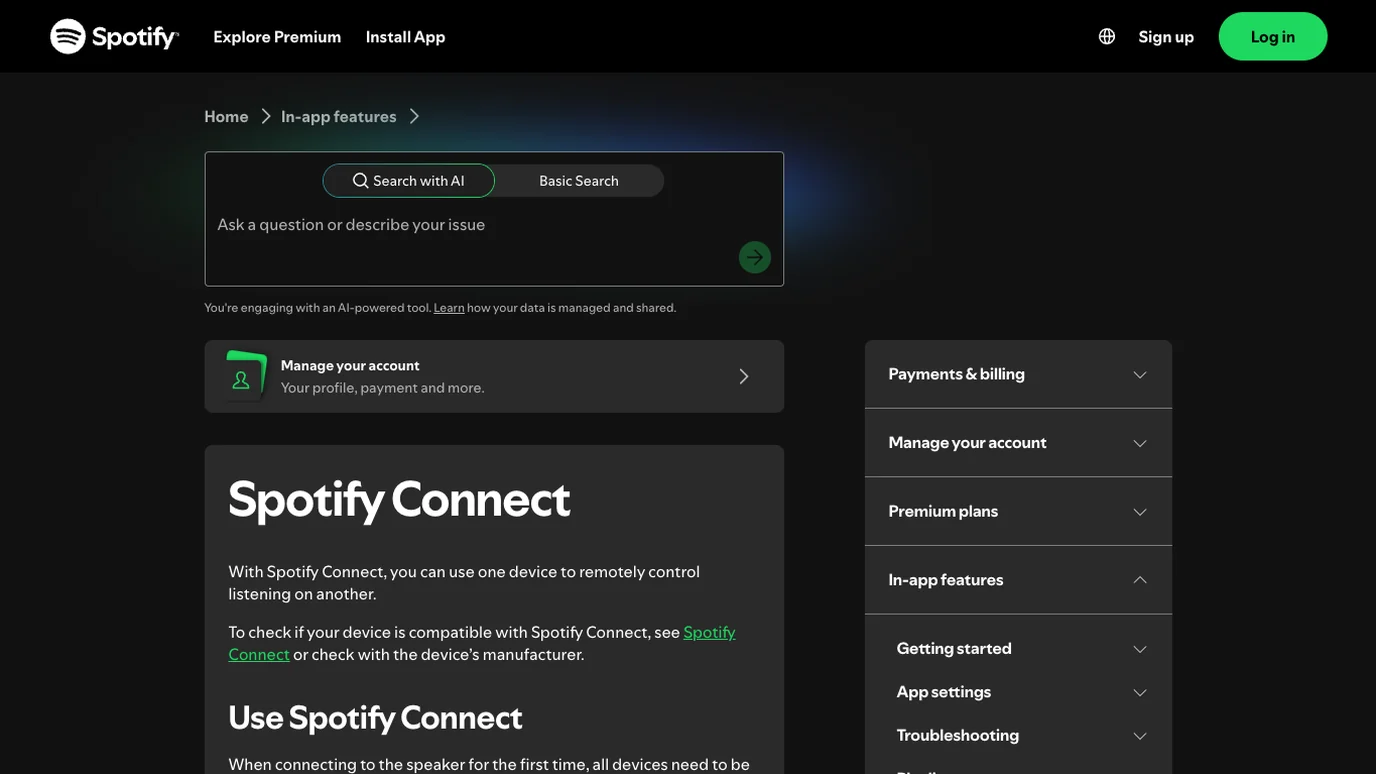
If Spotify pauses for a long time, you may need to reconnect. If the wrong room keeps taking over, pick the device again before changing account settings. If the same speaker behaves strangely with every app, move from Spotify troubleshooting to Sonos network and speaker troubleshooting.
Fix Sonos not showing in Spotify
When Sonos does not appear in Spotify, use a layer-by-layer checklist. It is slower than guessing, but it prevents you from changing the wrong thing.
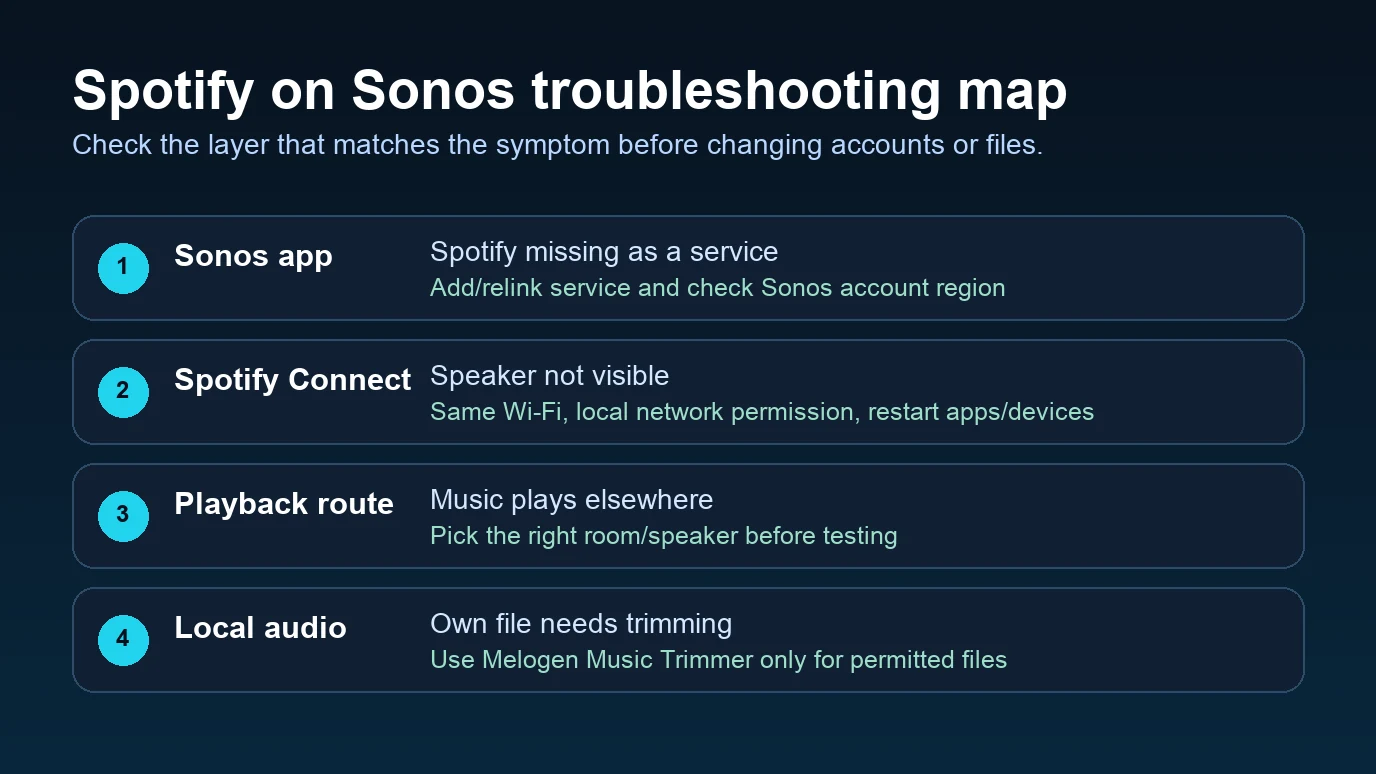
| Symptom | Likely layer | Safer fix |
|---|---|---|
| Sonos is missing from Spotify Connect | Network or local device visibility | Put the controller and speaker on the same Wi-Fi, then check local network permission |
| Spotify is missing inside Sonos | Service link or account region | Add Spotify again from the Sonos app and confirm the account |
| The speaker appears but will not connect | App, speaker, or Wi-Fi session | Restart Spotify, the Sonos speaker, the controller device, and the router |
| Music starts in the wrong room | Playback route | Re-select the active Sonos room before testing anything else |
| Spotify plays, but no sound comes out | Output or volume layer | Check Sonos volume, grouped rooms, mute state, and another audio source |
| The issue appears only after a playlist ends | Spotify setting, not Sonos setup | Use the Spotify autoplay guide instead |
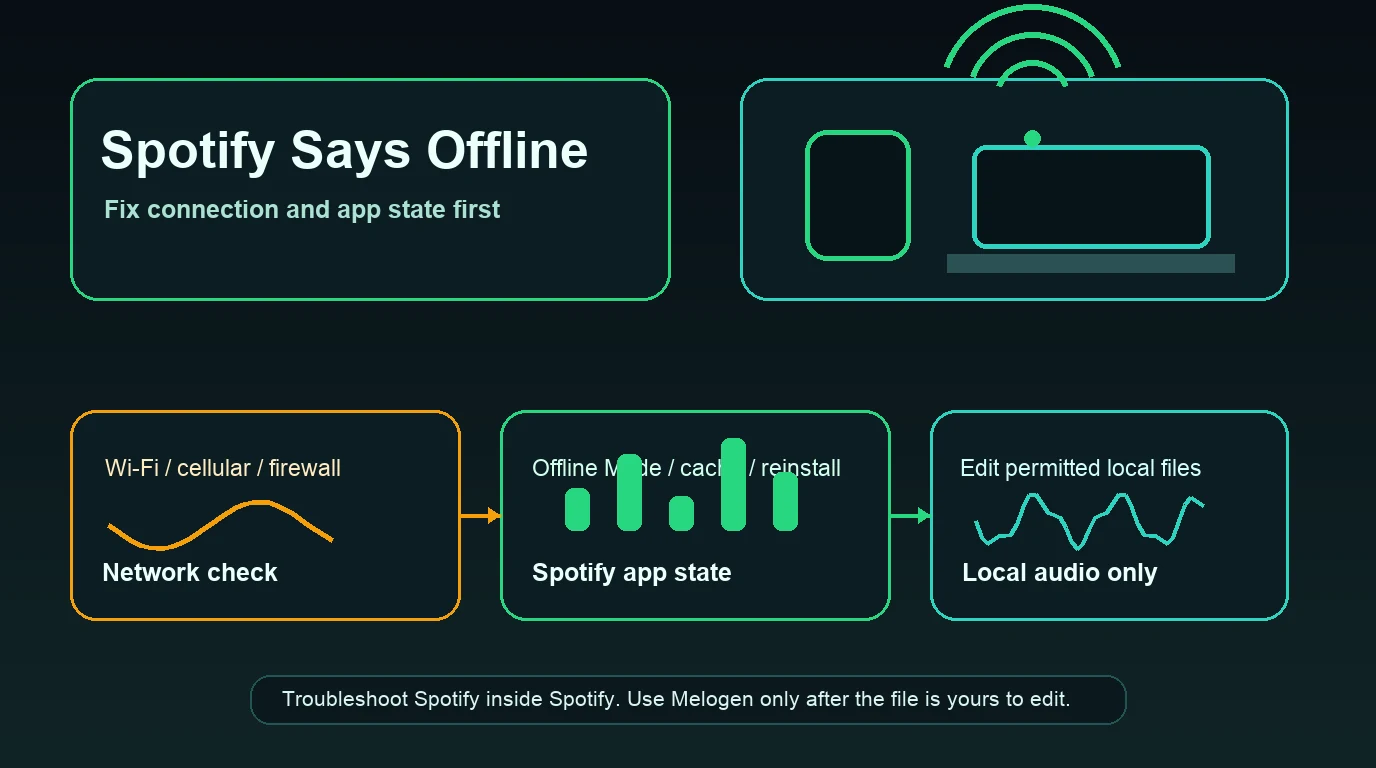
Spotify's general speaker support page recommends updating apps and device software, restarting the Spotify app, restarting devices, restarting Wi-Fi, and trying a different Wi-Fi connection when speaker playback fails. Those boring checks solve more cases than reinstalling everything immediately.
Do not solve Sonos playback with a downloader
The competitor page that surfaced this opportunity mixes official Sonos setup with an offline conversion pitch. That is exactly where the safer Melogen article needs to be clearer.
Use these boundaries:
| Reader intent | Correct boundary |
|---|---|
| "I want Spotify to play through Sonos" | Use Sonos, Spotify, Spotify Connect, AirPlay, or the speaker route Spotify documents |
| "I want Sonos to see my Spotify account" | Link or relink Spotify inside Sonos |
| "I want music to stop at night on a speaker" | Use Spotify sleep timer and test the active device |
| "I own a local audio file and want a cleaner ending" | Trim or fade the file before playback |
| "I want to extract Spotify streams" | Do not use Melogen for that. Keep streaming catalog audio inside authorized Spotify/Sonos playback |
Spotify's supported-devices page says Spotify content may only be accessed with the Spotify app, web player, or apps otherwise authorized by Spotify. That is the clean line for this topic. A Sonos setup issue is not a reason to bypass Spotify's playback model.
Where Melogen fits after Spotify and Sonos
Melogen fits after the streaming setup, not inside it. Use Melogen Music Trimmer when the source is already a local file you are allowed to edit: a band demo, rehearsal recording, exported lesson clip, purchased DRM-free track, podcast cue, or audio file from your own project.
Good Melogen jobs after a Sonos setup session:
- Cut silence from the start of a local practice track.
- Make a short loop from an owned rehearsal recording.
- Add a cleaner fade-out before playing a local file on another device.
- Prepare a listening copy before adding it to a personal local library.
- Keep your original file untouched while exporting a trimmed version.
If the file is intended for Spotify local playback later, use the add local files to Spotify guide. If the issue is only where Spotify is playing, stay in Spotify Connect and Sonos settings.
Clean up a local clip after Sonos playback works
Use Melogen Music Trimmer for audio files you are allowed to edit when the real job is cutting silence, keeping a useful section, or adding a cleaner fade.
FAQs
Can Spotify play on Sonos?
Yes. Spotify and Sonos have official support paths. You can add Spotify as a Sonos music service, play from the Spotify app with Spotify Connect, or use other supported speaker routes such as AirPlay where available.
Why is my Sonos speaker not showing in Spotify?
Start with the network and app layer. Put the controller and Sonos system on the same Wi-Fi for setup, update Spotify and Sonos, allow local network access on iPhone if needed, restart the apps and speaker, then relink the service if Spotify still does not appear.
Can I play Spotify on Sonos offline?
Treat offline playback carefully. Sonos and Spotify support authorized streaming and account-based playback paths. Do not use Melogen or a downloader to extract Spotify catalog audio. For local files you already own or have permission to edit, prepare the file separately and play it through an allowed local workflow.
Does Melogen connect Spotify to Sonos?
No. Melogen does not link Spotify accounts, control Sonos rooms, or change Spotify Connect behavior. It helps with owned local audio files after the speaker and streaming setup are already handled.
Is Spotify Connect the same as Bluetooth?
No. Spotify Connect lets one device remotely control playback on another compatible device. Bluetooth sends audio from one device to another over a Bluetooth connection. For Sonos setup, check which route you are actually using before troubleshooting.
The practical takeaway
Spotify on Sonos is a setup and playback-routing problem. Add Spotify in Sonos when the service is missing. Use Spotify Connect when Spotify should control the room. Troubleshoot Wi-Fi, local network permission, app updates, account linking, and the selected speaker before touching files. Use Melogen only after you already have a permitted local audio file that needs cleanup.
About the author
Zhang Guo
Composer - AI Product Manager
AI product manager and digital marketing consultant with a background in music. Creativity is the bridge between rhythm and logic, where musical intuition and mathematical precision can coexist in every meaningful product decision.
Follow on X