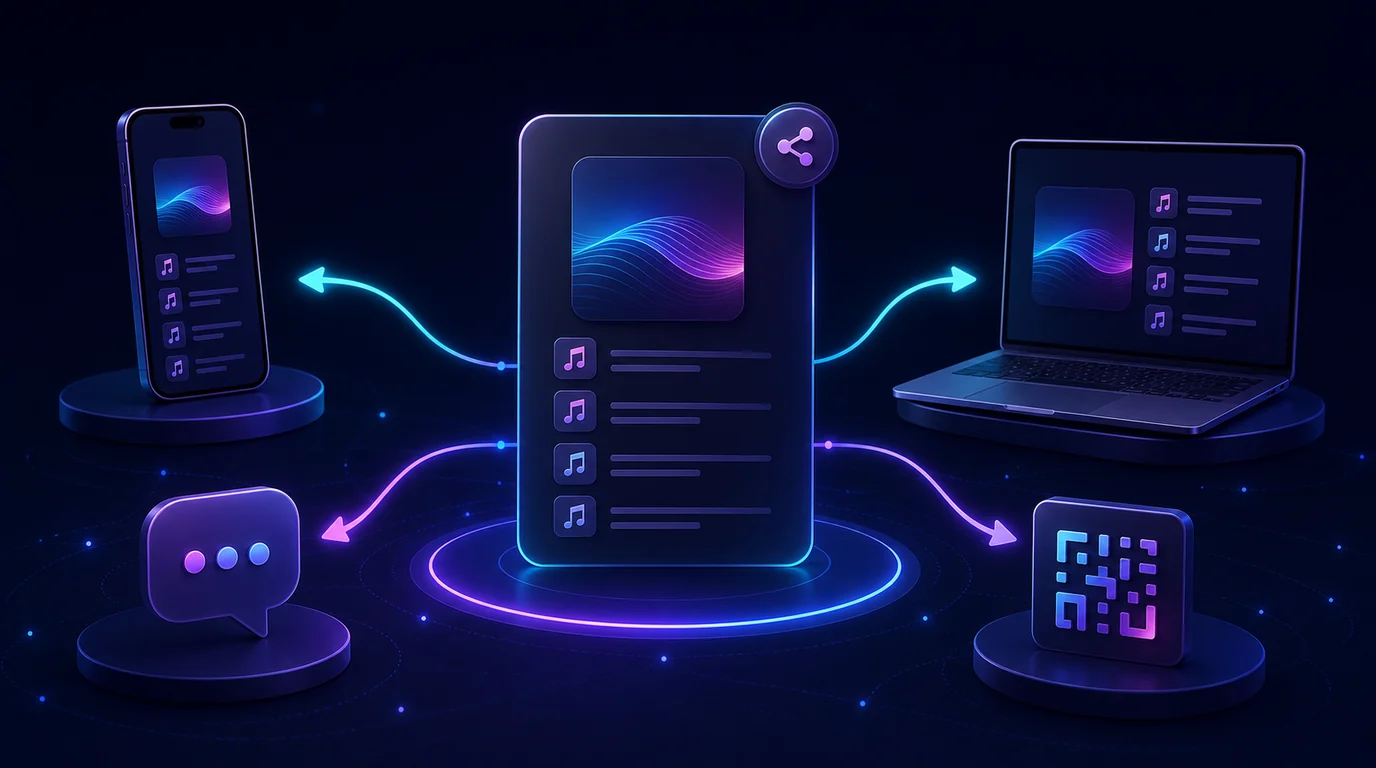
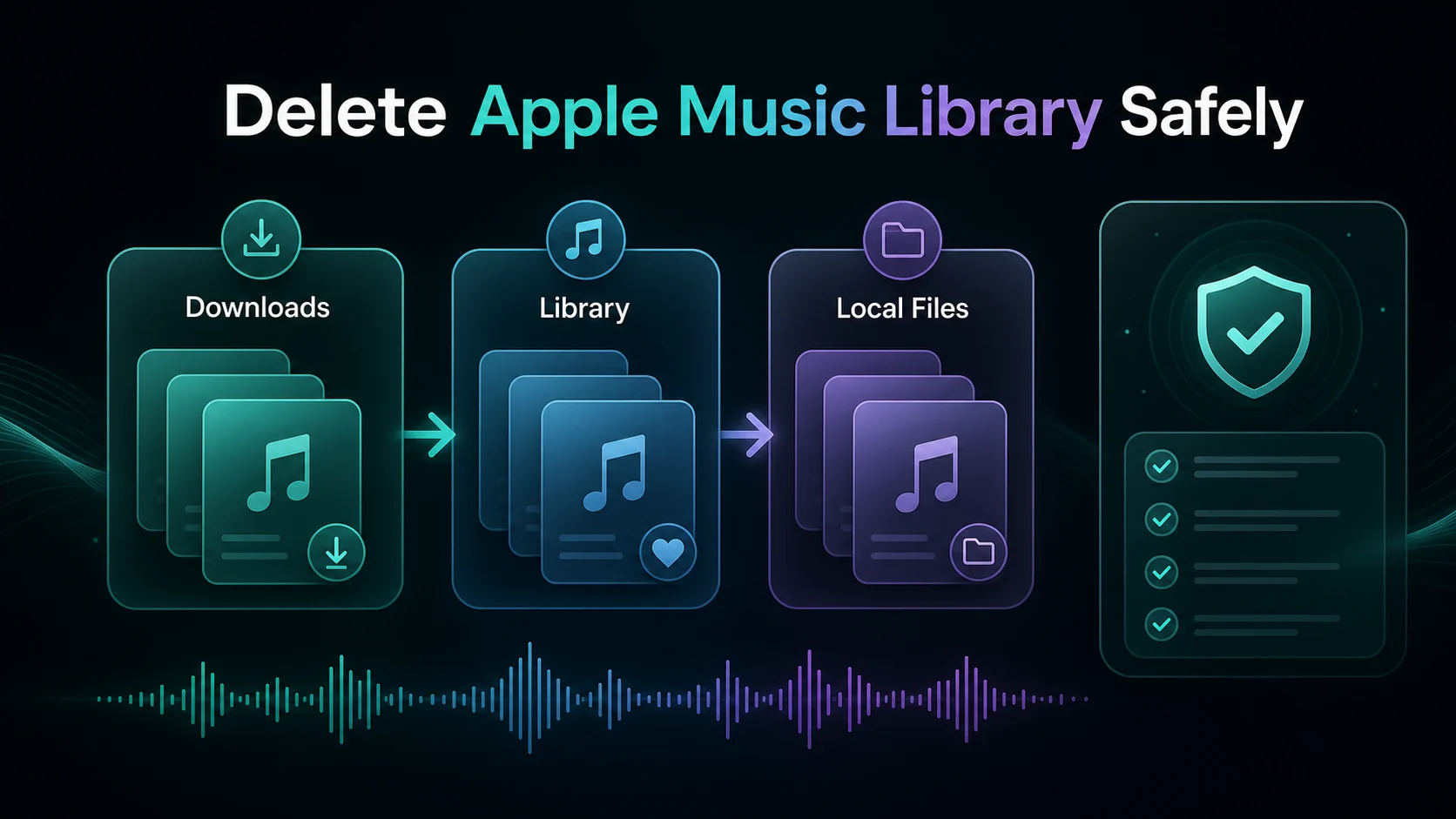
How to Add Spotify Songs to Instagram Story in 2026
Add a Spotify song to an Instagram Story using a share card or Music sticker, then fix missing audio, sharing options, and catalog limits.
 Zhang Guo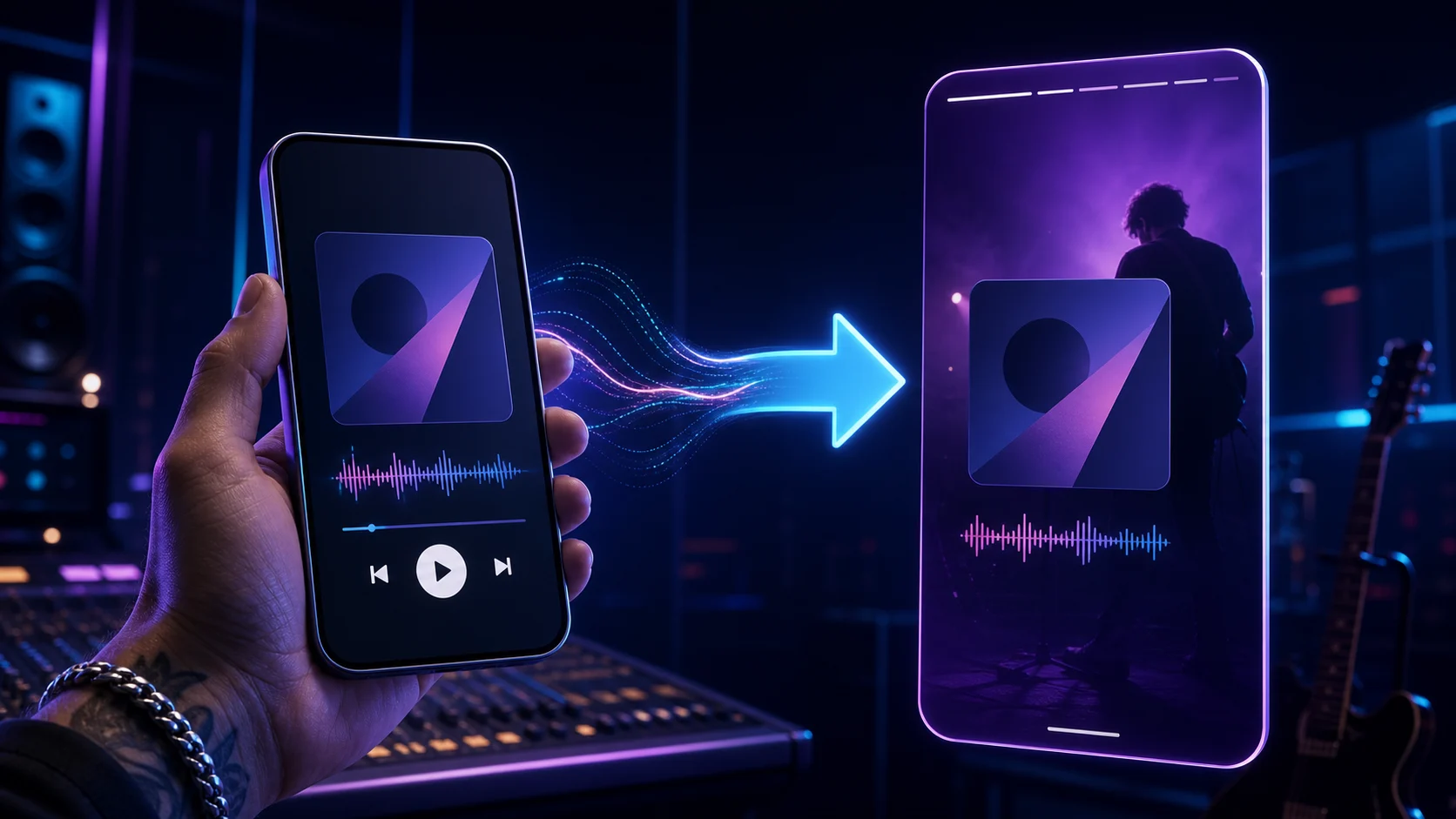
Turn a static score into editable MIDI
Contents
To add Spotify songs to Instagram Story, choose the result you want first. Share from Spotify when you want a tappable card that sends viewers to the track. Use Instagram's Music sticker when you want an audible clip inside the Story itself.
Those paths look similar, but they are not interchangeable. A Spotify share can promote the exact track, album, artist, or playlist. Instagram Music uses Instagram's own licensed catalog, so the available song, recording, and clip can vary by account and region.
Choose between a Spotify share card and Story audio
| Result you want | Best route | What viewers get | Main limitation |
|---|---|---|---|
| A visual card linked to the exact Spotify item | Share from Spotify to Instagram Stories | Artwork or a share card with a route back to Spotify | The Story may not play the song as embedded audio |
| An audible music clip inside the Story | Add Instagram's Music sticker | A licensed clip selected inside Instagram | The song or version may be absent from Instagram's catalog |
| A playlist destination | Share the playlist link or card | Access to the Spotify playlist | This does not add every playlist track as Story audio |
| A scannable visual | Use a Spotify Code | A code that opens Spotify content | Viewers need a compatible scan path |
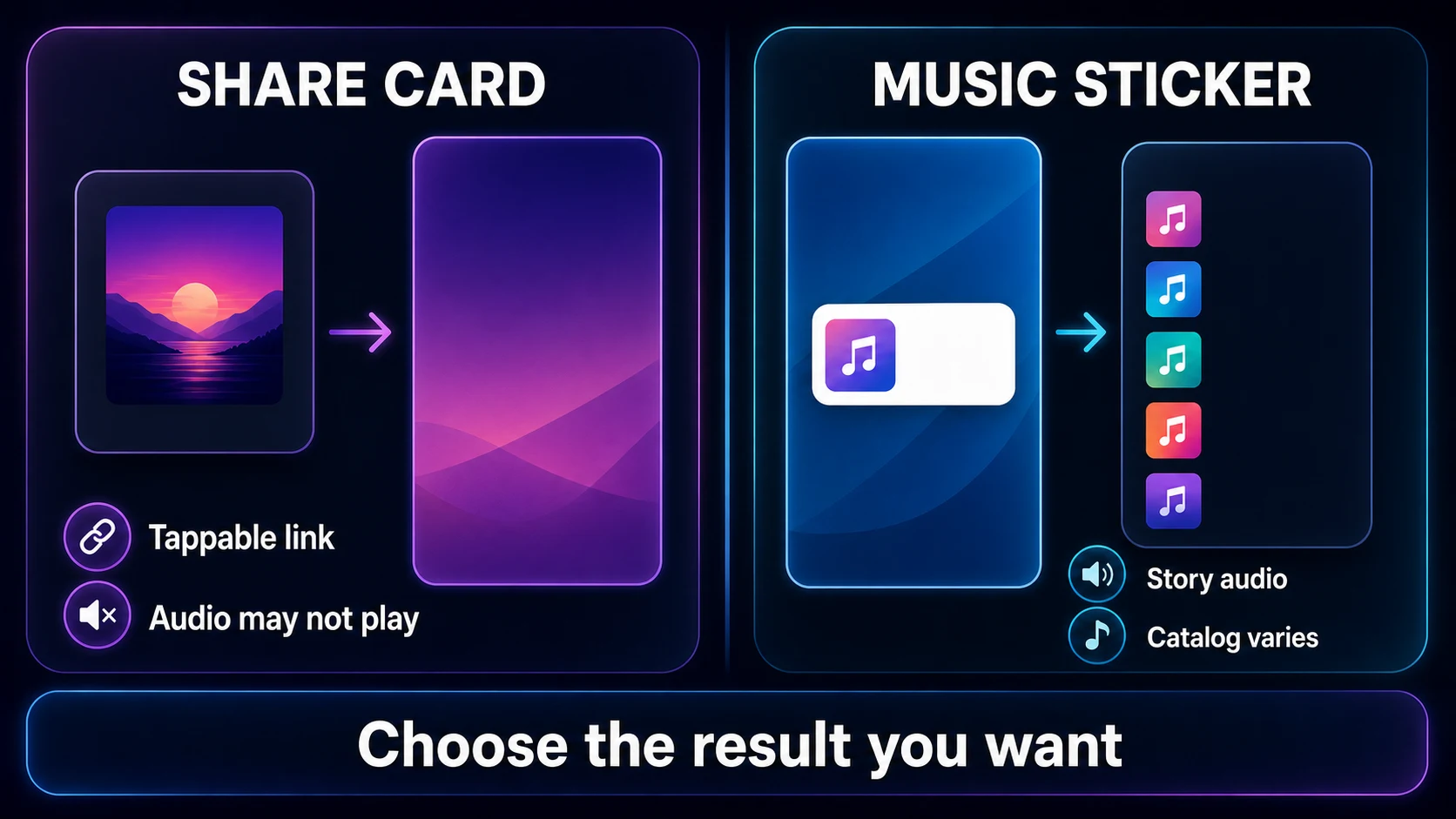
The useful distinction is ownership of the playback layer. Spotify controls the linked destination. Instagram controls music that plays inside an Instagram Story. If a shared card appears without sound, that does not necessarily mean the share failed.
Share a Spotify song directly to Instagram Stories
Spotify's current Share from Spotify support page says the mobile app can share songs, albums, artists, playlists, podcasts, and profiles to social or messaging apps. Use this route when the exact Spotify destination matters.
- Open Spotify on your phone or tablet.
- Find the song you want to share.
- Open the three-dot menu for that song.
- Tap Share.
- Choose Instagram Stories if it appears in the share sheet.
- In Instagram, adjust the card position and add text, stickers, or your own background.
- Choose Your story or Close Friends, then publish.
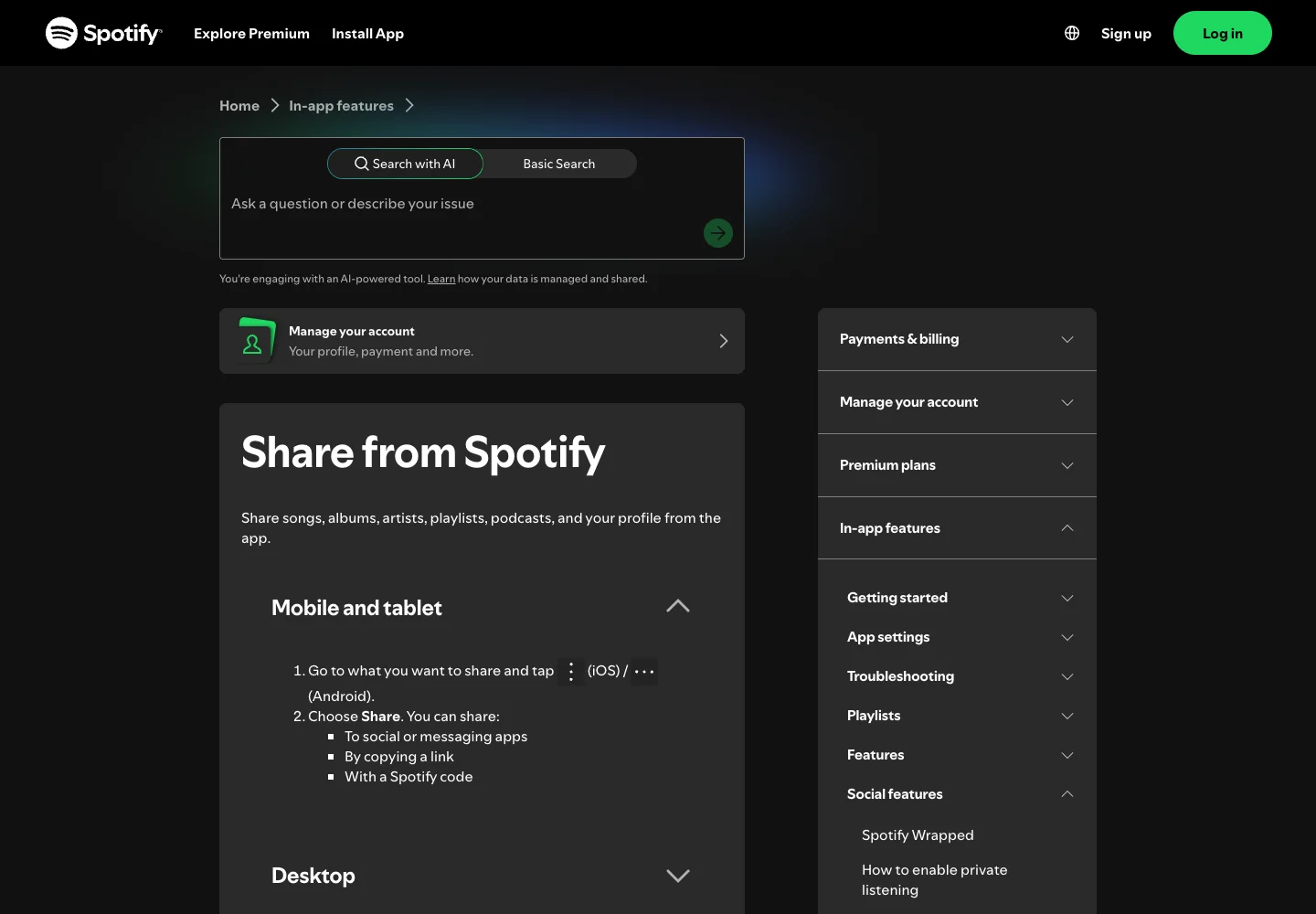
Before posting, tap through the draft as a viewer would. The card should identify the right track and open the intended Spotify destination. A remix, live recording, remaster, clean edit, and album version can share similar artwork, so confirm the title and artist instead of relying on the cover alone.
If you are sharing a playlist rather than one track, use the deeper guide to sharing a Spotify playlist. It separates a normal listening link from collaborator access, Jams, embeds, and cross-service transfer.
Add Spotify music with Instagram's Music sticker
Use the Music sticker when the Story itself needs an audible clip. You are selecting a track from Instagram's music catalog, even if you found the song in Spotify first.
- Open Instagram and create a new Story.
- Add a photo, video, or simple background.
- Open the sticker tray and choose Music.
- Search for the song and artist.
- Preview the result to confirm it is the correct recording.
- Choose the section of the song that fits the Story.
- Select the available lyric, artwork, or title treatment.
- Review the audience, then publish.
Do not assume every Spotify track will appear. Catalog licensing, region, account type, app version, and the specific recording can affect availability. Try the exact artist name and title, then check whether Instagram lists a different album version or edit.
The Music sticker is also the cleaner route when you want sound but do not need a direct link to the Spotify page. If the exact destination matters more than embedded audio, use the Spotify share card instead.
Fix Instagram Stories missing from Spotify Share
When Instagram does not appear in Spotify's share menu, check the handoff before reinstalling either app.
- Confirm you are using the Spotify mobile app, not only the desktop app or web player.
- Update Spotify and Instagram from the device's app store.
- Open Instagram once and confirm you are signed into the intended account.
- Return to Spotify, open the song menu, tap Share, and review the full share sheet.
- Restart both apps if the operating system is holding an old share sheet.
- Copy the Spotify link as a fallback and add it with Instagram's available link tools.
Some sharing surfaces change by operating system, region, and staged app rollout. The durable fallback is the Spotify link. It preserves the exact destination even when a named Instagram option is temporarily missing.
For a visual handoff outside a Story, a Spotify Code can work on a poster, handout, phone screen, or social image. Test the code before publishing it; a code that looks attractive but does not scan is only decoration.
Fix a Spotify Story that has no sound
A silent Story can be correct if you shared a Spotify destination card. The card's job is to move the viewer into Spotify, not necessarily to place the recording inside Instagram's playback layer.
Use this quick diagnosis:
| Symptom | Likely explanation | Best next step |
|---|---|---|
| The card appears but the Story is silent | You shared a link-style Spotify card | Rebuild the Story with Instagram's Music sticker if Story audio is required |
| The Music sticker cannot find the track | Instagram catalog or region mismatch | Search by artist and exact title, then try another official recording |
| The wrong version plays | Similar releases or metadata | Compare artist, album, duration, and artwork before posting |
| Instagram is absent from Spotify Share | Mobile share-sheet or app-state issue | Update both apps, reopen Instagram, or copy the Spotify link |
| Viewers cannot open the destination | Wrong link, private destination, app handoff, or availability | Test from a second account and copy a fresh link |
Avoid recording playback from speakers or uploading a downloaded full song as a workaround. It can sound worse, lose the clean destination link, and create rights or platform-policy problems. Use the licensed share and music-library tools each platform provides.
Check privacy and the destination before posting
A Story audience and a Spotify destination have separate privacy rules. Choosing Close Friends limits the Story audience, but it does not rewrite the visibility rules of the linked Spotify item. Likewise, sharing a public Spotify item does not require making every Story public.
Run this five-point check:
- confirm the exact track or playlist destination
- choose Your story or Close Friends intentionally
- remove account names, messages, or notifications from the background
- test the card or link from another account when the post matters
- delete the Story draft if it contains a link or visual you no longer want to distribute
If you want to reduce what Spotify exposes about your current session, review the separate guide to Spotify private listening. Private listening and Story audience controls solve different privacy problems.
Prepare audio you own for a separate Story upload
Melogen cannot download Spotify catalog tracks, add songs to Instagram's licensed catalog, or manage either account. It fits only when the source is audio you own or have permission to edit: an original demo, rehearsal take, lesson clip, voice memo, purchased DRM-free file, or DAW export.
Use Melogen Music Trimmer to remove silence, choose a shorter section, or add a clean fade before a permitted upload. Keep this owned-audio workflow separate from Spotify sharing. A subscription stream is not an editable source file.
Prepare a clean short clip for a Story
Trim silence or rough endings from audio you own or may edit, then upload that permitted clip through the platform workflow you choose.
FAQ
Does a Spotify song play automatically in an Instagram Story?
Not always. A direct Spotify share can create a visual card or destination link. If you need audible Story music, use Instagram's Music sticker and select the track from Instagram's catalog.
Why can I find a song on Spotify but not Instagram Music?
The services use separate catalogs and licensing arrangements. Availability can differ by region, account, recording, and app surface. Search the exact artist and title, then check alternate official versions.
Can I share a Spotify song to Instagram from a computer?
The direct Story handoff is a mobile workflow. On desktop, Spotify supports copying links and embed code. Send the link to your phone or copy it into the mobile Story workflow if you need to publish from Instagram.
Can I add a full Spotify song to my Instagram Story?
Use Instagram's licensed music options and the clip lengths it offers. Do not download, record, or re-upload a full Spotify track to bypass those limits.
Is sharing a Spotify playlist the same process?
The basic Share menu is similar, but a playlist introduces access choices such as normal links, private sharing, collaborator invitations, Spotify Codes, and Jams. Use the playlist-specific guide before granting edit access.
The practical takeaway
Add a Spotify song to an Instagram Story by matching the method to the result. Share from Spotify for a tappable destination card. Use Instagram's Music sticker for an audible Story clip. If one option is missing, update both apps, test a copied Spotify link, and check catalog availability before trying a more complicated workaround.
Keep the rights boundary simple: share Spotify catalog content through Spotify and Instagram's licensed features. Use Melogen only for a separate audio file you own or are allowed to edit.
About the author
Zhang Guo
Composer - AI Product Manager
AI product manager and digital marketing consultant with a background in music. Creativity is the bridge between rhythm and logic, where musical intuition and mathematical precision can coexist in every meaningful product decision.
Follow on X