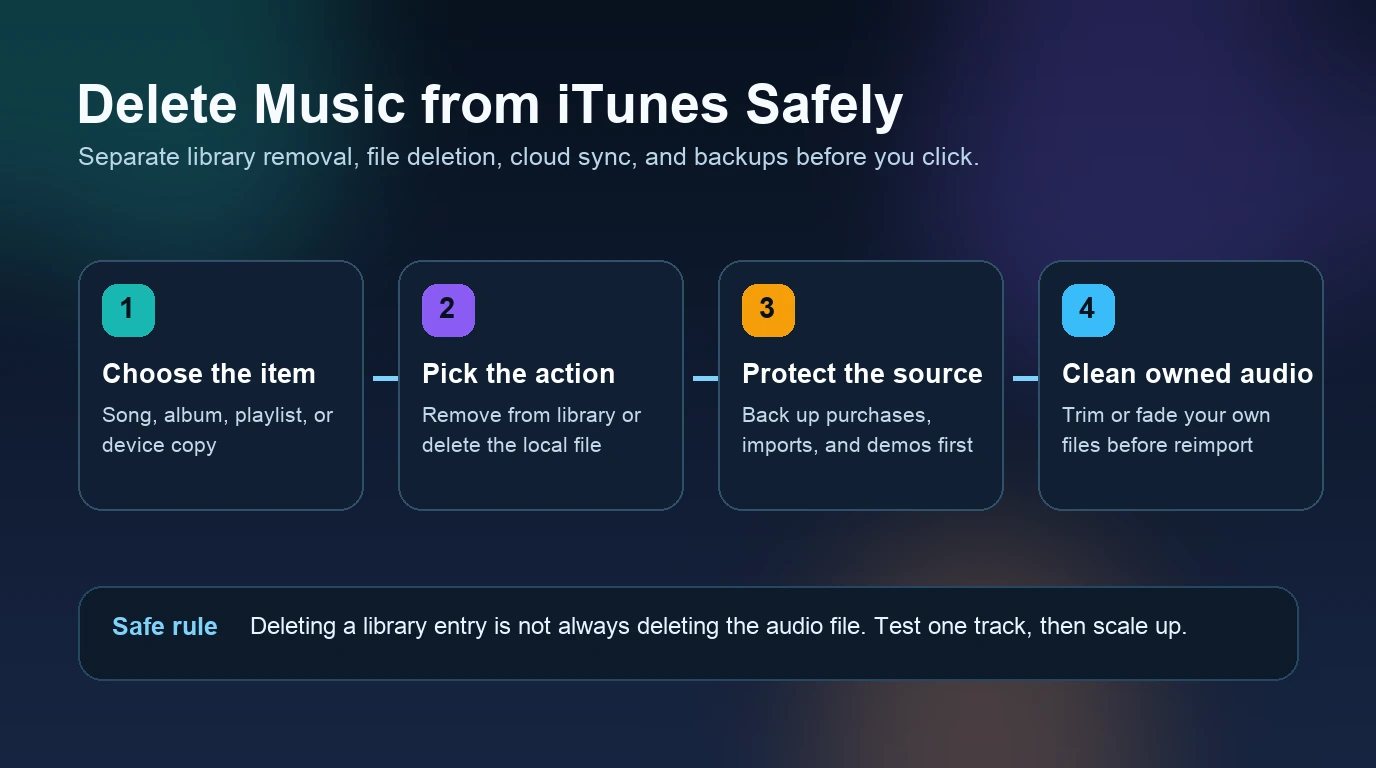
How to Use Apple Music on iPod touch Without Sync Mistakes
Use Apple Music on iPod touch with model checks, offline downloads, Mac or Windows sync, and safeguards against accidental library erasure on older devices.
 Zhang Guo
Turn a static score into editable MIDI
Contents
Apple Music on iPod touch works in two different ways: download subscription music inside the Music app on a supported device, or sync local music you own from a Mac or Windows PC. The safe route depends on your iPod model, its installed iOS version, and whether the music is an Apple Music catalog item or a normal local file.
Start by identifying the device. Then choose one library method and test a single album or playlist before syncing everything. That small check prevents the most common failure: replacing a working local library while trying to mix Sync Library with cable-based syncing.
Choose the right path for your iPod touch
The model name alone does not guarantee that every current Apple Music feature will work. Apple identifies the seventh-generation iPod touch as model A2178 from 2019 and the sixth generation as A1574 from 2015. Check both the model and the software already installed before changing the library.
| What you have | Best first path | What to verify |
|---|---|---|
| iPod touch 7th generation | Music app for Apple Music, or Finder/Apple Devices for owned files | Apple Account sign-in, Sync Library, storage, and current app behavior |
| iPod touch 6th or 5th generation | Test the Music app before relying on it; keep a local-file fallback | Installed iOS version, account access, catalog playback, and download controls |
| iPod touch 4th generation or earlier | Treat it primarily as a local-file player | Cable recognition, compatible audio files, storage, and the desktop sync app |
| You are not sure which model it is | Identify the model before syncing | Model number, capacity, connector, and current iOS version |
Apple's official iPod identification page is the cleanest place to match the device to its model number and generation.
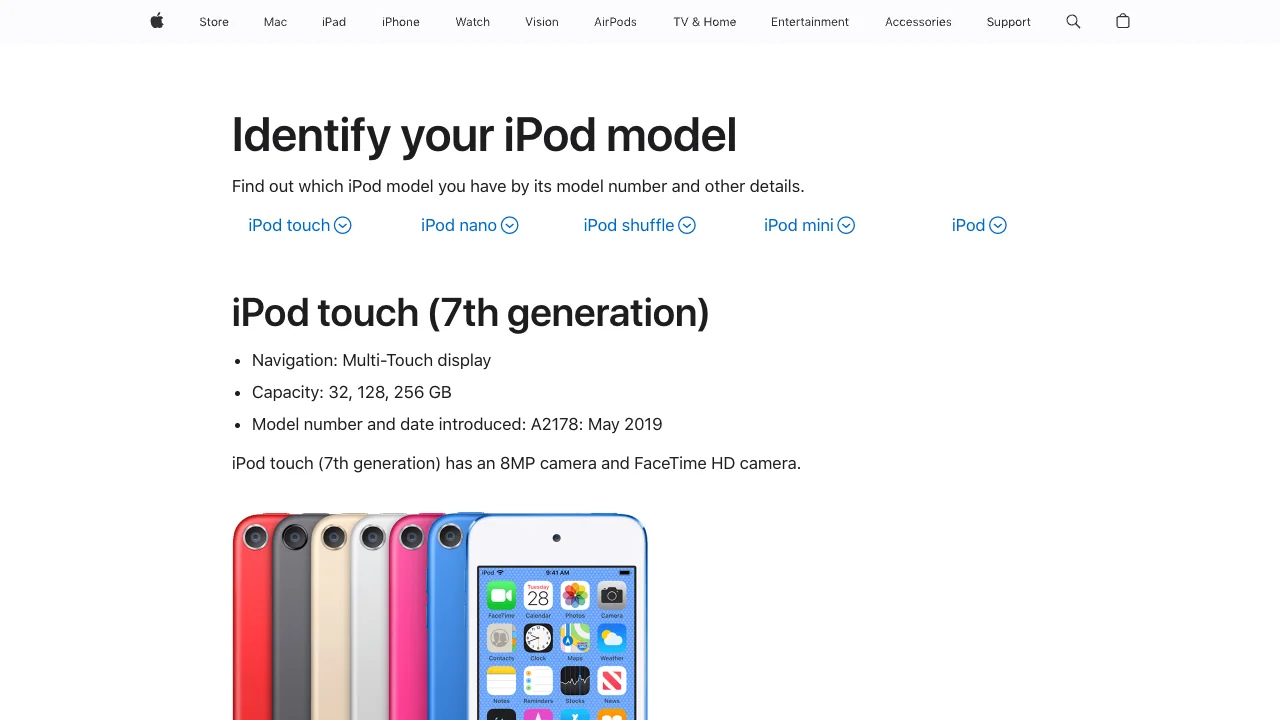
The real distinction is not simply new versus old. It is whether the device can still use the Music app for authorized Apple Music playback, or whether your reliable path is a desktop library containing files you own.
Download Apple Music inside the Music app
If Apple Music opens, signs in, and plays normally on the iPod touch, keep subscription music inside that app. Apple's iPod touch guide explains the intended order:
- Open Music and find a song, album, or playlist.
- Add it to your library.
- Turn on Sync Library if the device and account support that path.
- Download the item for offline playback.
- Test it with Wi-Fi turned off before relying on it away from home.
The official iPod touch offline-listening guide separates streaming from downloads and notes that the item must be downloaded before it can play without an internet connection.
If the download control is missing, do not immediately erase the device. Check the Apple Account, subscription state, available storage, Sync Library setting, and whether the device can still access the service. The broader Apple Music offline guide covers account and library checks without repeating the iPod-specific sync steps here.
Sync owned music from a Mac
Use Finder on macOS Catalina or later when the source is a local file: a purchase, CD import, rehearsal recording, original track, DRM-free download, or another file you are allowed to copy.
- Back up the local music library and the iPod touch first.
- Connect the iPod touch with a reliable USB cable.
- Open Finder and select the device in the sidebar.
- Open the Music tab and choose the albums, artists, playlists, or tracks to sync.
- Apply the change and wait for syncing to finish.
- Eject the device before disconnecting it.
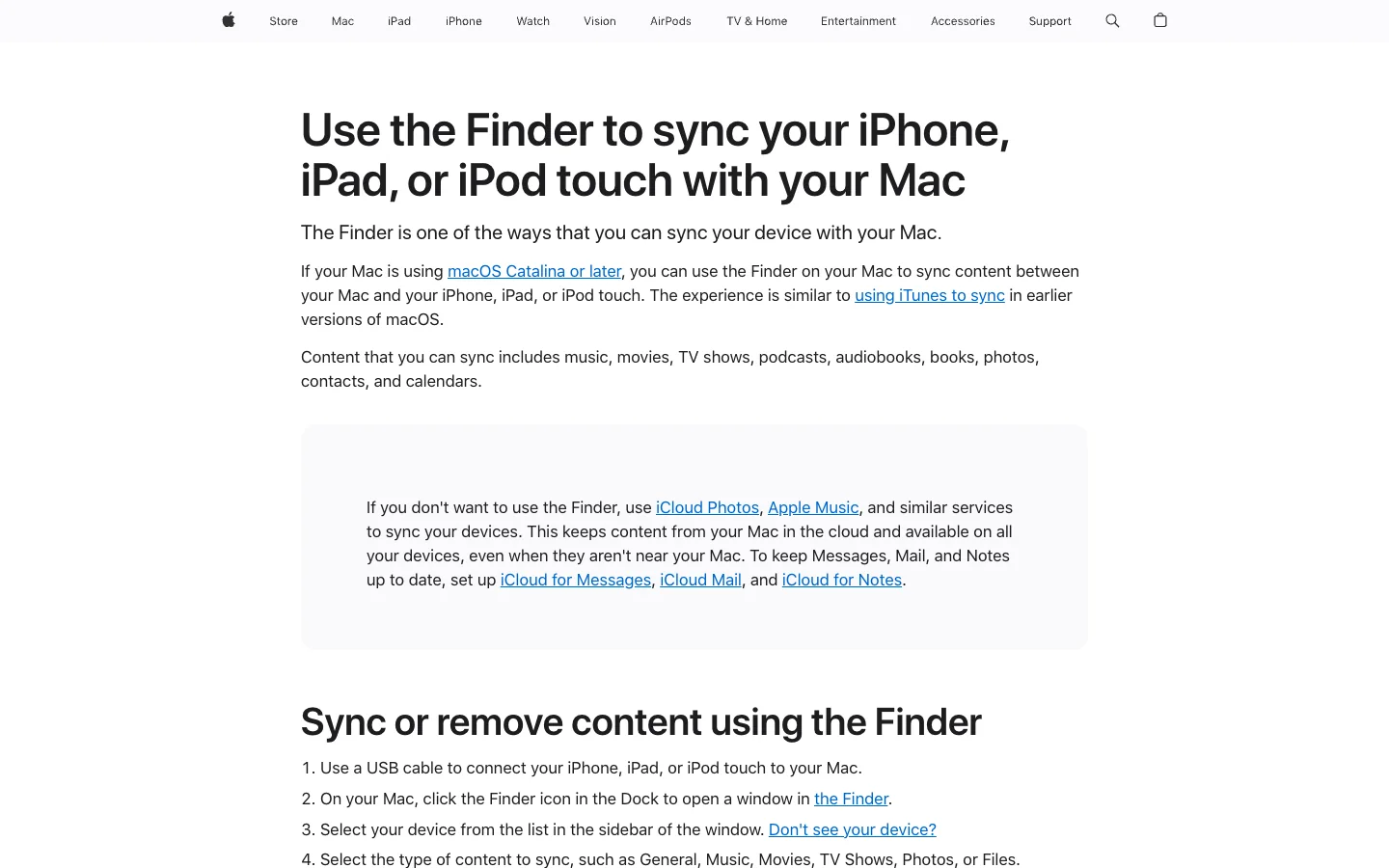
Apple's Finder sync instructions carry an important warning: an iPhone, iPad, or iPod touch can sync with only one Apple Music or Apple TV library at a time. Choosing Erase and Sync replaces the selected content from the previous library. Stop and verify the backup before accepting that prompt.
Sync owned music from Windows
On a current Windows setup, use the Apple Devices app for device syncing and the Apple Music app for the desktop music library. Apple's Windows music sync guide gives this sequence:
- Connect the iPod touch and trust the computer if prompted.
- Open Apple Devices and select the iPod in the sidebar.
- Choose Music.
- Select the entire library or specific artists, albums, genres, and playlists.
- Apply the sync, then eject the device.
Apple also distinguishes cloud library behavior from cable syncing. If Sync Library is moving Apple Music content automatically, the manual sync controls may not be available until that setting is turned off. Decide which library model you are using before changing the switch.
Older Windows computers may still use iTunes for a compatible device. The same safety rule applies: verify the local files, back up the library, sync a small selection, and only then expand the device playlist.
Use local files when the Music app is no longer reliable
An older iPod touch can still be useful even when current Apple Music service access is limited. Treat it as a local music player and build a small, replaceable listening library.
Good sources include:
- iTunes Store purchases that are downloaded and authorized
- CD imports you made for personal use
- original recordings, demos, rehearsal takes, and DAW exports
- DRM-free music you bought or received with permission to copy
- lesson clips and practice loops you created
Keep the master files on the computer or another backup. The iPod copy should be disposable: if a sync goes wrong, you should be able to rebuild it from the library.
This is also why Apple Music on an iPod touch is not the same article as Apple Music on iPod Shuffle. An iPod touch may support the Music app and subscription downloads; an iPod Shuffle is a local-file sync device without that app.
Prepare owned audio before you sync
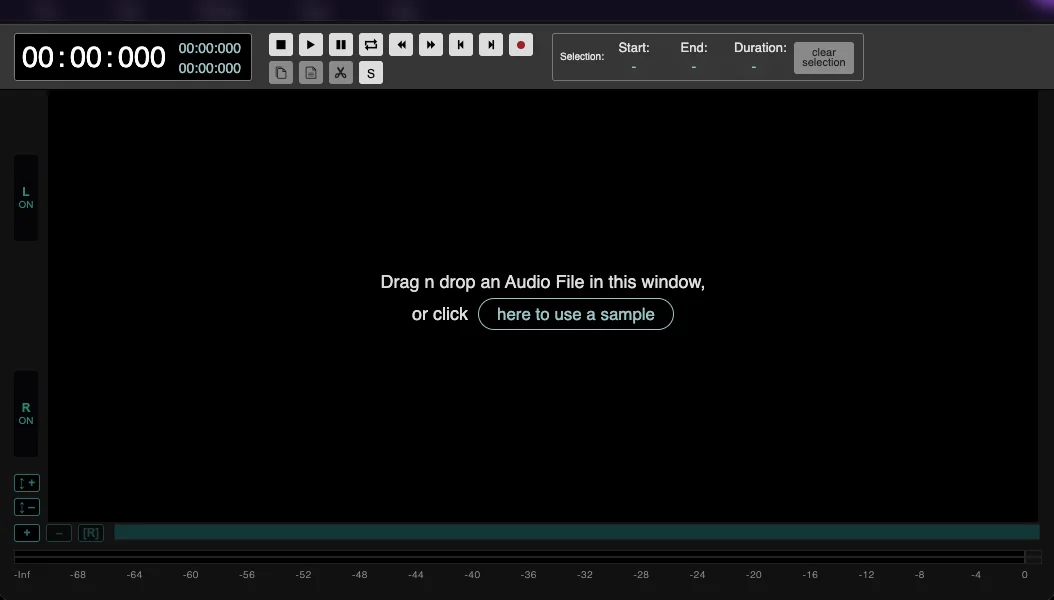
Melogen fits only after the source is a normal file you own or have permission to edit. It does not manage an Apple Account, unlock Apple Music subscription downloads, or turn protected catalog tracks into permanent files.
Use Melogen Music Trimmer when you want to:
- remove silence from a rehearsal recording
- cut a long demo into a short practice loop
- add a cleaner fade before the track reaches the device
- export a smaller listening copy while keeping the master elsewhere
Keep three layers separate:
| Layer | Example | Why it matters |
|---|---|---|
| Master | DAW project, WAV, AIFF, FLAC, CD import, or original recording | Protect this version from sync mistakes |
| Listening copy | MP3, AAC, or M4A made from an editable source | Easy to replace and small enough for the device |
| Device selection | The albums or playlists currently synced to the iPod touch | Can be rebuilt from the computer library |
If the local file also belongs in your cloud library, the guide to adding songs to Apple Music explains how to preserve the source before importing it.
Prepare a clean listening copy before syncing
Use Melogen Music Trimmer for recordings, demos, purchases, and other local audio you are allowed to edit. Keep the master, trim the listening copy, then sync it to the iPod touch.
Fix common Apple Music and sync problems
| Symptom | Likely layer | Safest next check |
|---|---|---|
| Apple Music will not sign in | Account, service compatibility, network, or device software | Verify the Apple Account and test normal web access before changing the library |
| Download control is missing | Item not added, Sync Library off, subscription state, or unsupported app behavior | Add one album, check Sync Library, and test a small download |
| iPod touch does not appear on the computer | Cable, USB port, trust prompt, driver, Finder, Apple Devices, or iTunes | Try another known-good cable and reopen the desktop app |
| Finder or Apple Devices offers Erase and Sync | The device is associated with another library | Stop, back up, and verify which computer has the complete local library |
| Some songs will not sync | Subscription item, protected file, missing local file, or incompatible source | Confirm the song exists as a playable local file you may copy |
| Device is full | Downloads, photos, apps, or oversized audio copies | Remove replaceable device copies, not master files |
Make one reversible change at a time. A failed test playlist is easy to diagnose; a full-library rebuild is not.
FAQs
Can an iPod touch still use Apple Music?
It depends on the model, installed iOS version, and whether the Music app can still sign in, stream, and download on that device. The seventh-generation model is the clearest starting point for the iOS 15-era Apple guide. Test actual account and playback behavior before depending on it.
Can I download Apple Music songs to an iPod touch?
Yes when Apple Music is working on the device: add the music to the library, then download it inside the Music app. Those downloads remain app-managed subscription content, not ordinary transferable audio files.
Can I sync my own MP3 files to an iPod touch?
Yes. Use Finder on a Mac, Apple Devices on current Windows systems, or iTunes where that remains the compatible path. Back up the library and sync one small playlist first.
Why does Finder say Erase and Sync?
The iPod touch is associated with another computer library for that content type. Accepting the prompt replaces the selected synced content with the current computer's library, so verify the backup and source files before proceeding.
Can Melogen convert Apple Music subscription songs?
No. Melogen is for files you own or have permission to edit, such as recordings, demos, local purchases, and exported projects. Use Apple Music itself for subscription playback and offline downloads.
The practical takeaway
Use the Music app when Apple Music still works on the iPod touch. Use Finder, Apple Devices, or iTunes when the source is owned local audio. Identify the model, back up the library, pick one sync method, and test a small playlist before making a large change. If the file is yours to edit, prepare a replaceable listening copy with Melogen and keep the master safely outside the device sync.
About the author
Zhang Guo
Composer - AI Product Manager
AI product manager and digital marketing consultant with a background in music. Creativity is the bridge between rhythm and logic, where musical intuition and mathematical precision can coexist in every meaningful product decision.
Follow on X