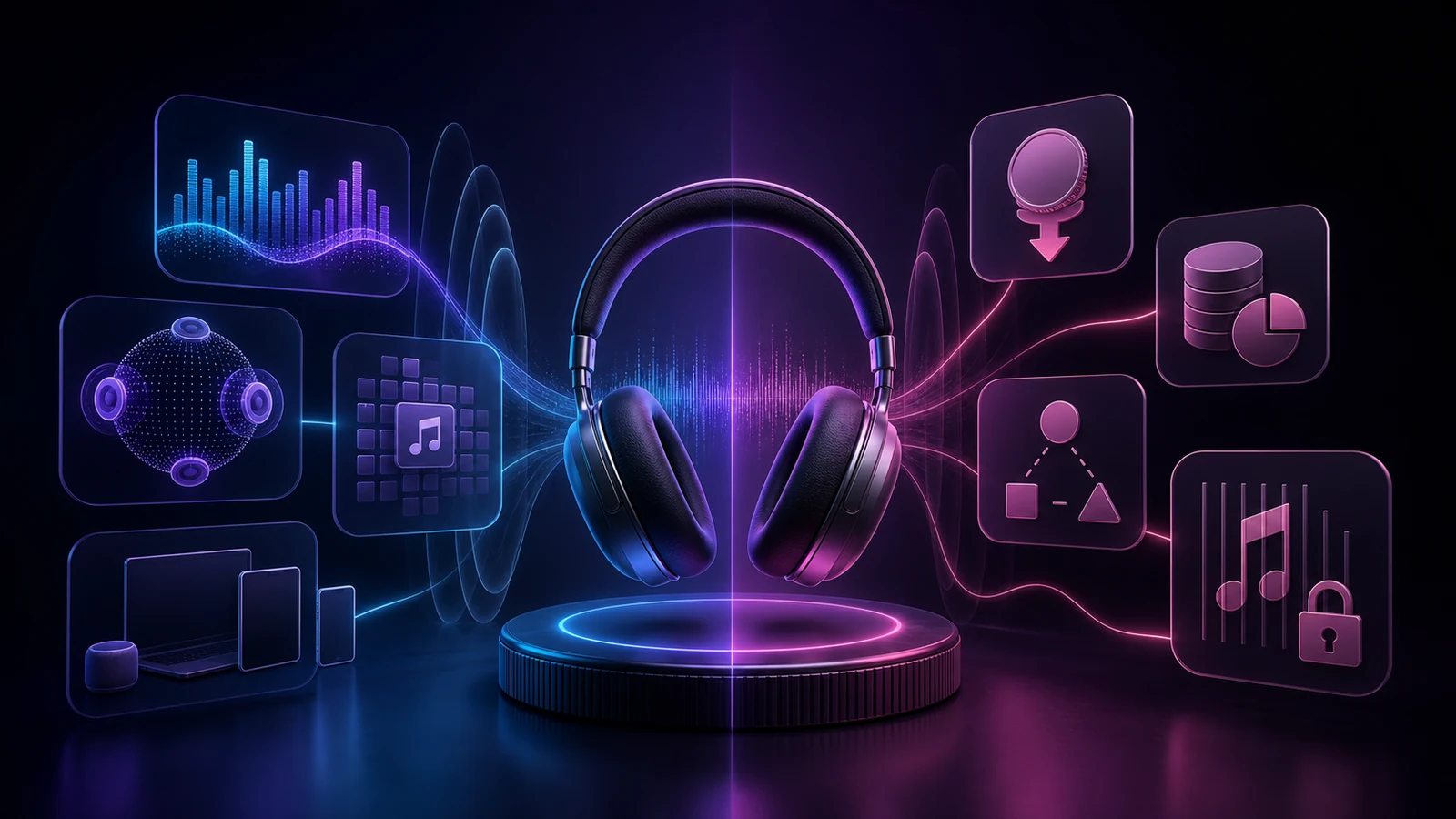
Compare Apple Music pros and cons by price, audio quality, devices, discovery, family sharing, offline access, and library ownership before you subscribe.
The most important Apple Music pros and cons come down to listening quality, devices, account setup, and whether subscription access fits your idea of a music library. Apple Music is a strong choice if you value Apple-device integration, lossless and Spatial Audio options, a large ad-free catalog, Apple Music Classical, and separate family libraries. It is less compelling if you need a permanent free on-demand tier, want podcasts inside the same app, mainly listen over ordinary Bluetooth, or expect subscription downloads to become files you own.
The best decision is not “Does Apple Music have enough songs?” It is whether its listening model, devices, billing plan, discovery tools, and library rules fit the way you already use music.
Continue the workflow with Melogen's browser-based tools for score conversion, cleanup, and music analysis once you're ready to leave the article and start producing.
Ordinary Bluetooth playback does not deliver Apple Music lossless
Strong integration across Apple devices
Some experiences and account controls are less consistent elsewhere
Apple Music Classical is included
Podcasts remain in a separate Apple app
Offline listening inside supported apps
Downloads are subscription access, not owned editable files
Family Sharing keeps separate personal libraries
Family setup depends on Apple Accounts and household administration
Curated radio, playlists, lyrics, and discovery
Recommendations and social features will not suit every listener
If the left column solves daily listening problems and the right column does not break your routine, Apple Music is easy to justify. If you are still comparing services, separate product labels from actual tasks: sound quality, offline access, household setup, discovery, and billing are more useful decision criteria than catalog-count marketing.
What Apple Music offers now
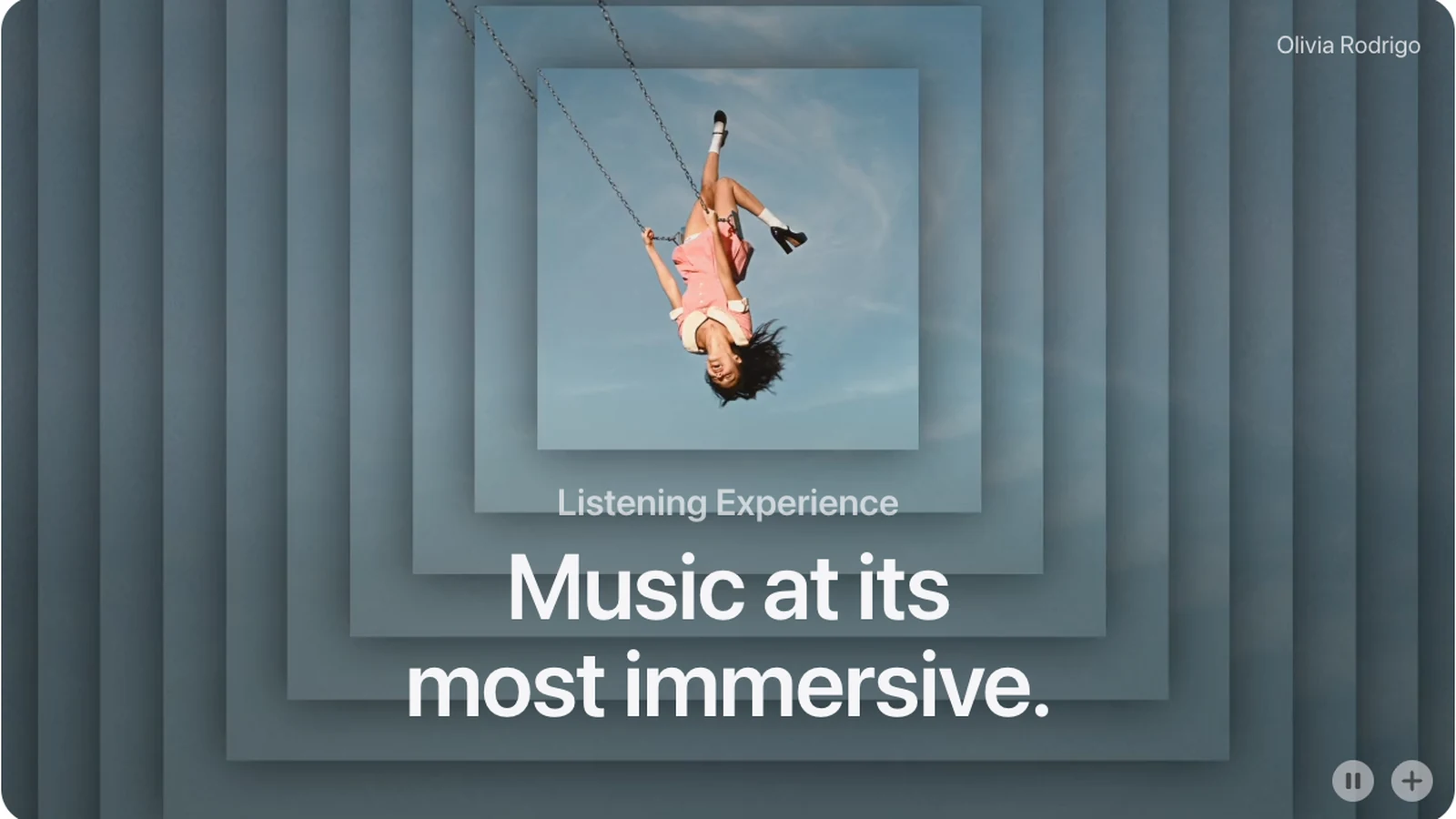
Apple's current public page describes a catalog of more than 100 million songs, ad-free listening, offline downloads, lossless audio, Spatial Audio with Dolby Atmos, live radio, lyrics, curated playlists, and broad device support. It also includes Apple Music Classical for subscribers on eligible plans.
The service now reaches far beyond an iPhone. Apple lists support across iPhone, iPad, Mac, Apple Watch, Apple TV, CarPlay, Android, Windows, Sonos, smart TVs, game consoles, and the web. The experience is still most cohesive when your Apple Account, devices, Siri, HomePod, AirPods, and Family Sharing are already part of the same setup.
Treat every feature as a current account-and-device question. The Apple Music official page is the starting point, but regional availability, trials, prices, and some new features can differ by country, operating system, hardware, and account status.
The biggest Apple Music advantages
Lossless and Spatial Audio are included
Apple Music includes lossless tiers without selling a separate higher-priced audio plan. That is useful for listeners with wired headphones, a capable DAC, studio monitors, or a home system where the extra data and hardware can make a practical difference.
There are two important limits. First, Apple's lossless support guide explains that Bluetooth connections do not support lossless audio. Second, higher quality uses more mobile data, takes more storage for offline listening, and can require external hardware at the highest sample rates. The checkbox alone does not improve every listening chain.
Spatial Audio is a different benefit. It can create a more immersive mix on compatible headphones and speakers, but it is a creative format rather than a guarantee that every master will sound better. Compare it with stereo on music you know instead of assuming one setting should stay on for everything.
For a deeper hardware and settings check, use the Apple Music lossless guide before treating lossless as the deciding advantage.
The Apple ecosystem is unusually cohesive
Apple Music fits naturally with Siri requests, HomePod playback, CarPlay, Apple Watch downloads, AirPlay, and library sync across Apple devices. Handoff between devices and account-level media controls can reduce setup work for a household that already uses Apple hardware.
The same strength becomes a tradeoff when your devices are mixed. Android, Windows, Sonos, web, consoles, and smart TVs are supported, but feature timing, settings locations, media-key behavior, and account management can differ. Check the exact device you use most rather than reading “works on Windows” as “identical to the Mac app.”
It is a music-first service
Apple keeps the Music app centered on songs, albums, artists, radio, videos, playlists, and your library. Podcasts live in Apple Podcasts instead of sharing the same navigation and recommendation system. Listeners who want a focused music app may see that separation as a major advantage; people who want music and spoken audio in one queue may see it as friction.
Apple Music Classical also gives classical listeners richer work, composer, conductor, orchestra, soloist, and catalog metadata than a generic album list can provide. It is included with Apple Music rather than sold as a separate subscription, subject to regional and device availability.
Family members keep their own libraries
The Family plan uses Family Sharing, with each eligible member using a separate Apple Account, personal library, recommendations, and playlists. That is better than sharing one login and mixing listening histories.
The organizer still owns the administrative job. Invitations, purchase-sharing choices, child accounts, country or region mismatches, payment problems, and member changes can complicate setup. Read the Apple Music Family Sharing guide before moving a household, especially if members already have individual subscriptions.
Offline listening is straightforward inside the app
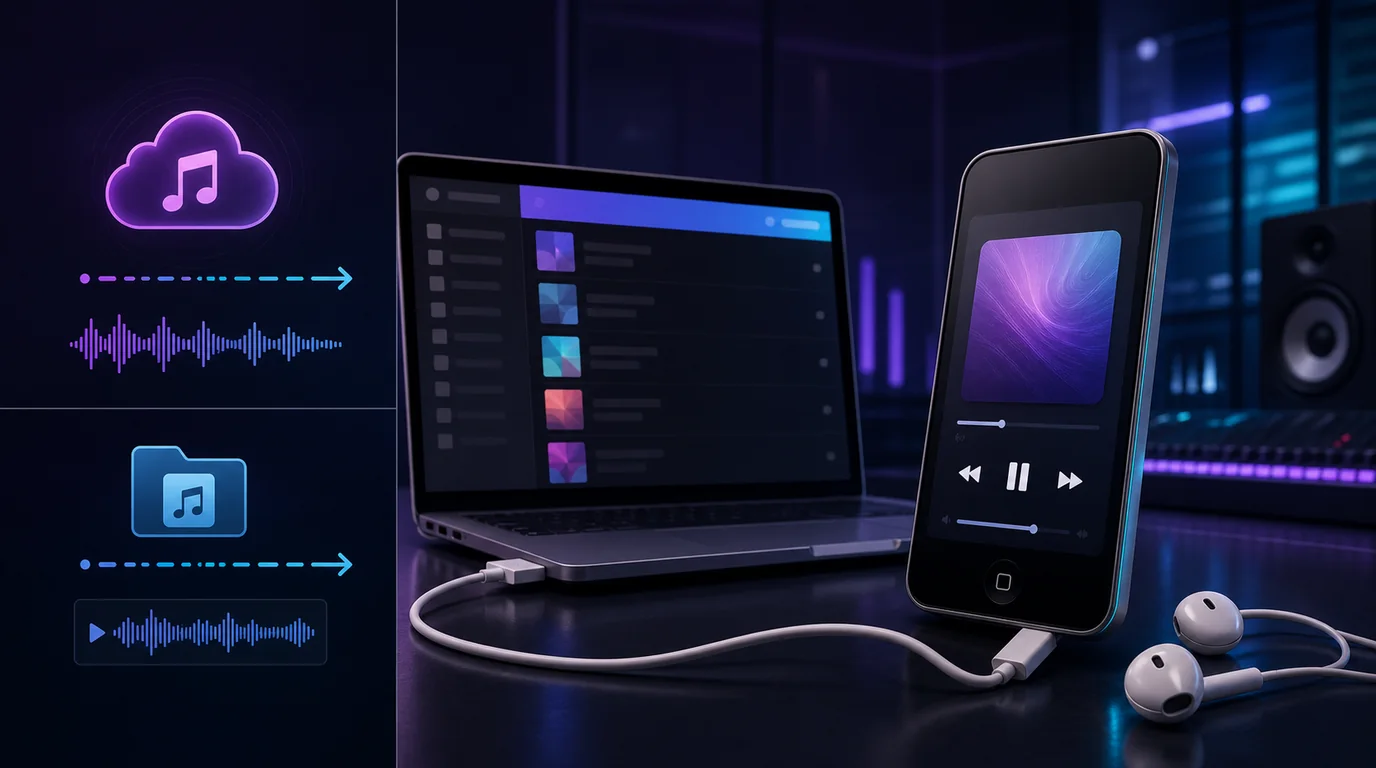
Subscribers can add music to a library and download it in the Apple Music app for offline listening. That is useful for flights, commutes, rehearsals, gyms, and places with limited data.
Offline does not mean purchased. Apple's offline listening instructions describe app-managed downloads tied to Apple Music access. They are not ordinary project files you can move into a DAW, permanently archive after cancellation, or treat as a purchased master.
The biggest Apple Music disadvantages
There is no permanent free on-demand tier
Apple may offer trials, limited-time promotions, radio access, or device bundles, but its normal on-demand catalog is a paid service. That makes the decision simpler, yet it gives occasional listeners less room to remain on a basic free plan.
Look beyond the first promotional charge. A discounted trial can be good value, but the renewal price is the cost of keeping the service. If you are unsure, set a private reminder before renewal and compare the service after you have used it on your real devices.
Streaming access is not music ownership
A subscription can build a valuable library of saved albums and playlists, but it does not transfer ownership of the catalog recordings. Access, offline availability, matched versions, and region-specific catalog entries can change when the subscription ends or licensing changes.
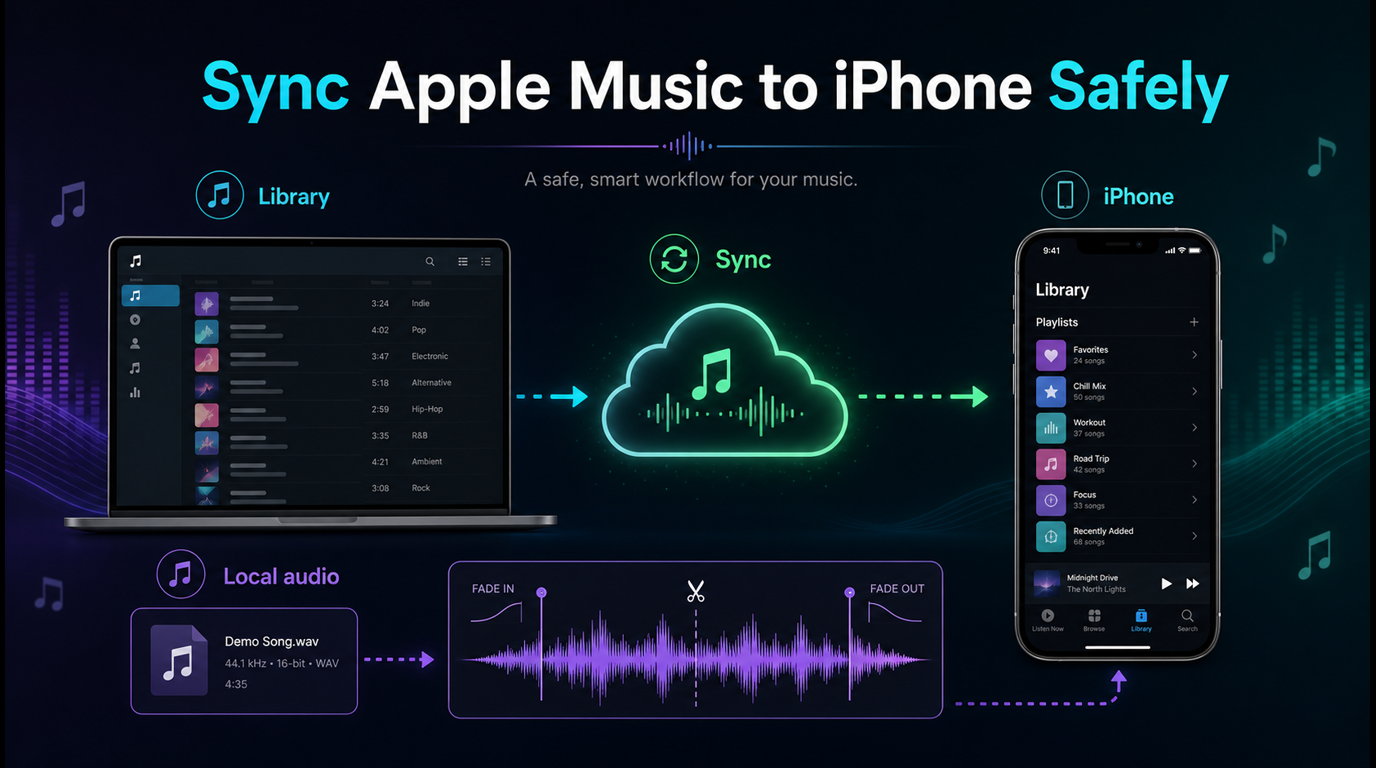
This distinction is especially important when you also have purchased, ripped, or independently released local music. Apple Music's Sync Library can make one library easier to reach across devices, but it can also make people overconfident about which copy is original, matched, uploaded, or downloaded. Keep independent backups of files you own.
The iTunes Match vs Apple Music guide explains why library matching and streaming-catalog access are related but not identical jobs.
The value of lossless depends on hardware and habits
Lossless is a real included benefit, not a reason every listener must subscribe. If most of your listening happens through ordinary Bluetooth earbuds on a noisy commute, the storage and data costs may matter more than the theoretical format advantage.
Run a practical test. Use familiar recordings, match volume, compare wired and wireless paths where possible, and decide whether the improvement changes your enjoyment or work. Do not buy hardware only to validate a marketing label.
Discovery and social features are subjective
Apple combines editorial curation, personalized stations, new-release surfaces, mixes, radio shows, collaborative playlists, lyrics, and artist pages. Some listeners prefer this mix of human curation and personalization. Others prefer a service whose recommendation graph, public profiles, friend activity, or community playlists are more central.
There is no trustworthy universal winner here. Import a small set of playlists only after you know how the target service handles local files, unavailable tracks, duplicate versions, collaborators, folders, and private playlists.
Account and family administration can become complex
The service is simple when one person uses one Apple Account in one region. It becomes harder when a family has multiple regions, old purchases, child accounts, billing through a partner, expired cards, or an organizer who is not the person troubleshooting playback.
Before subscribing, identify the paying Apple Account, storefront region, current plan owner, renewal date, and devices that must work. That five-minute check prevents most “the feature exists but not on my account” confusion.
Current plans and pricing need a live check
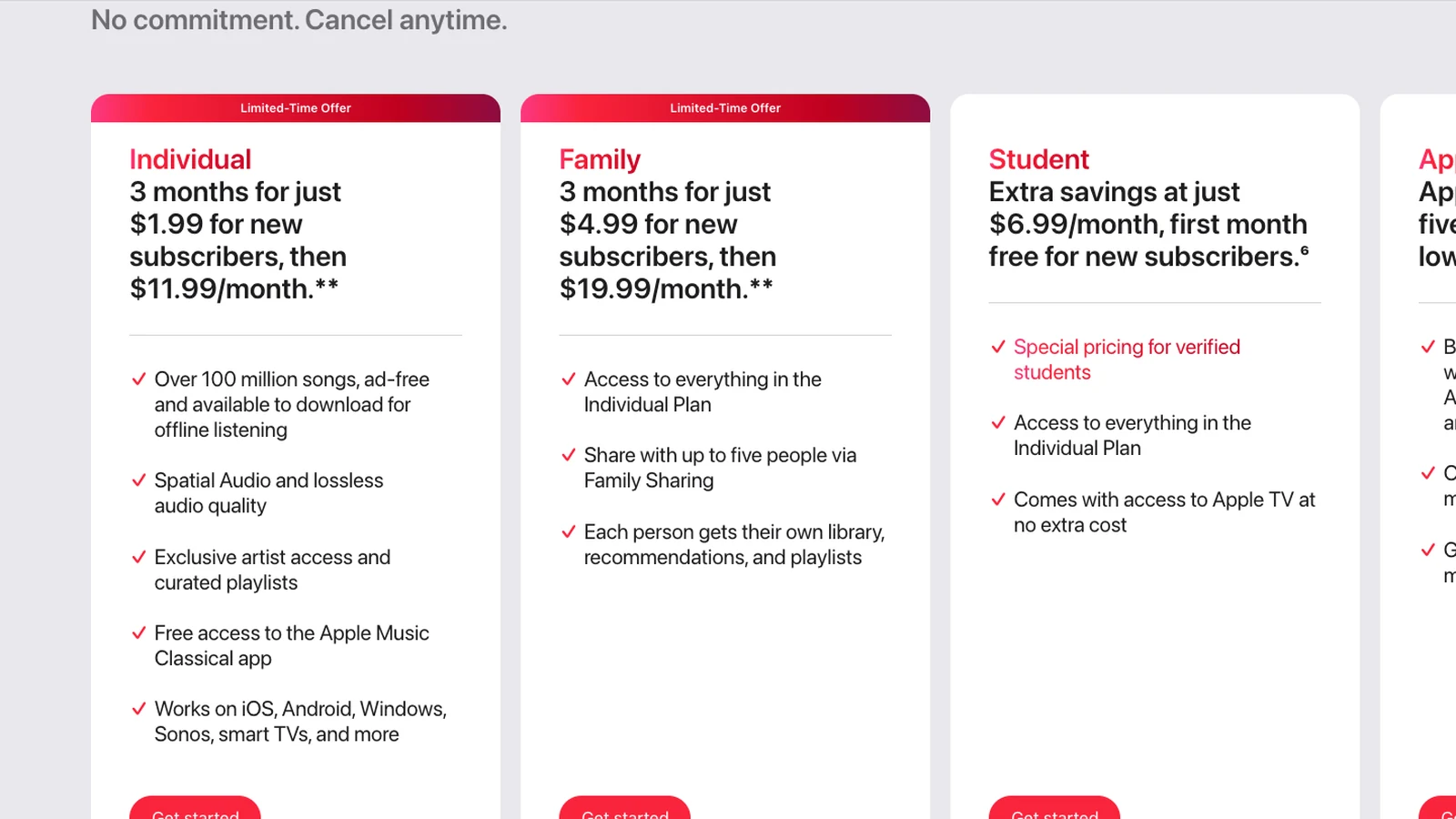
When checked on July 22, 2026, Apple's main US page displayed limited-time offers for new Individual and Family subscribers, followed by monthly renewal prices, plus a Student plan card. The page showed Individual renewing at $11.99 per month, Family at $19.99 per month, and Student at $6.99 per month after its introductory offer. The promotion was labeled for July 21 through August 19, 2026.
Those numbers are a dated snapshot, not a universal price promise. Apple can show different taxes, currencies, bundles, eligibility rules, trials, and account-specific choices. Even public Apple copy can update at different times across sections of the same page.
Use this order before paying:
Open Apple Music's live plan page in the country where the paying Apple Account is registered.
Confirm the normal renewal price after any introductory period.
Check whether Individual, Student, Family, or Apple One matches the people and services you need.
Open the signed-in subscription manager and compare any account-specific choices.
Read the next billing date and cancellation terms on the final confirmation screen.
Do not choose Family only because its per-person math looks lower. Choose it when eligible household members need separate libraries and the organizer can maintain the group. Do not choose Student unless current verification requirements are sustainable.
Who should subscribe and who should compare alternatives
Listener profile
Apple Music fit
Why
Apple-device household with HomePod or CarPlay
Strong
Account, voice, device, and family integration reduce setup friction
Lossless listener with wired or capable equipment
Strong
Lossless tiers are included, with clear quality settings
Classical listener who values deep metadata
Strong
Apple Music Classical is included on eligible subscriptions
One paid music listener who wants a clean app
Strong
Music stays separate from podcasts
Occasional listener who needs a permanent free tier
Weak
Normal on-demand catalog access requires a paid plan
Podcast-heavy listener who wants one app
Mixed
Apple Podcasts remains separate
Household with mixed regions or account histories
Mixed
Family Sharing and billing administration need more care
Bluetooth-only listener choosing mainly for lossless
Mixed
The connection path prevents lossless delivery
Creator expecting editable files from downloads
Poor
If you remain between two services, trial them around real routines instead of building a feature spreadsheet. Test your commute, car, speakers, family invitation, offline storage, search habits, discovery, and the device you use when troubleshooting.
Apple Music for musicians and creators
Apple Music can be useful for reference listening, repertoire research, catalog exploration, lyrics, classical metadata, artist pages, and checking how a released master appears to listeners. It is not a source of editable production files.
Keep these jobs separate:
Task
Apple Music role
Local-file role
Build a reference playlist
Licensed streaming and discovery
No edit required
Study a mix or arrangement
Critical listening
Keep notes in your project system
Listen without a network
Official offline mode
The cached track is not an exported file
Trim a rehearsal recording
Not an Apple Music task
Start with a recording you own or may edit
Make a short practice or podcast cue
Use catalog music only as reference
Cut an authorized MP3, WAV, M4A, OGG, FLAC, or AAC file
Use Melogen Music Trimmer to cut, preview, and export recordings or other local audio you are allowed to edit. It does not download Apple Music catalog tracks, unlock subscription files, remove access controls, or change an Apple Music account.
Owned audio workflow
Trim the audio you are allowed to edit
Keep Apple Music for licensed listening. Use Melogen Music Trimmer for recordings, exports, and other authorized local files.
Confirm the live renewal price, currency, and trial end date.
Choose the plan owner and Apple Account that will be billed.
List the devices and speakers that must work.
Check whether your main headphones use Bluetooth or a wired lossless path.
Estimate offline storage and mobile-data needs.
Decide whether separate podcasts are a benefit or an inconvenience.
For Family, verify the organizer and eligible members before inviting anyone.
Back up purchased, ripped, recorded, and other original local files independently.
Treat subscription downloads as access, not ownership or editing rights.
The purpose of a trial is to test these conditions. Do not spend it only browsing the catalog Apple already says is large.
Apple Music pros and cons FAQs
Is Apple Music worth it?
Apple Music is worth considering when lossless and Spatial Audio, Apple-device integration, offline listening, curated music discovery, Apple Music Classical, or Family Sharing solve a real need. It is weaker value when you need a permanent free tier or will not use its main advantages.
What is the biggest advantage of Apple Music?
For an Apple-device household, the strongest advantage is the combination of ecosystem integration and included high-quality audio options. A listener on mixed platforms may value the catalog and music-first design more than the ecosystem.
What is the biggest disadvantage of Apple Music?
The clearest universal tradeoff is that normal on-demand access requires a paid subscription and the downloads remain tied to that access. Other disadvantages, such as discovery style or separate podcast apps, depend on personal preference.
Does Apple Music sound better than every other service?
No universal claim is justified. Apple offers lossless, Hi-Res Lossless, and Spatial Audio, but audibility depends on the master, volume matching, connection, hardware, room, and listener. Ordinary Bluetooth does not carry Apple Music lossless.
Can I keep Apple Music downloads after canceling?
Offline downloads are a subscription feature inside supported Apple Music apps. They are not purchased, permanently owned files. Access can end when the qualifying subscription ends.
Is Apple Music good on Android and Windows?
Apple supports both platforms, and they can provide the core catalog, library, and playback experience. Check feature availability and current app behavior on the exact device you rely on, because settings and rollout timing may differ from Apple's own platforms.
Does Apple Music include podcasts?
Apple offers podcasts through the separate Apple Podcasts app. That keeps the Music app focused, but it is less convenient for listeners who want music and podcasts in one interface.
Can Melogen edit Apple Music downloads?
No. Melogen does not unlock, export, or remove access controls from Apple Music catalog tracks. Use Music Trimmer only with audio you created, recorded, purchased in an editable format, or otherwise have permission to process.
Final decision
Apple Music earns a strong recommendation for listeners who want a paid, music-first service with included lossless options, broad device support, excellent Apple integration, a substantial classical experience, and separate family libraries. It is not automatically the best service for free-tier listeners, podcast-first users, mixed-account households, or anyone treating streaming downloads as owned files.
Make the decision with your devices and account, not an old price table. Check the live renewal terms, test the headphones and speakers you actually use, and keep local-file ownership separate from subscription access. If those boundaries fit your routine, Apple Music's advantages are substantial and its disadvantages are manageable.
About the author
Zhang Guo
Composer - AI Product Manager
AI product manager and digital marketing consultant with a background in music. Creativity is the bridge between rhythm and logic, where musical intuition and mathematical precision can coexist in every meaningful product decision.
 Zhang Guo