PlayScore Cancel Subscription Guide for 2026
Cancel PlayScore through Apple, Google Play, or Microsoft Store, then save your sheet music workflow for MIDI or MusicXML.
 Zhang Guo
Turn a static score into editable MIDI
Contents
If your search is "PlayScore cancel subscription," start with the billing store that sold it to you. PlayScore's own cancellation FAQ says subscriptions are managed through the platform store: Apple App Store for iPhone and iPad, Google Play Store for Android, and Microsoft Store for Windows.
Melogen is not PlayScore support and cannot cancel a PlayScore plan for you. This guide is here to help you find the official billing path, avoid the common "I deleted the app but still got charged" mistake, and save any sheet music workflow you still need before moving on.
Quick cancellation map
Use this table before opening settings. The fastest route depends on where the subscription was purchased, not which device you are holding today.
| If PlayScore was purchased through | Start here | What to check before you leave |
|---|---|---|
| Apple App Store | Apple Account subscriptions | Correct Apple Account, renewal date, and whether the plan already shows as expired |
| Google Play Store | Google Play subscriptions | Correct Google Account, active subscription status, and cancellation confirmation |
| Microsoft Store | Microsoft account subscriptions | Correct Microsoft account, Manage button, recurring billing status, and cancellation confirmation |
| Unsure | Search email receipts and card statements | The receipt usually tells you which store handled billing |
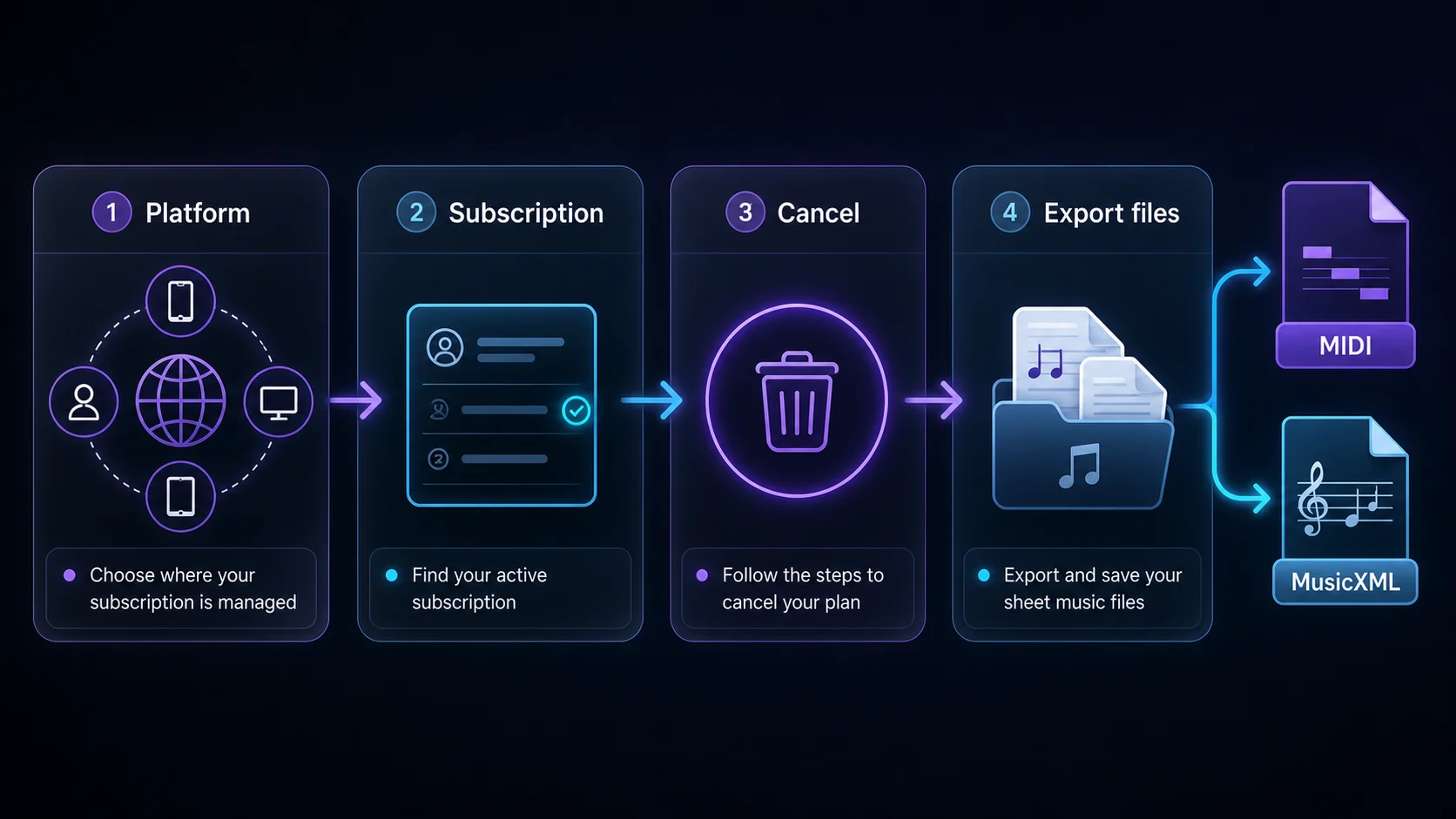
The useful mental model is simple: PlayScore provides the app, but the store usually owns the billing relationship. That is why changing a password, deleting the app, or removing a device may not stop renewal.
What the PlayScore FAQ says
The official PlayScore cancellation FAQ points users back to the store for their platform. It lists Apple App Store for iPhones and iPads, Google Play Store for Android devices, and Microsoft Store for Windows PCs.
That makes this a platform-billing task, not a music-conversion task. Do not send card details to random "cancel for me" pages, and do not assume a support email can cancel a subscription that is owned by Apple, Google, or Microsoft. Use the official account that issued the receipt.
Cancel through Apple, Google Play, or Microsoft
For Apple purchases, use Apple's official cancel a subscription from Apple guide. Apple says to use the account that owns the purchase, open subscriptions, choose the subscription, and cancel it. If there is no cancel button or the page shows an expiration message, the subscription may already be canceled.
For Android purchases, use Google's official Google Play subscription guide. Google explicitly warns that uninstalling an app does not cancel its subscription. Use the Google Account that owns the subscription, select the subscription, tap cancel, and follow the prompts.
For Windows purchases, use Microsoft's official cancel your Microsoft subscription guide. Microsoft routes you through the Microsoft account subscriptions page, where you find the subscription, select Manage, then cancel or turn off renewal depending on the subscription state.
| Platform | Practical check | Why it matters |
|---|---|---|
| Apple | Match the Apple Account on the receipt | A family member or older Apple Account can own the subscription. |
| Google Play | Use the Google Account shown on the receipt | Switching accounts is often the reason the subscription seems missing. |
| Microsoft Store | Use the Microsoft account that purchased the plan | The Manage option appears only on the owning account. |
| Any platform | Save the cancellation confirmation | A screenshot or confirmation email helps if another charge appears. |
Save your music work before you cancel
Before you cancel, separate billing from your actual music files. A subscription decision should not accidentally erase your practice plan, export notes, or conversion history.
Use this short checklist:
- Export any files you still need, especially MIDI or MusicXML.
- Save original PDFs, photos, or scans outside the app.
- Note which scores still need proofreading after OMR recognition.
- Check whether any collaborators, students, or ensemble members rely on a shared export.
- Keep the cancellation confirmation with your receipt.
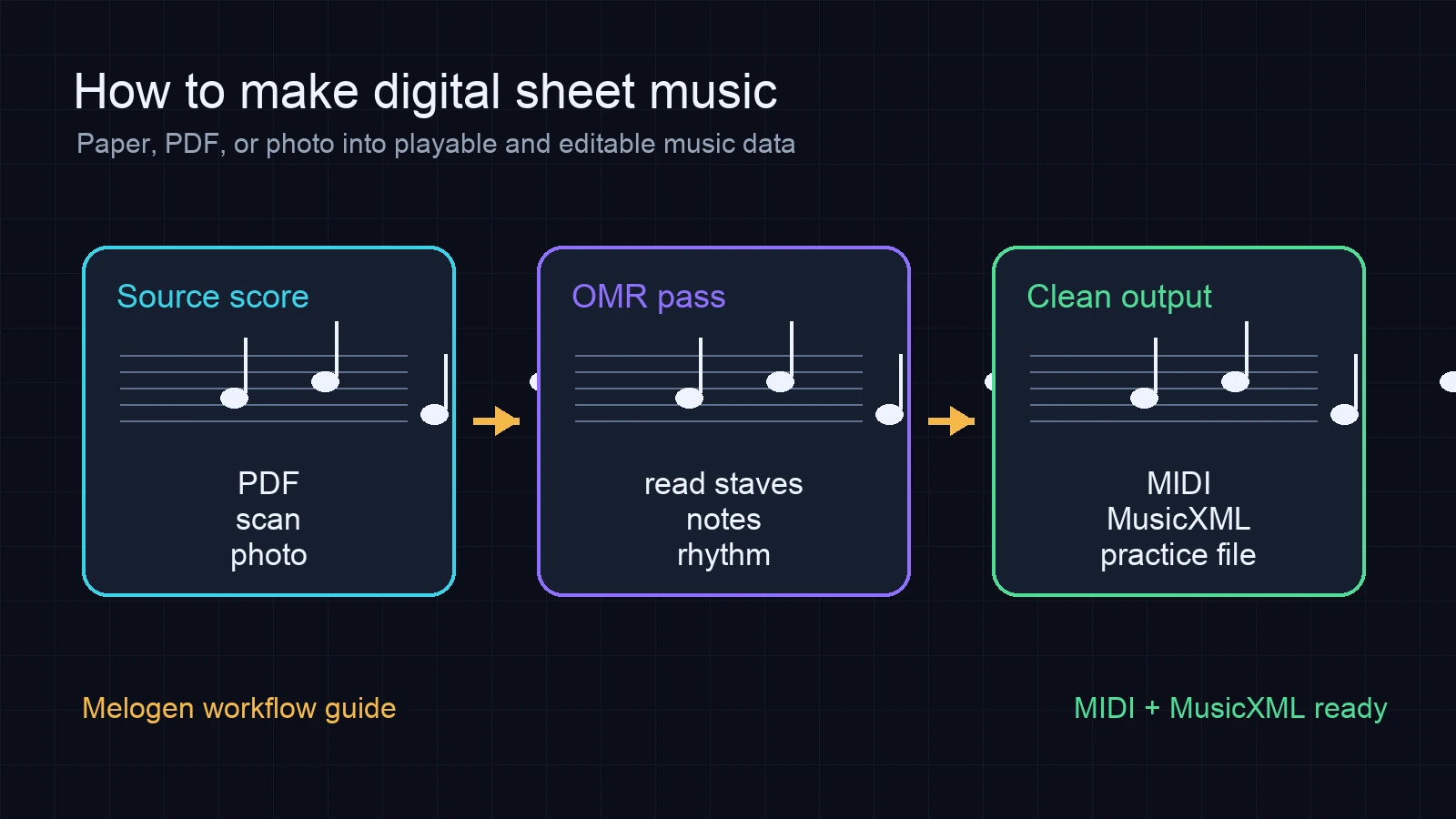
If the real task is "I need editable output from sheet music," cancellation is only half the story. MIDI is better for playback, DAW sketches, and practice tracks. MusicXML is better for notation editors such as MuseScore, Dorico, Sibelius, and Noteflight. For a deeper format choice, use the MIDI vs MusicXML guide before exporting everything in the wrong format.
When Melogen is the cleaner next workflow
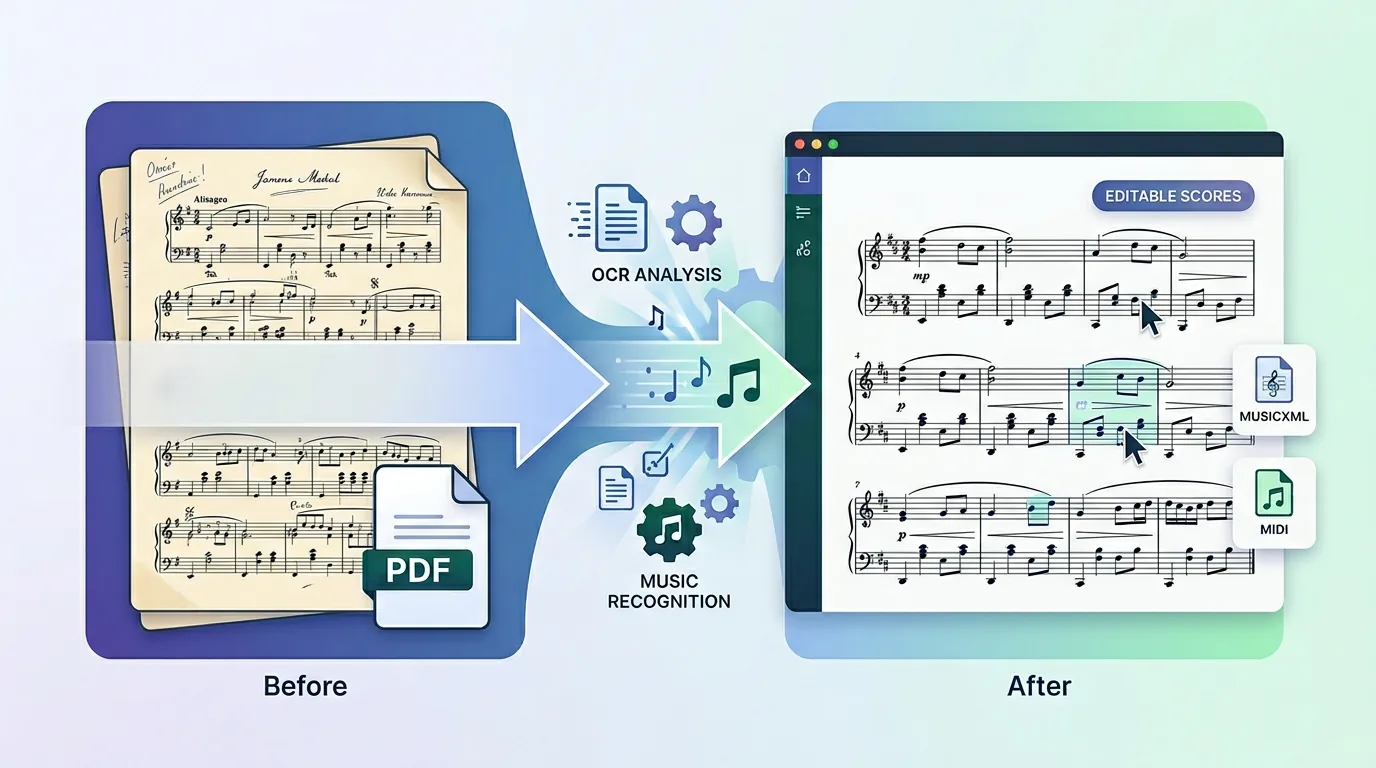
Canceling PlayScore does not mean you should lose your sheet music conversion workflow. If your source is already a PDF, scan, or saved image, a browser-first workflow can be simpler than moving the file through a mobile subscription app.

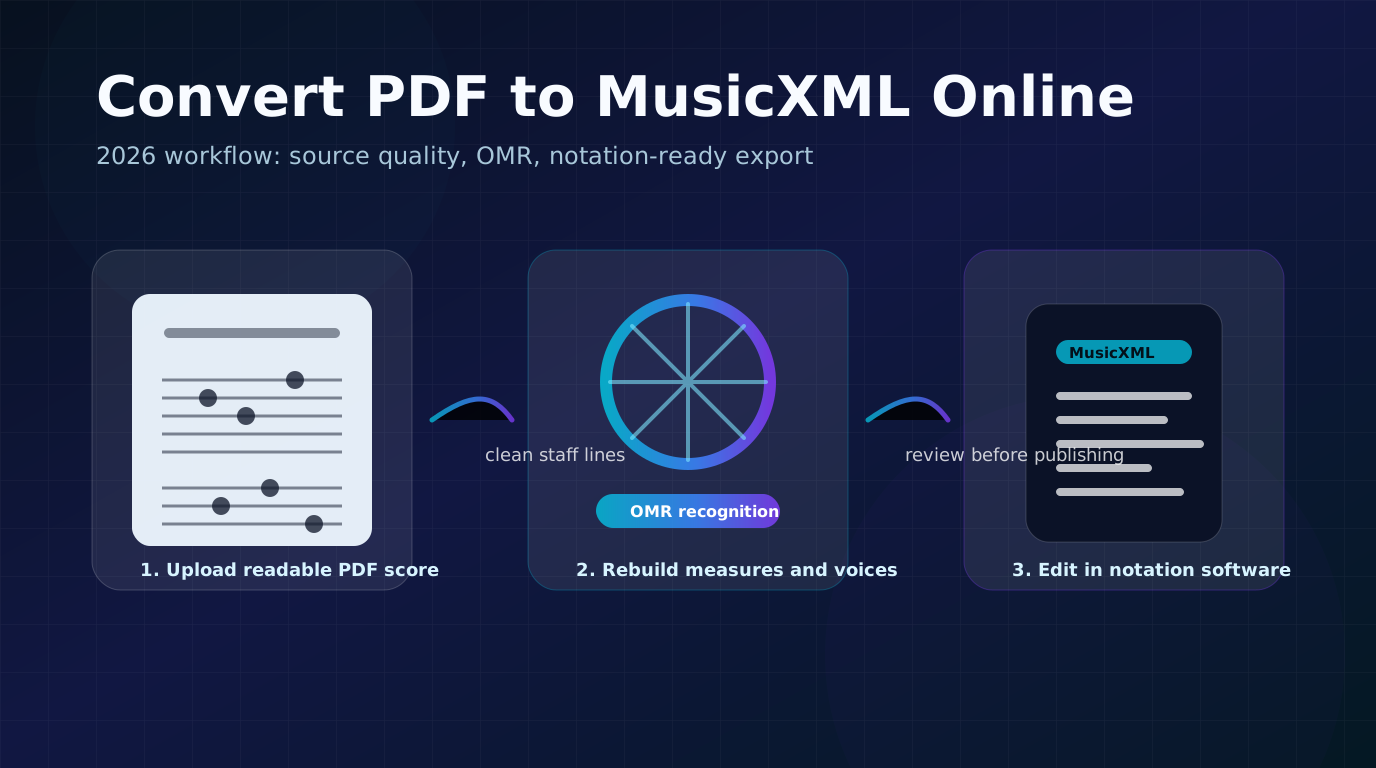
Use Sheet2MIDI when your next step is playback, MIDI cleanup, DAW editing, or building a practice reference. Use PDF to MusicXML when the destination is a notation editor and the written score structure matters.
The boundary matters. Melogen cannot recover a PlayScore account, issue a PlayScore refund, or cancel a PlayScore subscription. It can help after billing is settled, when you still have sheet music files and need a clean path to MIDI or MusicXML.
For a broader comparison of the app itself, read the PlayScore 2 review. If your immediate task is conversion rather than cancellation, the sheet music to MIDI workflow gives a more direct conversion checklist.
Keep converting scores after cancellation
Use Melogen when your sheet music is already a PDF, scan, or image and you need a browser route to MIDI or MusicXML.
FAQs
Does deleting PlayScore cancel the subscription?
No. Google Play's subscription guide specifically warns that uninstalling an app does not cancel the subscription. Use the billing store account that owns the purchase.
What if I cannot find PlayScore in subscriptions?
Check email receipts first. Look for Apple, Google Play, or Microsoft receipt language, then sign in to the matching account. If a family member bought the subscription, that account may need to manage the cancellation.
Can Melogen cancel PlayScore or request a refund?
No. Melogen is a separate music workflow tool. Use Apple, Google Play, Microsoft, or PlayScore's own support paths for billing and refund questions.
Should I export MIDI or MusicXML before canceling?
Export the format that matches your next step. Choose MIDI for playback, practice tracks, and DAW work. Choose MusicXML when you need to edit notation structure in a score editor.
The practical takeaway
Cancel PlayScore where it was billed, save the confirmation, and export any files you still need before you leave the workflow. If your next job is browser-based sheet music conversion, Melogen can take over the MIDI or MusicXML step without pretending to manage the PlayScore account.
About the author
Zhang Guo
Composer - AI Product Manager
AI product manager and digital marketing consultant with a background in music. Creativity is the bridge between rhythm and logic, where musical intuition and mathematical precision can coexist in every meaningful product decision.
Follow on X