How to Play Spotify on Apple Watch Without a Phone
Play Spotify on Apple Watch without a phone using current Premium, network, headphone, and offline-download requirements, plus fixes when it fails.
 Zhang Guo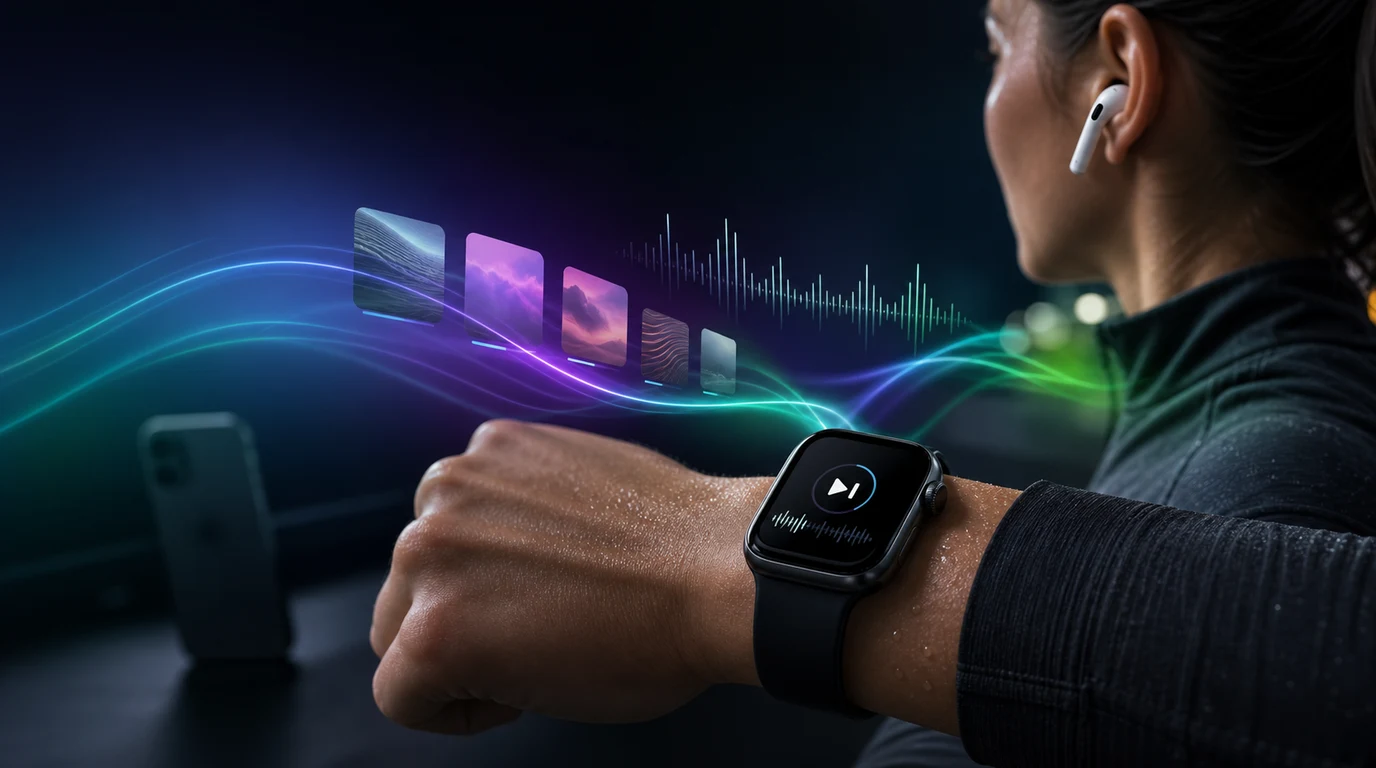
Turn a static score into editable MIDI
Contents
You can play Spotify on Apple Watch without carrying your iPhone, but direct listening requires Spotify Premium. Stream over Wi-Fi or cellular when you have a connection, or download a playlist or podcast to the Watch before you leave. Pair Bluetooth headphones with the Watch for direct playback.
Free accounts can still use the Watch as a remote for Spotify on another device. They cannot stream directly from the Watch or save Spotify music there for offline listening. Melogen is not Spotify support, so the account and playback steps below stay grounded in Spotify's current public instructions.
Check the Spotify Apple Watch requirements first
Use this table before reinstalling anything. It separates account limits from connection and device problems.
| What you want to do | Spotify plan | Connection or download | Other requirement |
|---|---|---|---|
| Control Spotify on your iPhone or another device | Free or Premium | The playback device needs a connection | Watch and playback device must be available to Spotify |
| Stream directly from Apple Watch | Premium | Wi-Fi or cellular on the Watch | Paired Bluetooth headphones and a prior phone login |
| Listen on Apple Watch with no internet | Premium | A completed download stored on the Watch | Enough storage and paired Bluetooth headphones |
| Download one individual song | Premium | Put the song in a playlist, then download the playlist | Spotify does not offer single-song Watch downloads |
Spotify's current Apple Watch support page says the Watch app now requires Apple Watch Series 4 or later with watchOS 10 or above. Spotify no longer supports app updates for Series 3, although that Watch can still control Spotify on the phone without the Watch app.
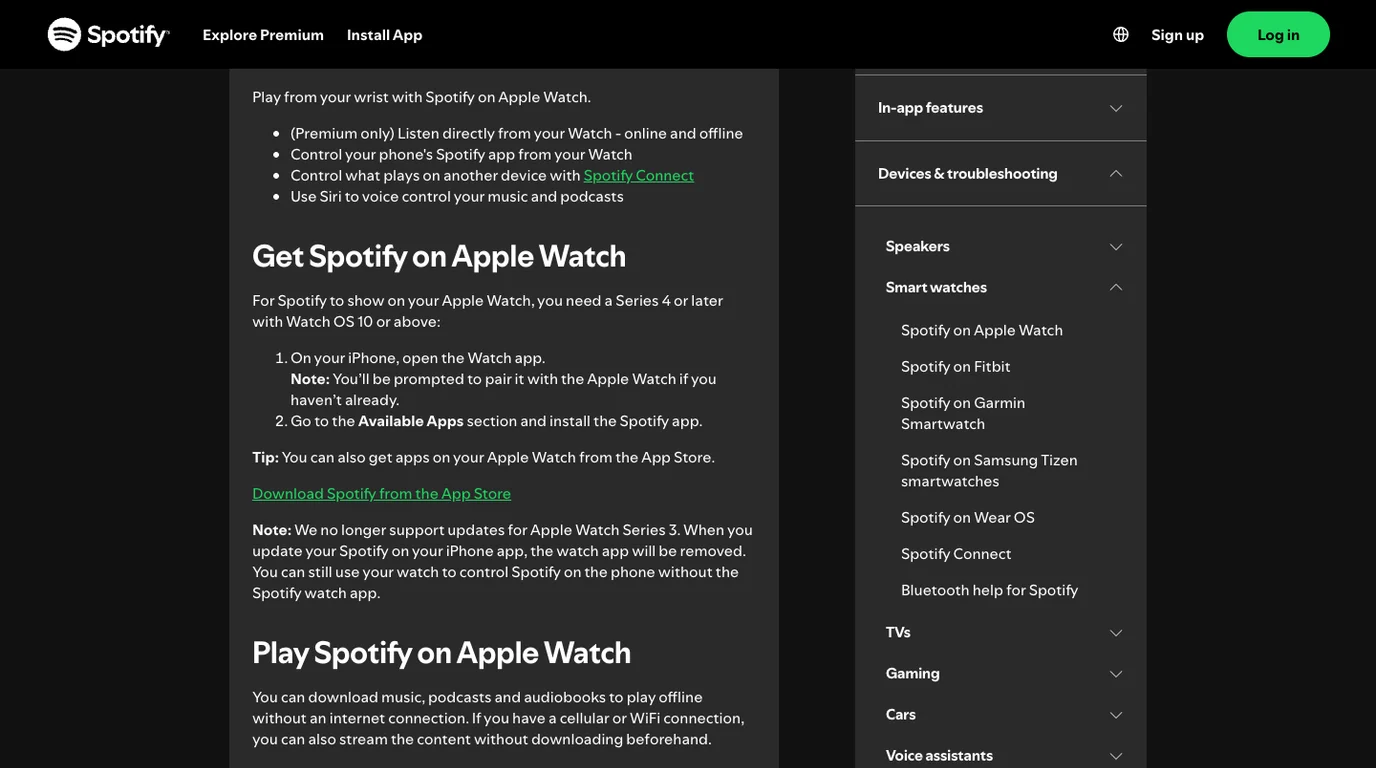
This is an important update from older guides that still name Series 3 and watchOS 7. If the Spotify app disappears after an iPhone update, check the Watch model and watchOS version before treating the problem as a failed installation.
Install Spotify on Apple Watch
The simplest path starts on the paired iPhone:
- Open the Watch app on your iPhone.
- Find Spotify under Available Apps.
- Tap Install.
- Open Spotify on the iPhone and sign in before attempting direct Watch playback.
- Open Spotify on the Watch and confirm that your library appears.
You can also install Spotify from the App Store on Apple Watch. If the app is missing from Available Apps, verify that the Watch meets Spotify's model and watchOS requirements, then follow Apple's app installation steps.
Do not start with a full reset. Confirm the model, software version, phone pairing, Spotify login, and app availability first. Those checks preserve downloads and settings that a reset would erase.
Stream Spotify without your iPhone nearby
For direct phone-free streaming, Spotify lists three requirements:
- Spotify Premium
- Bluetooth headphones paired directly with Apple Watch
- a cellular or Wi-Fi connection on the Watch
Open Spotify on the Watch, choose music or a podcast, and start playback. If sound keeps coming from the iPhone or another speaker, check the audio destination. The Watch may be acting as a remote through Spotify Connect rather than playing the stream itself.
The useful test is physical separation. Leave the iPhone out of Bluetooth range, confirm that the Watch still has Wi-Fi or cellular service, and play one known item through headphones paired to the Watch. That proves the Watch is the playback device instead of a remote control.
Download Spotify to Apple Watch for offline listening
Spotify says Premium users can store at least 10 hours of music and podcasts on Apple Watch, depending on the model. Each playlist is limited to 100 downloads. The practical limit is therefore a combination of Watch storage, playlist size, and available sync time.
You can start the download from either device.
Download from the Watch
- In Spotify on Apple Watch, swipe right to open the home screen.
- Find the playlist you want.
- Tap the download icon.
- Swipe left to Your Library, then open Downloads to check progress.
Download from the iPhone
- Open the playlist or podcast in Spotify on iPhone.
- Tap the three-dot menu.
- Choose Download to other devices.
- Select the Apple Watch.
- Keep Spotify open on the Watch while the transfer completes.
Spotify recommends Wi-Fi rather than Bluetooth when you need a faster transfer. Its support page says to turn Bluetooth off in the Watch Settings app, not only in Control Center, then leave Spotify open on the Watch while downloading.
For one song, add it to a playlist first. Spotify's Watch workflow does not download individual songs directly, but a one-song playlist gives you the same practical result without using an unofficial downloader.
If the status stays pending, the Spotify waiting to download guide provides a broader storage, network, Premium, and reinstall checklist. Start with one small playlist so you can tell whether the problem is capacity or the whole Watch connection.
Understand what Spotify Free can do on the Watch
Spotify Free users can control playback running on another device. That includes play, pause, skip, and choosing a connected device when Spotify exposes those controls. It is useful at a desk, in a car, or during a workout when the phone remains nearby.
Free service does not enable direct Watch streaming or Watch offline downloads. A third-party page may suggest converting Spotify catalog music into local files, but that is a different workflow with platform and rights implications. It is not part of Spotify's official Apple Watch support path, and it is not required to answer this task honestly.
If you need phone-free Spotify playback, the supported choices are Premium streaming over Wi-Fi or cellular, or Premium downloads completed before you leave. If you only need wrist controls, Free may be enough while another device handles playback.
Fix Spotify not working on Apple Watch
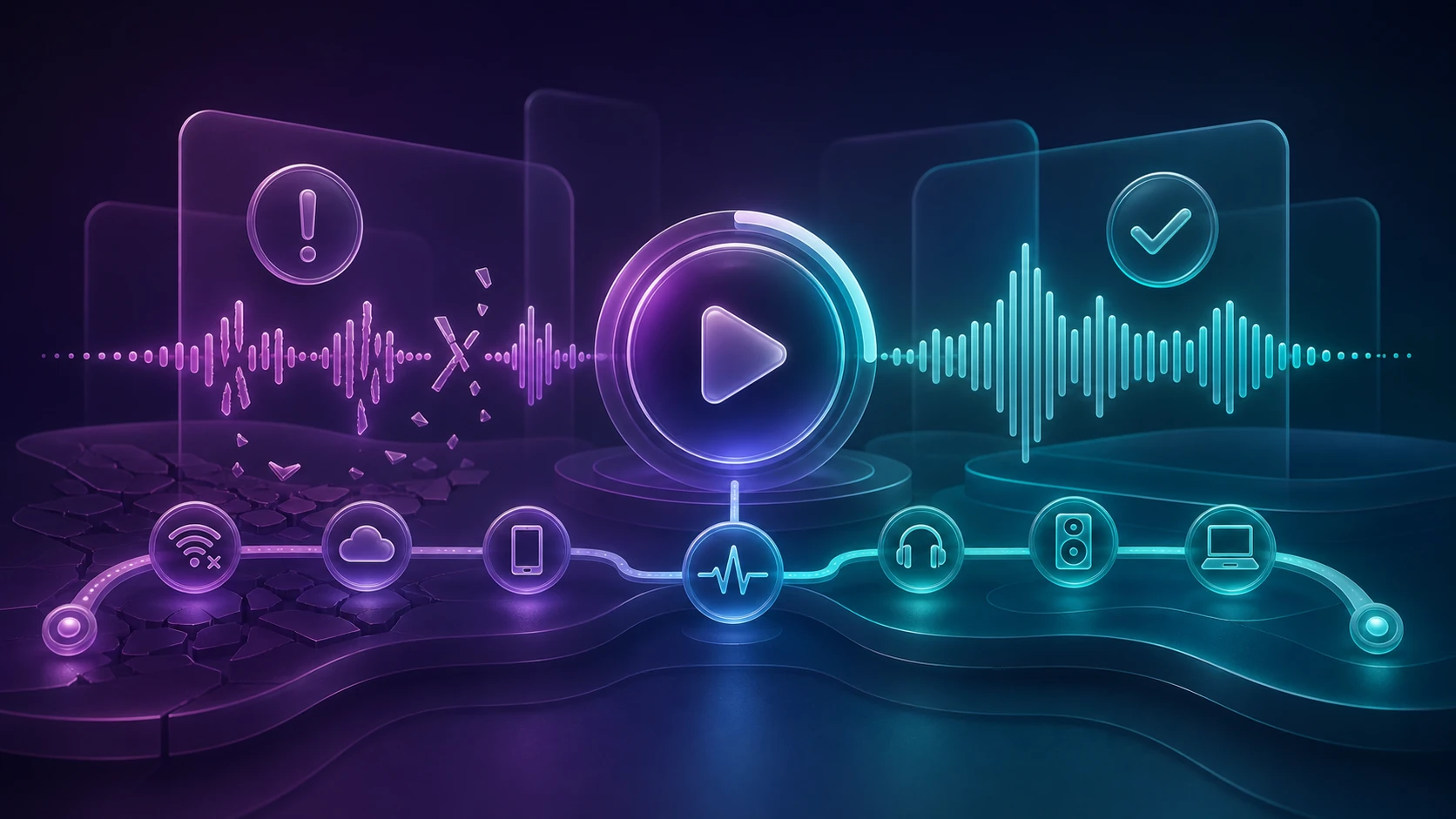
Match the symptom to the layer before deleting the app.
| Symptom | Most likely layer | First useful check |
|---|---|---|
| Spotify is missing from the Watch | Model, watchOS, or installation | Confirm Series 4 or later and watchOS 10 or above, then check Available Apps |
| Watch controls the phone but will not play directly | Plan or playback destination | Confirm Premium and pair headphones to the Watch |
| Direct playback stops when the iPhone leaves | Watch network | Confirm Wi-Fi or cellular service on the Watch |
| Playlist will not download | Premium, storage, Wi-Fi, or sync state | Test a smaller playlist and keep Spotify open on the Watch |
| One song has no download option | Spotify's playlist rule | Add the song to a playlist, then download the playlist |
| Download finished but no sound plays | Bluetooth output | Reconnect headphones to the Watch and choose them as the output |
| App vanished after an update | Unsupported Watch generation | Check whether the Watch is Series 3 and use phone-control mode if needed |
When several Spotify features fail across devices, use the broader Spotify problems checklist to separate account, network, app, cache, and service issues. For a Watch-only failure, avoid clearing unrelated phone data until the model, plan, network, headphones, and download status have all been checked.
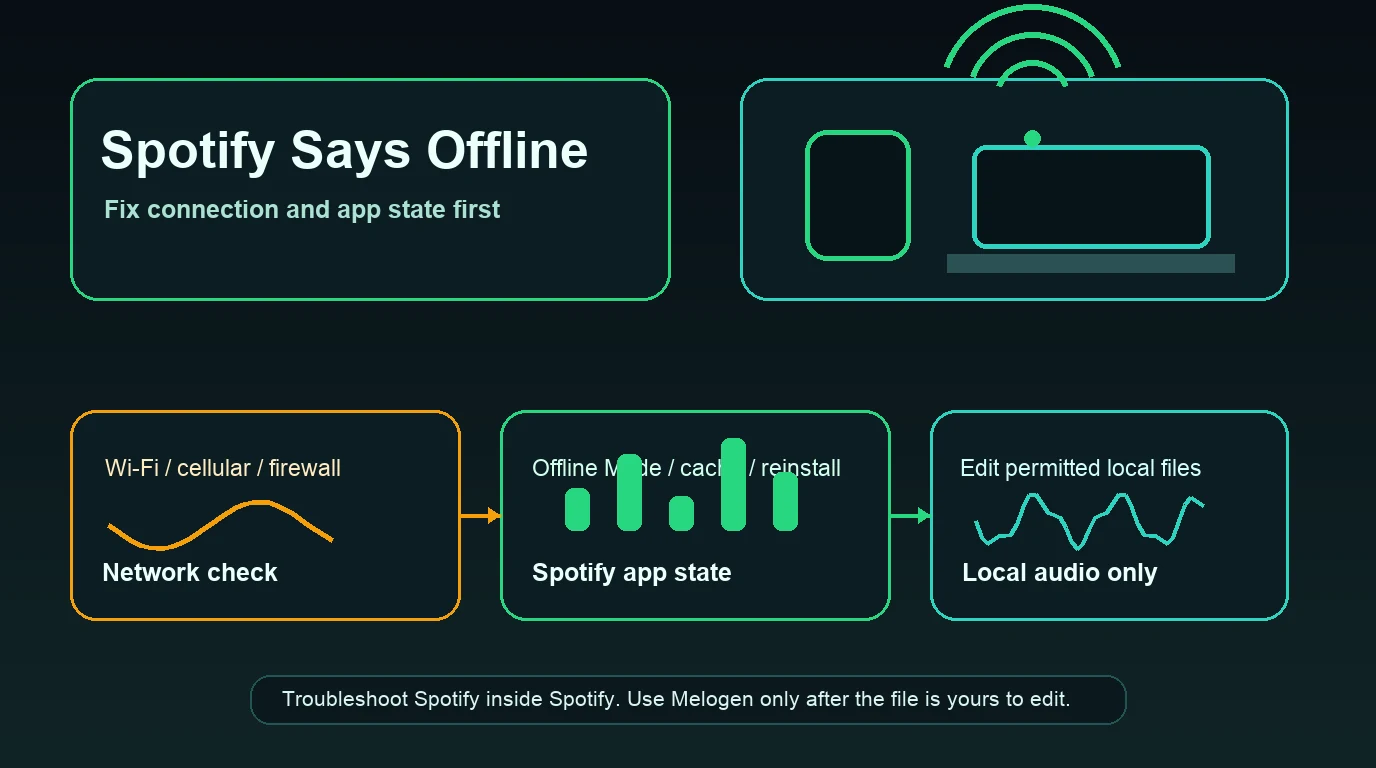
Keep Spotify downloads separate from owned local audio
Spotify downloads remain managed inside Spotify. They are not normal MP3 files, and Melogen does not extract or unlock them.
Melogen fits a separate, rights-safe task: preparing audio you already own or have permission to edit, such as a rehearsal recording, lesson excerpt, exported demo, or DRM-free purchase. Music Trimmer can remove silence, isolate a practice section, or add a fade before you add the local file to your Apple music library.

The guide to adding music to Apple Watch covers the Apple Music and owned-file paths in detail. Keep that library workflow separate from Spotify's app-managed streaming and offline system.
Prepare a shorter local listening copy
Use Melogen Music Trimmer for recordings, demos, purchases, and other audio you are allowed to edit. Spotify catalog downloads remain inside Spotify.
FAQs
Can Spotify play on Apple Watch without an iPhone?
Yes. Spotify Premium users can stream directly over Wi-Fi or cellular, or play a completed offline download. Pair Bluetooth headphones to the Watch and sign in on the phone at least once before attempting direct playback.
Does Spotify on Apple Watch work with a Free account?
Free accounts can control Spotify on another device from the Watch. Spotify says direct Watch streaming and offline listening are Premium-only features.
Can I download individual Spotify songs to Apple Watch?
Not directly. Add the song to a playlist, then download that playlist to the Watch. Spotify limits each playlist to 100 downloads.
How much Spotify music fits on Apple Watch?
Spotify states that Apple Watch can hold at least 10 hours of downloaded music and podcasts, depending on the model. Actual capacity also depends on available Watch storage and the content you choose.
Why did the Spotify app disappear from my Apple Watch?
Spotify no longer provides Watch app updates for Apple Watch Series 3. Updating Spotify on the paired iPhone can remove the unsupported Watch app. Series 3 can still control Spotify running on the phone.
The practical takeaway
To play Spotify on Apple Watch without your phone, use Spotify Premium, pair Bluetooth headphones to the Watch, and choose either a live Wi-Fi or cellular stream or a completed offline download. Free accounts remain useful as wrist remotes, but they do not unlock direct or offline Watch playback. Check the Watch generation and watchOS version first, test one small playlist, and keep Spotify downloads separate from owned local audio.
About the author
Zhang Guo
Composer - AI Product Manager
AI product manager and digital marketing consultant with a background in music. Creativity is the bridge between rhythm and logic, where musical intuition and mathematical precision can coexist in every meaningful product decision.
Follow on X