Can You Download Music from Spotify Web Player Safely
A safe guide to Spotify Web Player download intent, official offline listening, converter checks, and Melogen local-audio workflows.
 Zhang Guo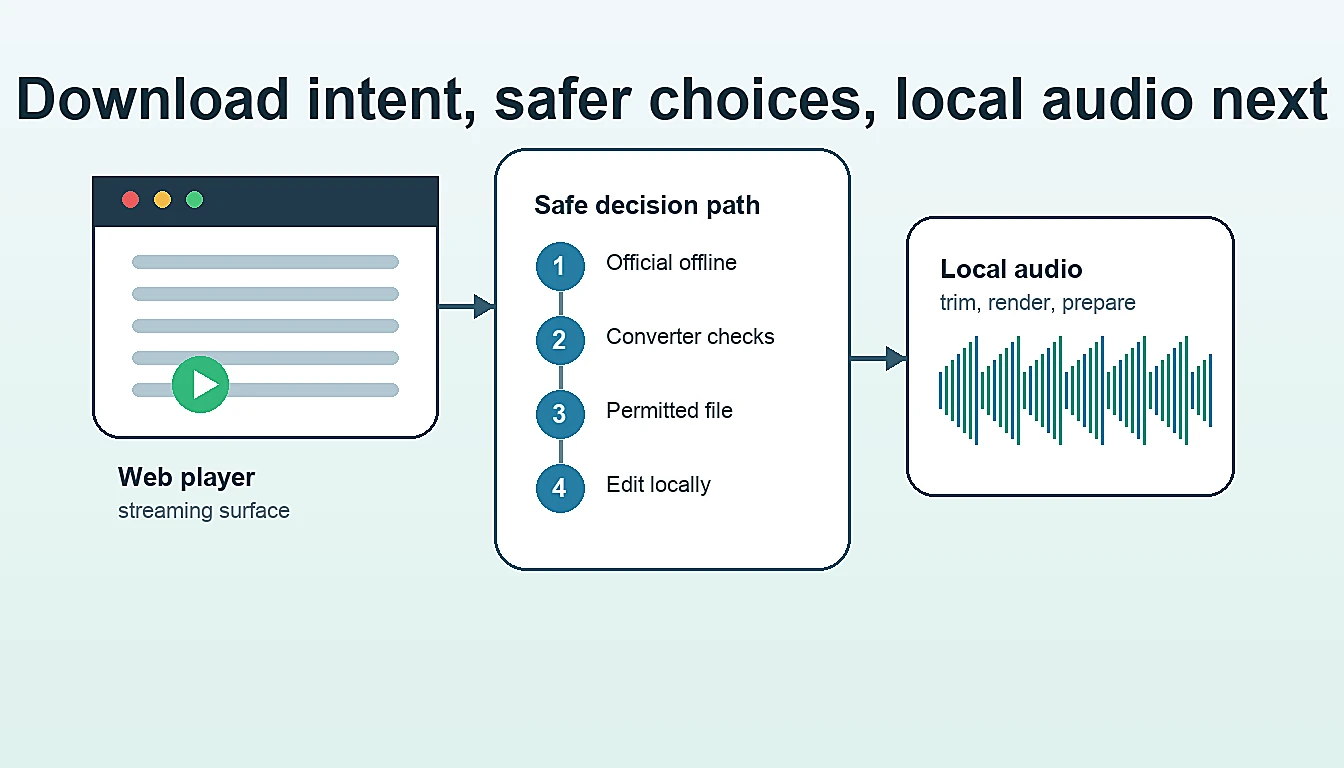
Turn a static score into editable MIDI
Contents
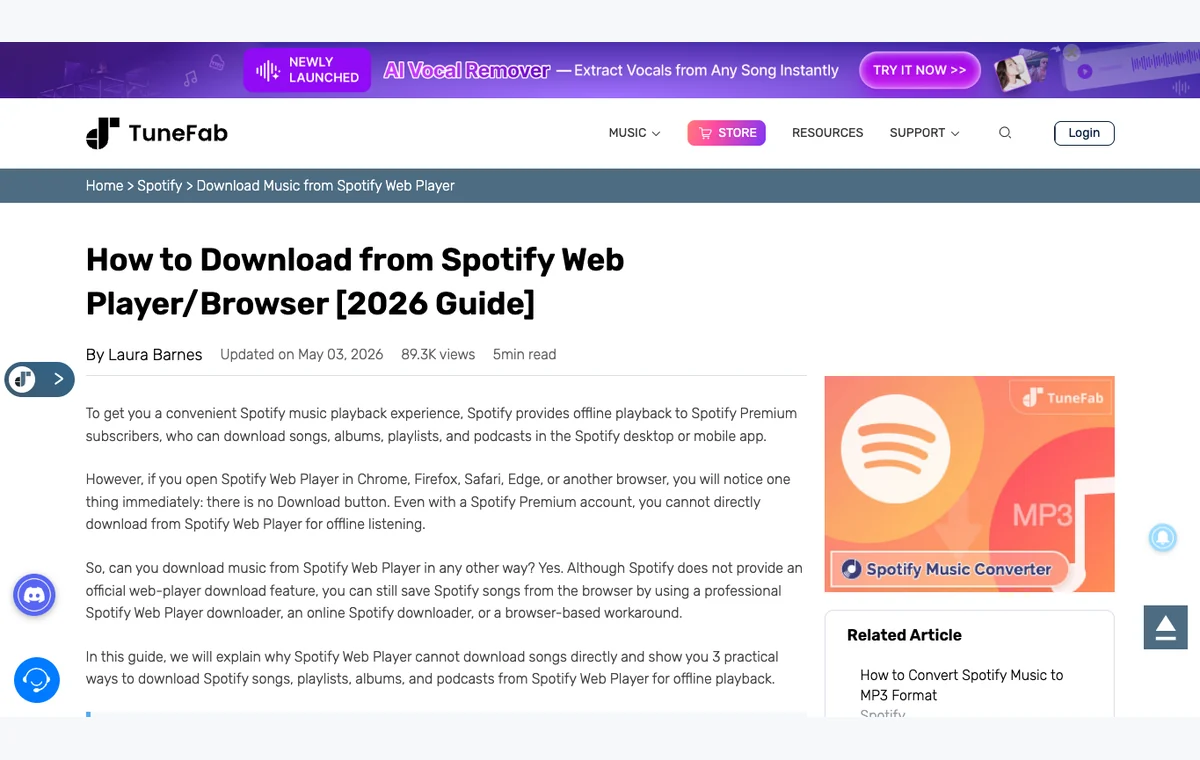
If you want to download music from Spotify Web Player, the honest answer depends on what you mean by download. Spotify Web Player is a browser playback surface. It is good for quick listening, but it is not the same thing as exporting Spotify tracks into MP3, WAV, FLAC, or editable local files.
The practical rule is simple: use Spotify's supported offline listening path when you want playback without internet, use a converter only after checking its current product limits and your own usage boundary, and use Melogen only after the audio is already a permitted local file.
Quick Answer
You can play Spotify in a browser, but the Web Player is not the cleanest path for offline music. Spotify's own offline listening support is tied to the Spotify app experience, not a browser export button. Third-party converter pages exist because many people want a separate file, but that is a different decision from normal offline playback.
| What you want | Better first path | Why |
|---|---|---|
| Listen without internet | Spotify official offline listening | It keeps downloads inside the supported Spotify app flow. |
| Use Spotify in a browser | Spotify Web Player | It avoids installing the desktop app for quick playback. |
| Compare converter software | Verify current product pages, terms, formats, and support | Converter claims change, and the output workflow matters. |
| Edit a permitted local file | Melogen Music Trimmer or local-file tools | Melogen starts after the source is already yours to edit. |
| Fix browser playback | Browser troubleshooting, not download shortcuts | A broken player is usually a browser, network, or protected-content setting issue. |
What Spotify Web Player Actually Does
Spotify's Web Player help page describes the browser player as a way to play Spotify from your browser. The support page also points people to supported browsers and browser troubleshooting, including private windows, network restrictions, and protected-content settings.
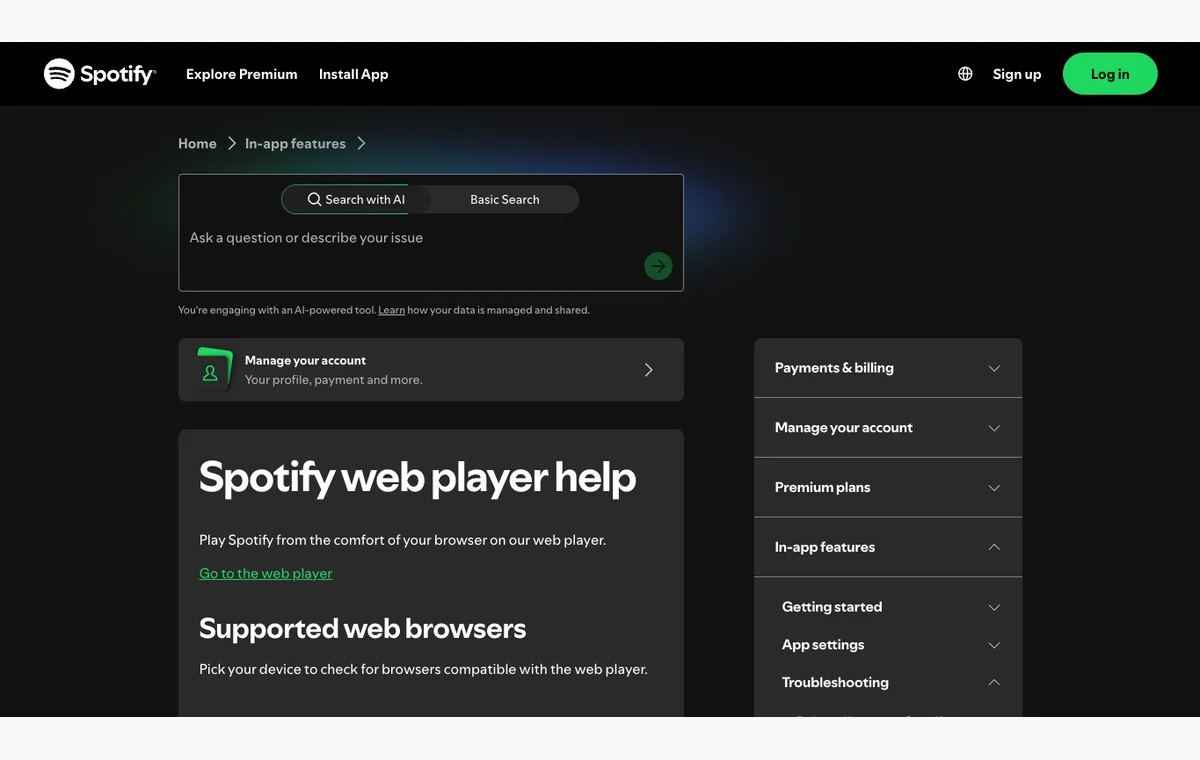
Official source: Spotify Web Player help.
That matters because "download from Spotify Web Player" often mixes three separate jobs:
- streaming Spotify in a browser
- saving Spotify content for offline playback
- creating a standalone audio file outside Spotify
The first job belongs to Web Player. The second belongs to Spotify's supported offline mode. The third is where you need to slow down and evaluate tools, terms, output quality, and what you plan to do with the file.
If your real question is browser versus app, read Spotify Web Player vs Desktop App. If the Web Player is failing, use Spotify Web Player not working before trying any downloader shortcut.
Offline Listening Is An App Feature
Spotify's offline listening support page says Premium users can download albums, playlists, and podcasts, while free users can download podcasts. It also notes device and check-in limits: downloads need periodic online access, and Spotify lists a 10,000-track limit on each of up to five devices.
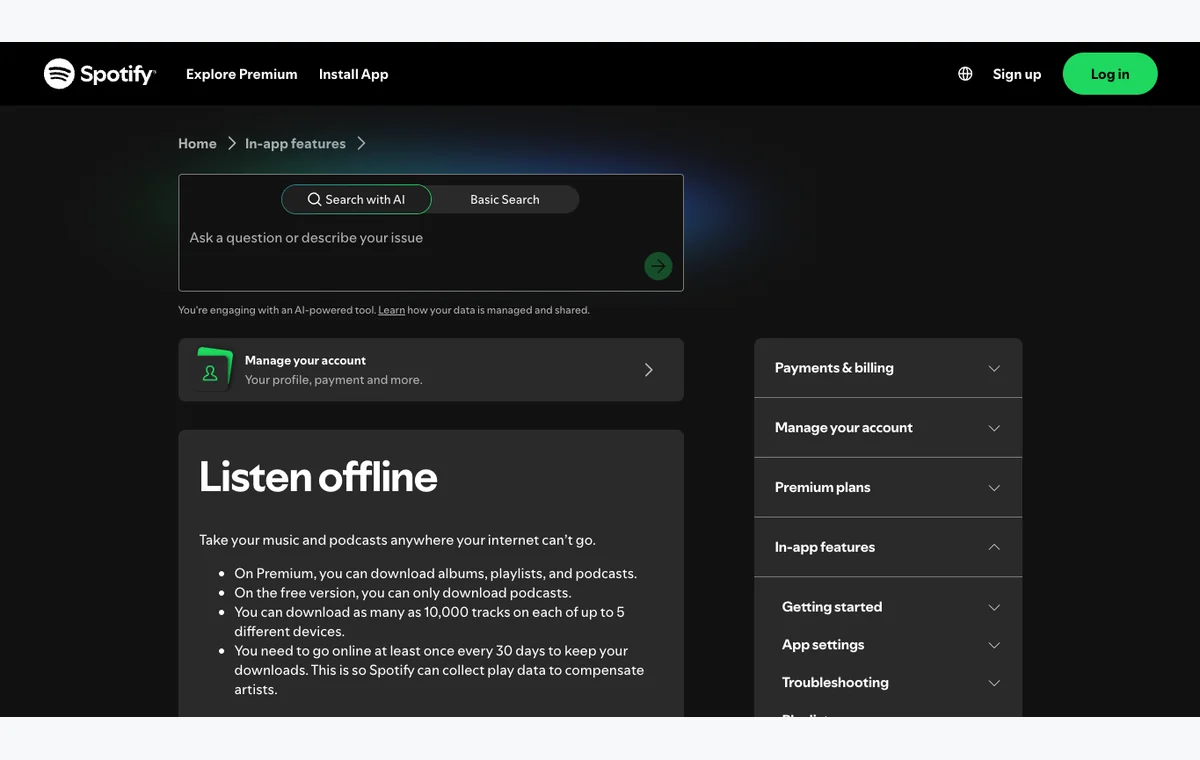
Official source: Spotify Listen offline.
The key distinction is this: Spotify offline listening is not a general file-export feature. It is a playback feature inside Spotify's app environment. That may be exactly what you need if your goal is a flight, commute, practice session, or weak Wi-Fi situation.
Use this split:
| Question | Spotify offline mode | Separate local audio file |
|---|---|---|
| Where does it play | Inside Spotify | In an editor, DAW, player, or file manager |
| Best for | Listening without internet | Editing, trimming, rendering, or archiving permitted audio |
| Main check | Plan, device, storage, and app limits | Source rights, file accuracy, format, and tool reliability |
| Melogen role | None before the file exists | Useful after you have a permitted audio file |
When A Converter Enters The Conversation
The competitor page for this query recommends downloader and converter routes because readers often want a portable file rather than browser playback. That is a real search intent, but it should not be treated as a one-click default.
If you compare a desktop converter, check the current product page, supported formats, trial limits, account flow, operating-system support, support policy, refund policy, and what the output is intended for. TuneFab Spotify Music Converter is the priority affiliate option for Spotify converter research in this topic because its public product page lists a desktop workflow and output formats such as MP3, M4A, WAV, FLAC, AIFF, ALAC, and AAC.
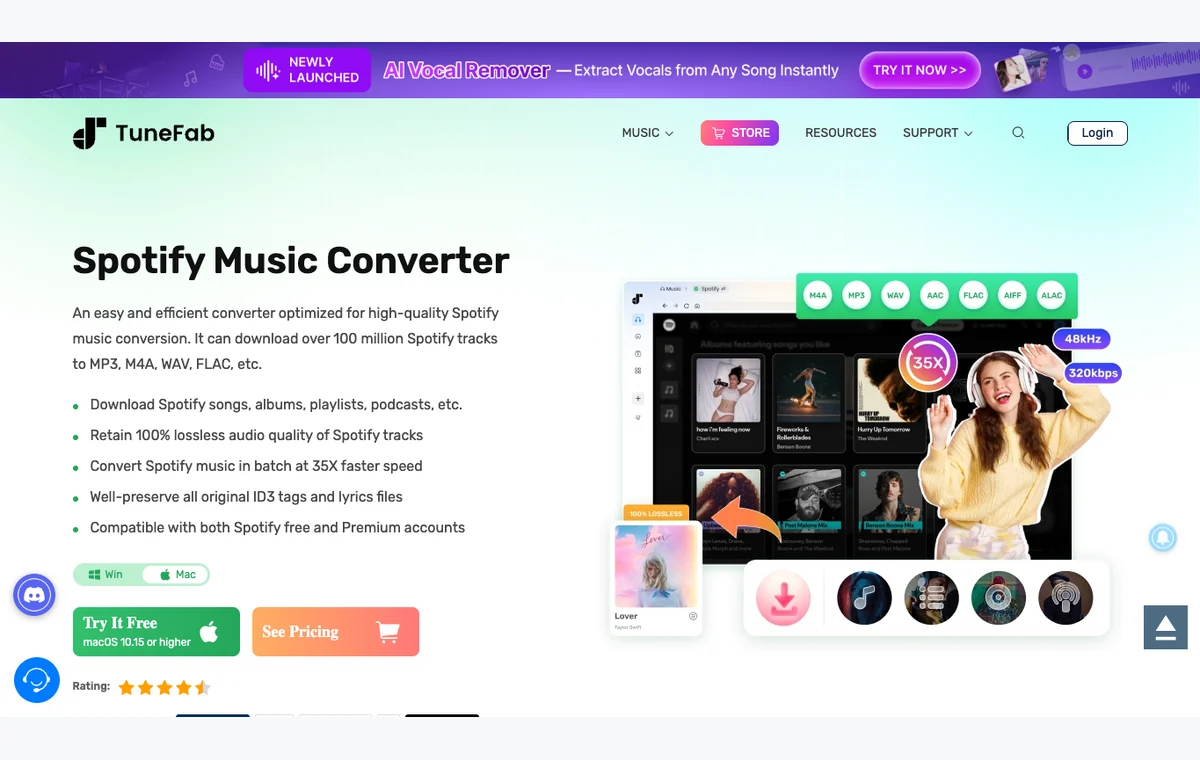
This is an affiliate recommendation: open TuneFab Spotify Music Converter.
TuneFab is not the answer for every reader. It is a research path when you specifically need to compare converter software. If you only need playback without internet, start with Spotify offline listening. If you are still comparing categories, use best Spotify downloaders before choosing a tool.
Spotify Web Player Download Checklist
Before you trust any method that promises to download music from Spotify Web Player, run this checklist.
| Check | Good sign | Stop sign |
|---|---|---|
| Source clarity | The tool explains where output comes from and what it can handle | Vague claims of unlimited high-quality files |
| Account handling | No password or browser token request outside official login | Requests for account credentials, tokens, or browser permissions |
| Download path | Clear product page, support docs, and stable installer | Mirror domains, fake buttons, popups, forced extensions |
| File result | Format, bitrate, metadata, and playlist limits are explained | Wrong versions, missing metadata, or unclear file source |
| Use case | Personal workflow with a clear rights boundary | Redistribution, premium-bypass language, or cracked installers |
| Next step | Edit only files you have permission to edit | Treating streaming access as editable file ownership |
Where Melogen Fits After The File Exists
Melogen should not be described as a Spotify Web Player downloader. Its role begins after the source is already a local file you created, purchased DRM-free, recorded with permission, rendered from MIDI, or otherwise have the right to edit.
Use Melogen when the next job is local audio work:
- trim a permitted clip with Music Trimmer
- convert a local file with convert music files to MP3
- add legal local files into your Spotify library with add local files to Spotify
- render a MIDI file to audio with MIDI to MP3
Edit the file after the source decision is settled
Use Melogen when the source is already a permitted local audio file and the next job is trimming, rendering, or preparing it for a music workflow.
FAQs
Can you download music from Spotify Web Player directly
Spotify Web Player is for browser playback. Spotify's supported offline listening path is documented through Spotify's app flow, not as a Web Player export feature.
Is Spotify offline listening the same as an MP3 download
No. Offline listening keeps content inside Spotify's supported app environment. An MP3, WAV, FLAC, or other local file is a separate workflow that needs source and permission checks.
Should I use TuneFab for Spotify Web Player downloads
Use TuneFab only if your real task is researching a desktop Spotify converter. Check the current product page, supported formats, trial limits, account behavior, and support policy before deciding.
Can Melogen download Spotify songs
No. Melogen is for permitted local audio, MIDI rendering, trimming, and music workflow cleanup after the source file already exists.
The Practical Takeaway
The safest way to answer "download music from Spotify Web Player" is to identify the job behind the phrase. If you want browser playback, use Web Player. If you want offline listening, use Spotify's supported offline mode. If you want a separate file, evaluate converter tools carefully and keep the usage boundary clear. If you already have a permitted local file, Melogen can help with the editing step after that decision is settled.
About the author
Zhang Guo
Composer - AI Product Manager
AI product manager and digital marketing consultant with a background in music. Creativity is the bridge between rhythm and logic, where musical intuition and mathematical precision can coexist in every meaningful product decision.
Follow on X